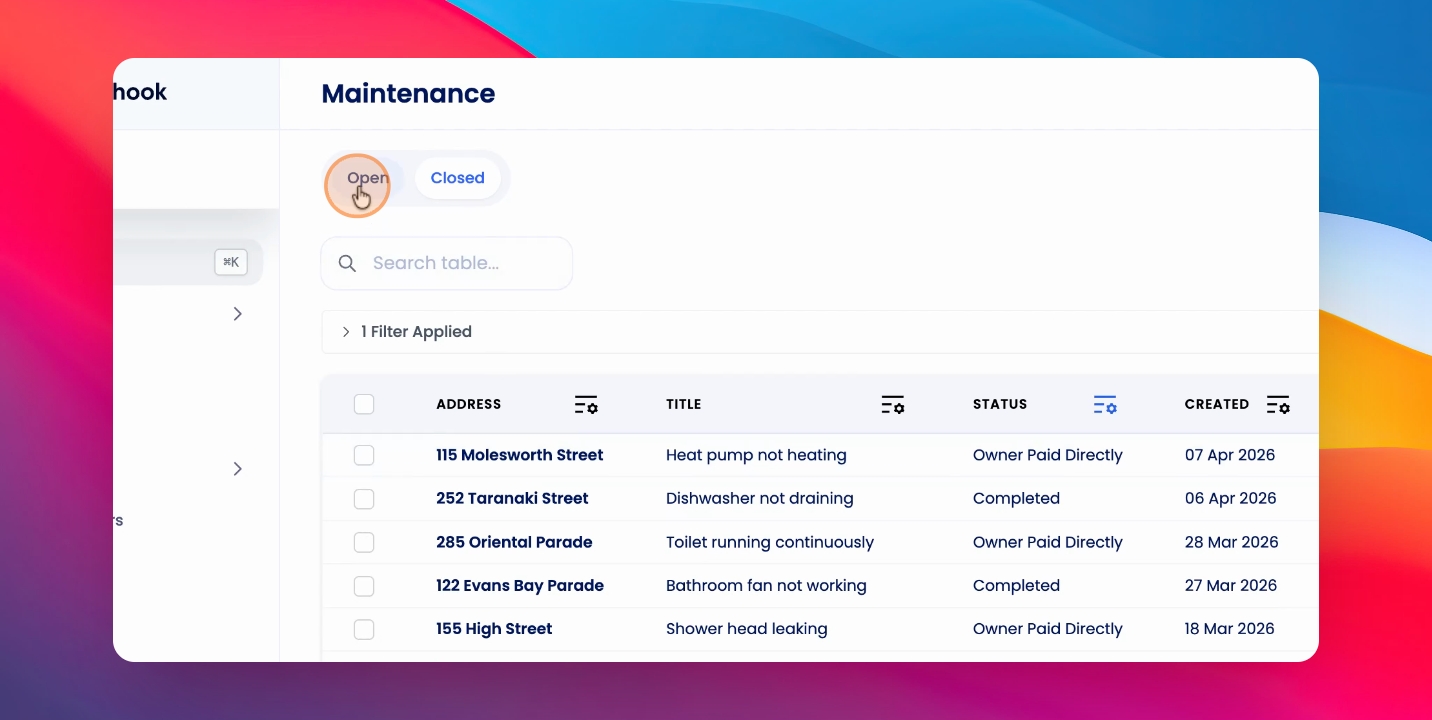
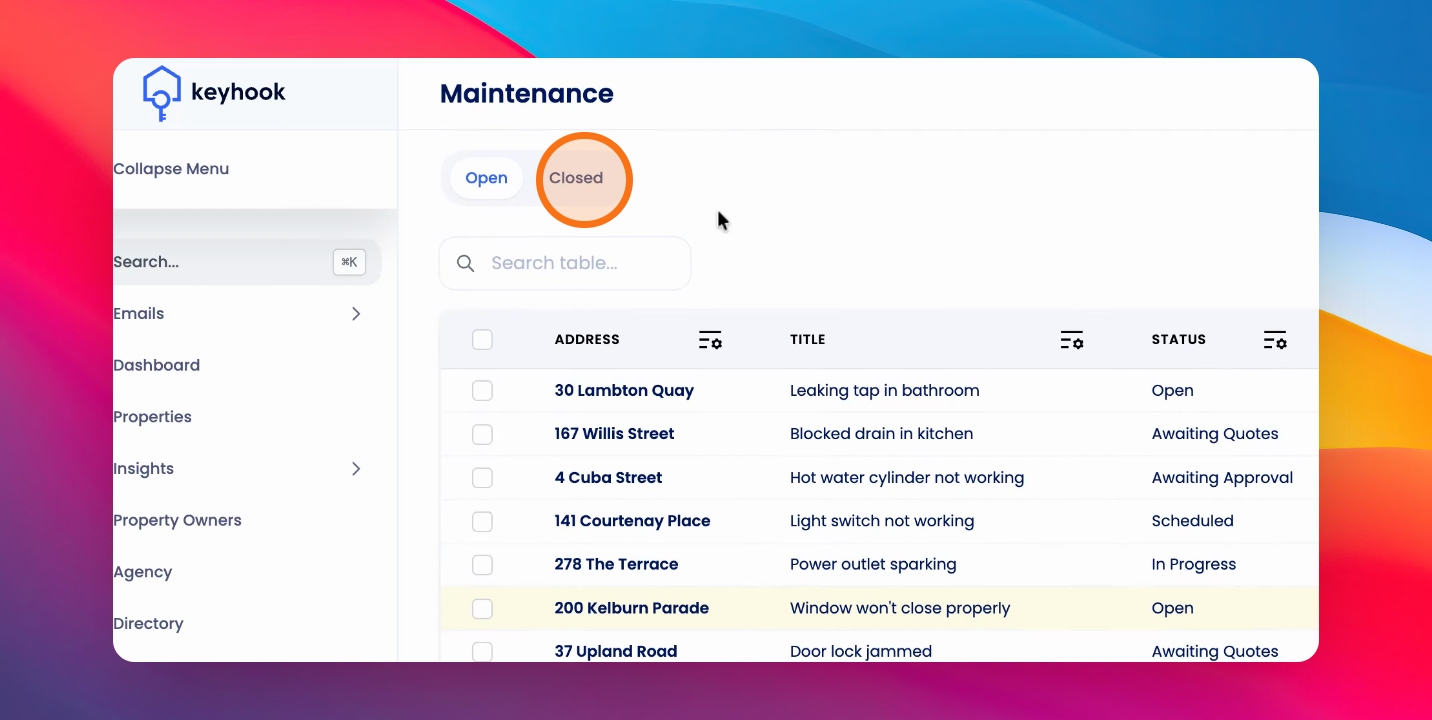
To toggle between open and closed maintenance requests, go to the maintenance table and use the tab up the top.
Step 1: Go to Maintenance Table
Locate the maintenance table in your application.
Use the tab at the top to switch between open and closed requests.
Closed requests will have the last three statuses: Owner pay directly, completed, and cancelled.
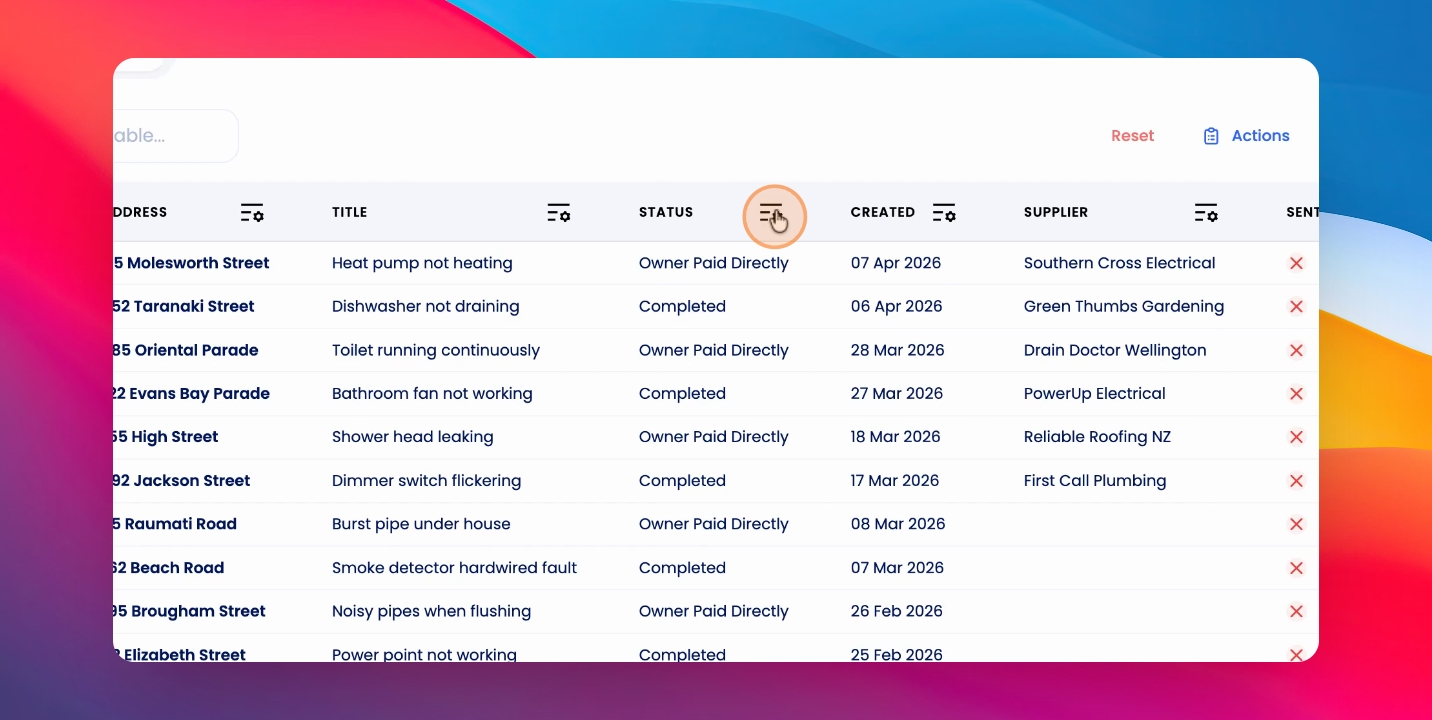
All other statuses will represent the open maintenance requests.