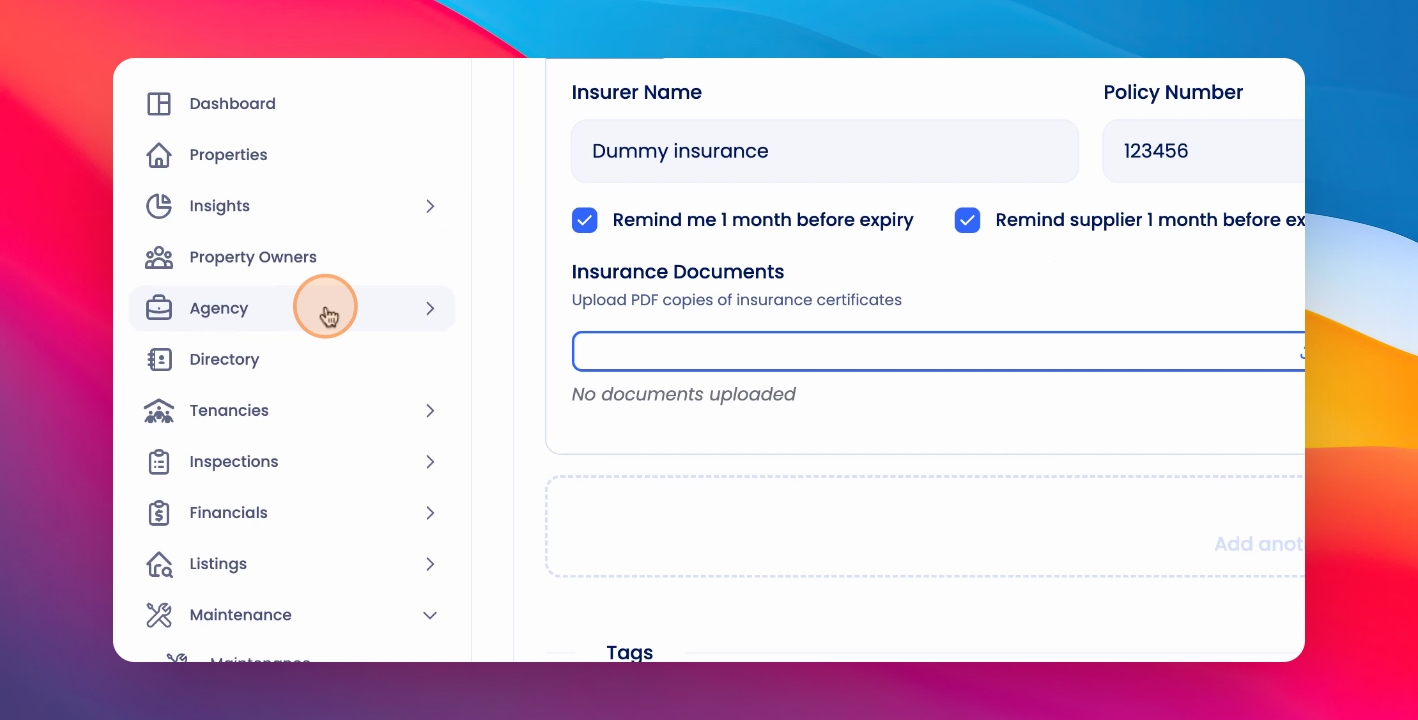
In this tutorial, you will learn how to set up reminders for your supplier liability insurance. Let's look at the steps:
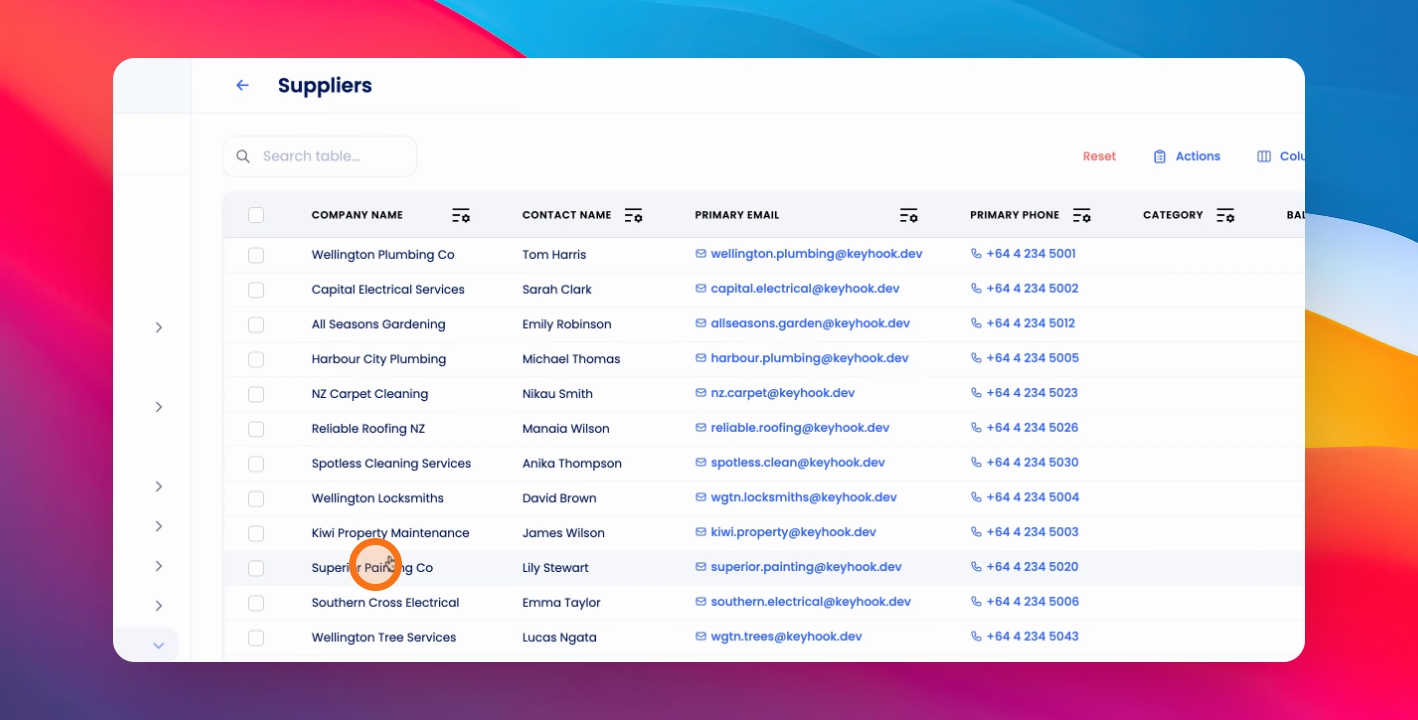
Step 1: Go to Supplier
Navigate to a supplier.
Step 2: Access Insurance
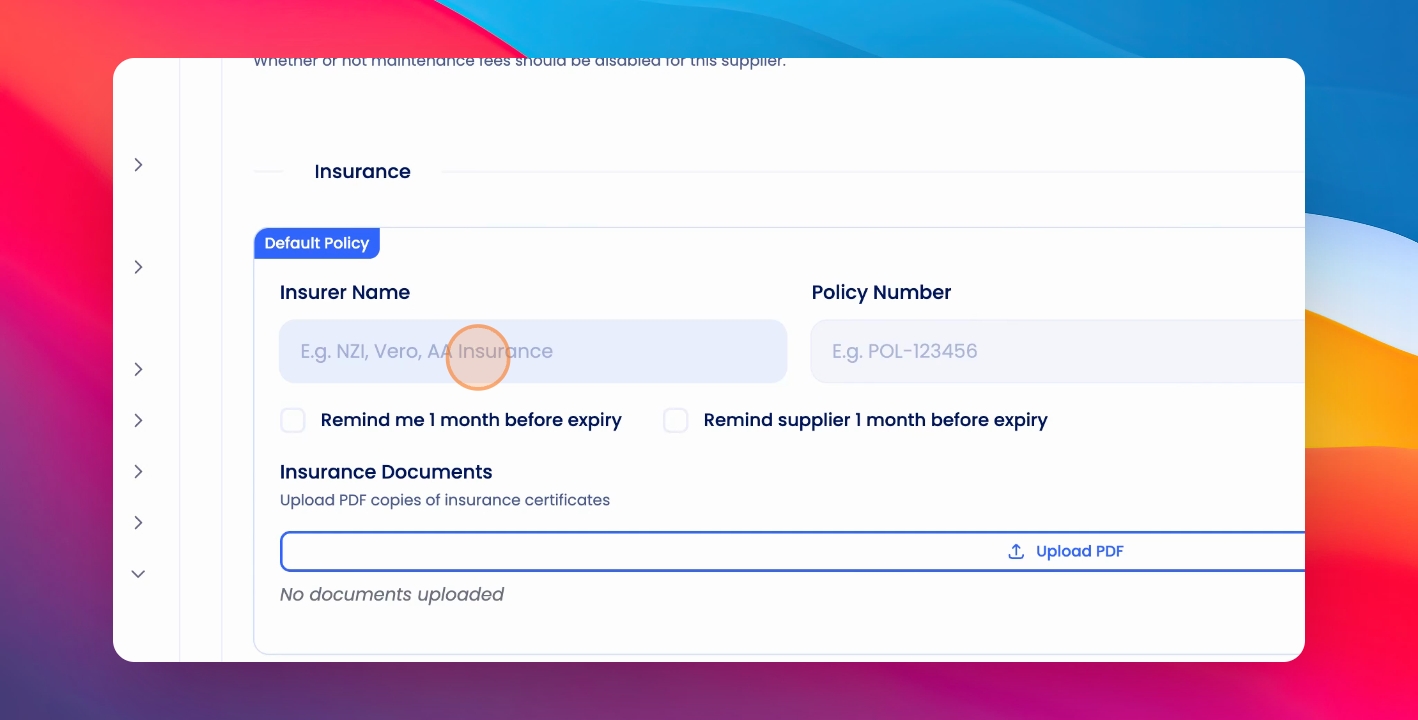
Under insurance, add the liability insurance details.
Step 3: Configure Reminders
Choose to receive a reminder one month before expiry and whether to automatically send a reminder to your supplier.
Step 4: Save Changes
To save, click the Save button.
Step 5: Edit Reminder Email
To edit or review the reminder email, click on Agency > Agency Configuration > Custom Templates. Search for Insurance or Supplier Insurance Expiry Reminder to review the email.