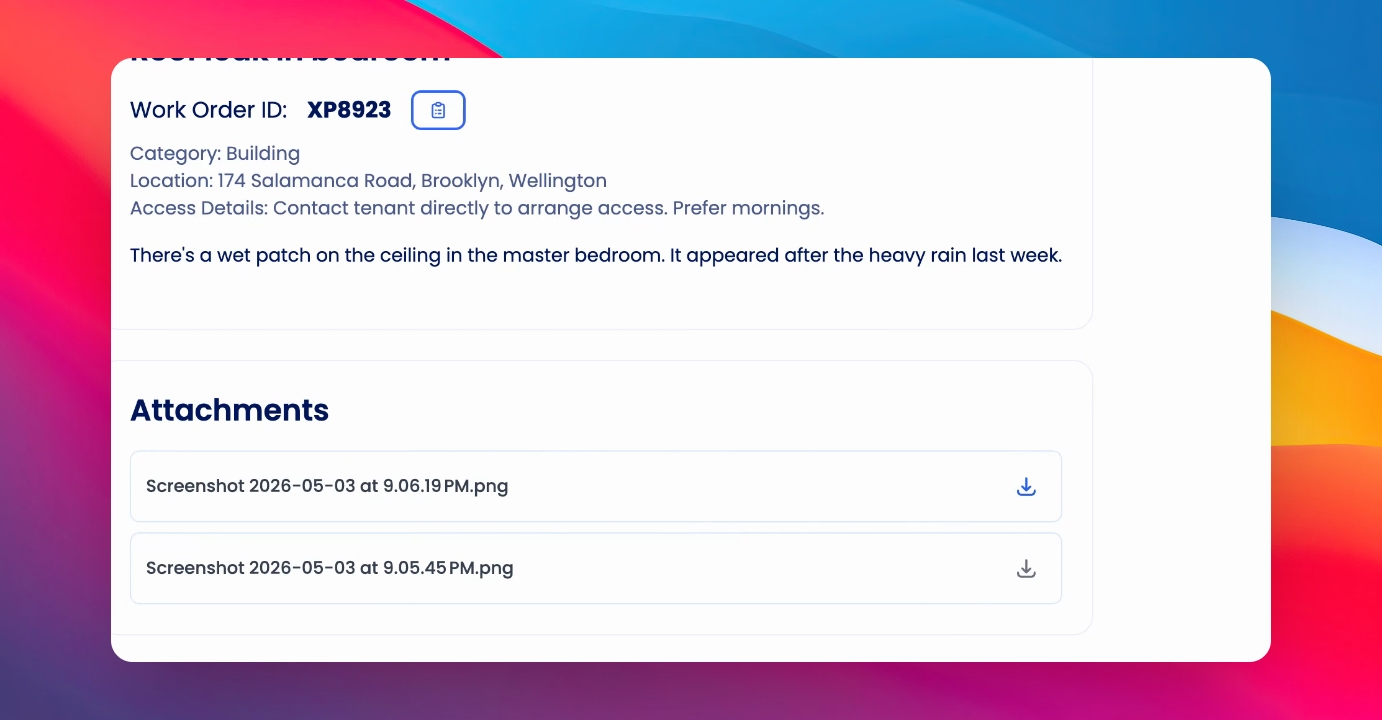
You can attach files or images to a maintenance request and preview how they appear to suppliers or owners. Let's look at the steps:
Step 1: Open the Maintenance Request
Visit the relevant maintenance request where you want to add an attachment.
Step 2: Attach Your File
At the bottom of the request, click Attach File and select the file you'd like to attach.
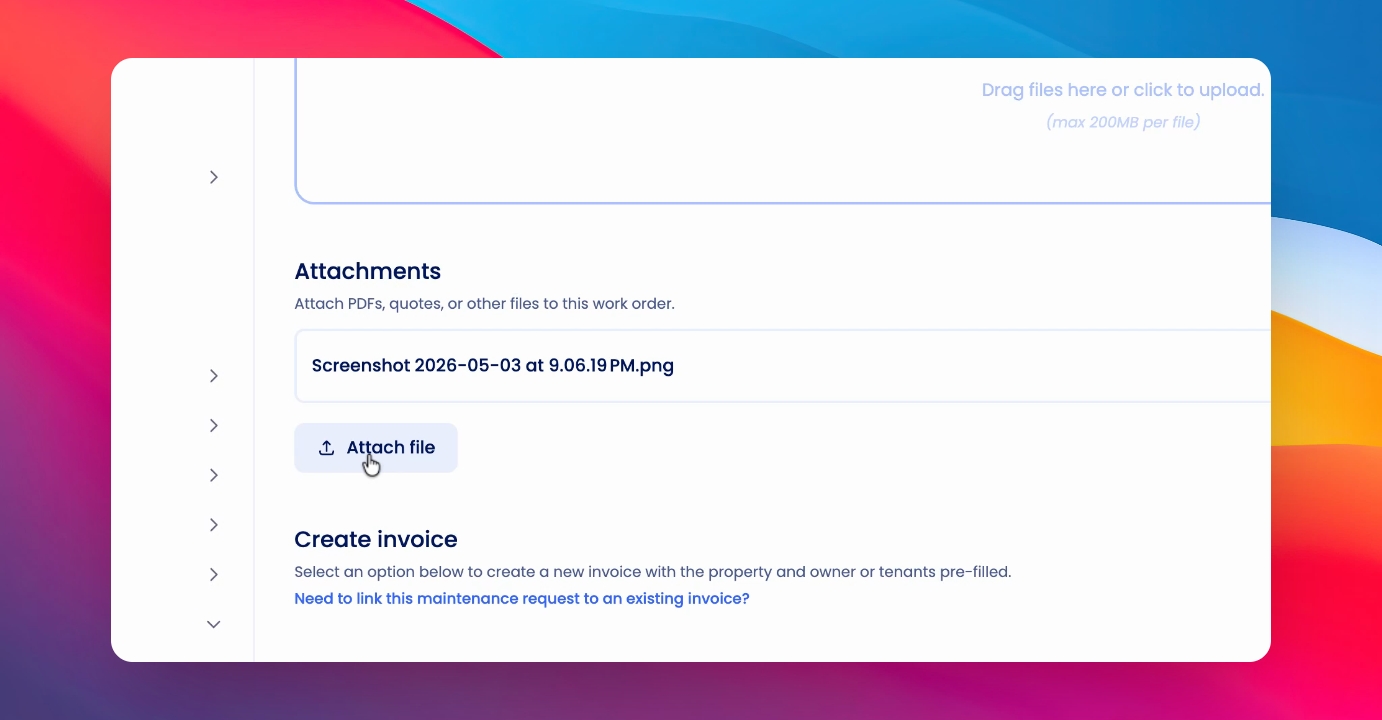
Step 3: Save the Attachment
Click Save to upload and attach the file to the maintenance request.
Step 4: Preview Attachments
To preview your attached files as they will appear to a supplier, click the Preview link at the top of the maintenance request.
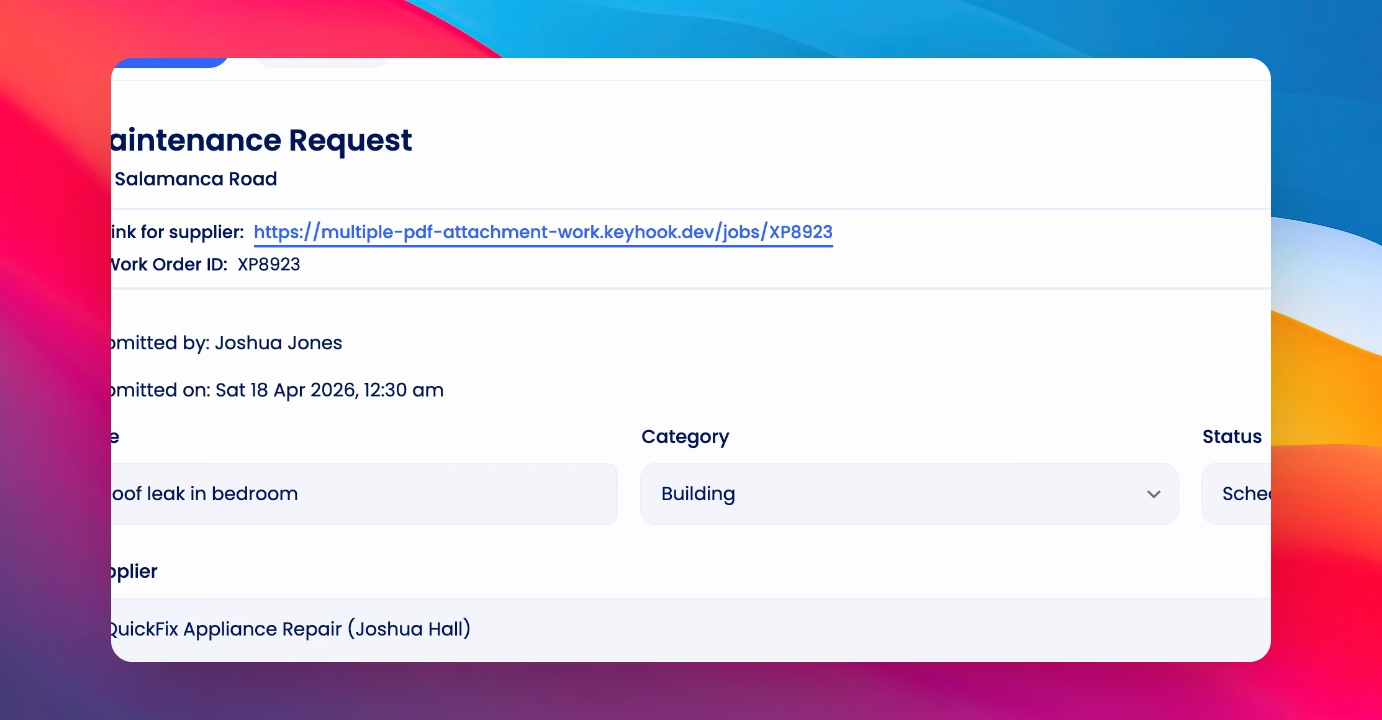
In the preview, you can see the attachments as they will be downloadable for your supplier or, if sending to an owner, for the owner as well.