

Let's do it together!
Step 1: Access Configuration
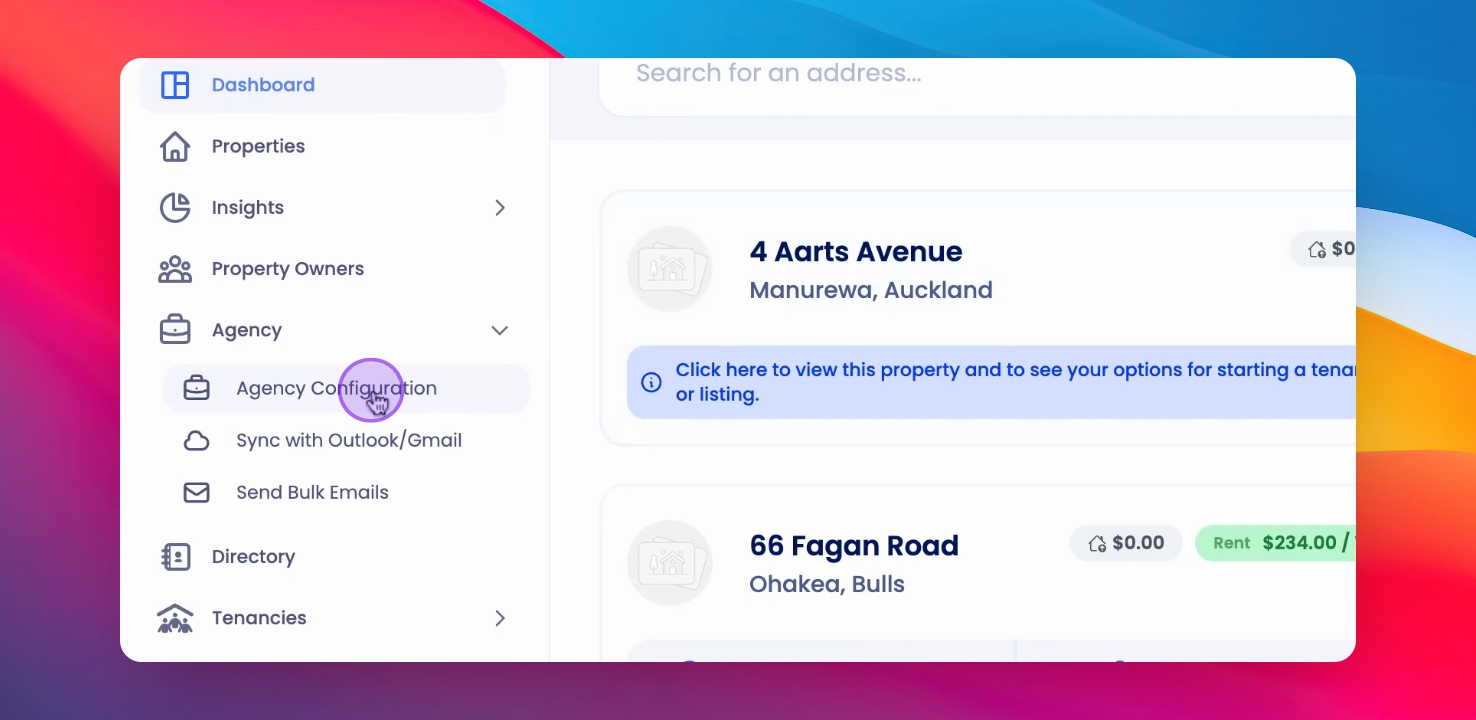
Click on Agency Configuration in the left-hand side menu, then select Edit Agency.
Step 2: Locate Tenant Experience
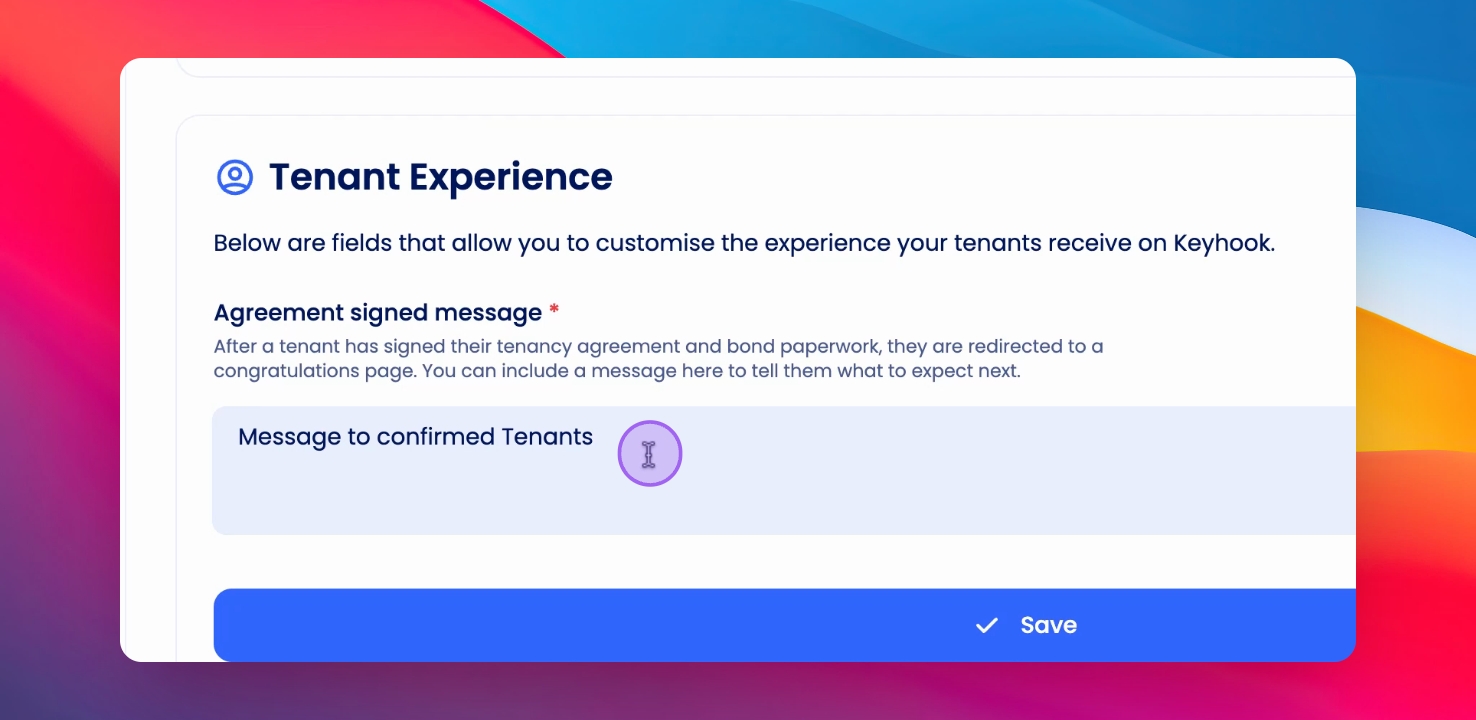
Scroll down to the second section titled Tenant Experience.
Step 3: Write Your Message
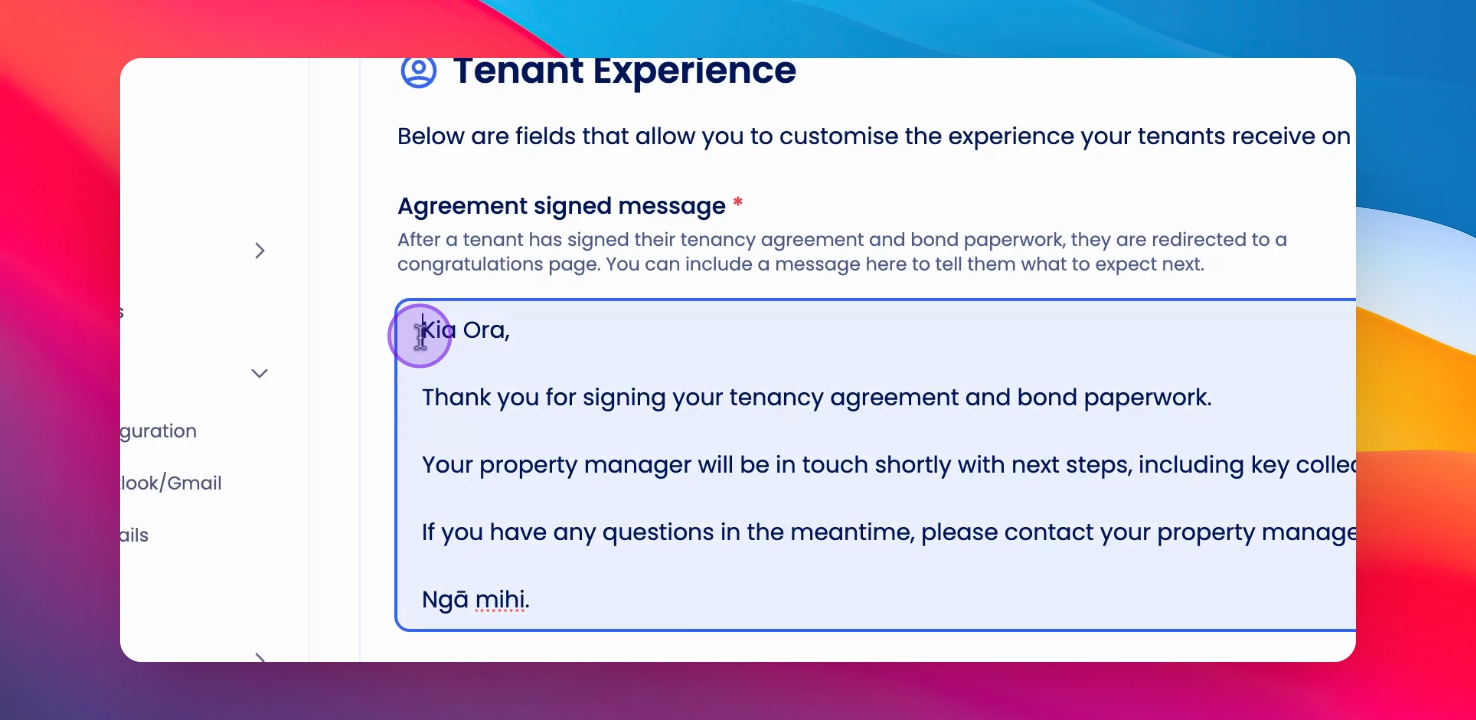
Enter your message that will appear on the Congratulations page in the Tenants portal.
Step 4: Save Your Message
Click Save to save your message in the Tenant Experience.
Step 5: View from Tenant Side
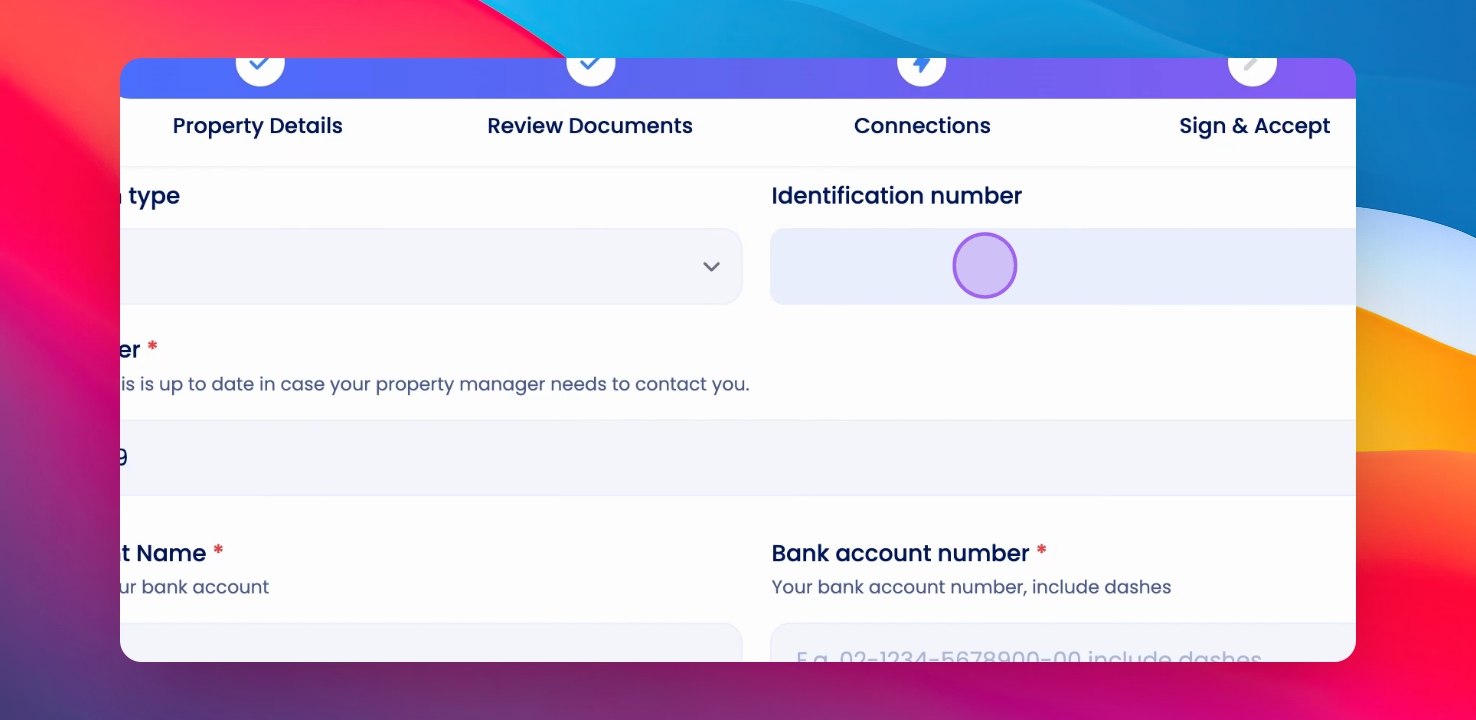
After the tenant signs the contract, they will see the message on the Tenant Experience page.
Thanks for watching. If this video was helpful, give it a thumbs up below!
If you need more help or have any questions, just reach out to us at support@keyhook.com — we're always here to help!
Help us improve this article. Your opinion means the world to us!
Click on this link to give a feedback: Support Article Feedback Form