

Let's do it together!
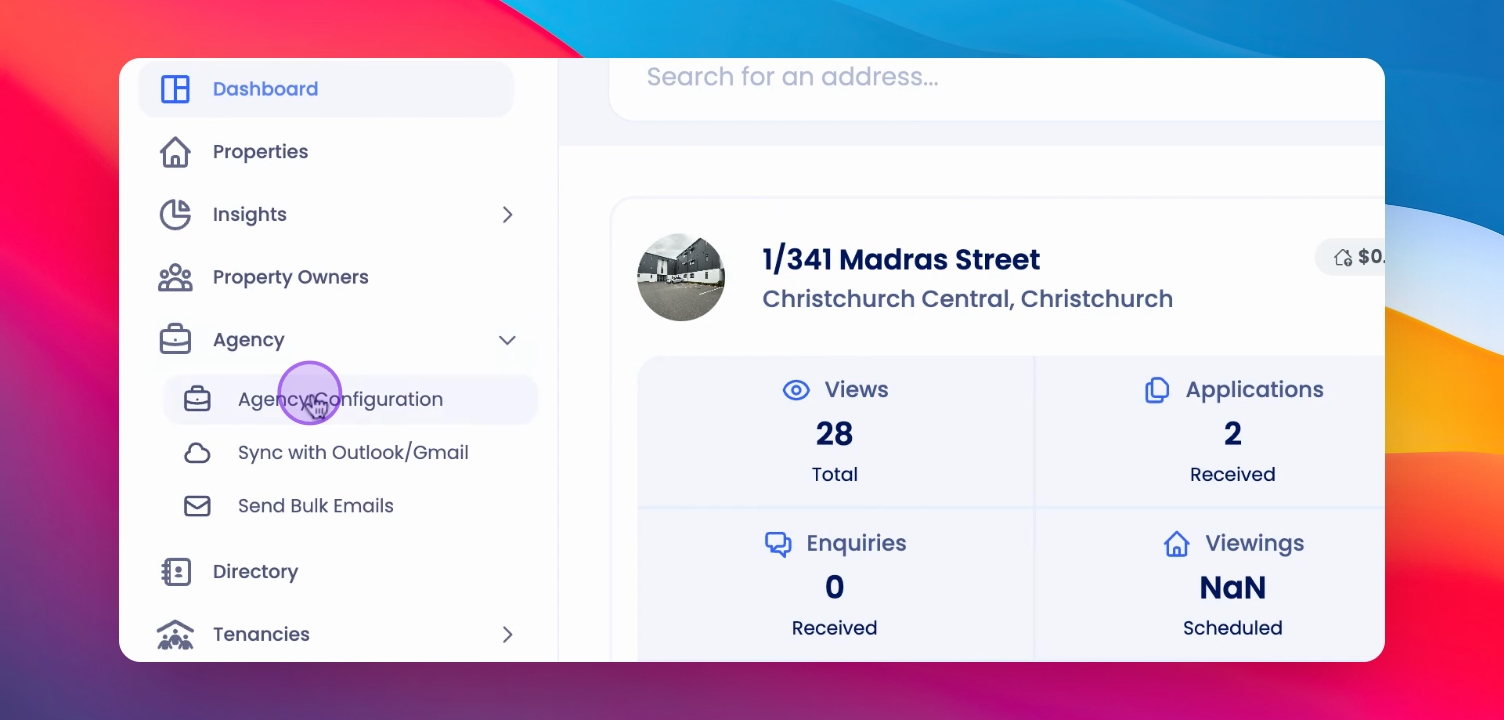
Step 1: Open Agency Configuration
Click on Agency and select Agency Configuration to access integration settings.
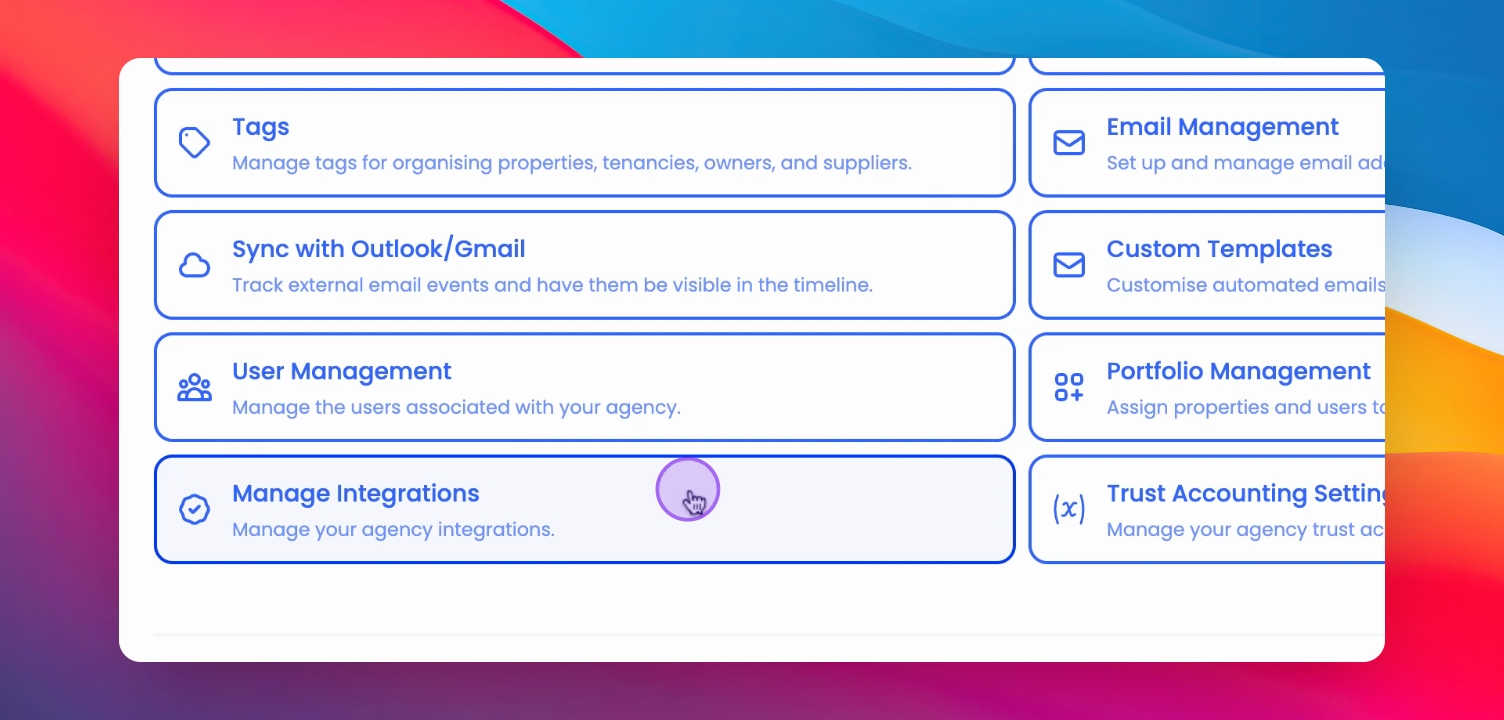
Step 2: Manage Integration
Scroll down and select Manage Integration to find account linking options.
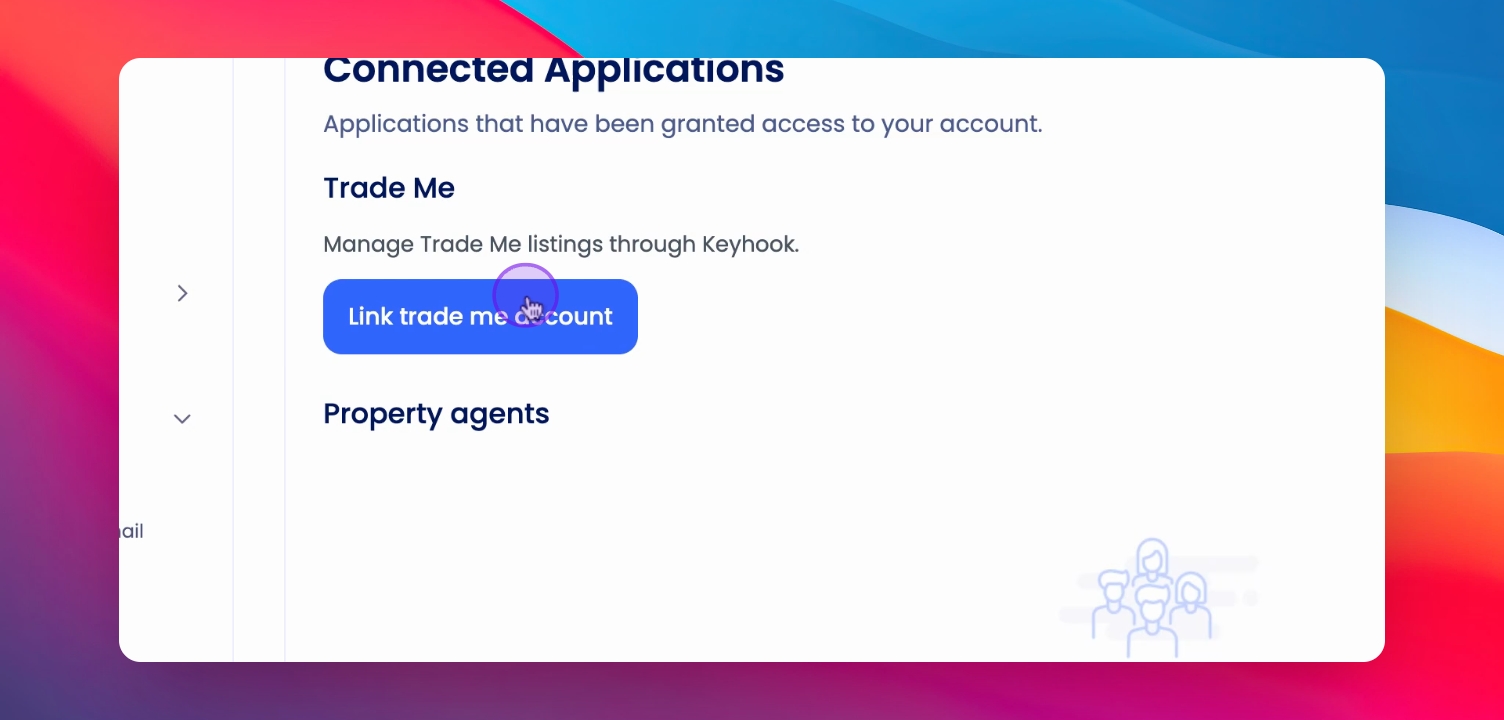
Step 3: Link Trade Me Account
Select Link Trade Me account to initiate the linking process.
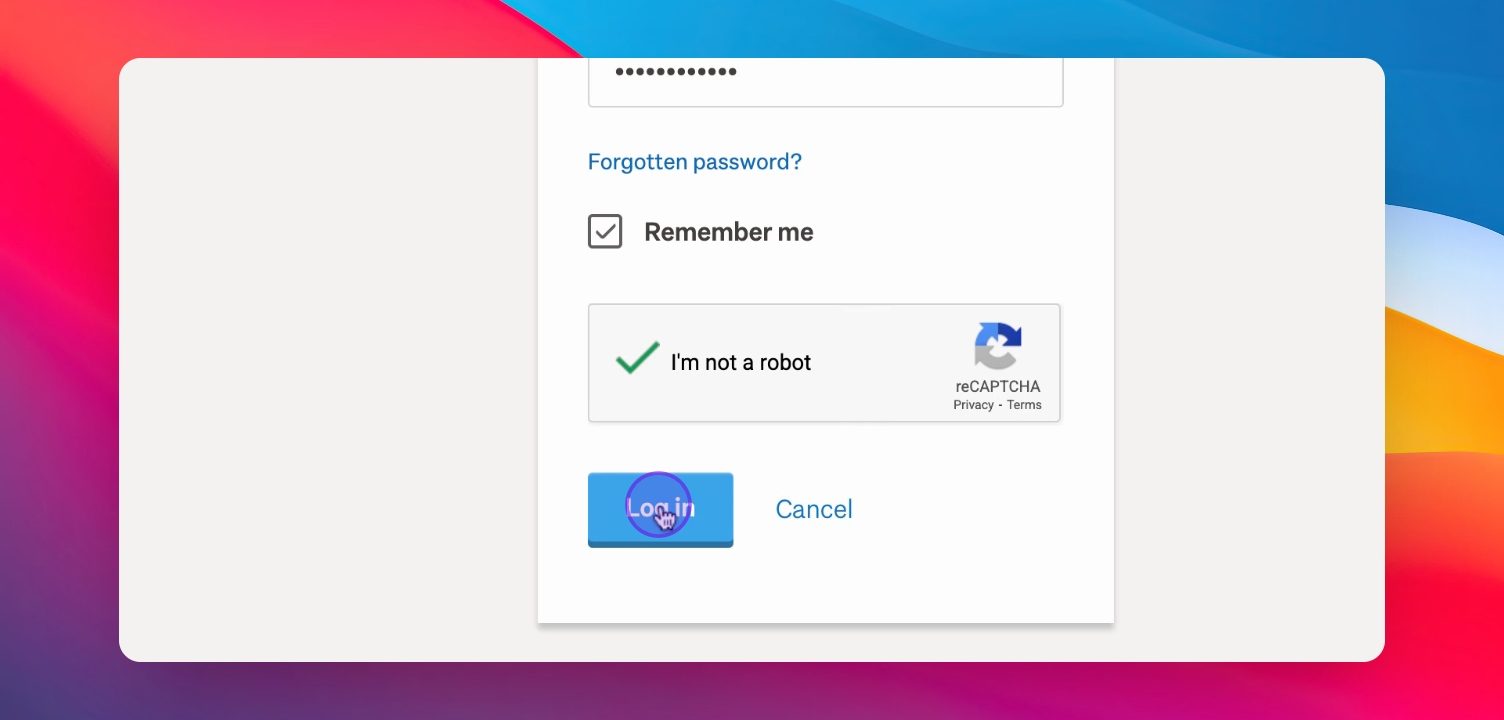
Step 4: Sign In
You will be redirected to the Sign in page. Fill in your credentials and click Login.
Step 5: Get Verification Code
Obtain your seven-digit code for verification after logging in.
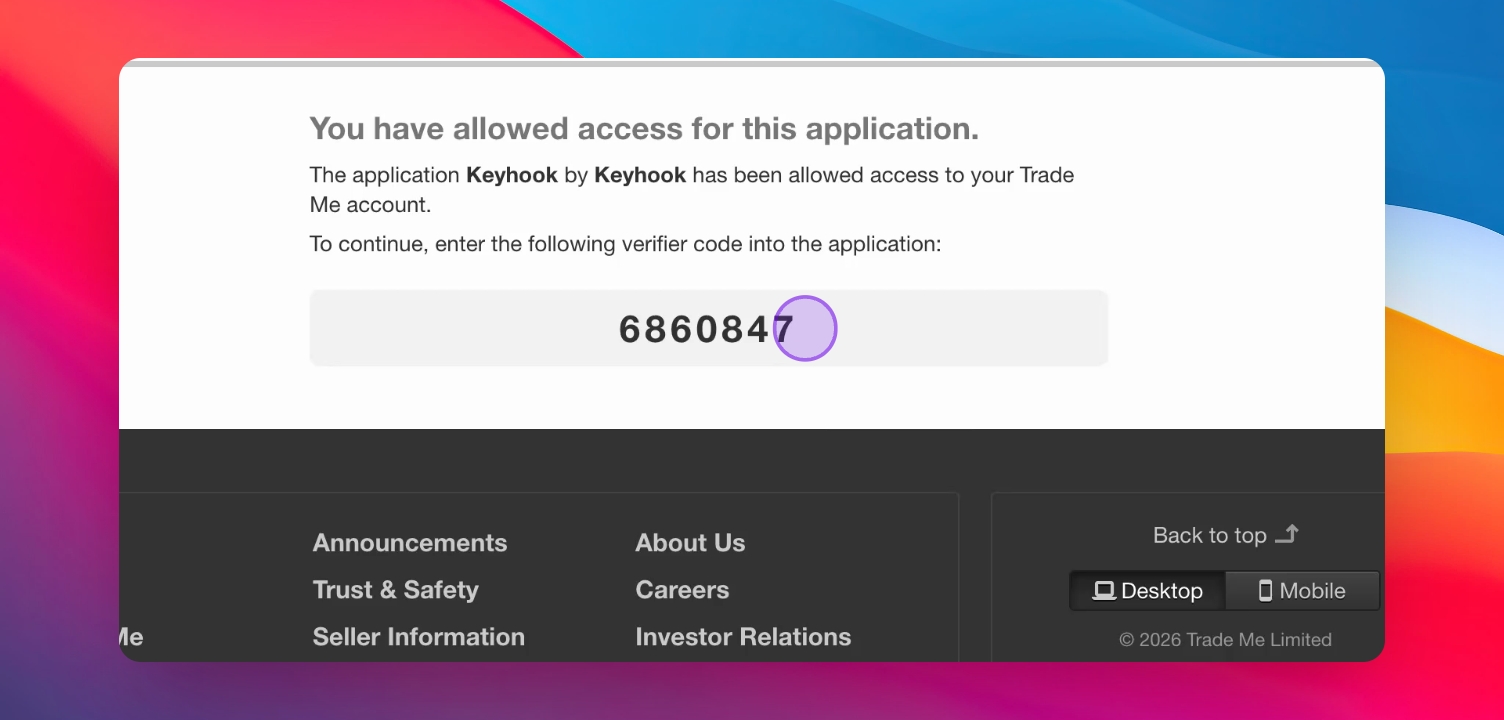
Step 6: Enter Code in Keyhook
Copy the code and return to Keyhook to enter the Trade Me pin.
Step 7: Finalize Linking
Select Link Trade Me account to complete the integration.
Step 8: Confirmation
You have successfully connected your Trade Me account.
If you need more help or have any questions, just reach out to us at support@keyhook.com — we're always here to help!
Help us improve this article. Your opinion means the world to us!
Click on this link to give a feedback: Support Article Feedback Form
Troubleshooting
Login errors
Ensure your credentials are correct and that you have a Rental Agent account.
Code not received
Check your email for the verification code after logging in.
FAQ
What account do I need?
You need a Rental Agent account to link your Trade Me account.
What if I forget my credentials?
Use the password recovery option on the Sign in page.