

TL;DR
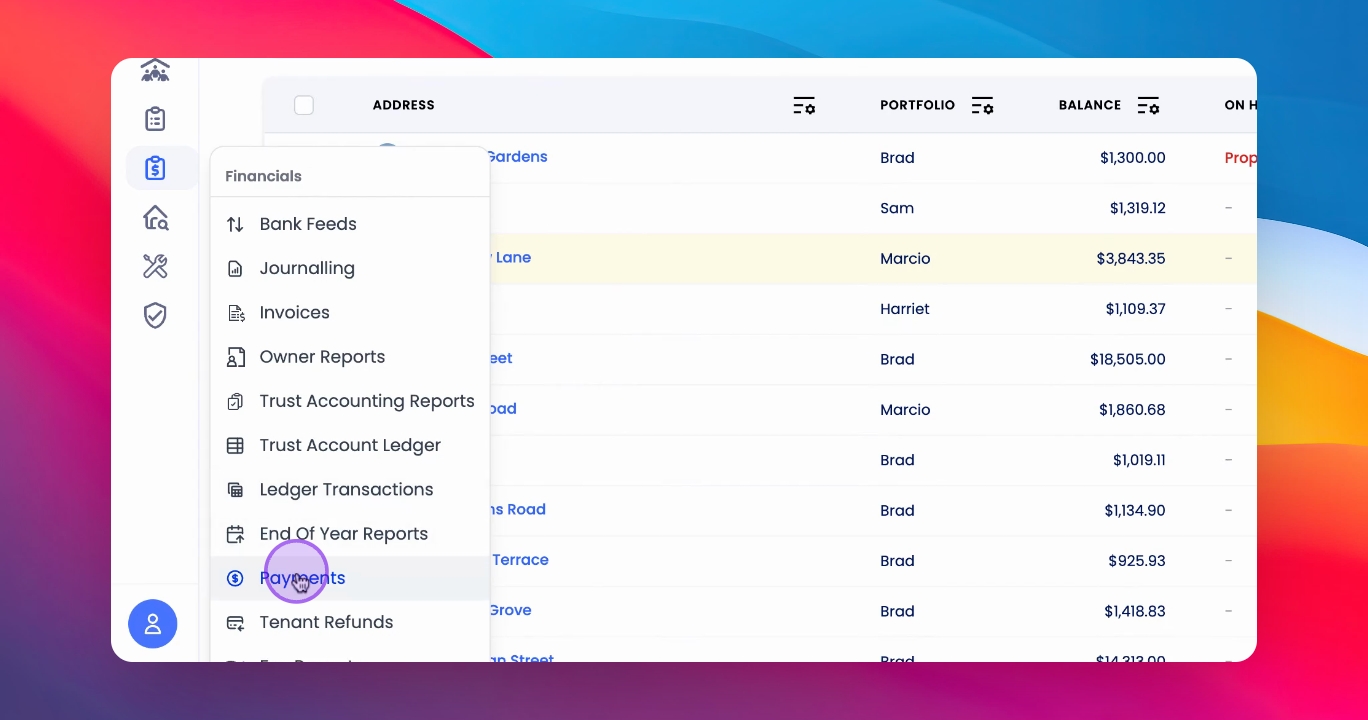
This can be found in Financials
Click and select all the properties that needs to be paid out
A summary modal will appear for verification of your selection
Compare the total amount in the CSV and in the Modal and confirm it aligns
From the Modal. This will push the payments to Paying/paid page
This will help in create the CSV for processing payments in the bank
Once the Owners has been paid
This will change the status from Paid to Reconciled
Let's do it together!
Step 1: Access Payments
Navigate to the Financials section and go to Payments.
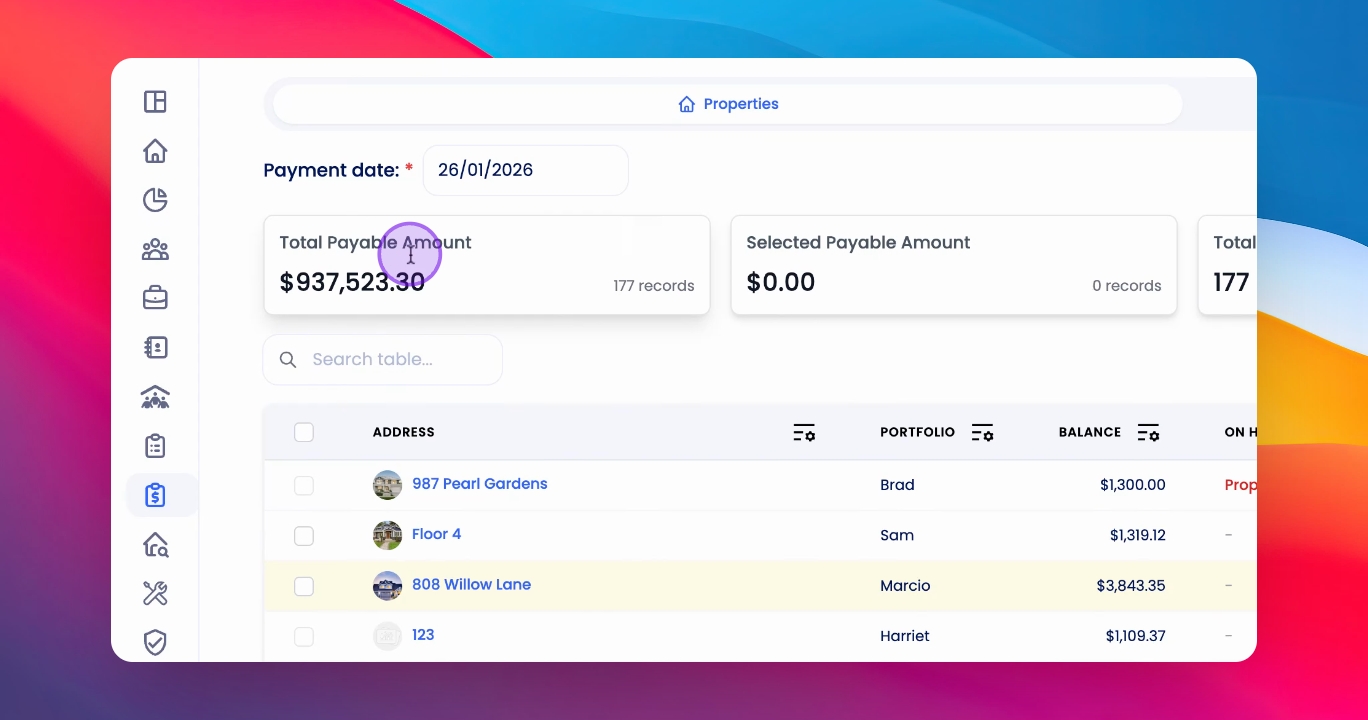
Step 2: Review Payables
Review the Payables tab to see what is due to be paid to the owner.
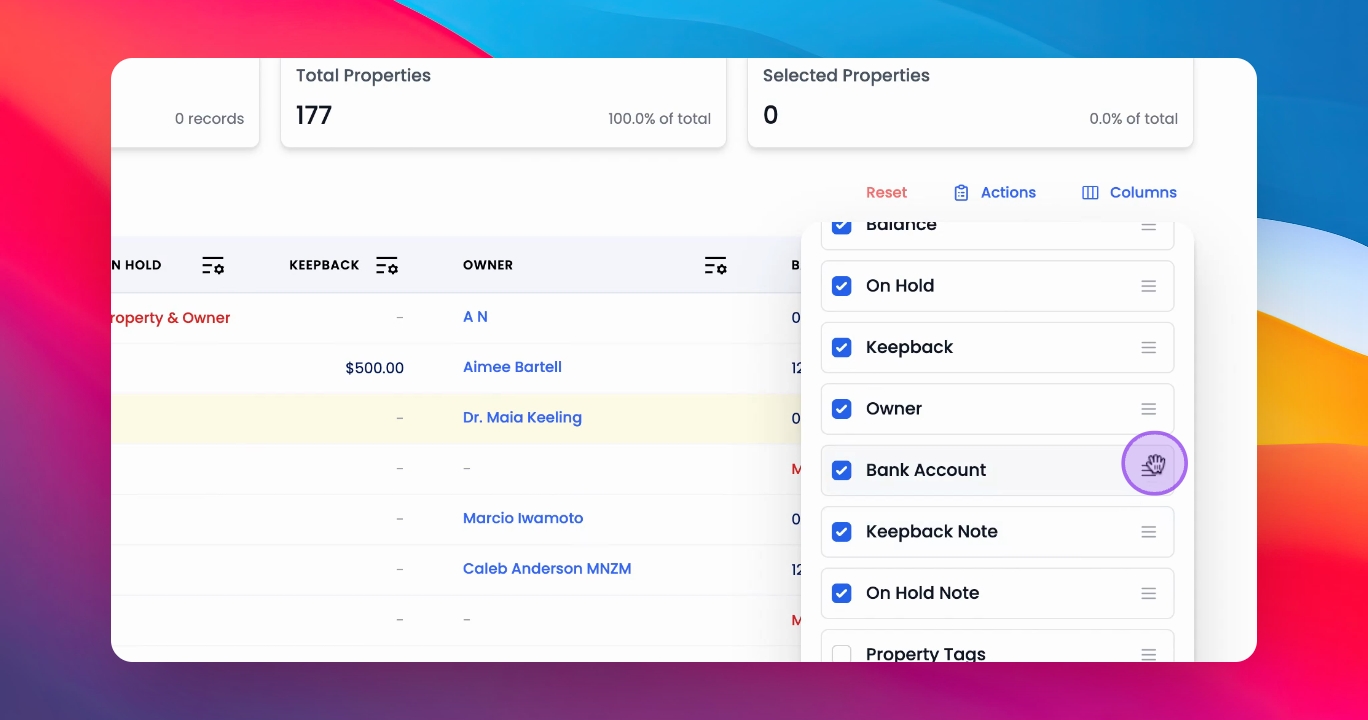
Step 3: Customize Columns
Click on the Columns button to edit or move the columns as needed.
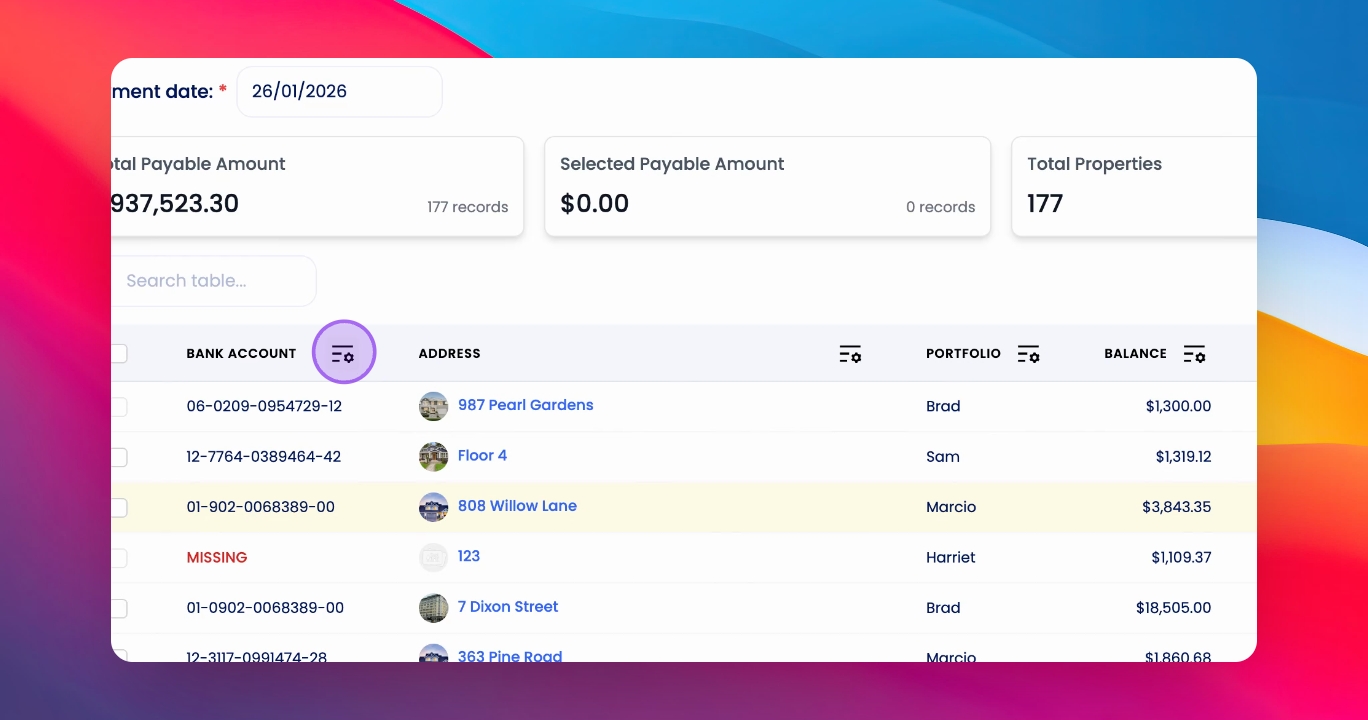
Step 4: Filter Columns
Use the Filter next to the relevant column to narrow down your selections.
Step 5: Clear Filters
Click Reset to clear any applied filters.
Step 6: Select Properties
Select the relevant properties for which you want to create owner payments.
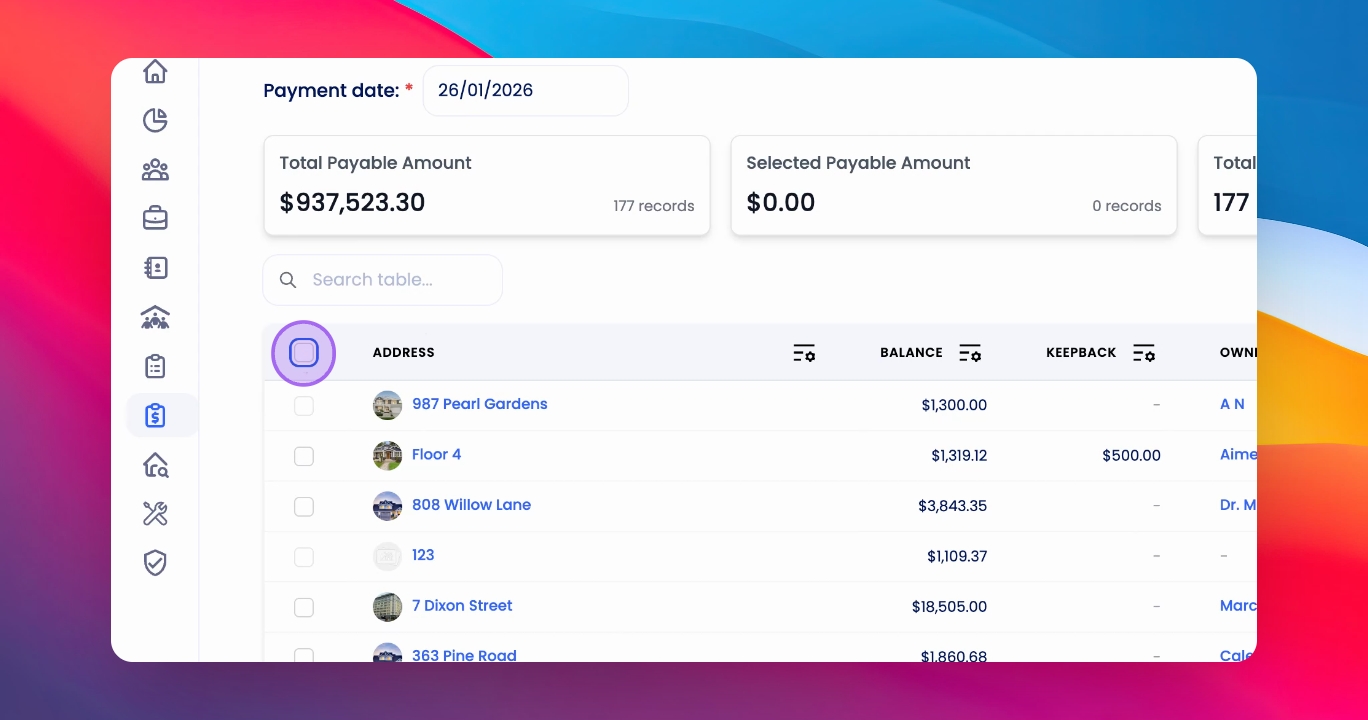
Step 7: Prepare Payments
Click Ready Payments to prepare the selected payable payments.
Step 8: Review Payment Summary
Review the summary modal to confirm the selected properties and total payment amount.
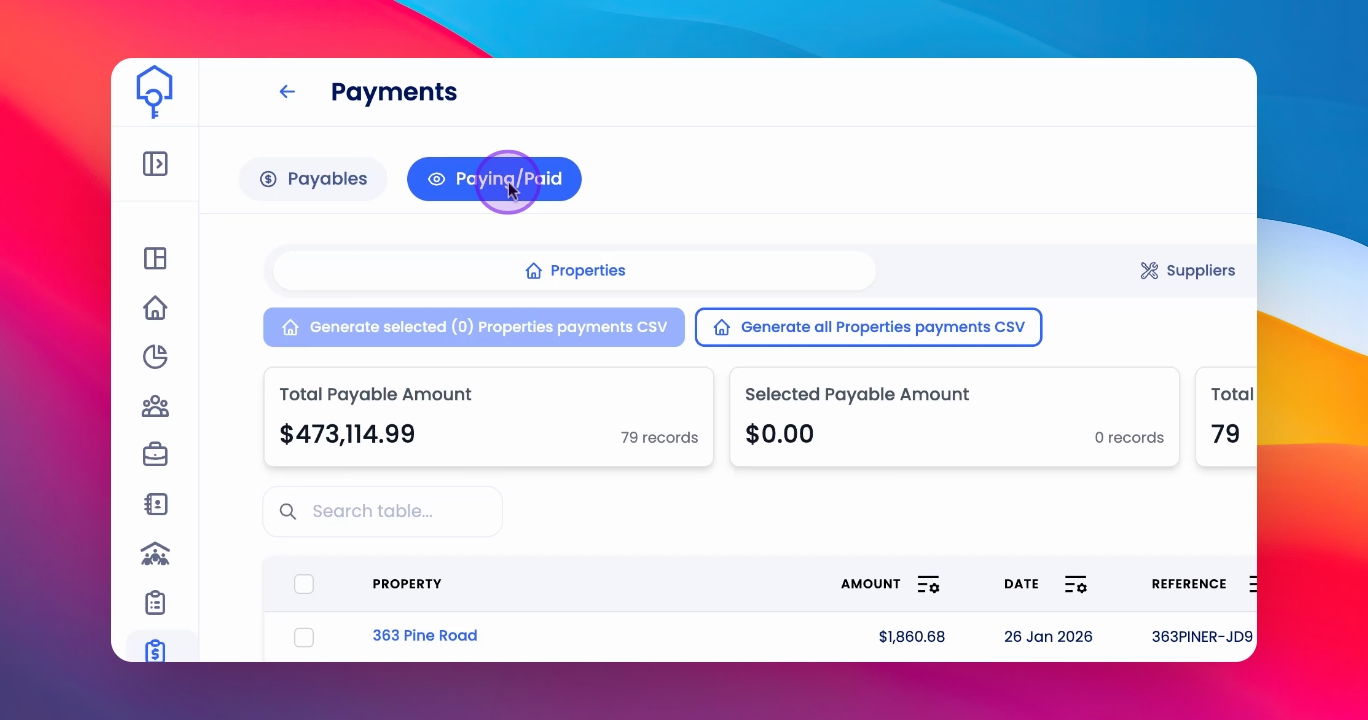
Step 9: Generate CSV
Select the relevant Paying transactions and click Generate Selected CSV.
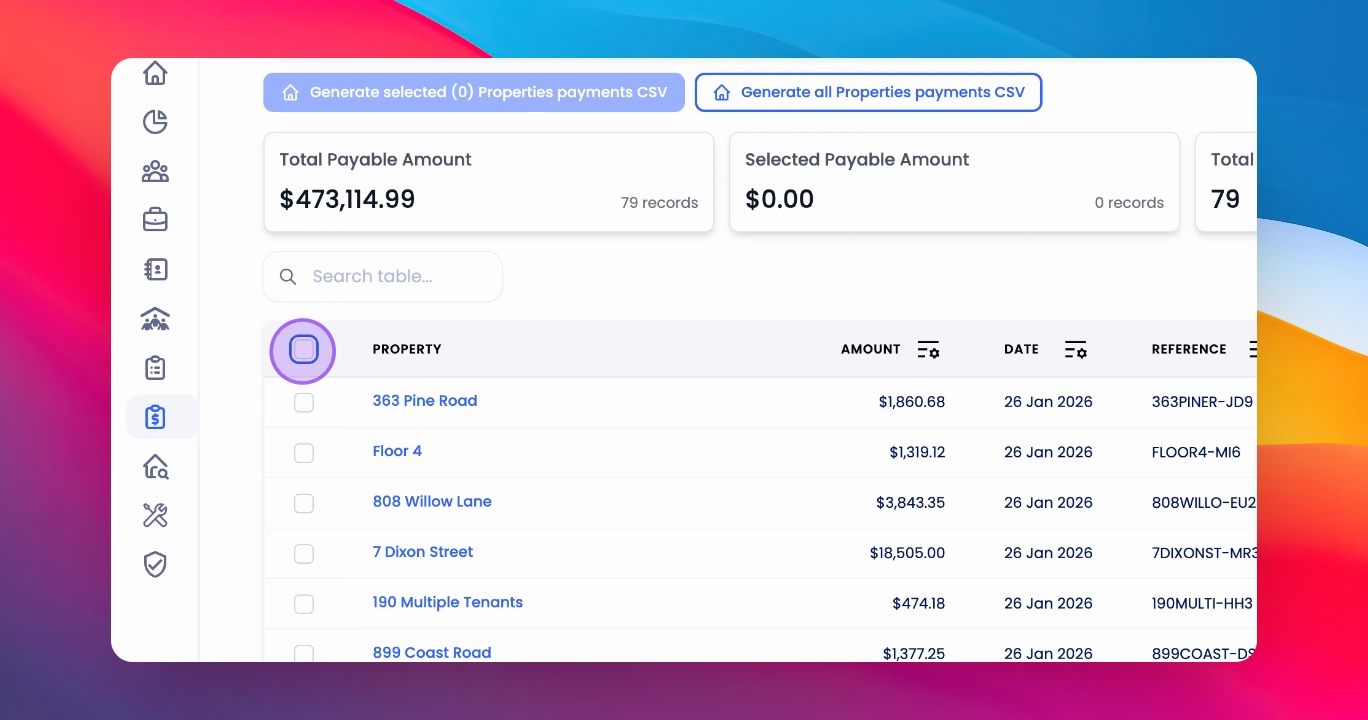
Step 10: Confirm Payments
After paying the owners, return to the Payments page to mark them as Paid.
Step 11: Mark as Paid
Click Actions and then click Mark as Paid to update their payment status.
Step 12: Reconcile Payments
Once reconciled in your bank feed, the payment status will update to Reconciled.
If you need more help or have any questions, just reach out to us at support@keyhook.com — we're always here to help!