

A note about visibility:
Tenant and owner emails carry different content by design (no pricing in tenant emails, no tenant details in owner emails). Photos and videos on the request travel with the email. Every send is logged on the tenancy timeline.
You can keep owners and tenants informed about maintenance requests by sending them updates. Let's look at the steps:
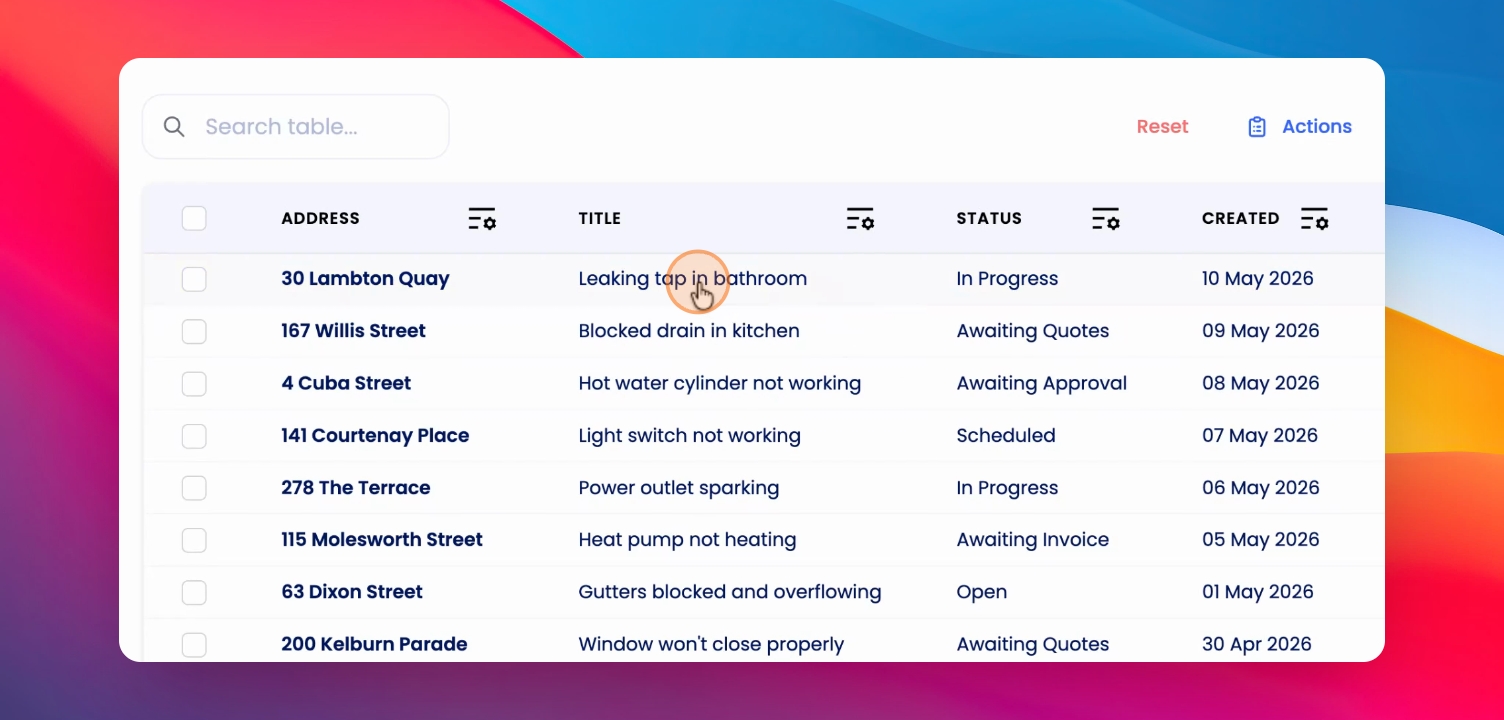
Step 1: Open Maintenance Request
Click into a maintenance request and scroll down to the update notifications section to view notification options.
Step 2: Select Notification Recipients
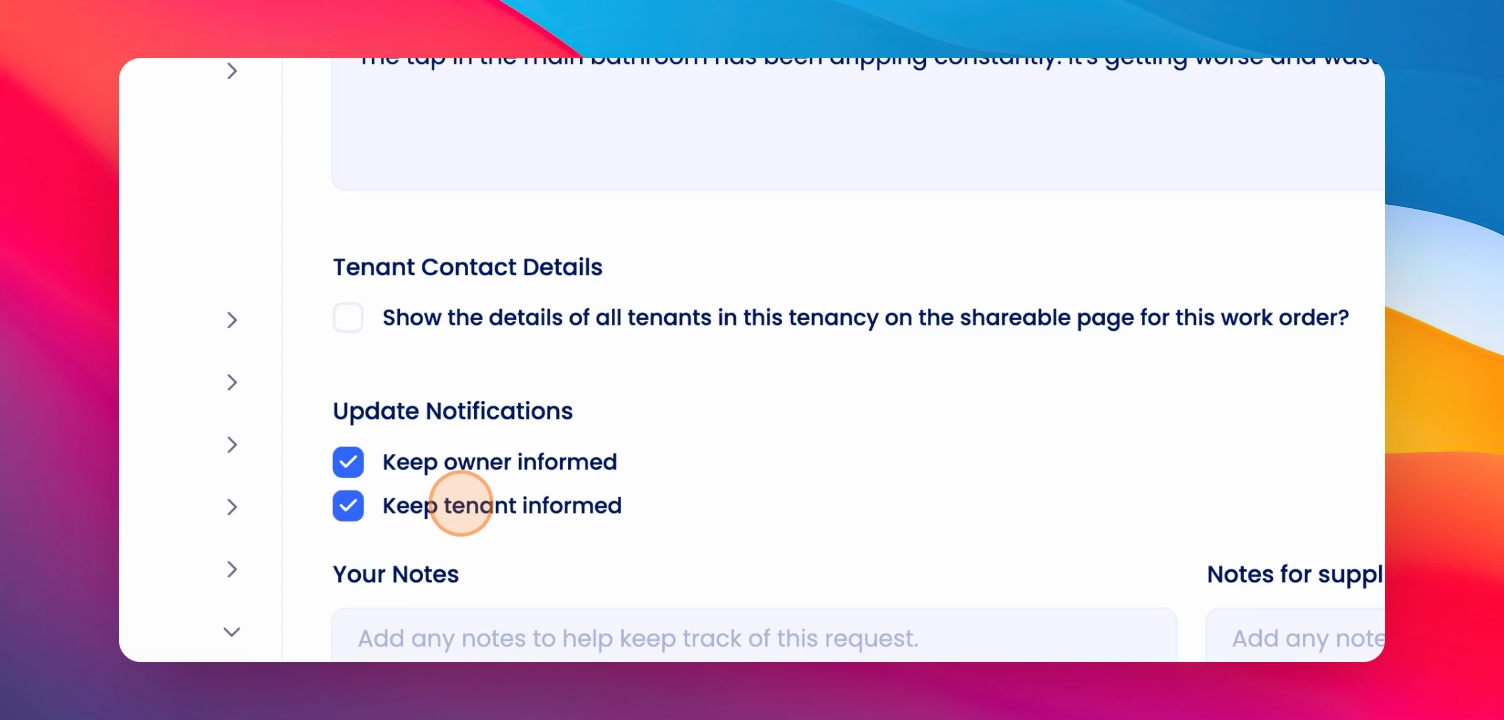
Choose whether to keep the owner, the tenant, or both informed by selecting the appropriate options in the update notifications area.
Step 3: Update Status and Notify
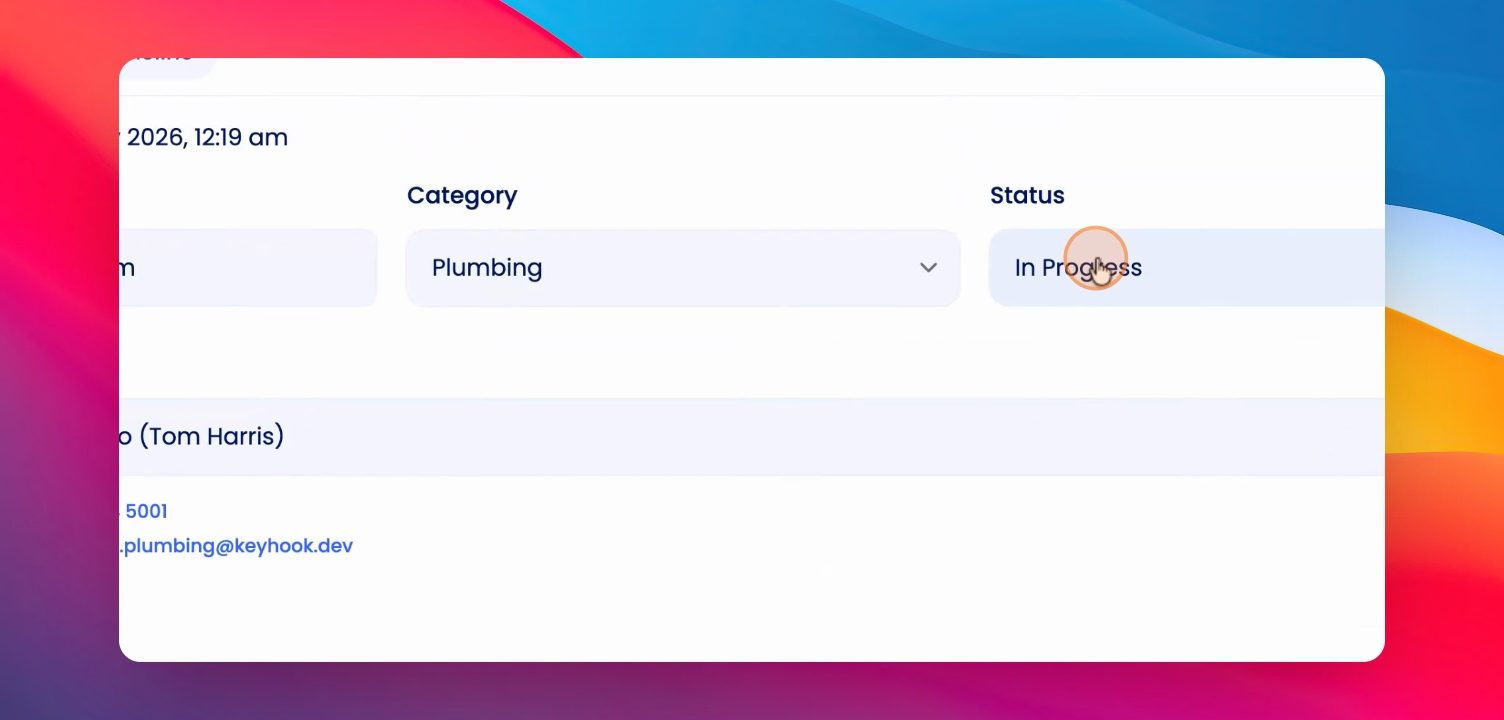
When you change the status of the request and save, you can send the update to the owner so they are aware of the changes.
Step 4: Use Actions Menu to Email
In the Actions menu, you can email the tenant or owner directly. Type your comment and send the update to them.
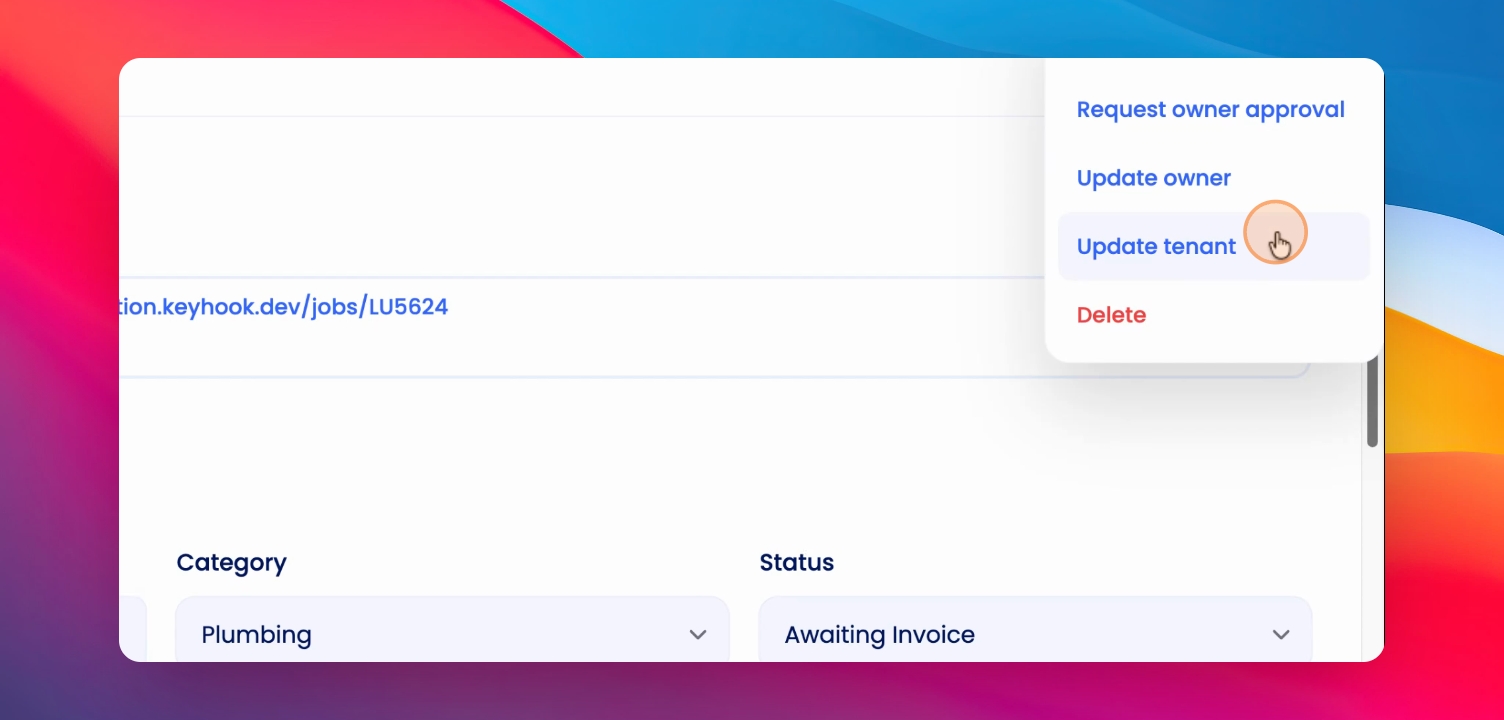
Emails sent from this area will include the details of the maintenance request and any notes you add. The notes you add here will not override the notes in the maintenance request; they are sent directly to the owner or tenant.