

To integrate your Realestate.co.nz account with Keyhook, you'll first need to contact the Realestate.co.nz support and request an API key and Confirm your Office id. Once you have this information from Realestate.co.nz, you're ready to get started. Let's look at the steps:
Step 1: Access Keyhook
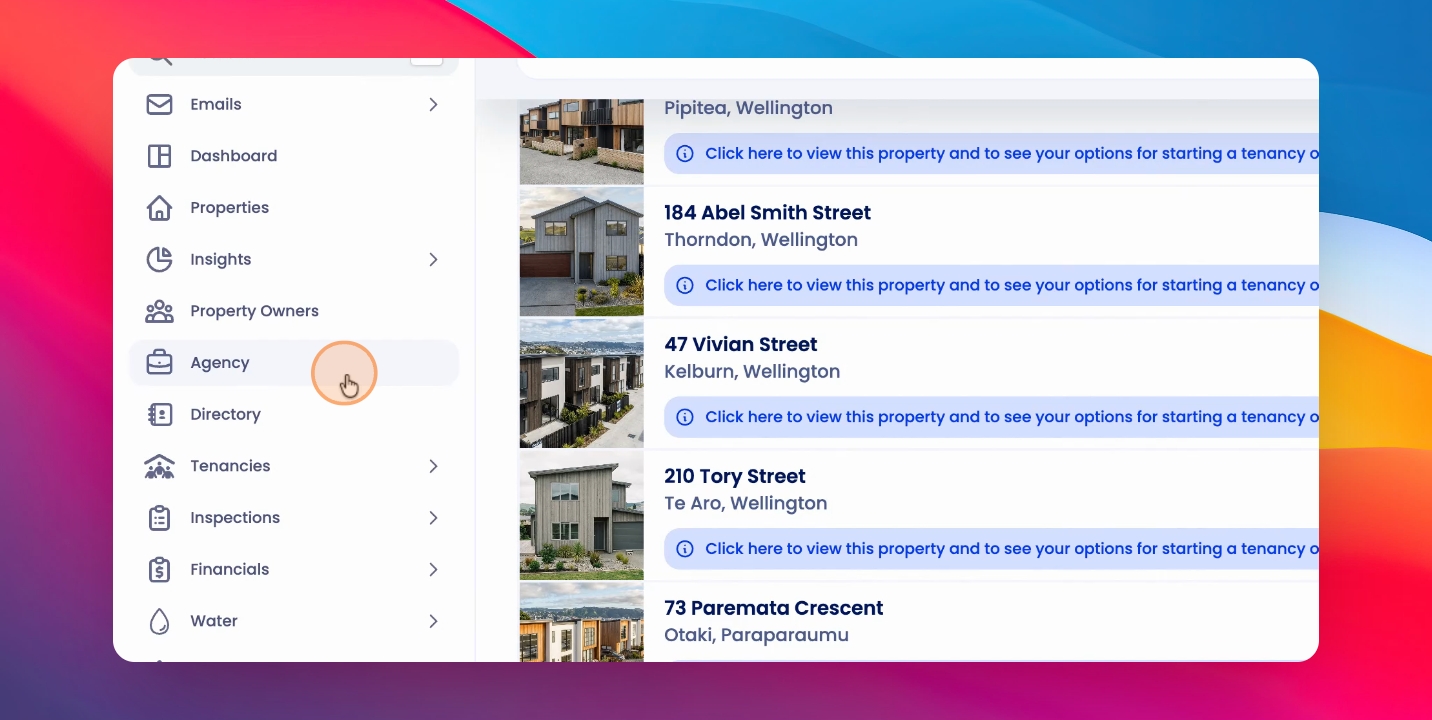
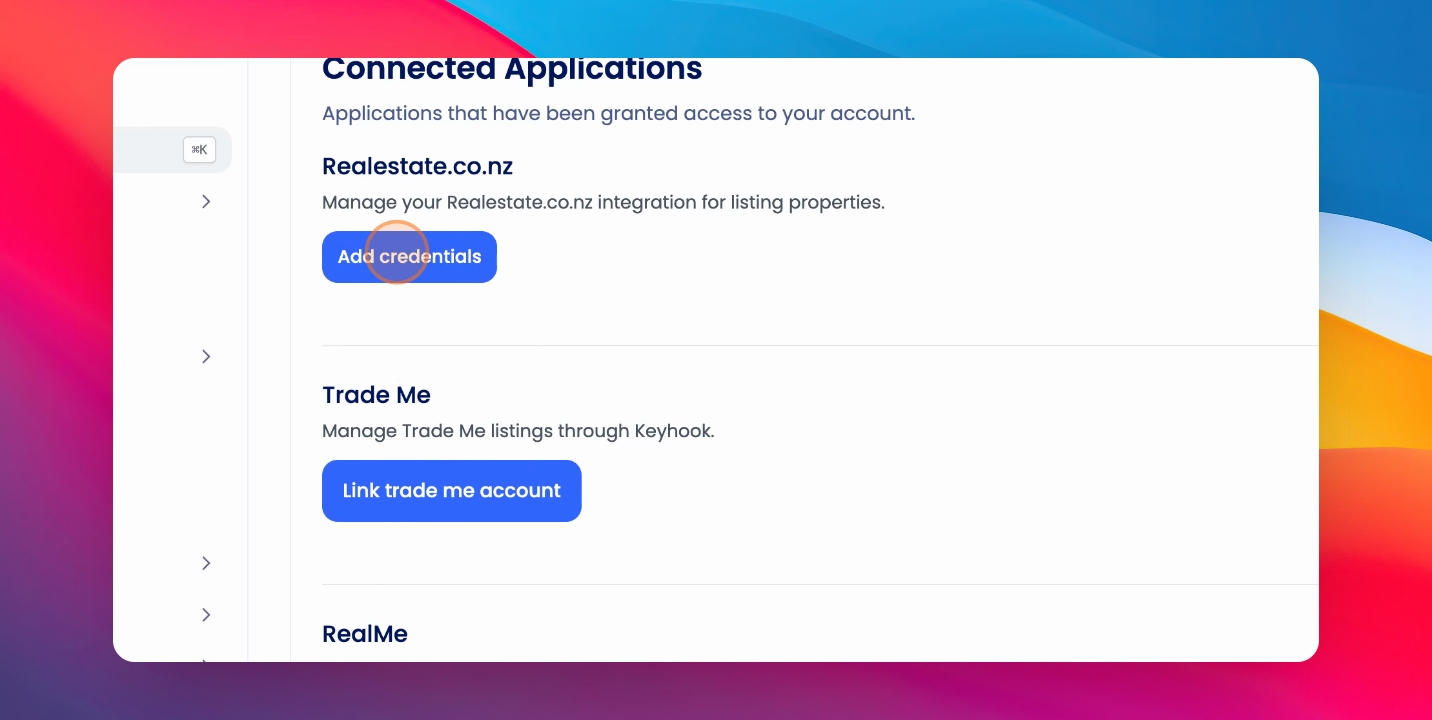
Click on Agency, then click on Manage Integrations, followed by Add Credentials.
Step 2: Enter API Key
Under Realestate.co.nz, enter your API key and Office ID and click Save.
After you've done this, you will be able to list to Realestate.co.nz with your integration without issue.