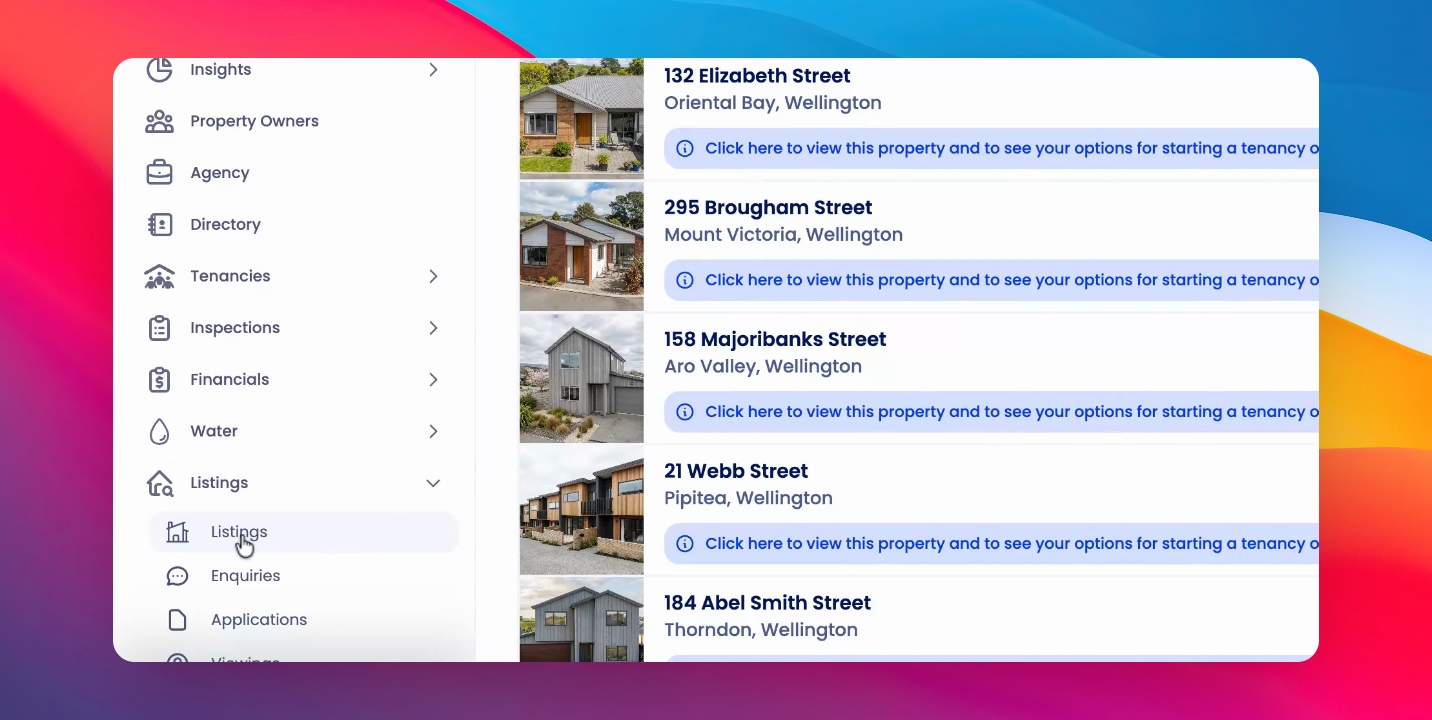
To remove a listings agent that you have set up within your system. Let's look at the steps:
Step 1: Access Agents
Under Listings, click on the Listings page, then click on the Agents tab.
Step 2: Select and Delete
Select the agent profiles you'd like to delete, click Actions, then click Delete and Confirm.