Let's do it together!
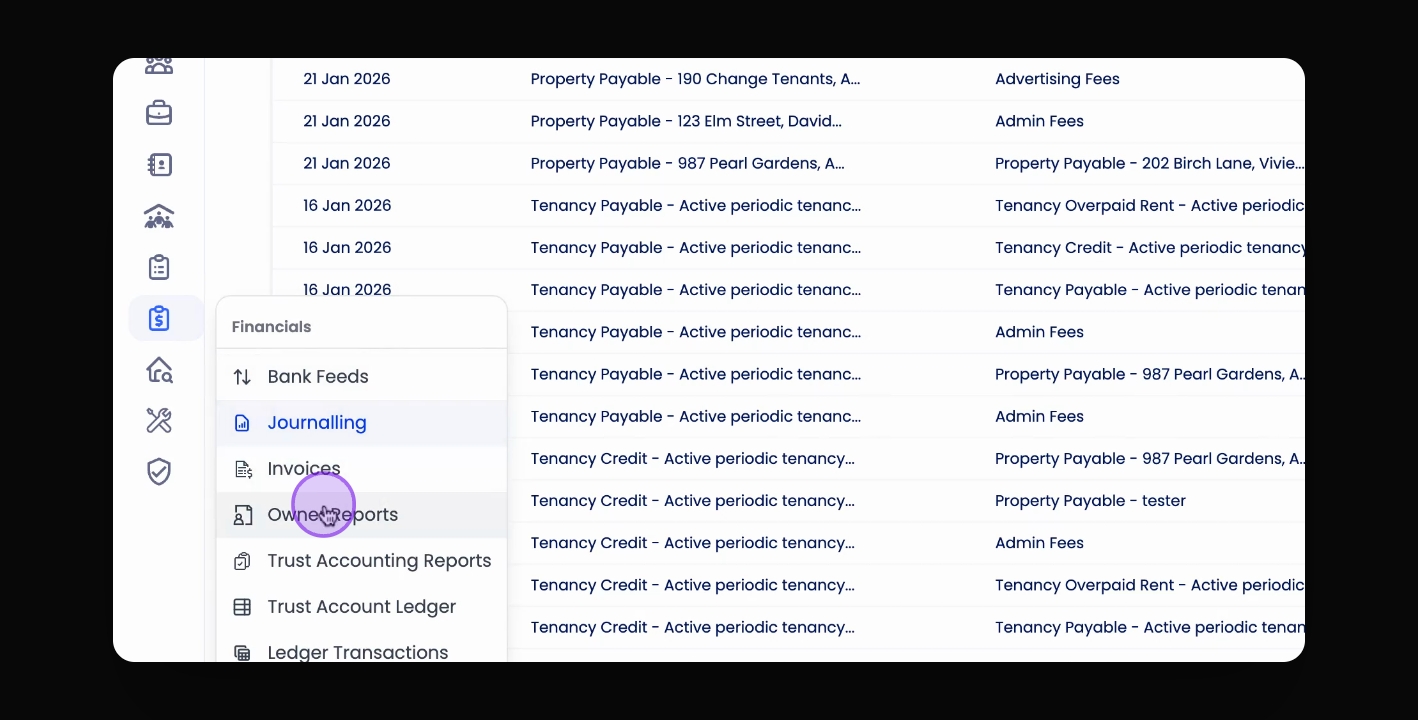
Step 1: Access Journalling
Under Financials, select Journalling to view past journal entries.
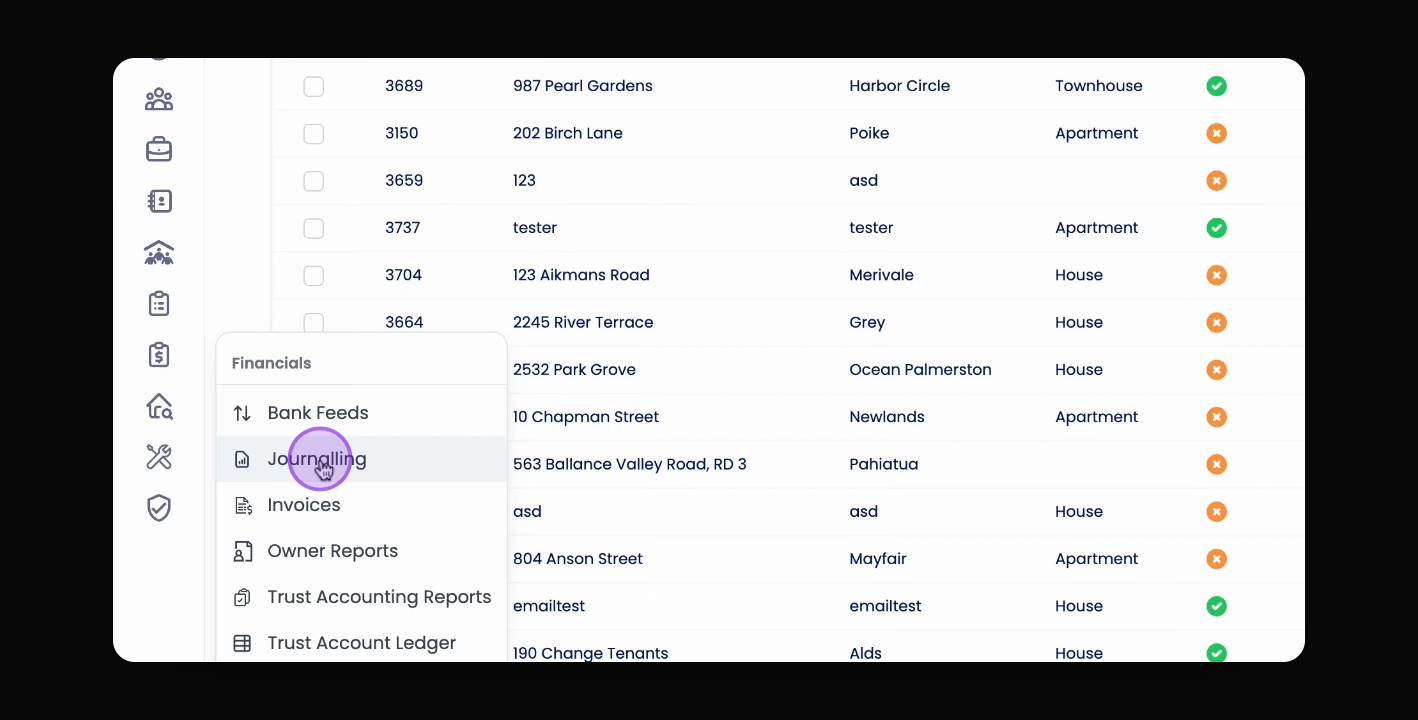
Step 2: View Entry Details
Click on a row to get more information about a specific journal entry.
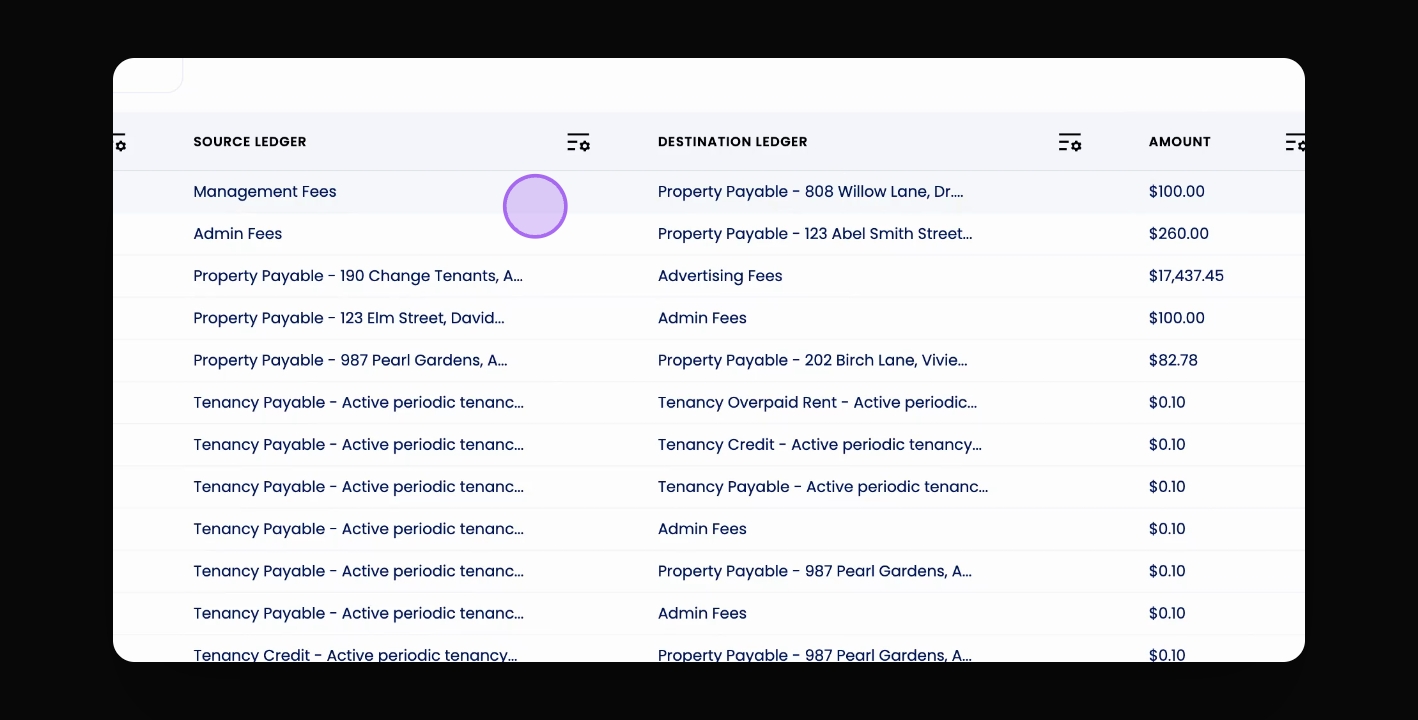
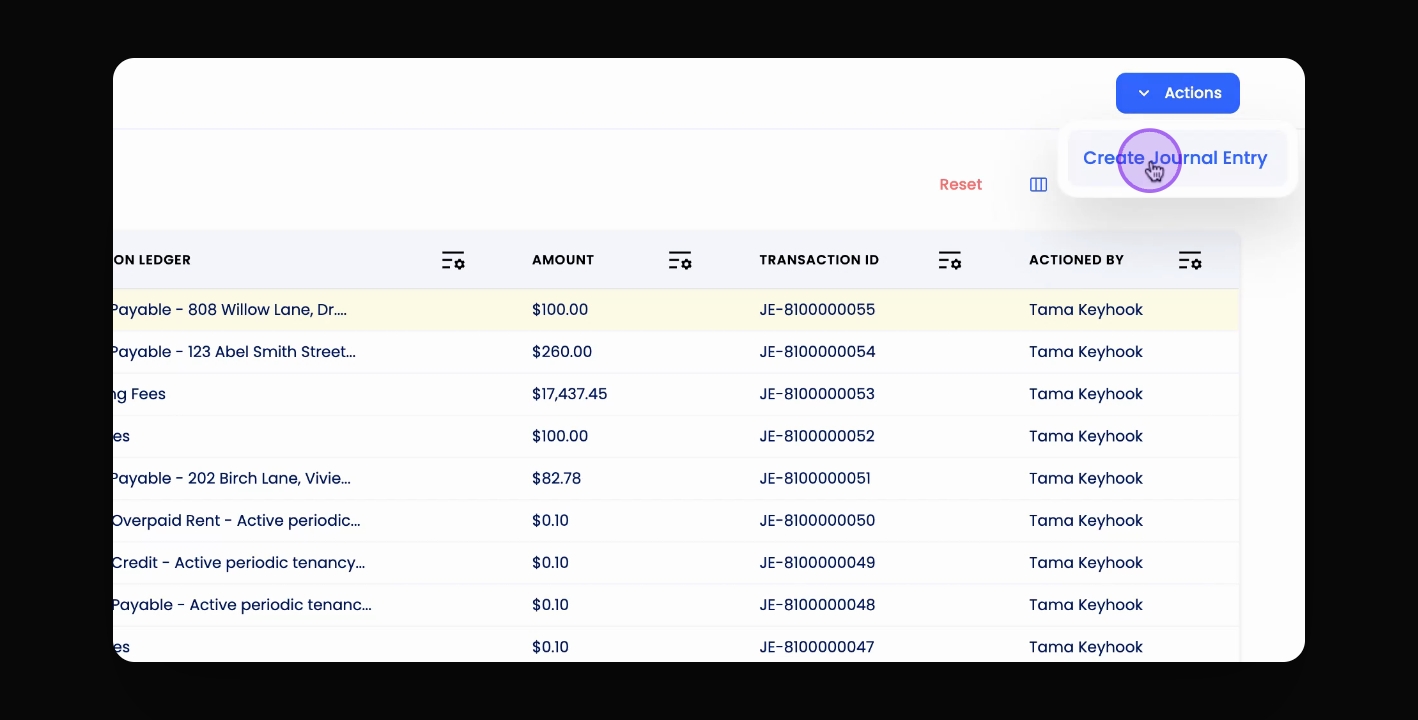
Step 3: Start New Entry
Click Actions and select Create Journal Entry to begin.
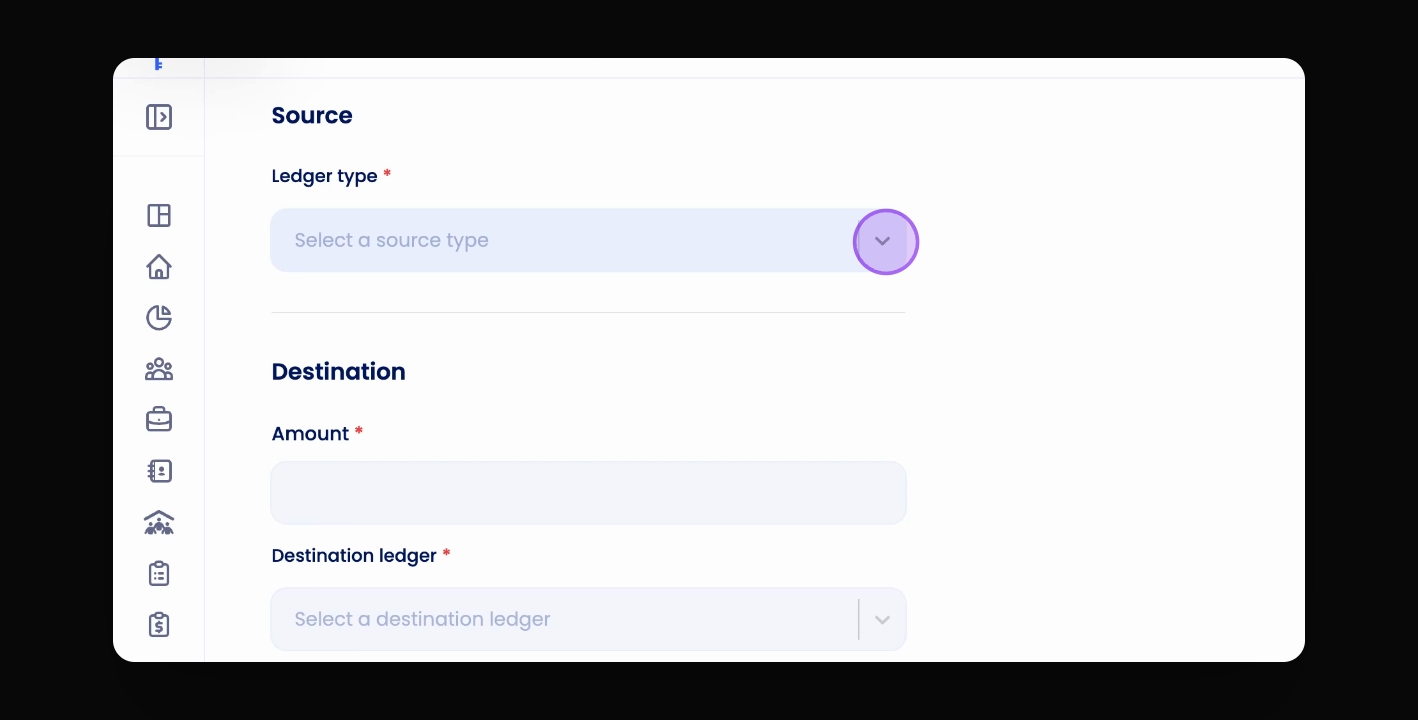
Step 4: Select Source Ledger
Choose your source ledger type from which you are transferring money.
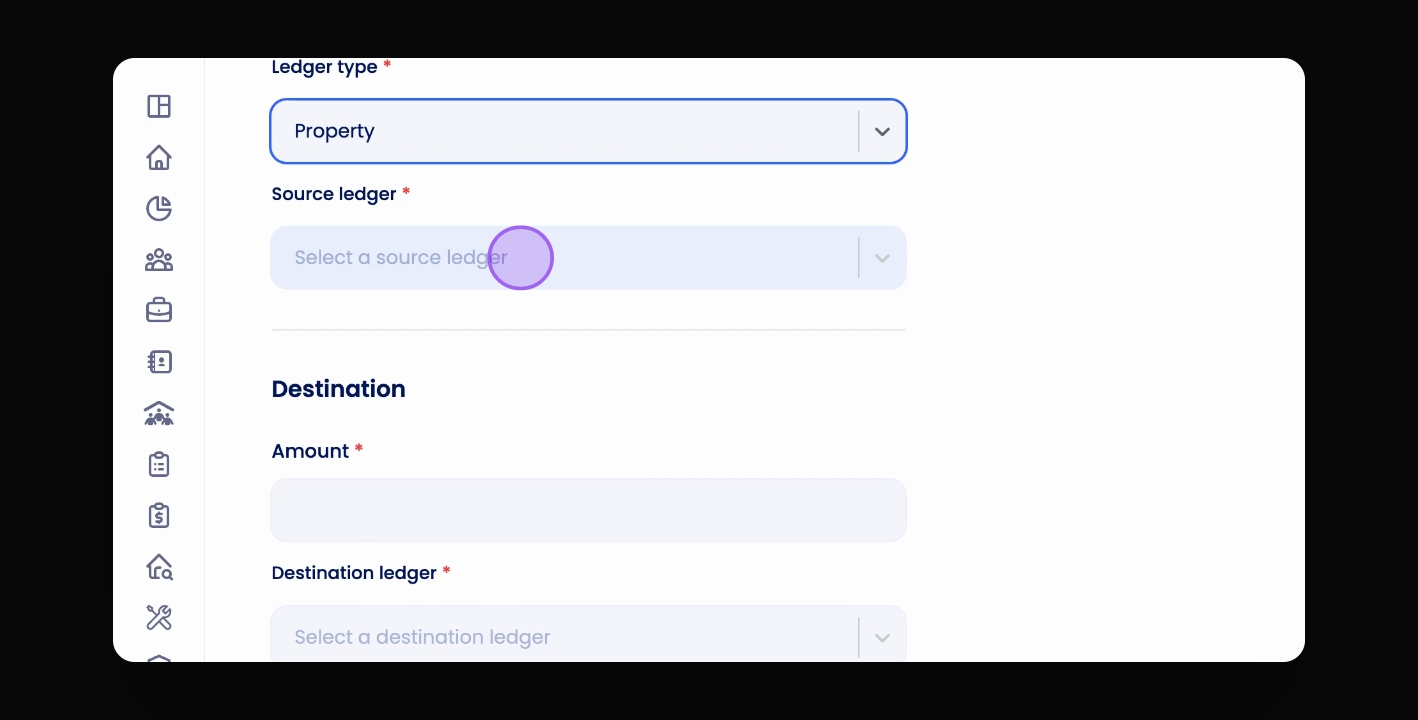
Step 5: Find Relevant Ledger
Search for the relevant property, fees, or tenant credit ledger after selecting the source ledger type.
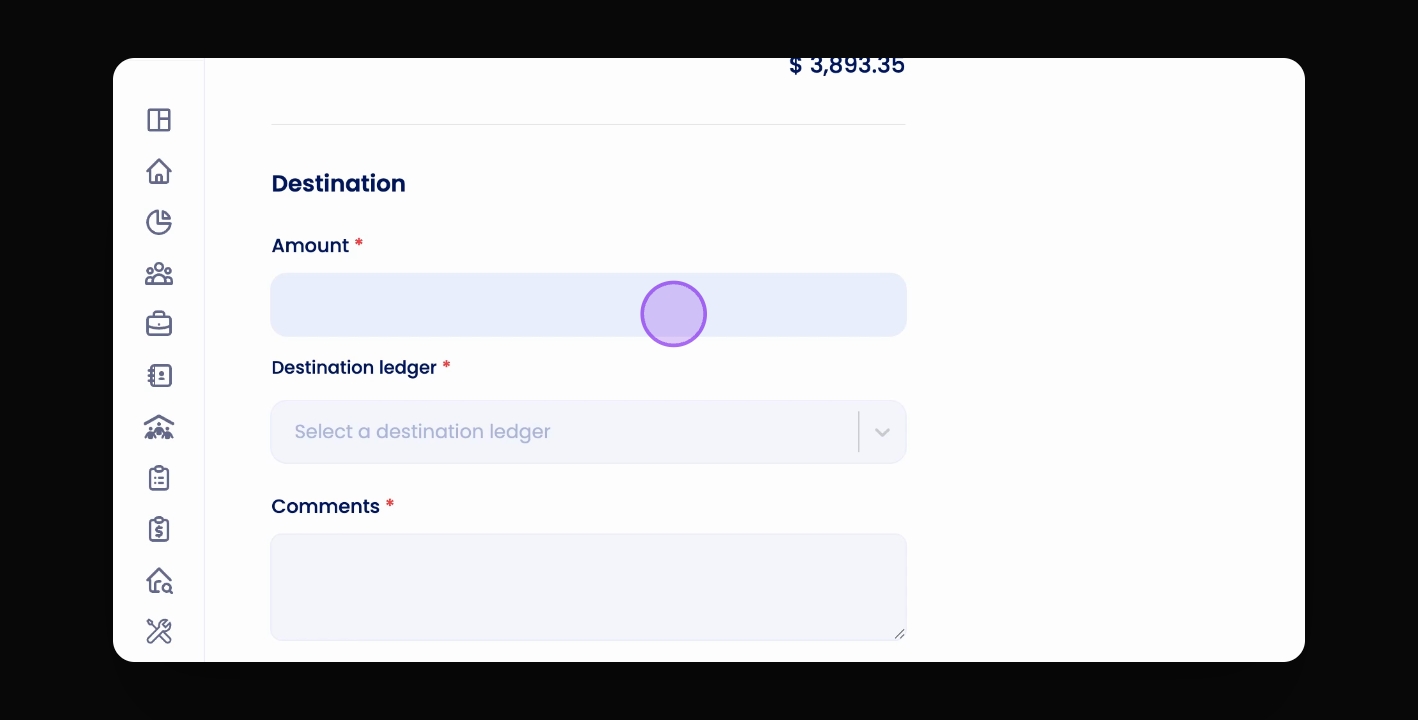
Step 6: Enter Amount
Input the amount to journal, ensuring it does not exceed the available balance.
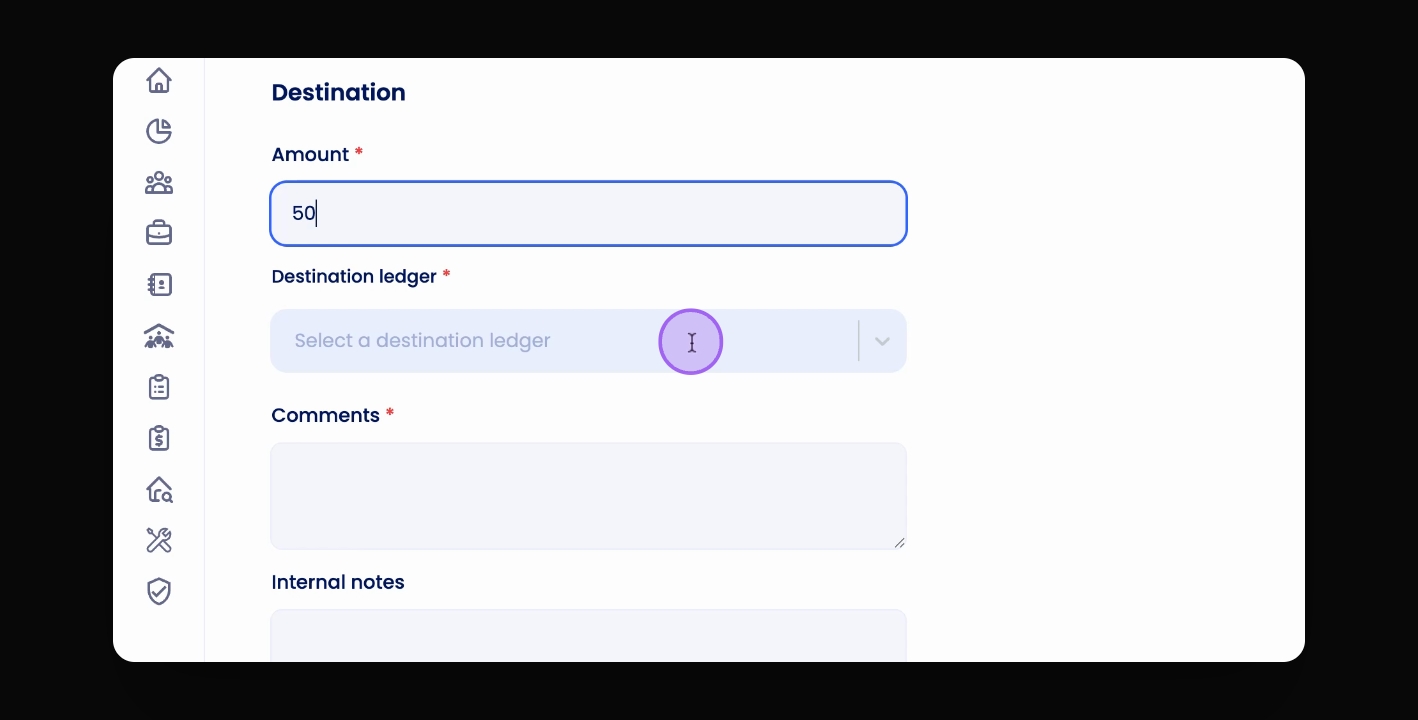
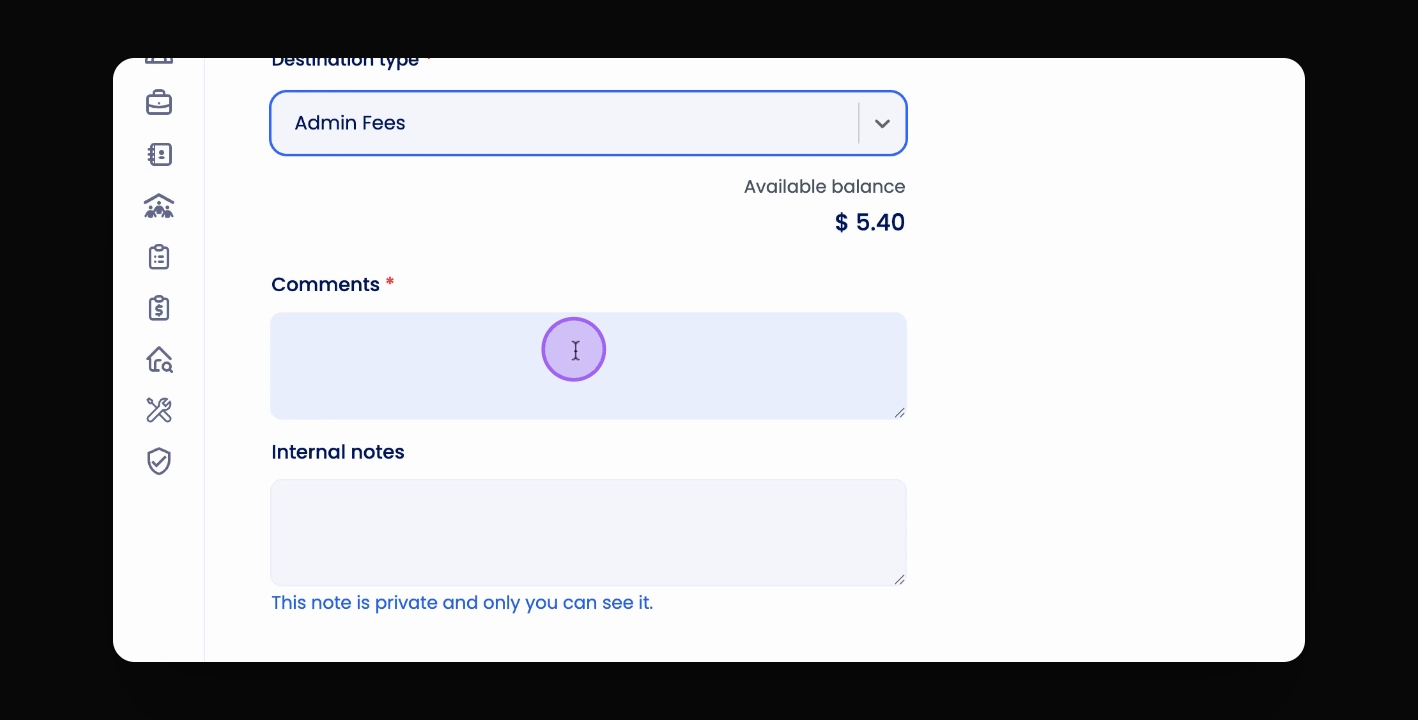
Step 7: Choose Destination
Select the destination ledger type and the ledger where the funds will be moved.
Step 8: Add Comments
Include comments for transaction records and optional internal notes for your reference.
Step 9: Review Entry
Click Review to see a summary of your journal entry before finalising.
Step 10: Confirm Entry
Click Confirm to finalise your journal entry.