

TL;DR
1
Select Tenancy
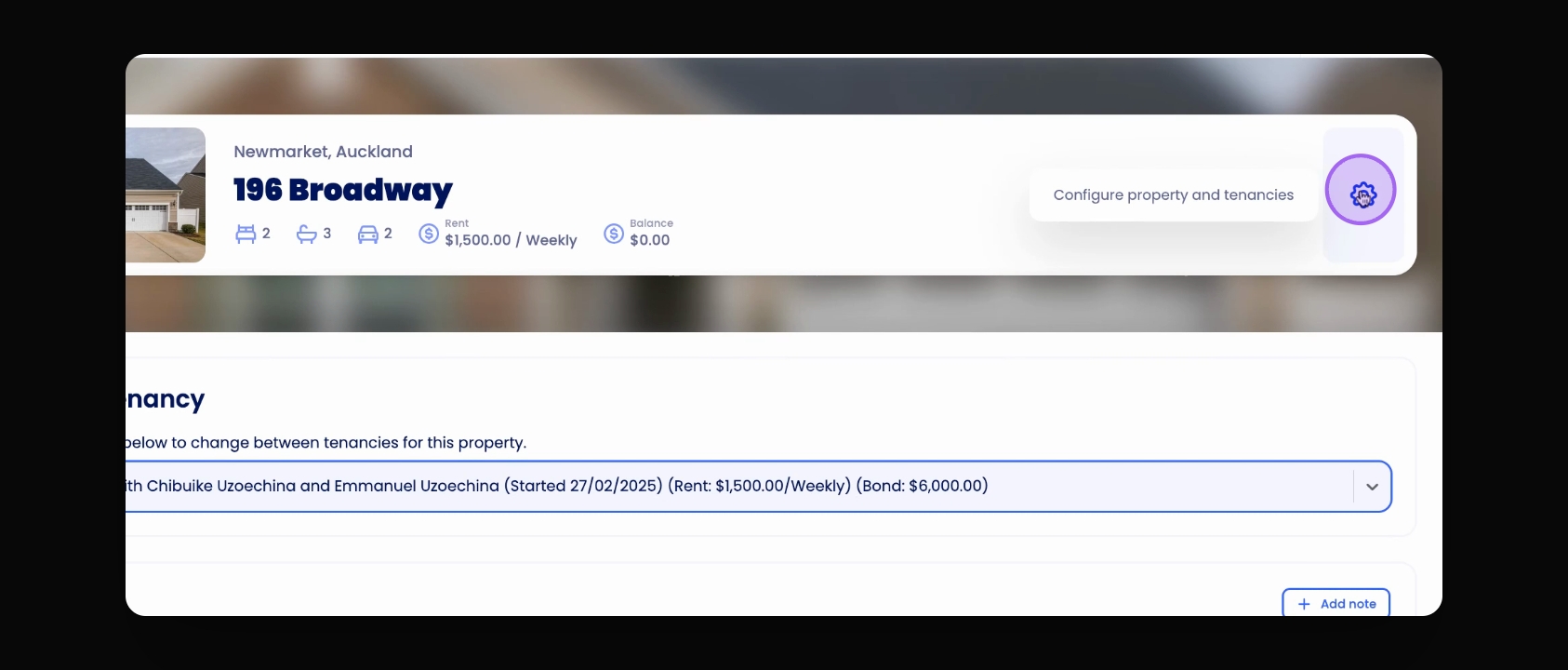
Choose the correct tenancy from your Property overview.
2
Access Bond Settings
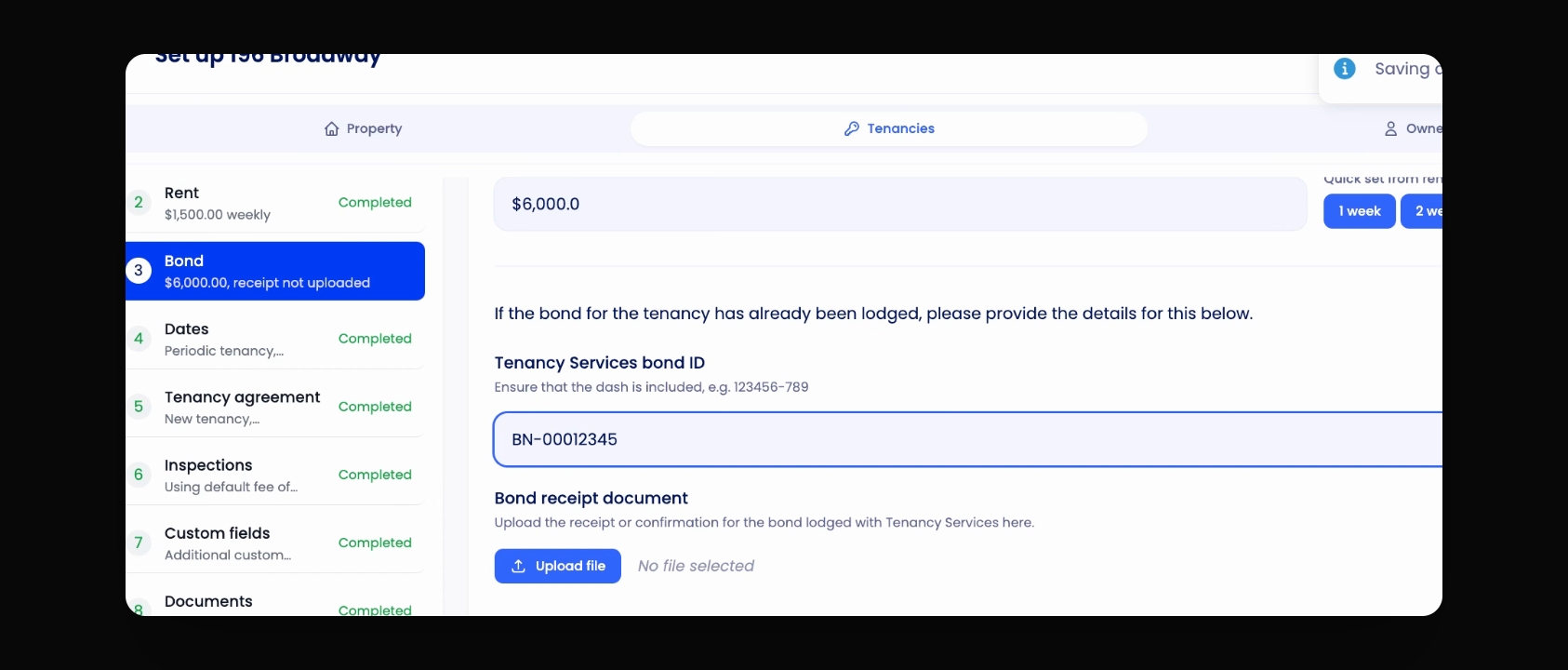
Click the Settings cog and go to Tenancies > Bond.
3
Enter Bond ID
Input the Bond ID and click Save.
4
Check Overview
View the added Bond ID in the Tenancy Overview.
Let's Do It Together!
Step 1: Access Bond Settings
Select the correct Tenancy from your Property overview.
Click the Settings cog.
Go to the Tenancies tab.
Click on Bond.
Enter the Bond ID.
Click Save to store the Bond ID.
Step 2: Verify Bond ID
Navigate to the Tenancy Overview.
Check the attached Bond ID for the tenancy.
You have successfully added the Bond ID.