

TL;DR
1
Access the receipt
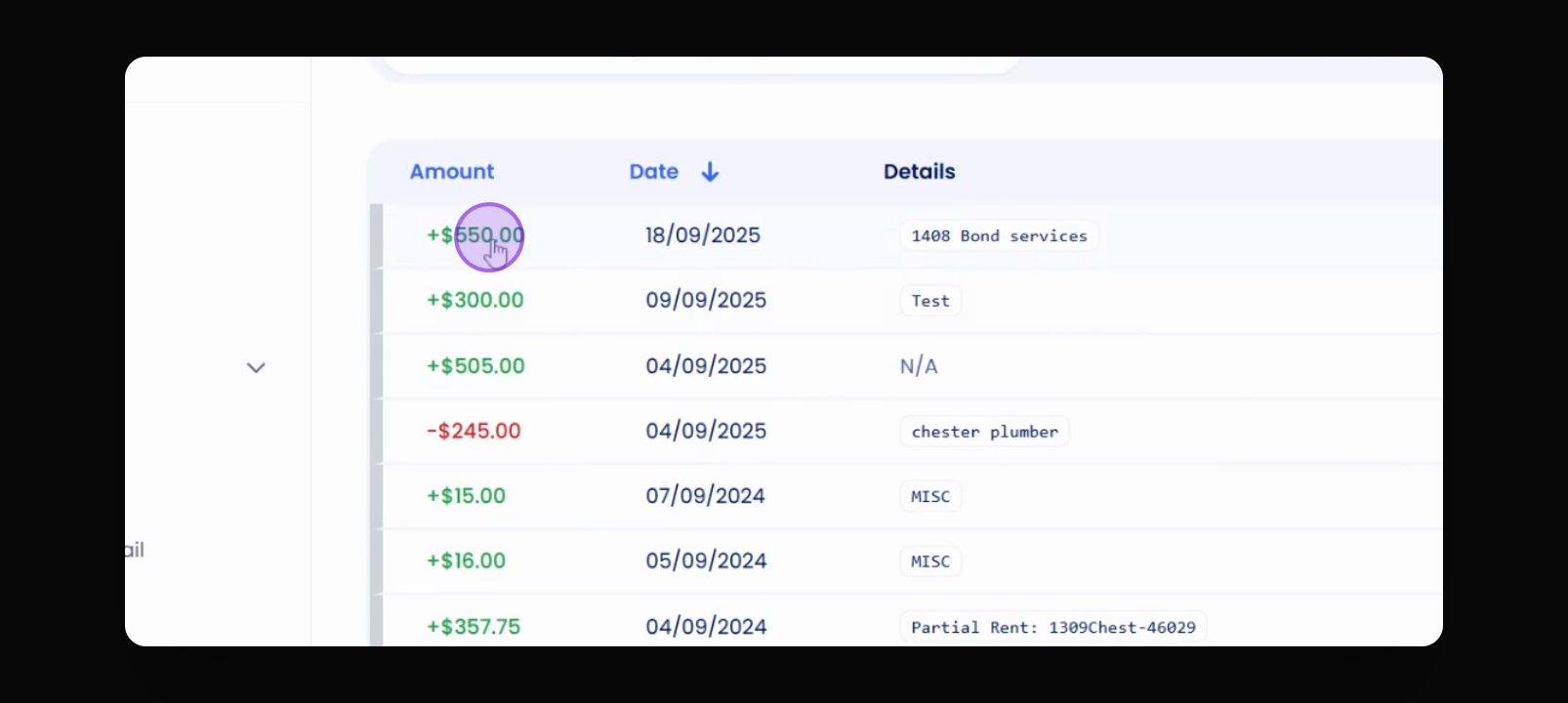
Locate and click on the receipt for the bond refund.
2
Allocate funds
Set $50 for rent and allocate remaining funds.
3
Add payments
Adjust tenant invoices and ensure totals are correct.
4
Reconcile
Final step to reconcile all transactions.
Let's Do It Together!
Step 1: Access the Receipt
Locate the receipt for the bond services refund.
Click on the receipt to open it.
Step 2: Allocate Funds
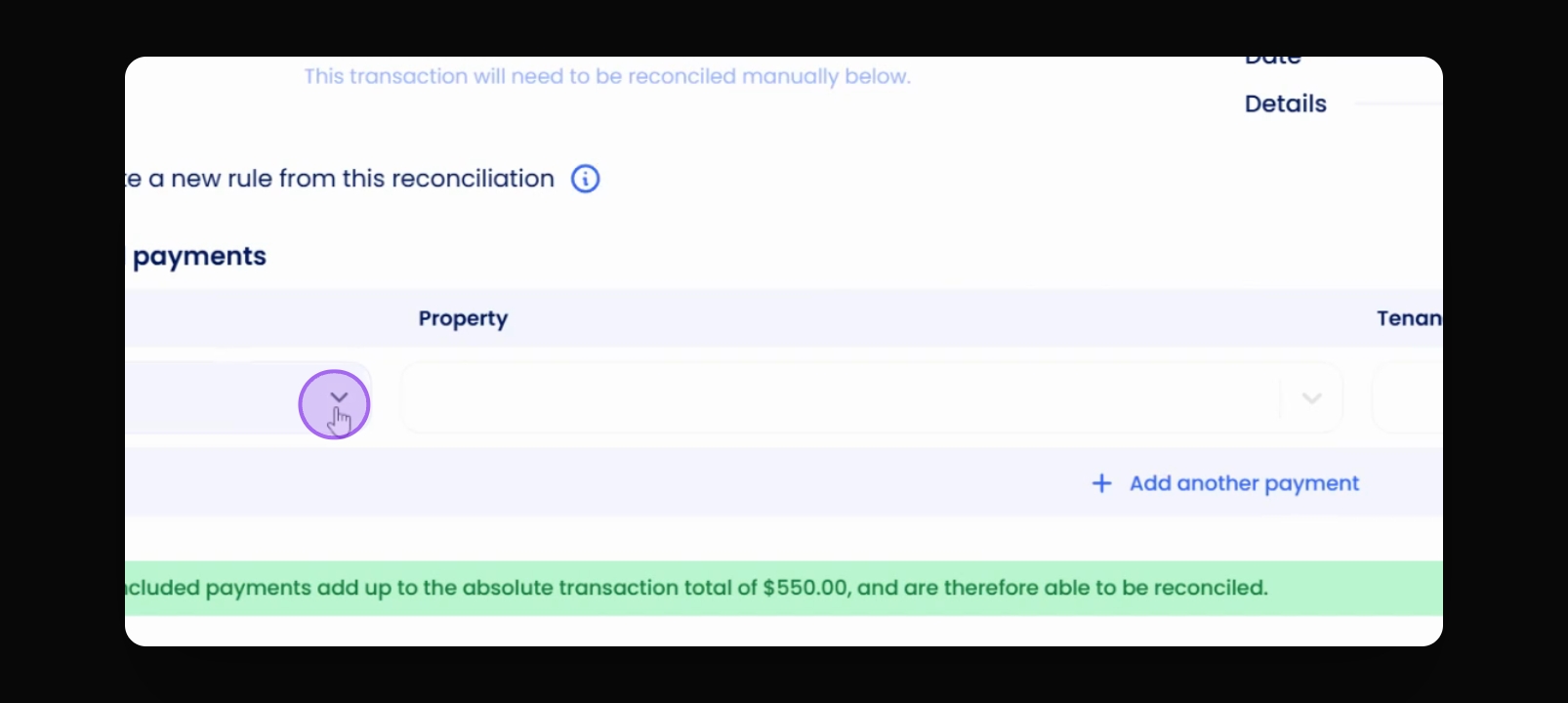
Determine where the funds will be allocated.
Change the amount designated for rent to $50.
Step 3: Add Additional Payments
Find the tenant invoices and change the amount to $300.
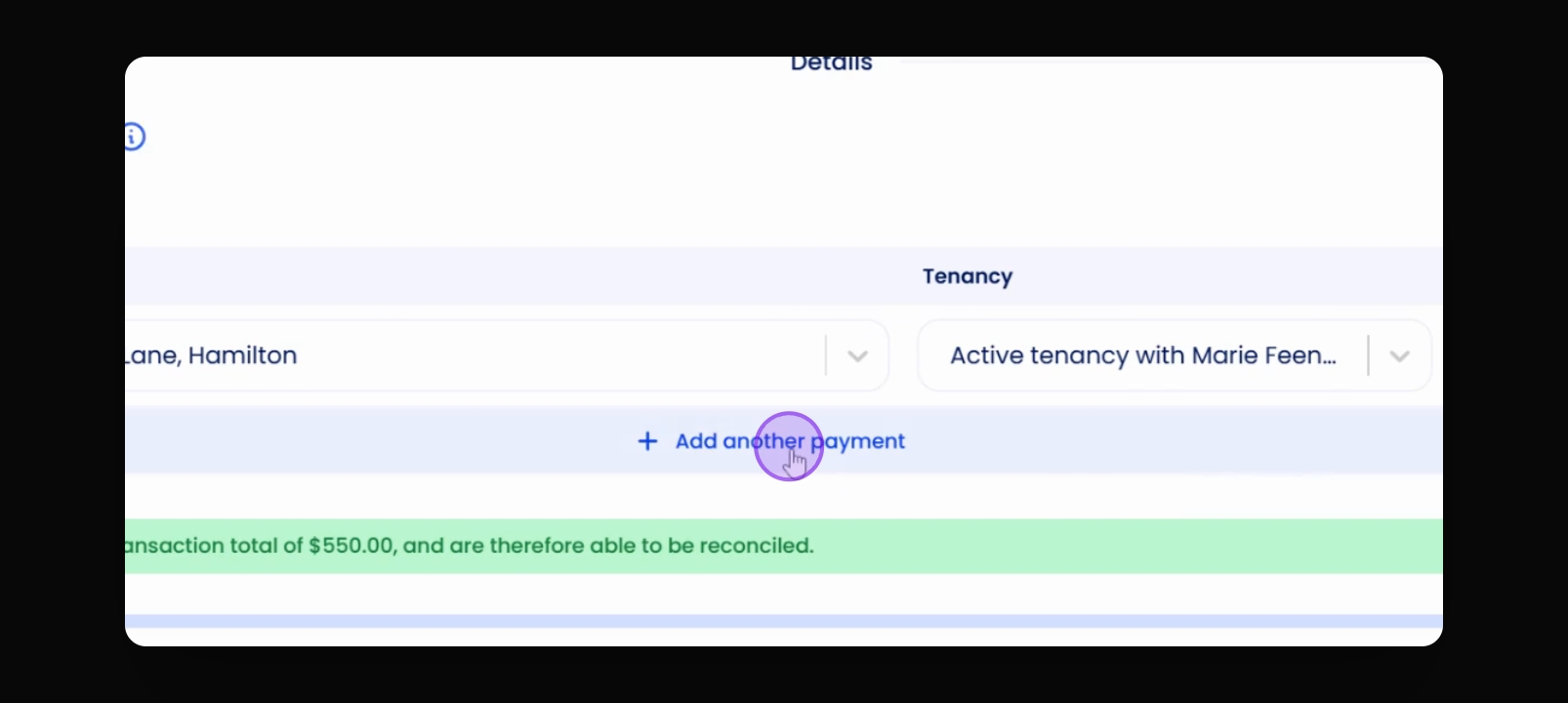
Add another invoice to account for additional tenant charges.
Ensure the total sums to $550 as indicated at the top.
Step 4: Reconcile
Proceed to reconcile the transactions.