

TL;DR
1
Access Supplier List
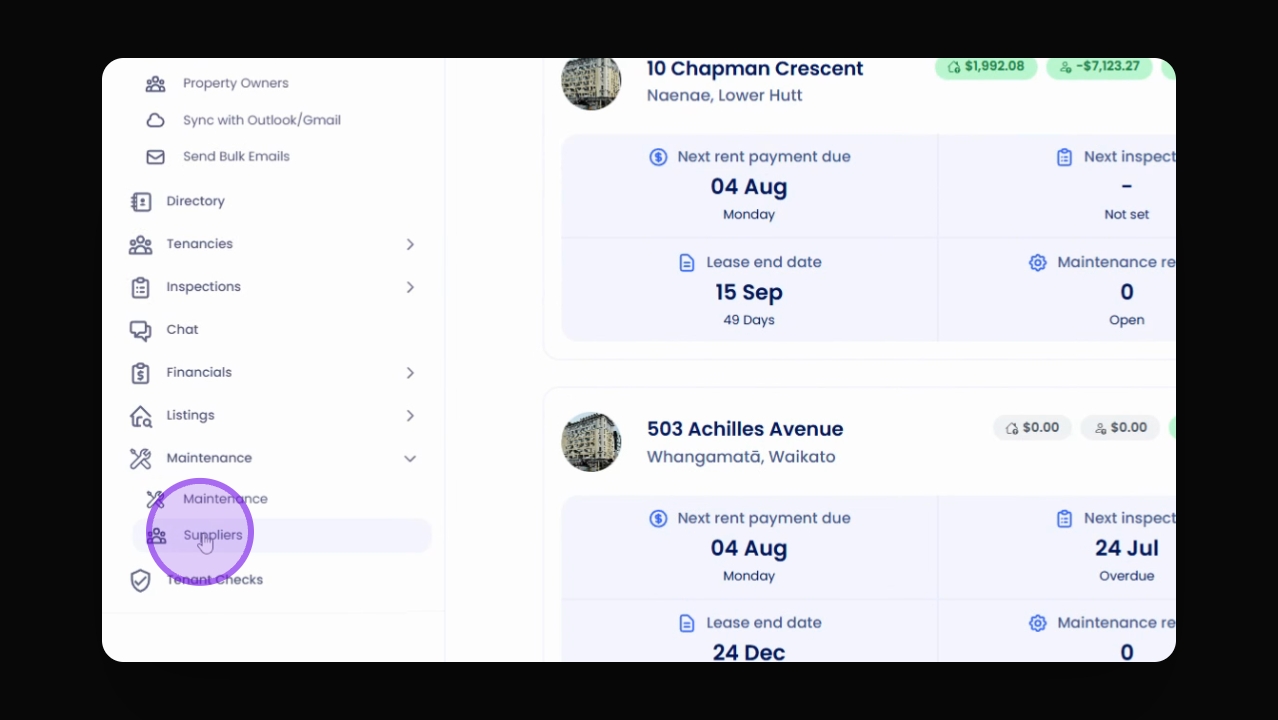
Go to Maintenance and click on Suppliers.
2
Add New Supplier
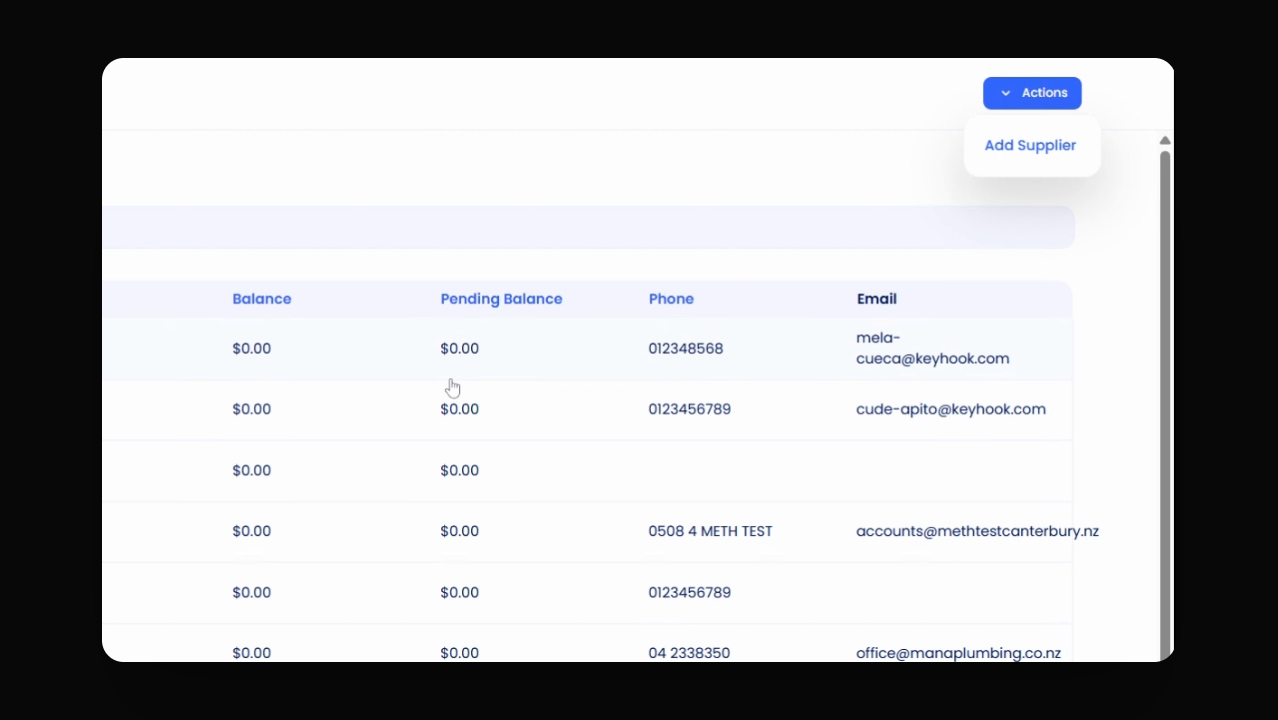
Click Actions and select Add Supplier.
3
Fill Supplier Info
Enter required details, including bank info.
4
Understand Balances
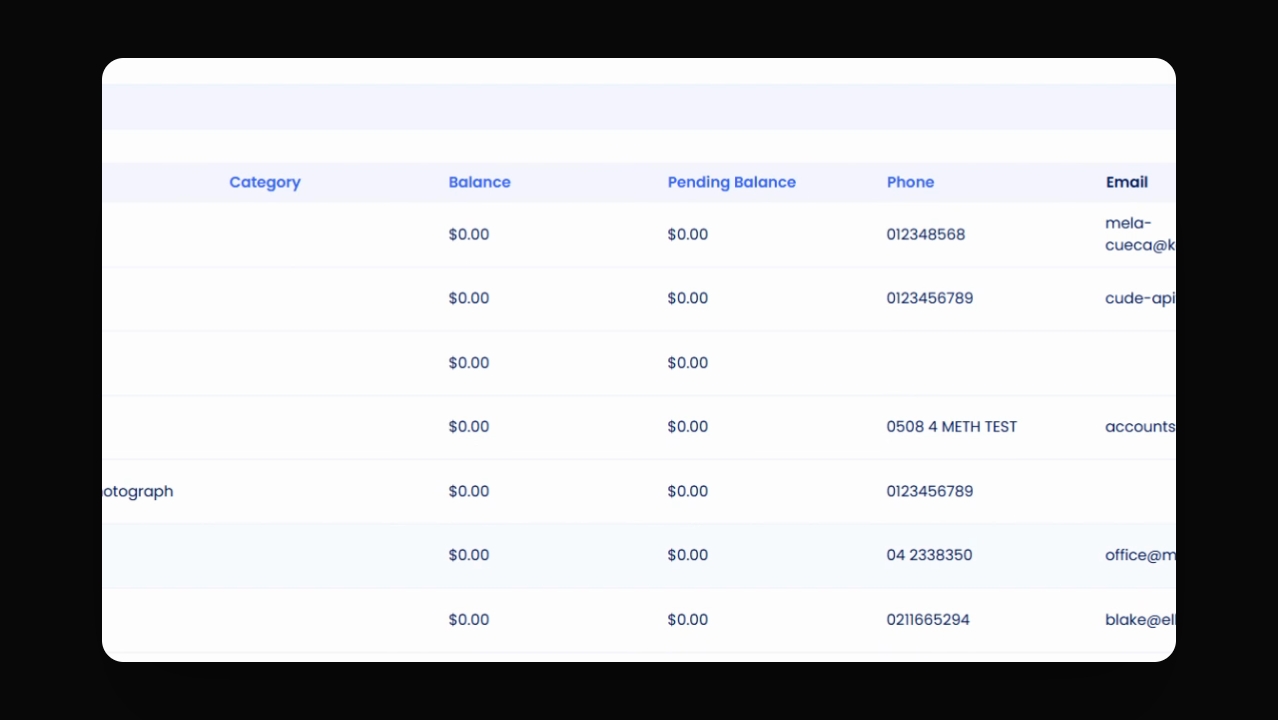
Check balance and pending balance statuses.
5
Review Categories
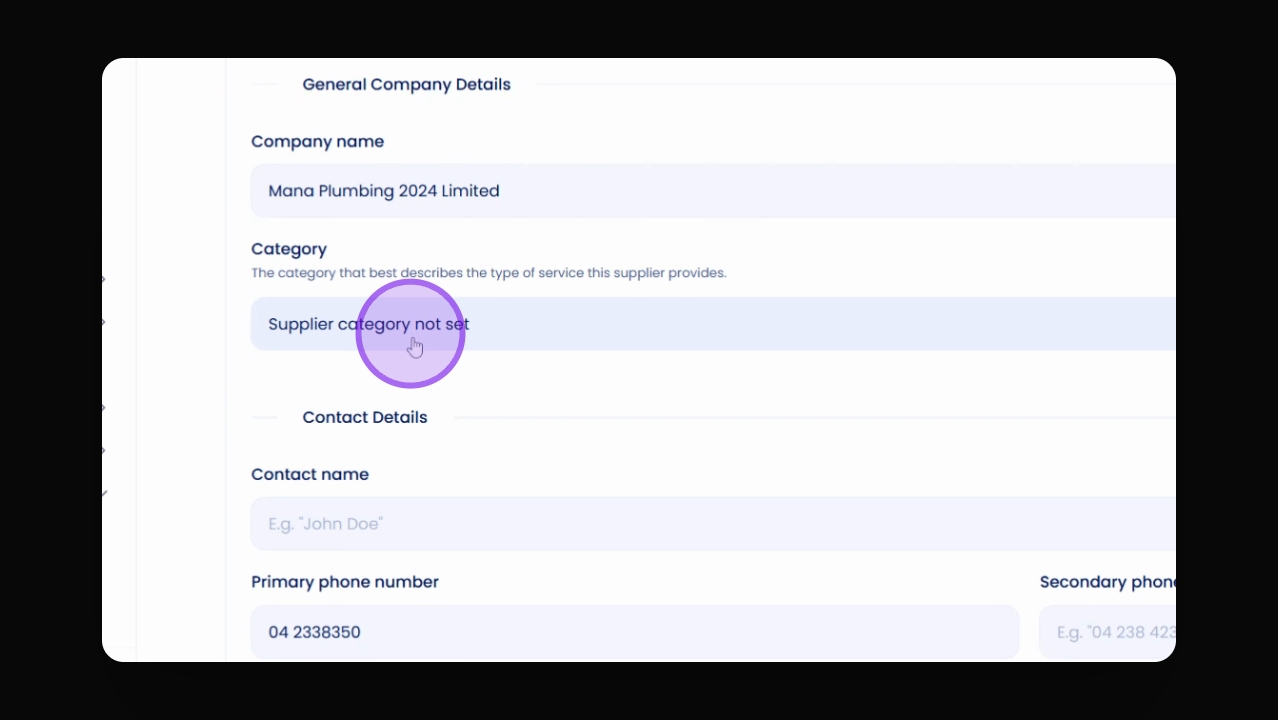
Enter service categories for tracking.
Let's Do It Together!
Step 1: Access Suppliers
Navigate to Maintenance and click on Suppliers to view your current suppliers.
Make sure your supplier list is current for efficient maintenance.
Step 2: Add a New Supplier
Click on Actions and select Add Supplier to enter new supplier details.
Step 3: Fill in Supplier Information
Provide all necessary information for the supplier on the form.
Ensure to include the Bank Account Name and Number.
The system will notify you if the bank account number is invalid.
Optionally, toggle the setting to avoid maintenance fees for this supplier.
Step 4: Understand Supplier Balances
Balance indicates available funds for payment to the supplier.
Pending Balance means an invoice is submitted but lacks sufficient funds.
Pending funds will transition to balance once cleared.
Step 5: Review Supplier Categories
Enter the Category of service for tracking on owner's statements.
Fill in any custom fields required for the supplier.
Troubleshooting
Invalid bank account number
Check the format and ensure all digits are correct.
FAQ
How do I update supplier info?
Edit the supplier details directly in the supplier form.
What if a supplier has no fees?
Toggle the option to avoid maintenance fees for that supplier.