

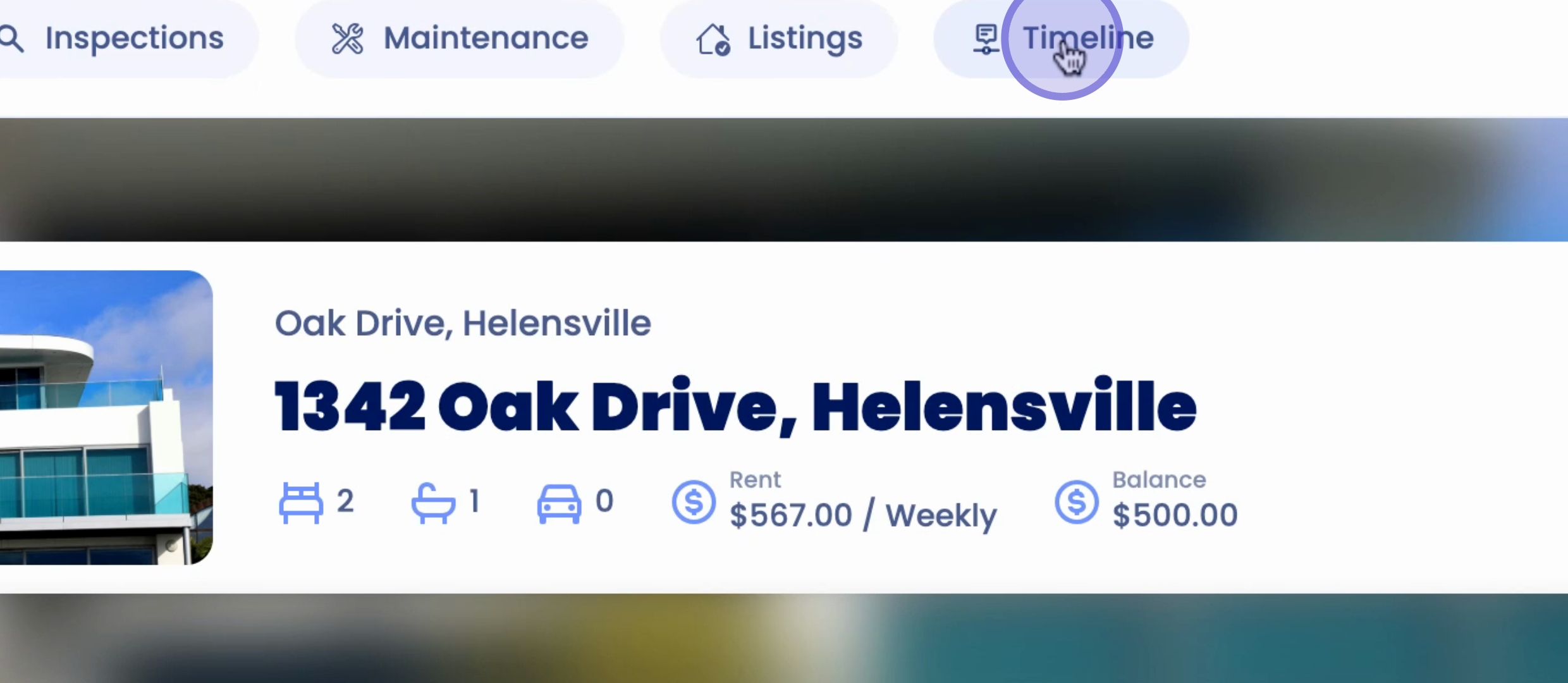
To access a property timeline, begin by navigating to any property overview. Then, select Timeline located at the top of the page.
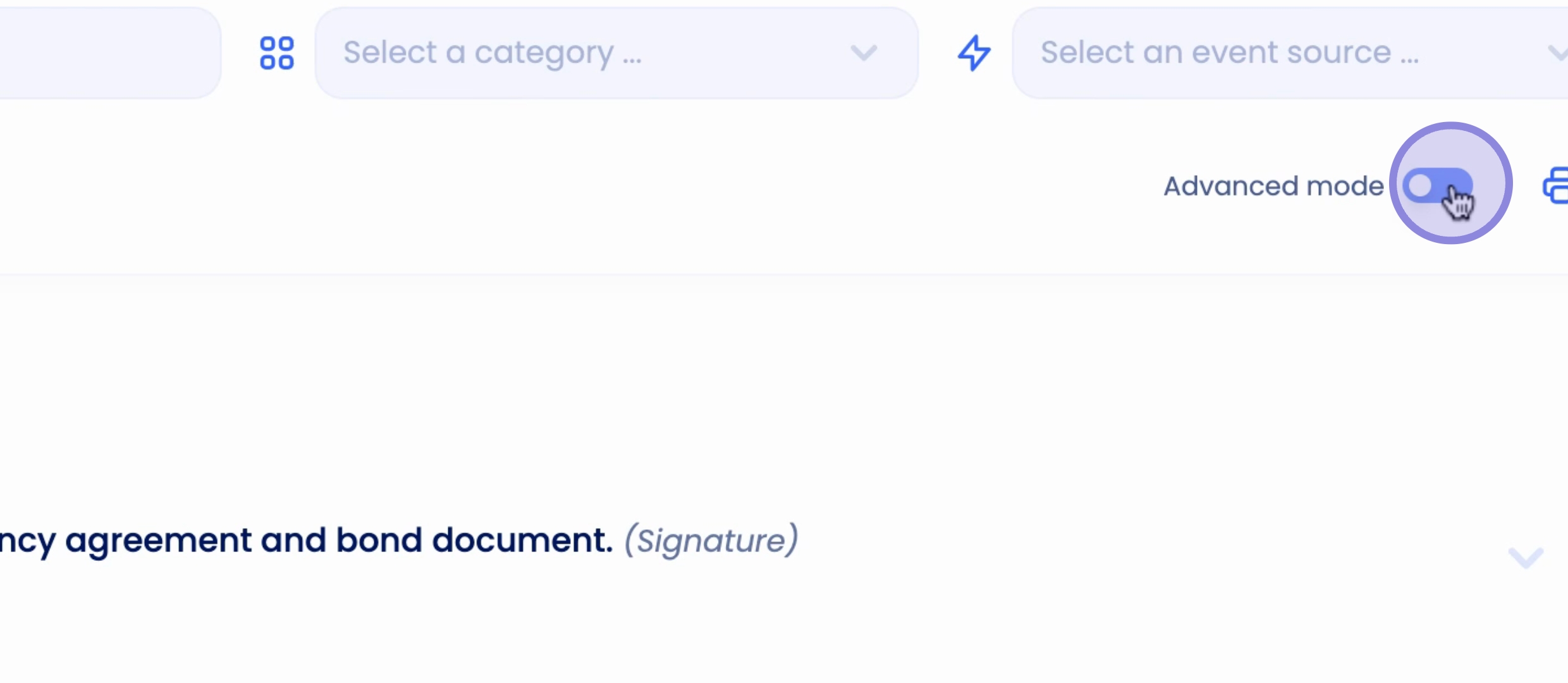
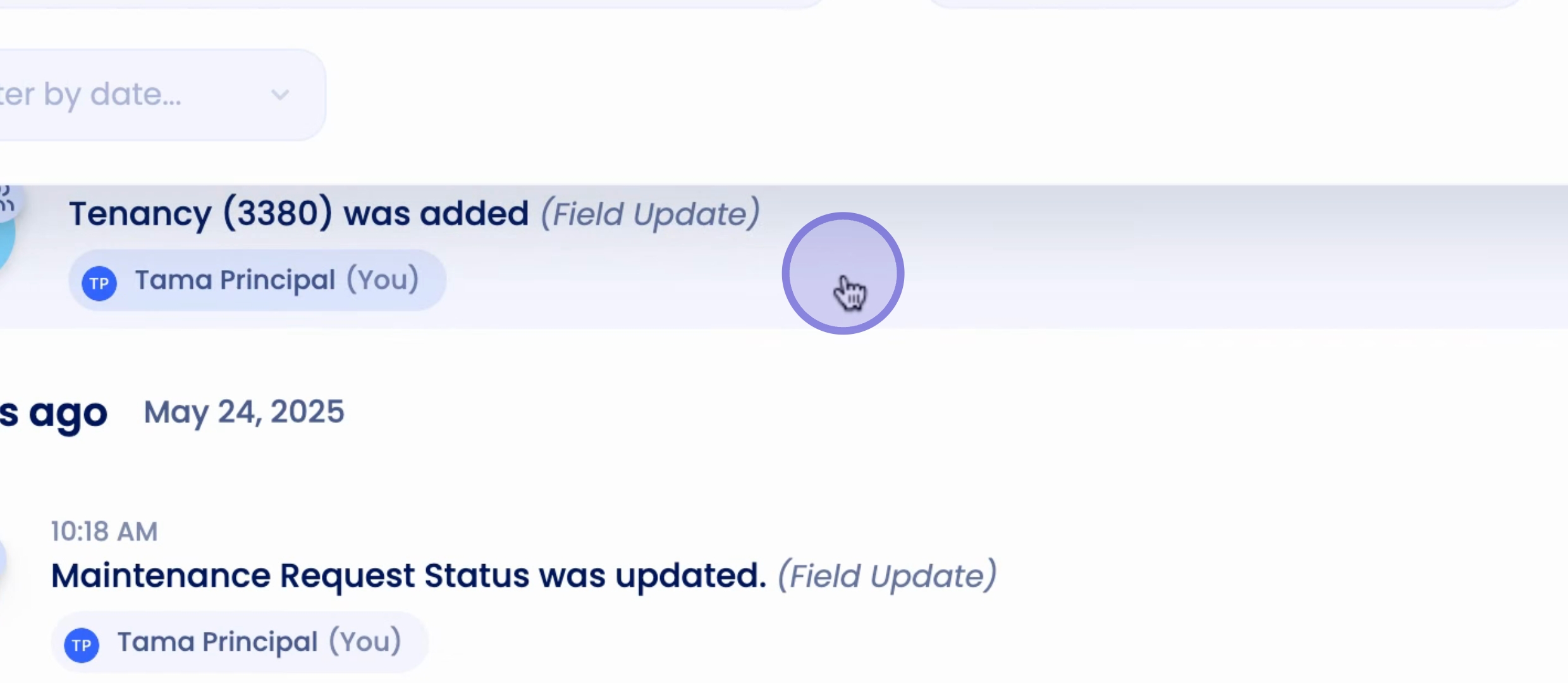
In the Standard View, you can observe tenant actions such as signatures, as well as any correspondence including emails, phone calls, and notes. Alternatively, you can switch to Advanced Mode to view detailed information, including updates to the tenancy and any changes made.
Another feature available with timelines is the ability to print. Click on the print icon to select all events from the current scope or manually choose specific events. After making your selections, simply click Continue and then Print.
By following these steps, you can effectively navigate and utilize property timelines on Keyhook.