

Step 1: Go to the Property Owners Table
Navigate to the Property owners table and click on the Archived tab.
Step 2: Select Archived Owner
Click on the archived owner you want to unarchive.
Step 3: Unarchive Owner
In the Actions button at the top right corner, click Unarchive.
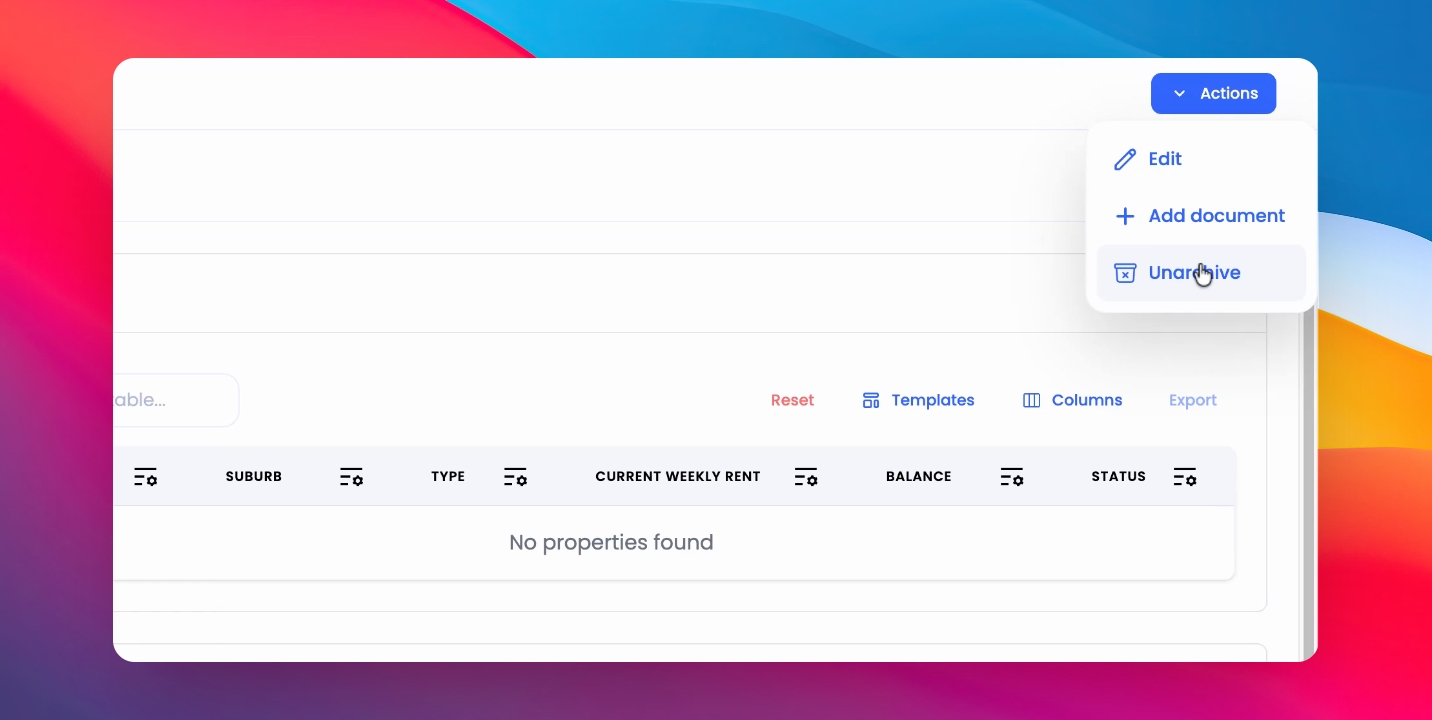
This will move the owner back into the active owners table.