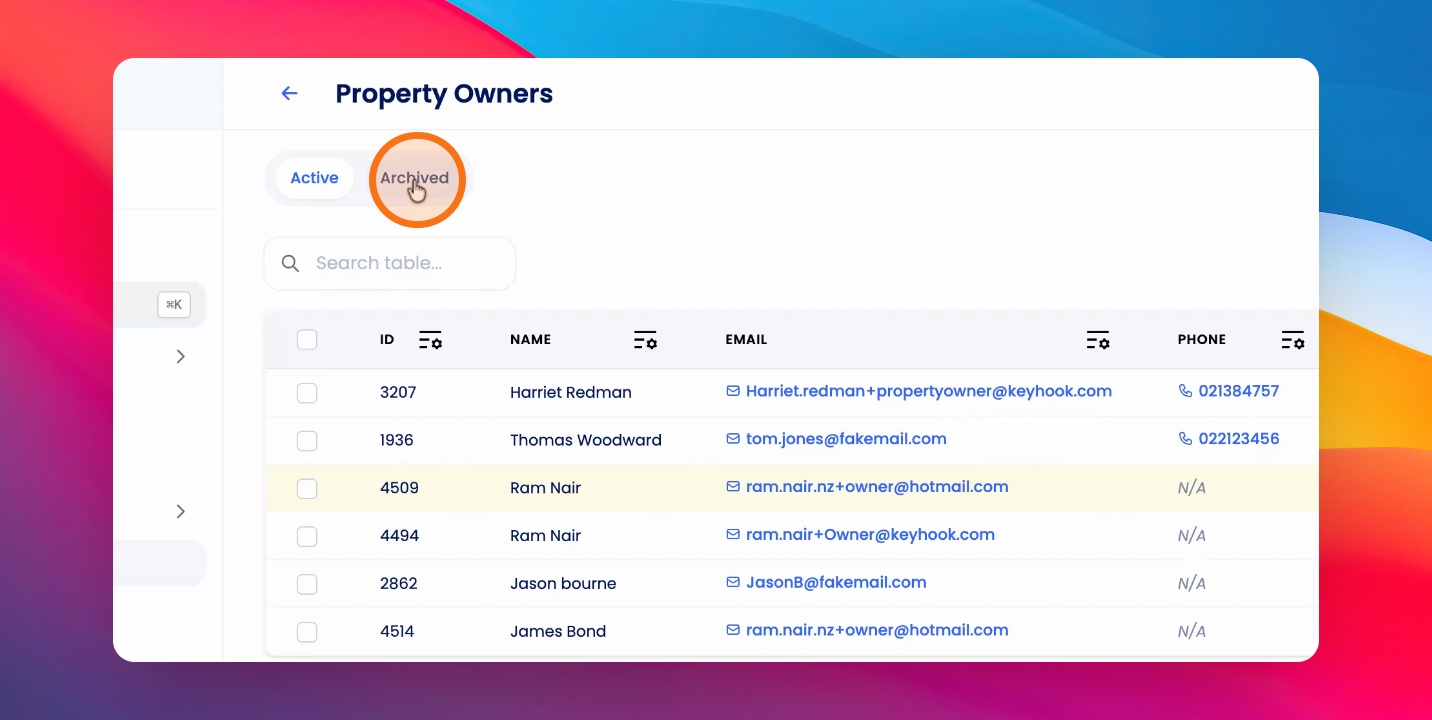
To archive an owner, visit the relevant owner that you would like to archive. Let's look at the steps:
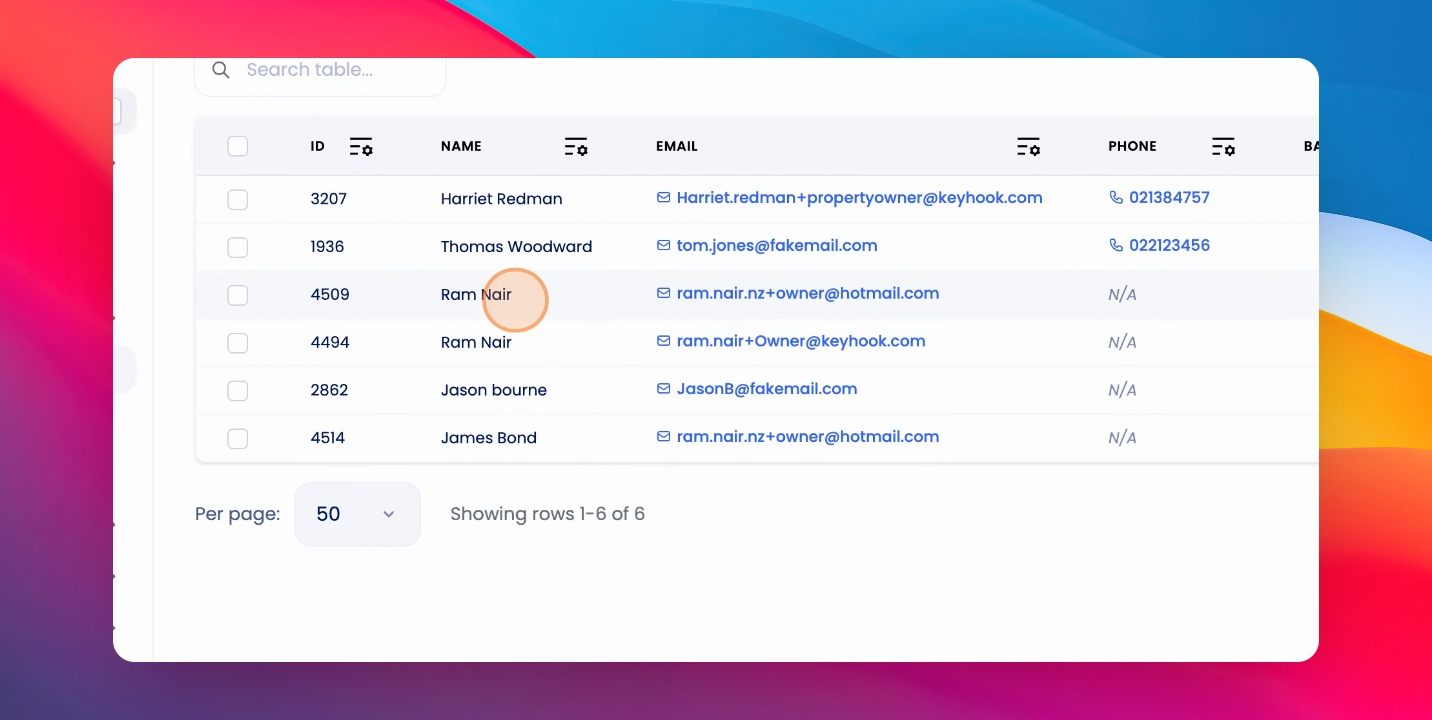
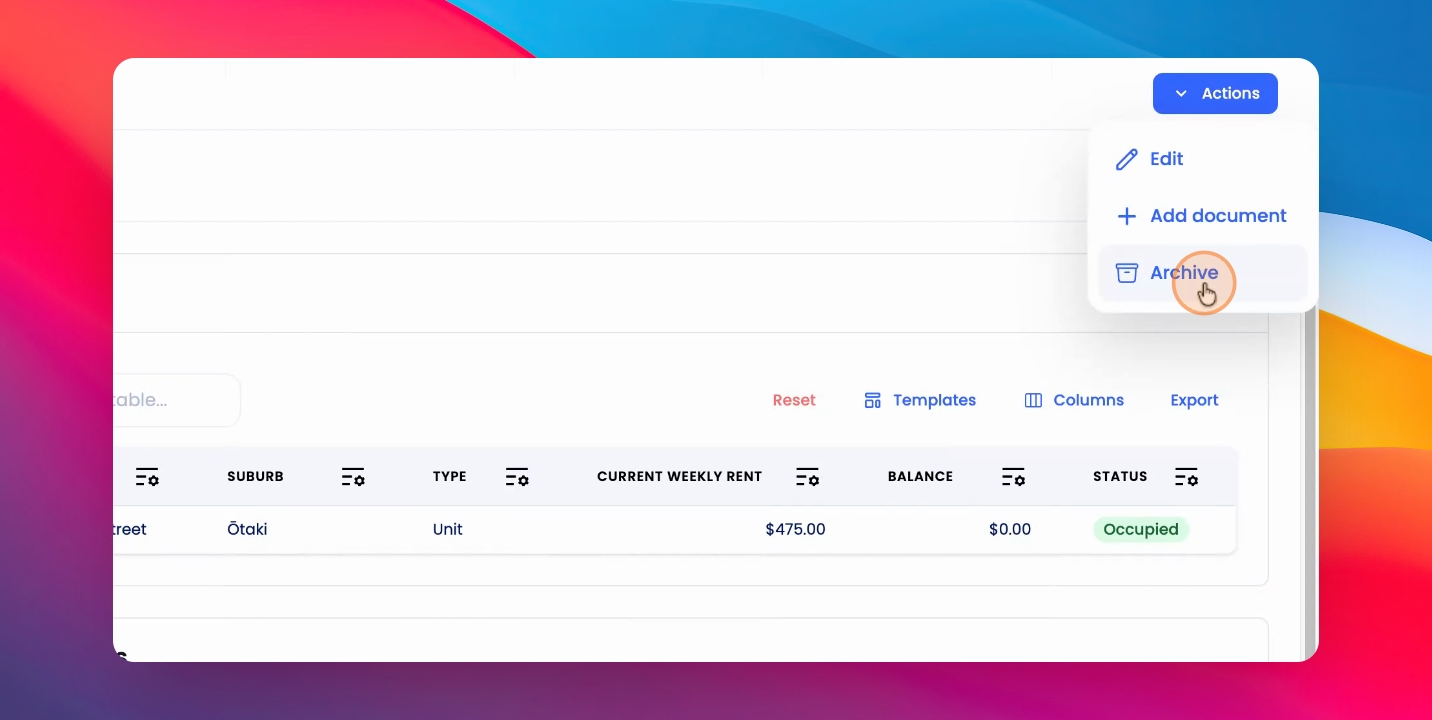
Step 1: Click Actions
Click on the Actions button at the top right hand corner and click Archive.
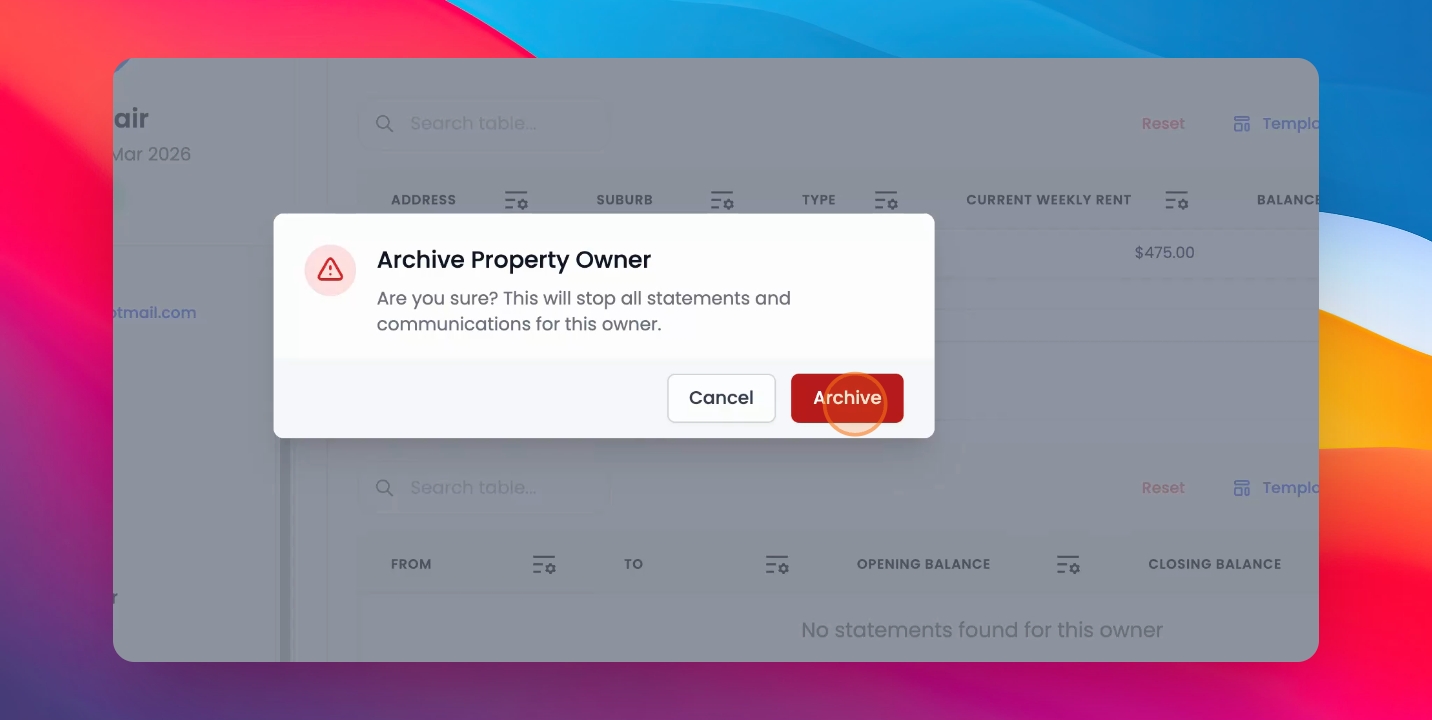
Step 2: Confirm Warning
You'll receive a warning to confirm. Click Archive again.
If an owner has active properties or a balance, you will not be able to archive the owner.
You will have to reassign any active properties and clear out any balance on the owner before you are able to archive.
Step 3: View Archived Owners
To view archived owners, go to the Property Owners table and click on the Archive tab.