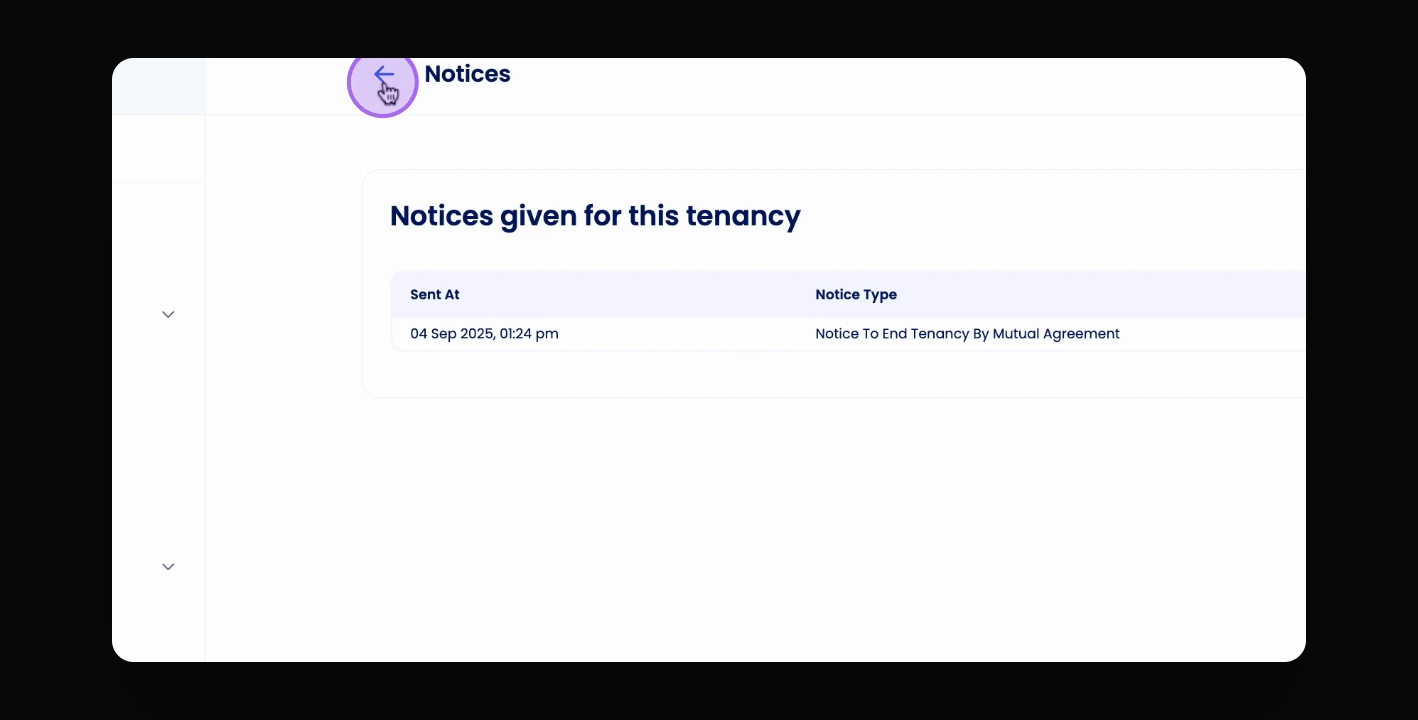
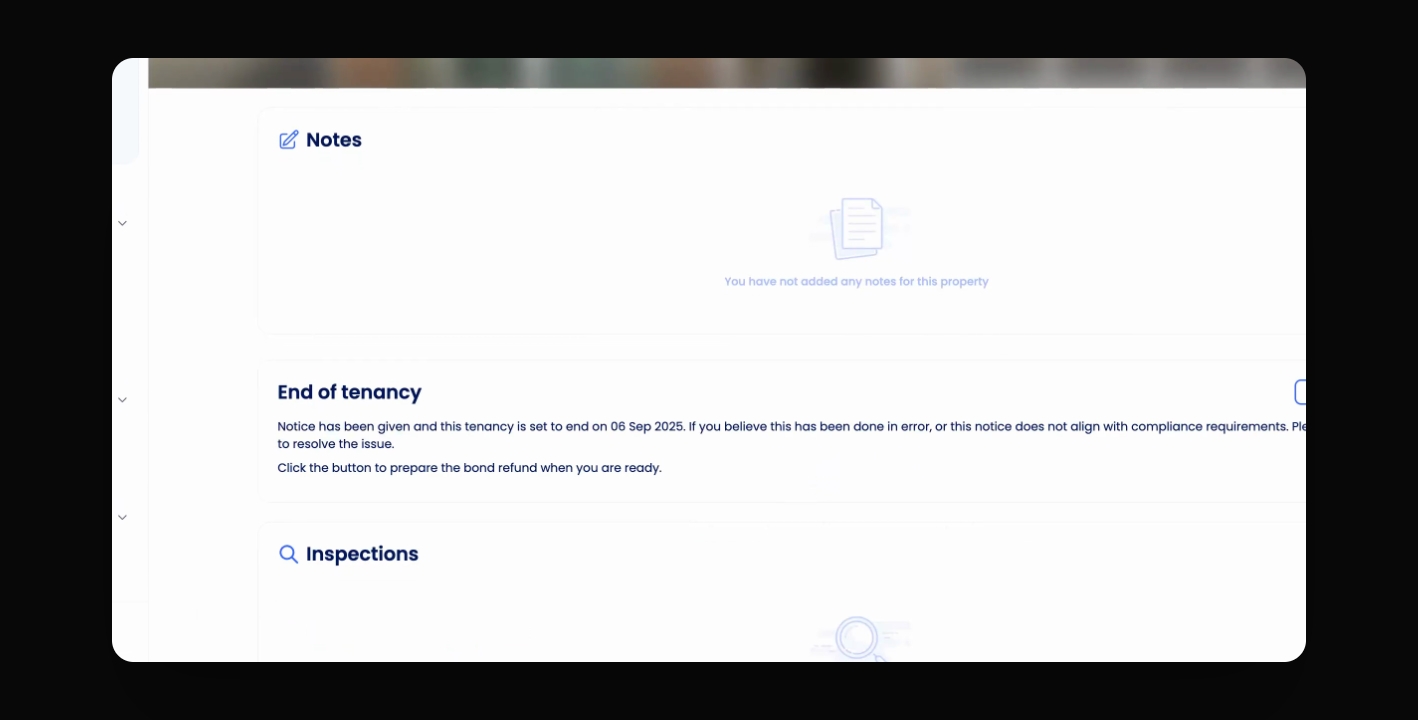
TL;DR
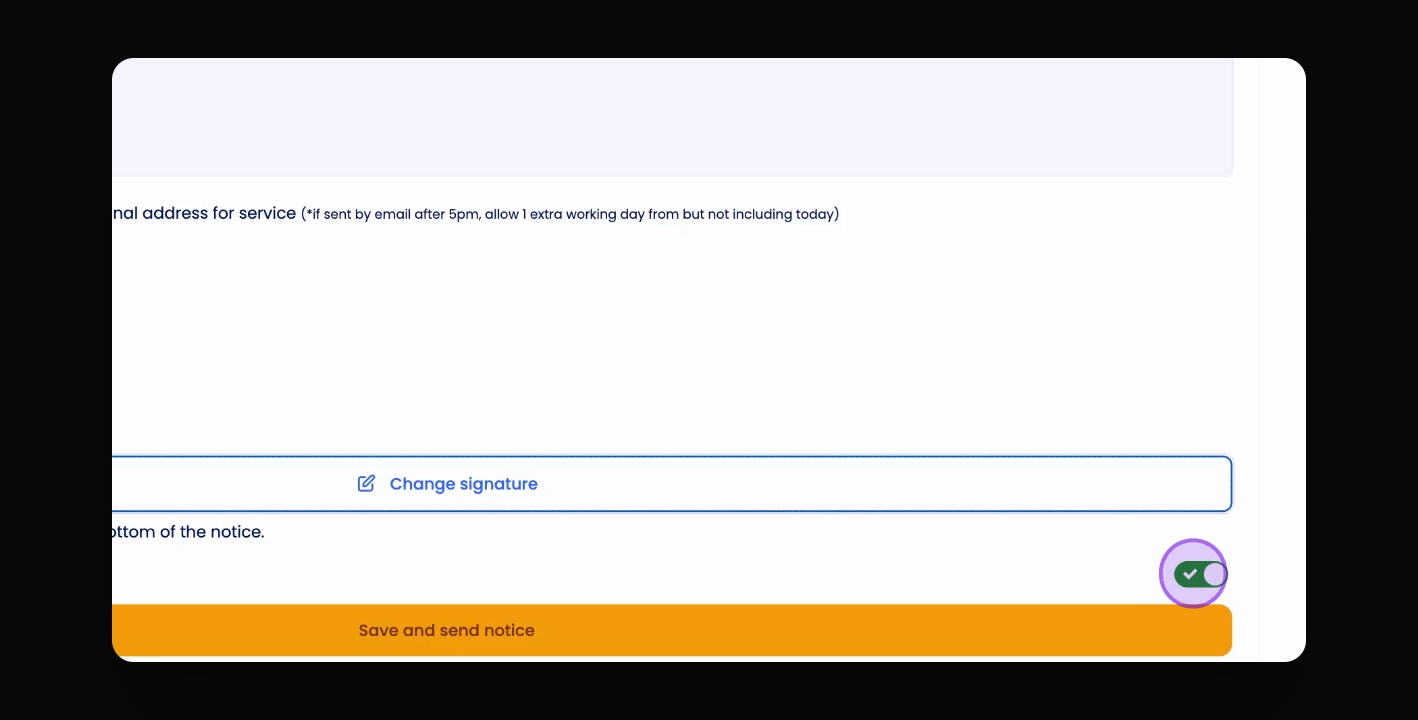
If you need to add the Tenancy End Date without notifying the tenant, if, for example, they were brought over in a migration and should have a Tenancy End Date showing. In step 4, toggle off 'Send notification to other party' to update the tenancy without sending a notice
Let's Do It Together!
Step 1: Access the Property Actions
Go to the property.
Select Actions at the top right corner.
Navigate down to Give Notice.
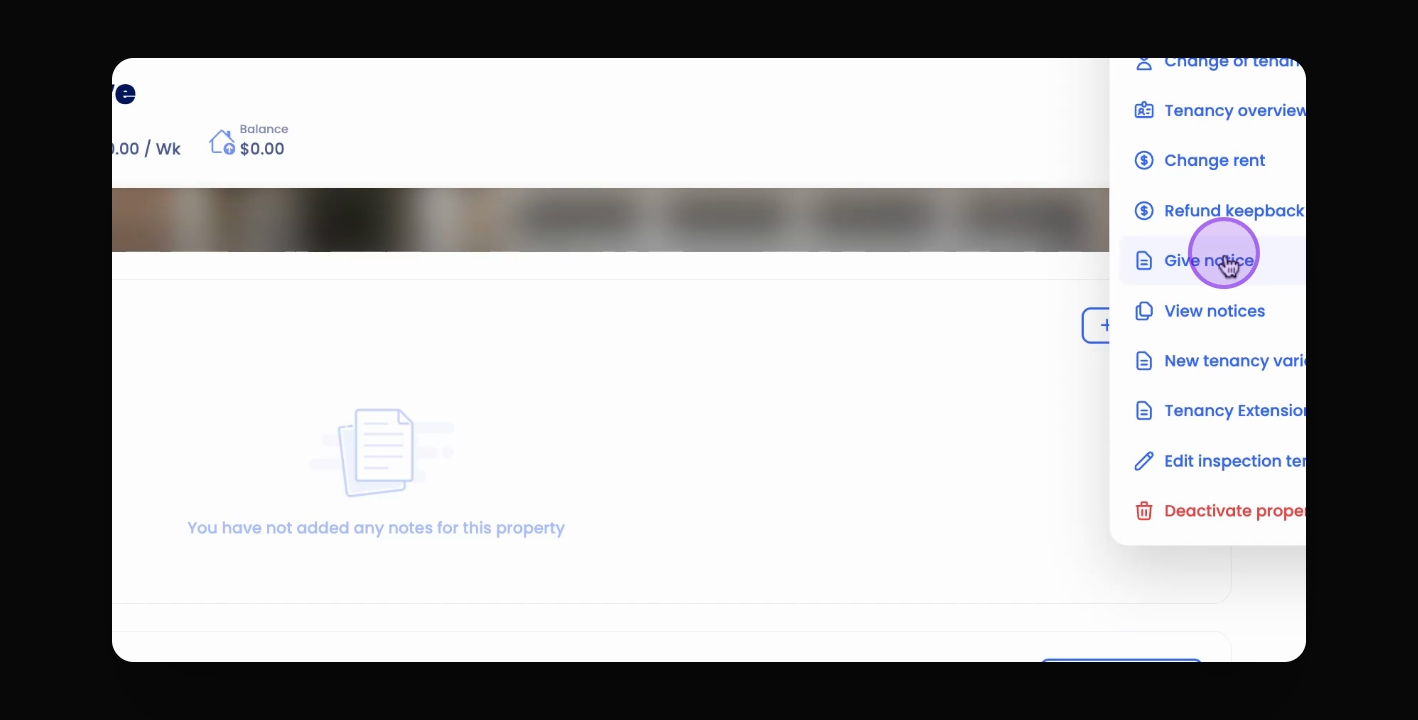
Step 2: Choose the Notice Type
From the drop down menu, select a notice type e.g. Notice to end Tenancy by Mutual Agreement.
Select the desired end date of the tenancy.
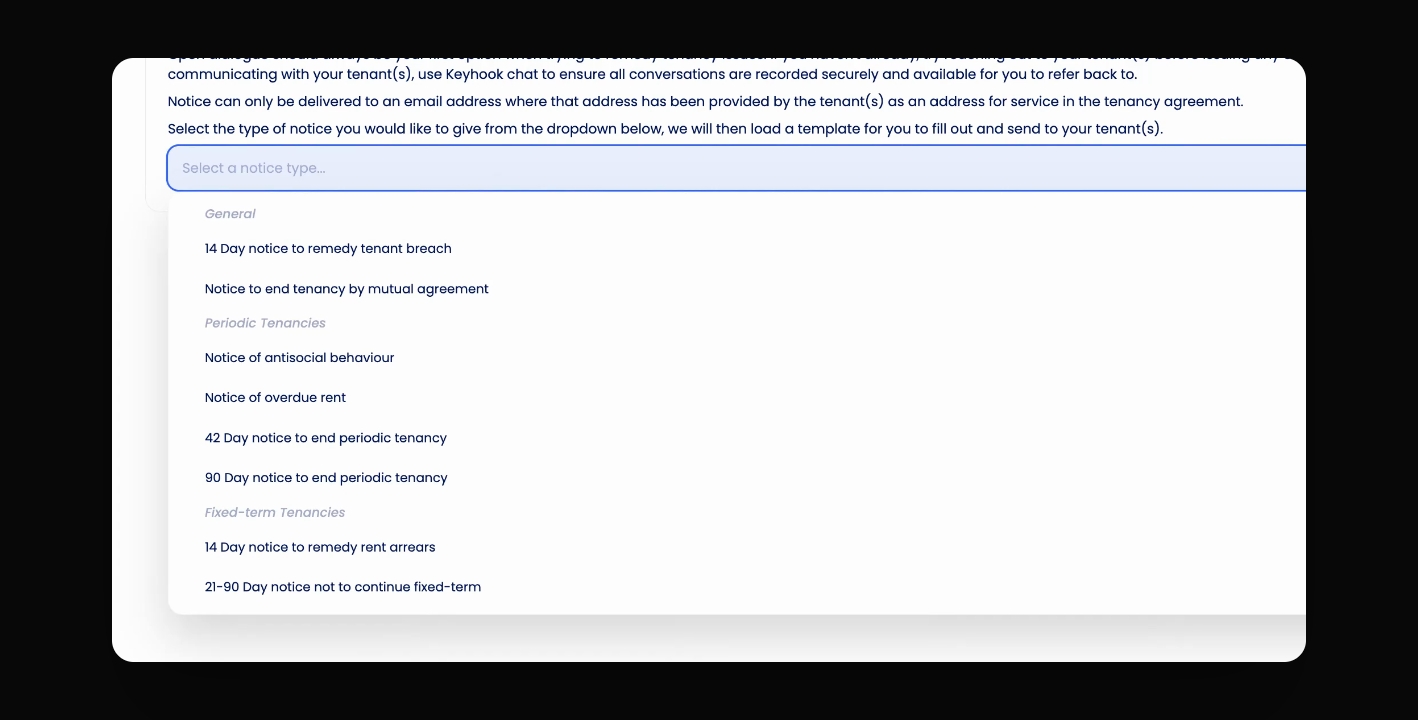
Step 3: Edit and Sign the Template
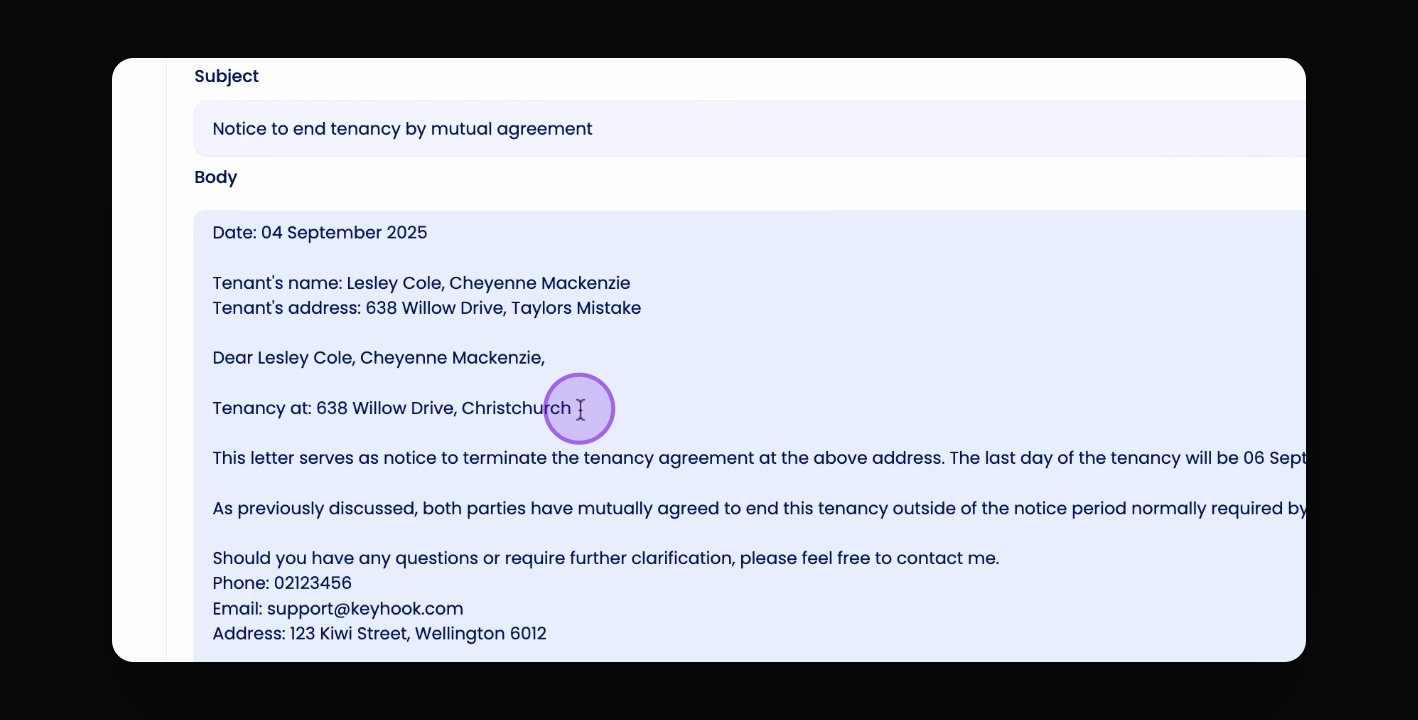
A template will appear for you to edit.
Edit the template as needed, then scroll down and sign the document.
Step 4: Send or Save the Notice
If you want to send the notice to your tenant, click Save and Send Notice.
If you do not want to send the notice, toggle off Send notification to other party and click Save Notice and Confirm.
Step 5: Confirm End of Tenancy
Return to the property to confirm that the end of tenancy has been created.