

Let's do it together!
Step 1: Navigate to Property
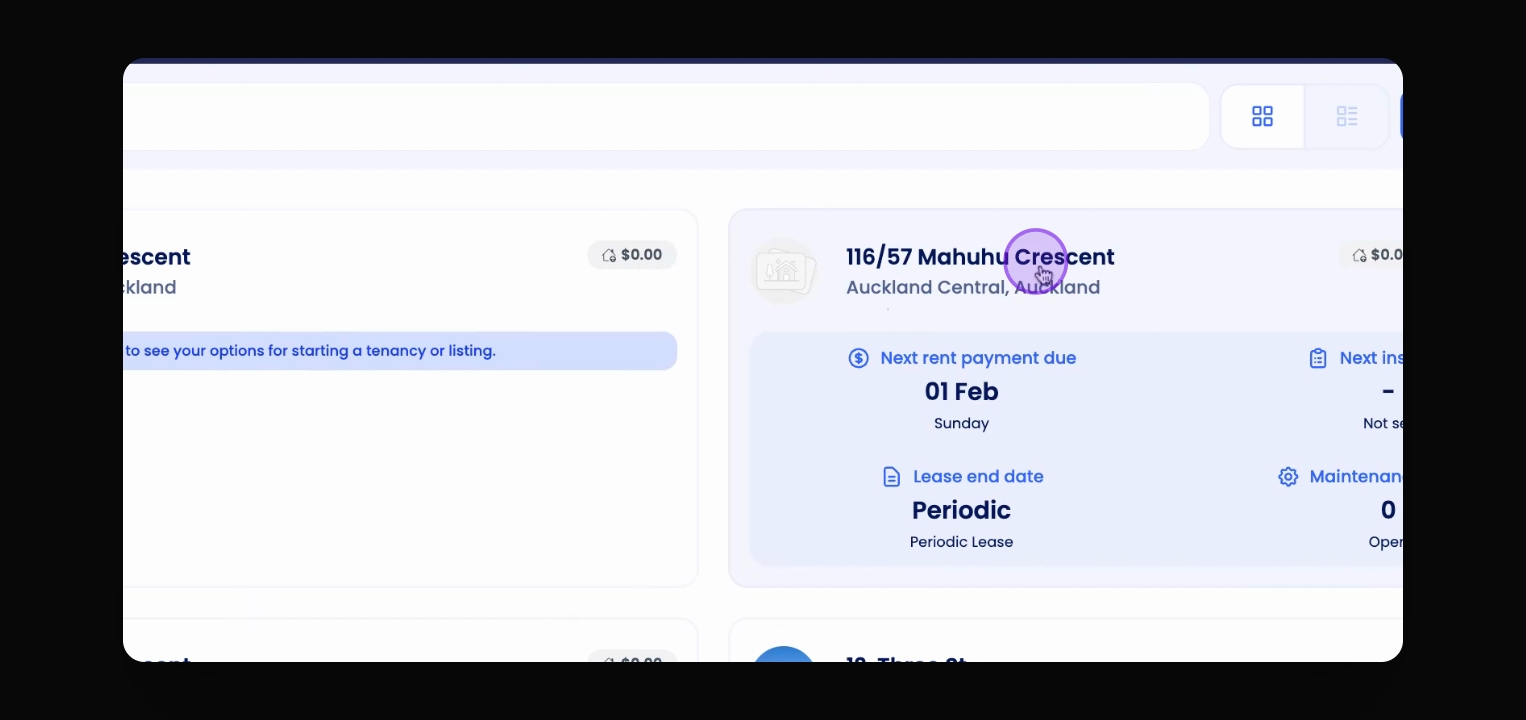
Go to the property that you want to select and switch the tenancies.
Step 2: Access Tenancy Section
On the property overview page, locate the Choose a Tenancy section.
Step 3: View Tenancies
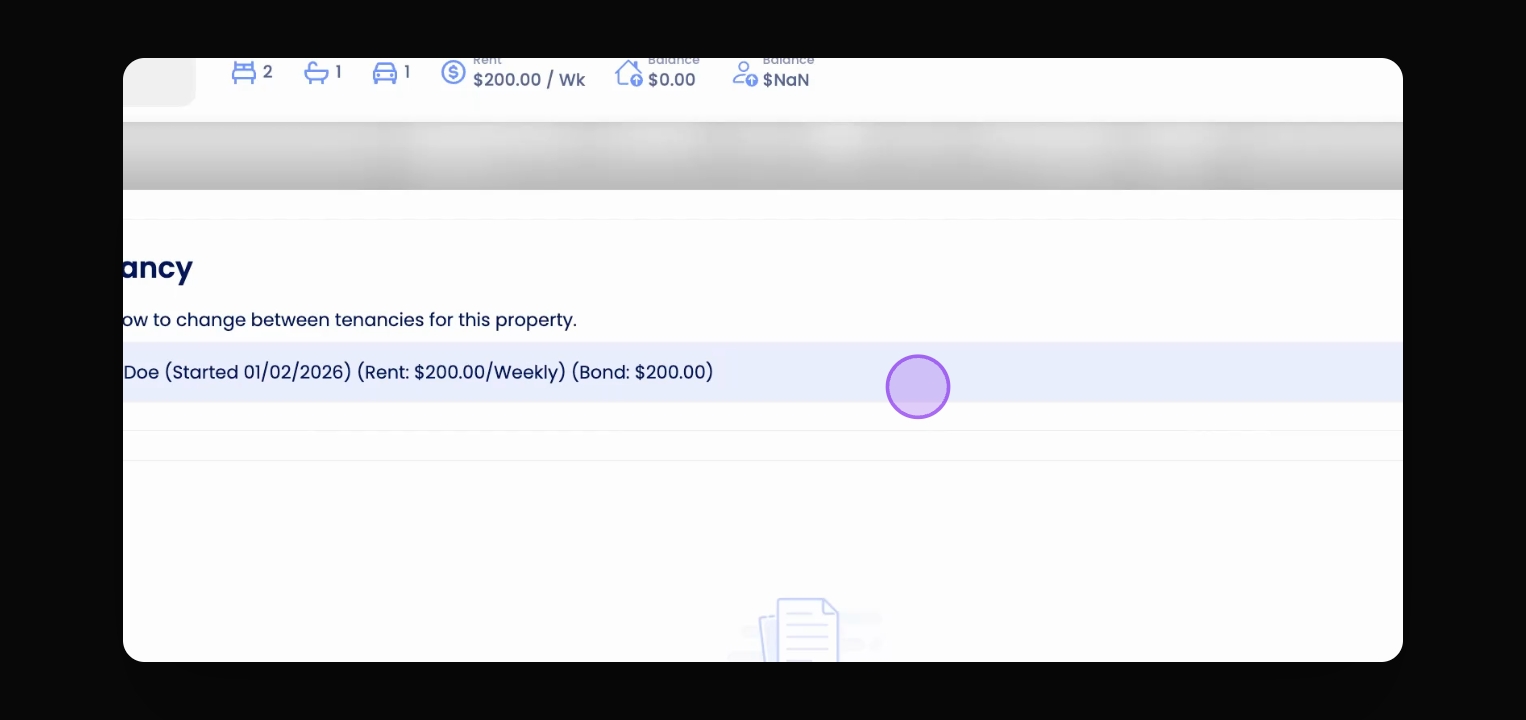
Click on the tenancy to see drop down list with all the tenancies associated with this property.
Step 4: Switch Tenancy
To switch, click on the tenancy you wish to switch to.
Step 5: Set Up or Manage Tenancy
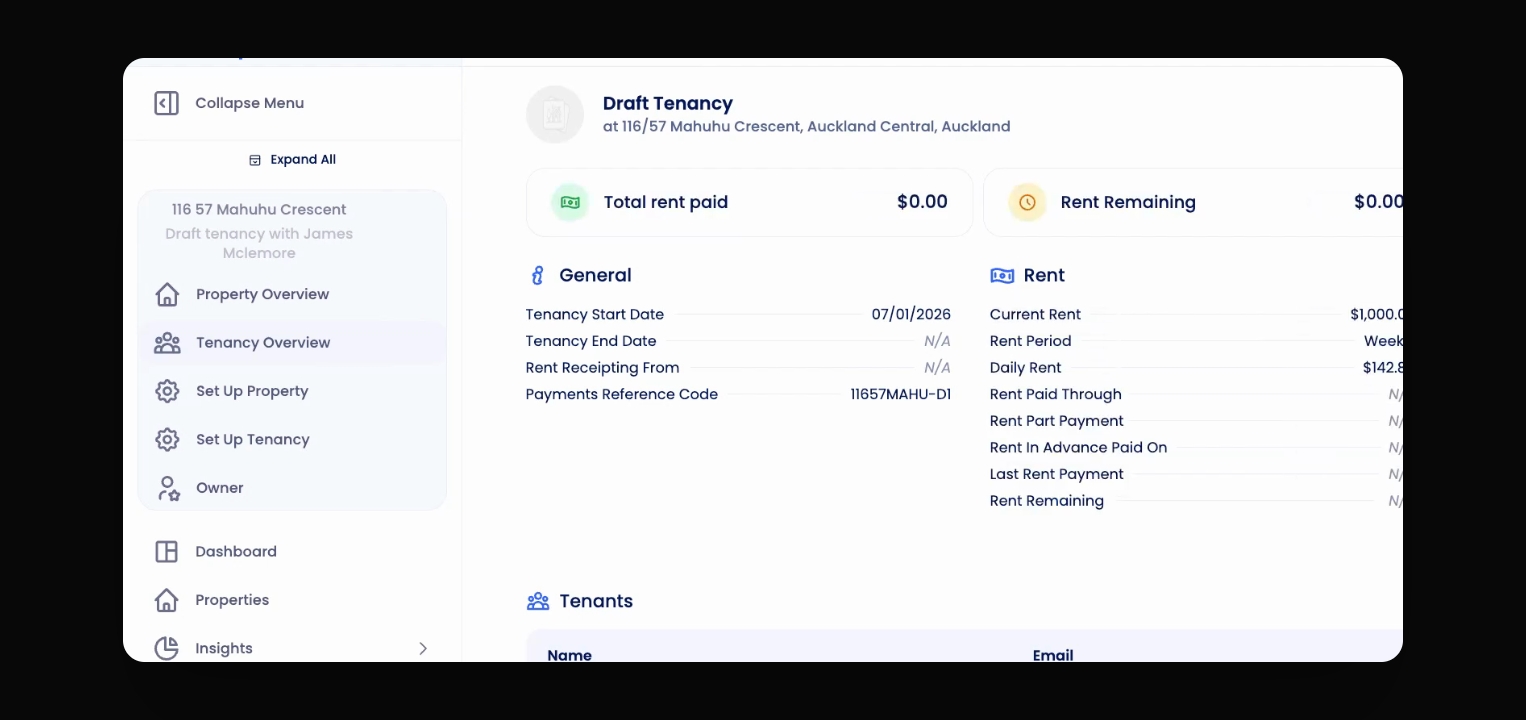
Configure the selected tenancy if needed and view the tenancy overview as requirement.
If you need more help or have any questions, just reach out to us at support@keyhook.com
— we're always here to help!