TL;DR
1
Access the dashboard
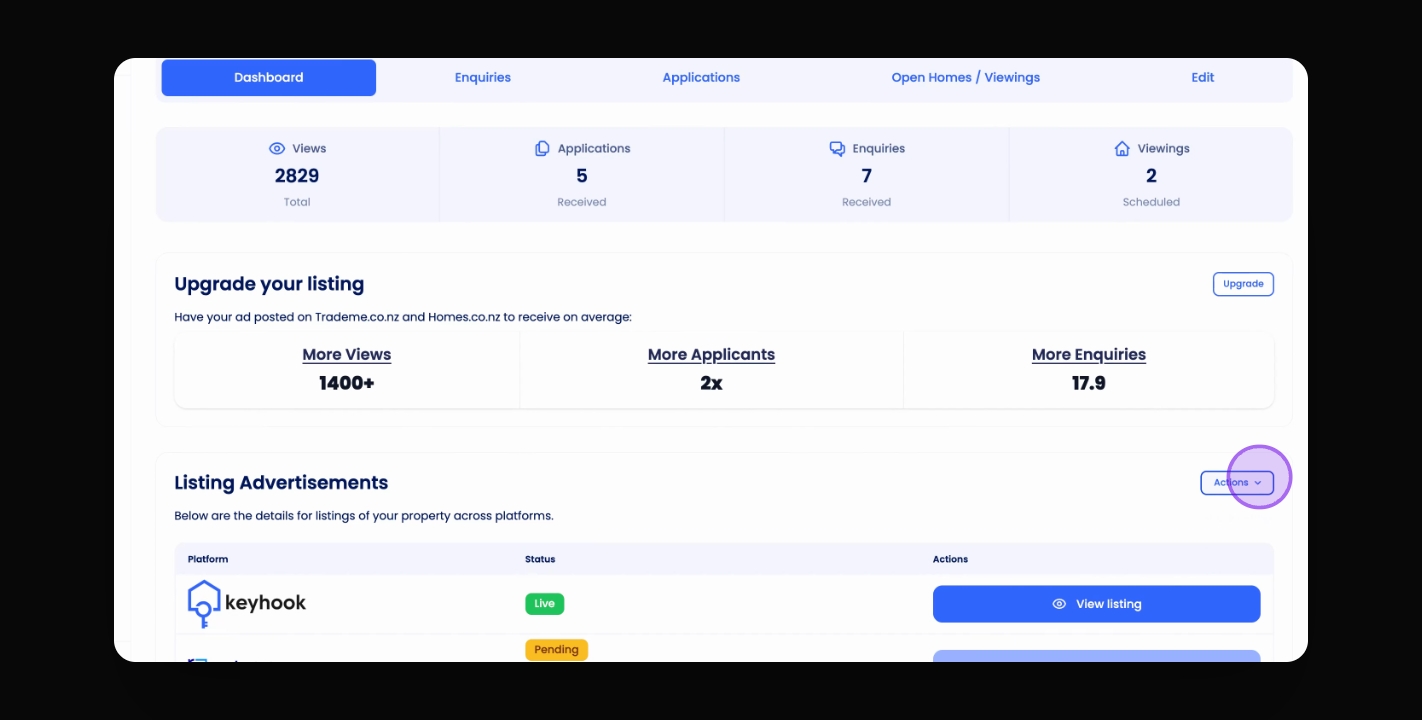
Visit the listing dashboard and click Actions.
2
Share the link
Click Share Listing and use the Copy button.
3
OR Generate QR Code
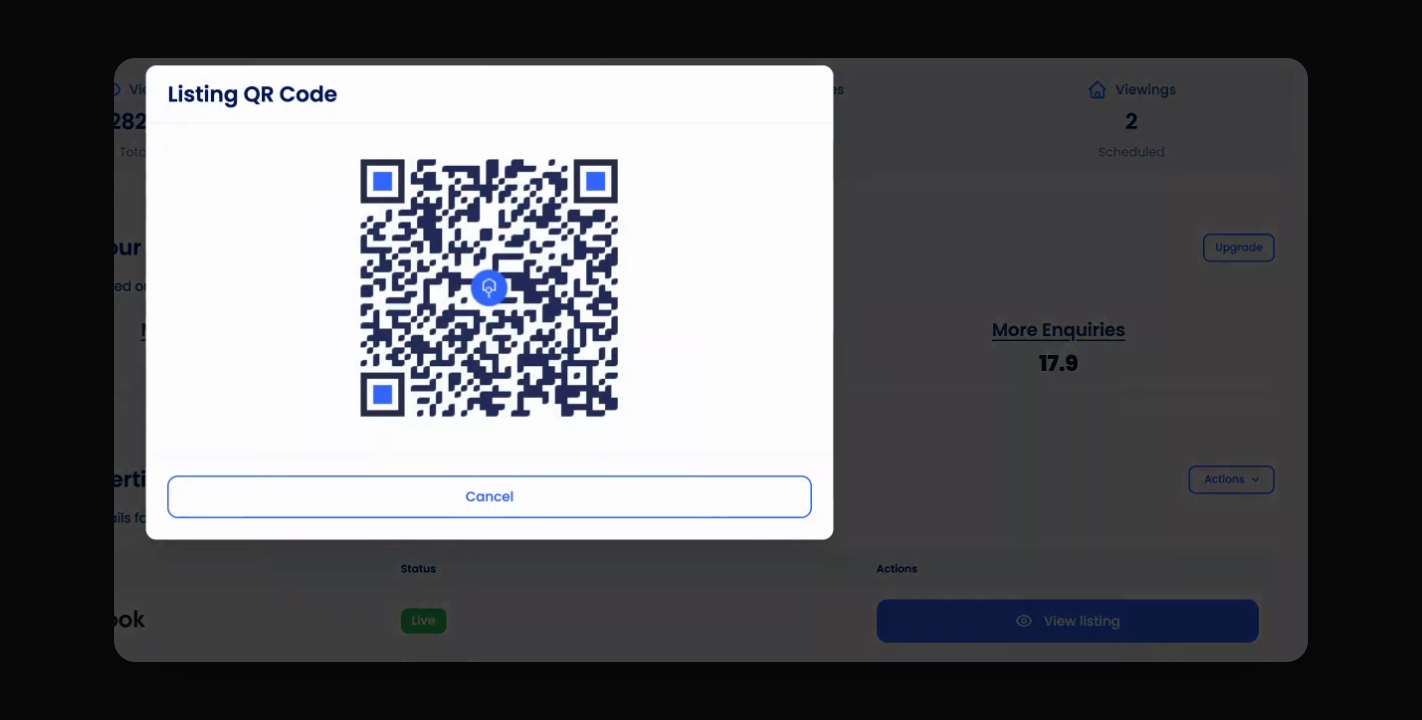
Click QR Code to create a scannable code.
Let's Do It Together!
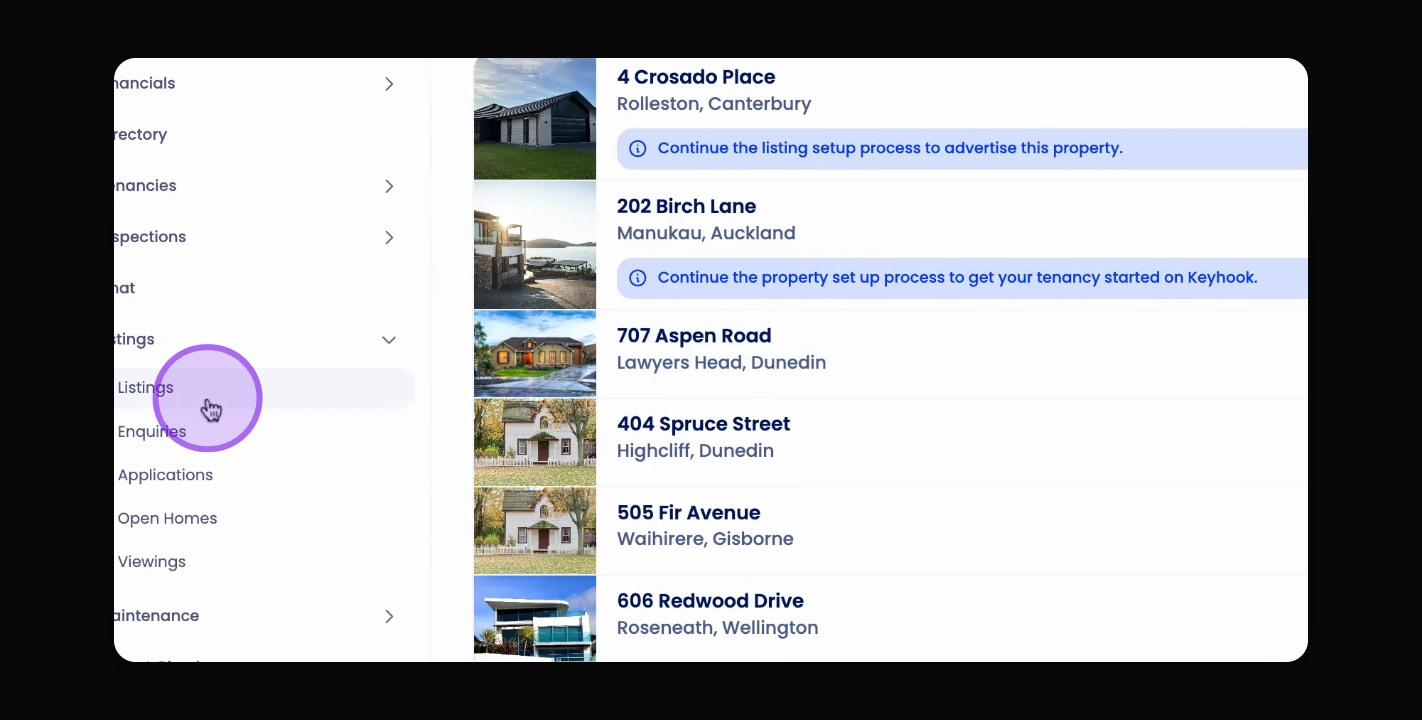
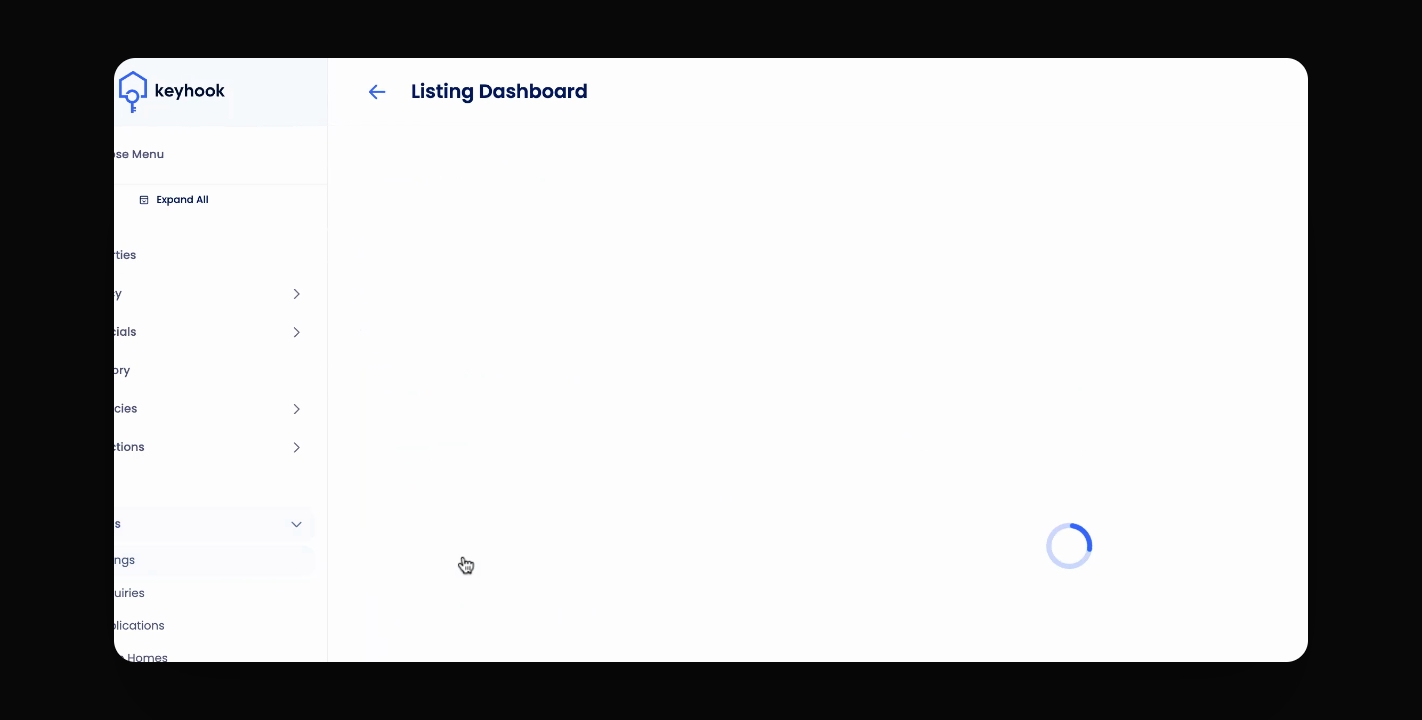
Step 1: Access the Listing Dashboard
Navigate to the listing dashboard of your choice.
Step 2: Share the Listing
Under Listing Advertisements, click Actions, then Share Listing.
Copy the direct link using the Copy button.
You now have a shareable link for your listing.
Step 3: Generate a QR Code
Under the same Actions menu, click QR Code.
A QR code will appear for potential tenants to scan.
Your potential tenants can now scan the QR code to access the listing page directly.