

Learn how to share your email account with other users to allow them to send emails on your behalf and view emails coming into your inbox. Let's look at the steps:
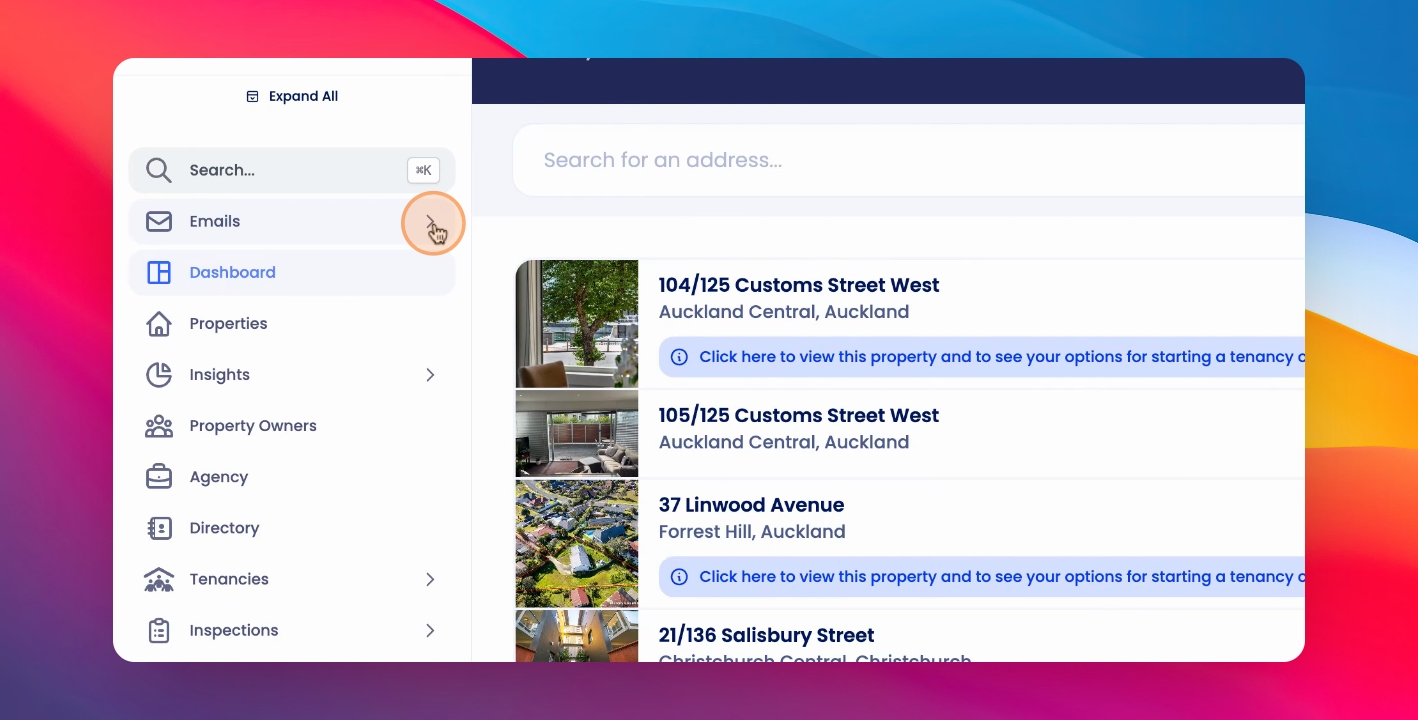
Step 1: Click Emails
Access the email settings by clicking Emails.
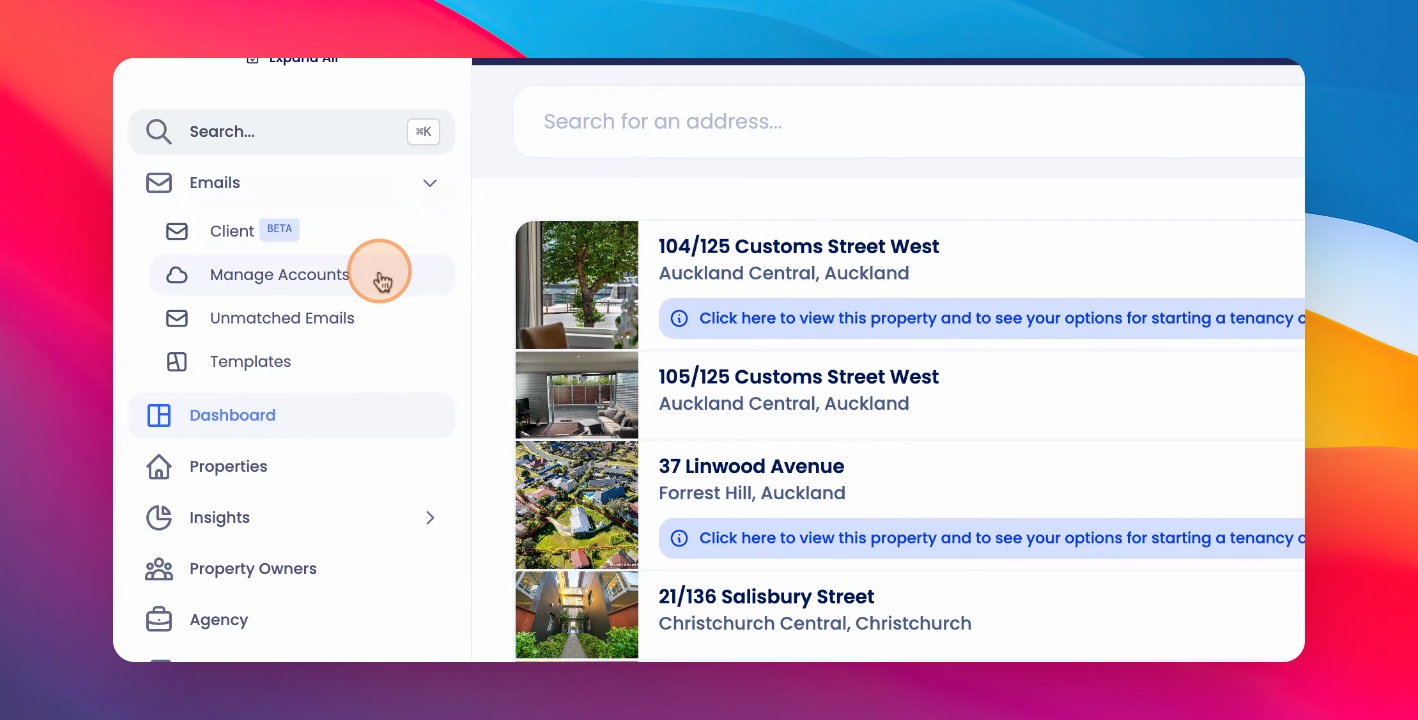
Step 2: Click Manage Accounts
In the email settings, click on Manage Accounts.
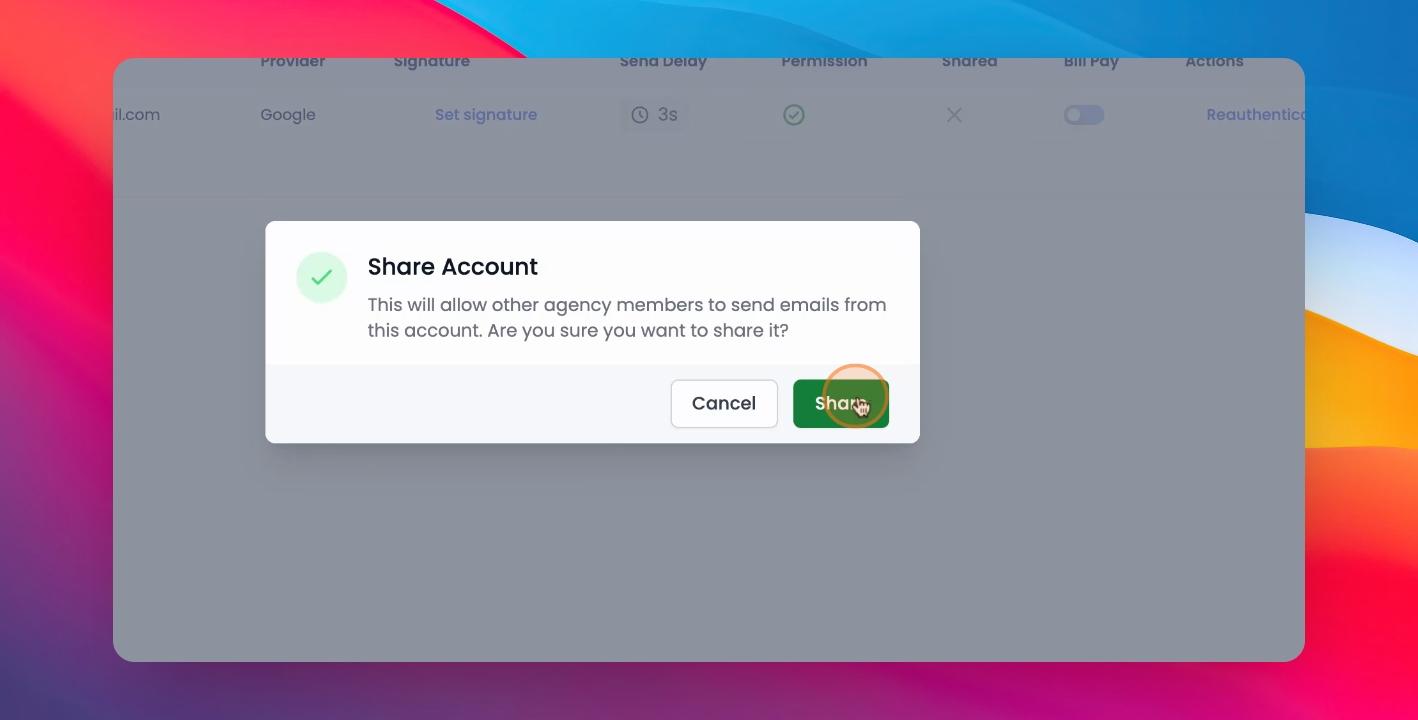
Step 3: Share and Confirm
You must have the relevant email account added, then click Share and Confirm.
Step 4: Visibility
This will make your account visible across your agency.