

Setting up an email account is straightforward. Let's look at the steps:
Step 1: Add Your Account
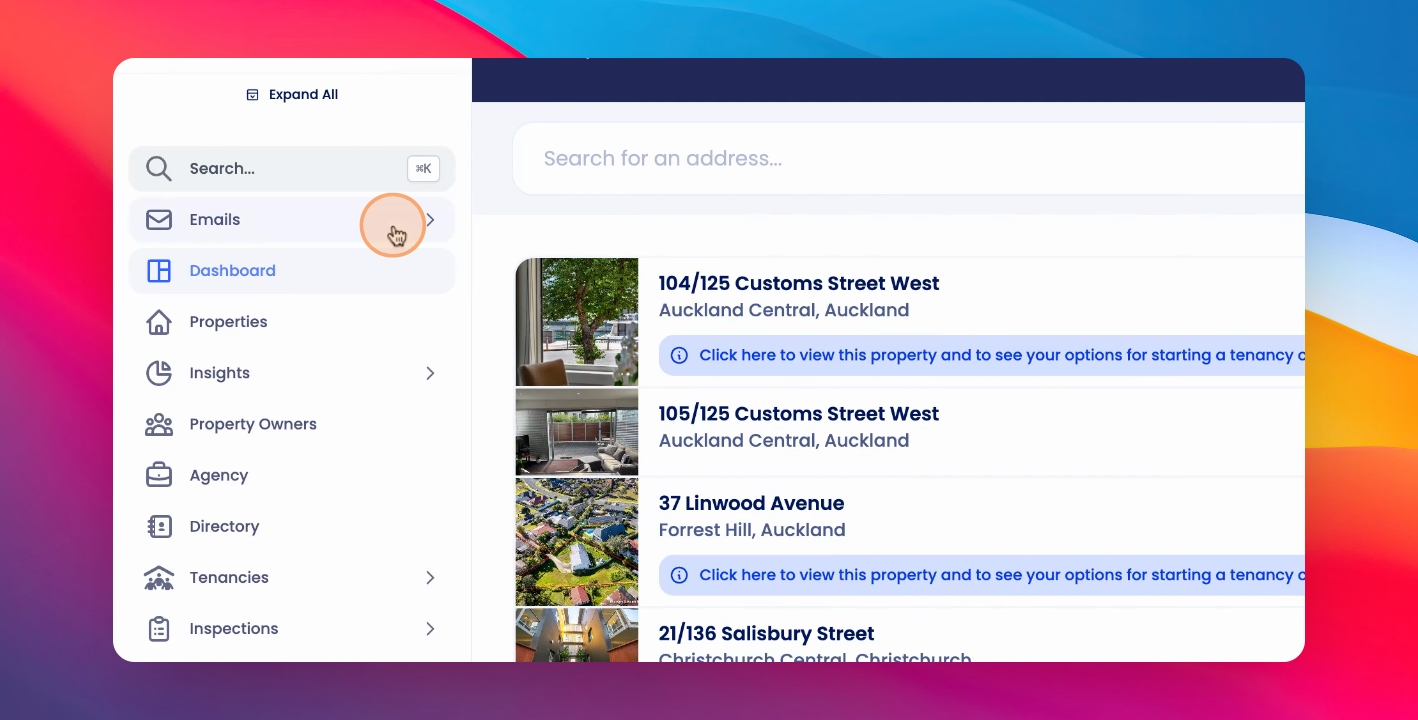
Click on Emails, click Manage Accounts, click Add Account, choose your relevant provider, select the relevant account, click Advanced, click Go to Nylas, click Continue, select All.
Step 2: Finish Setup
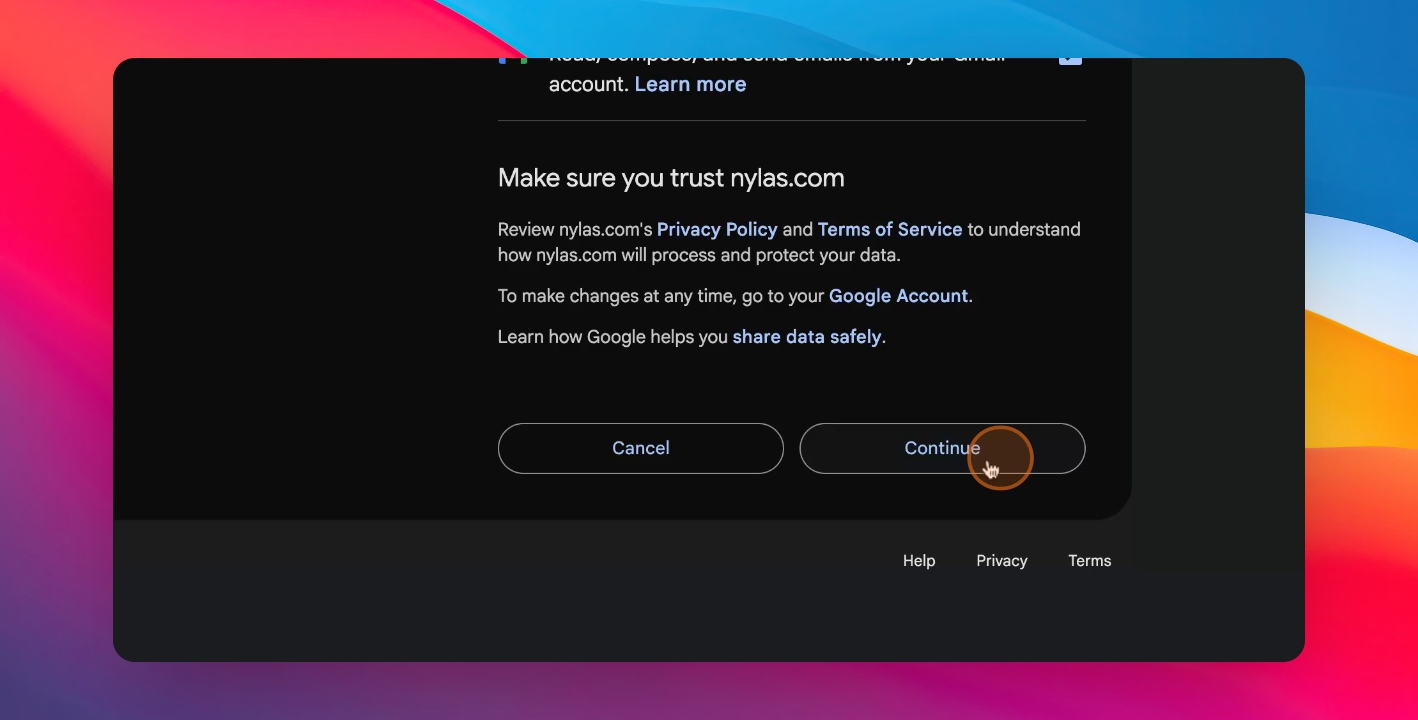
Click Continue.
Your email account has now been added.