

Logo

Welcome to the Keyhook Help Centre

Hide Email Visibility

Emails

Hide Email Visibility

How to make your email account private and block email access.

Last updated on 09 Mar, 2026

Learn how to hide the visibility of your email account or block other users from sending emails on your behalf. Let's look at the steps:

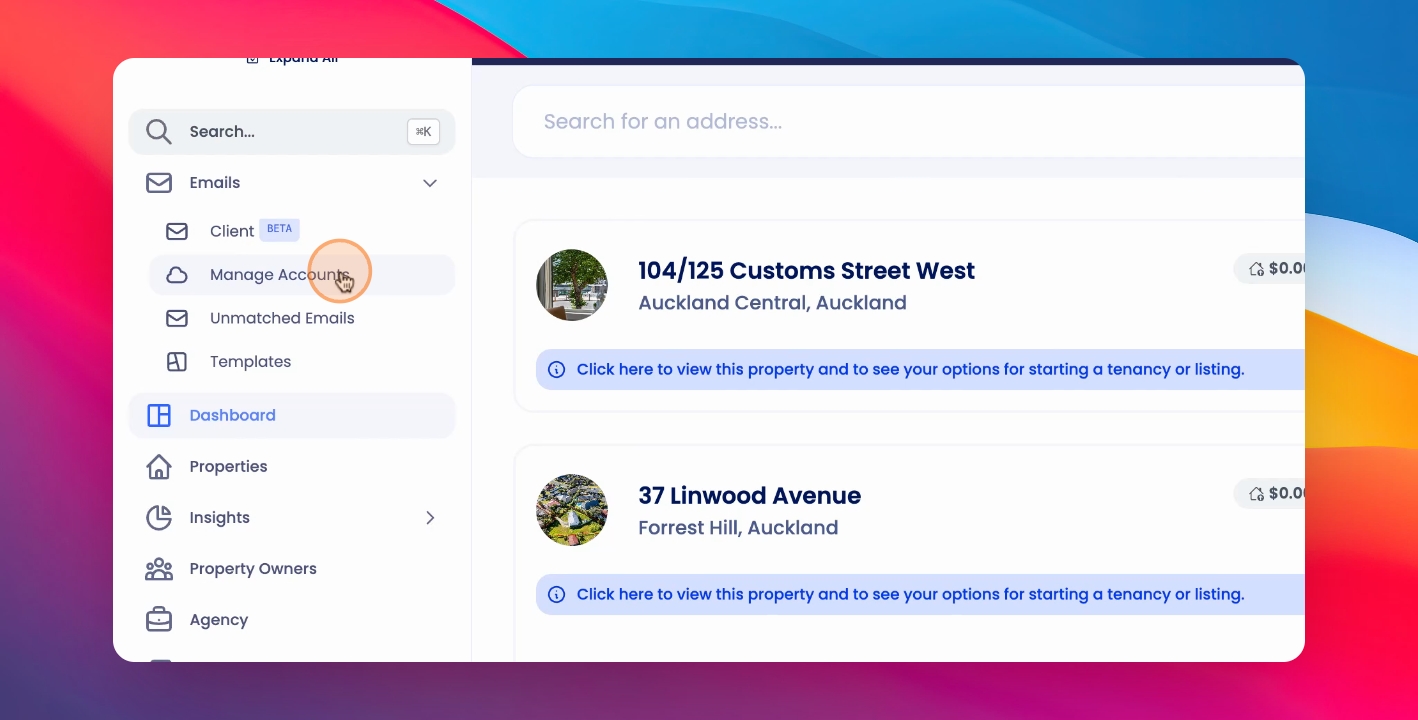
Step 1: Make Email Private

Under Emails, select Manage Accounts and against the relevant email, click Make Private and Confirm.
Snapshot

Was this page helpful?
Previous

Set Up Invoice Ingestion From Emails

Next

Customer Support: support@keyhook.com