

TL;DR
1
Open Agency Configuration
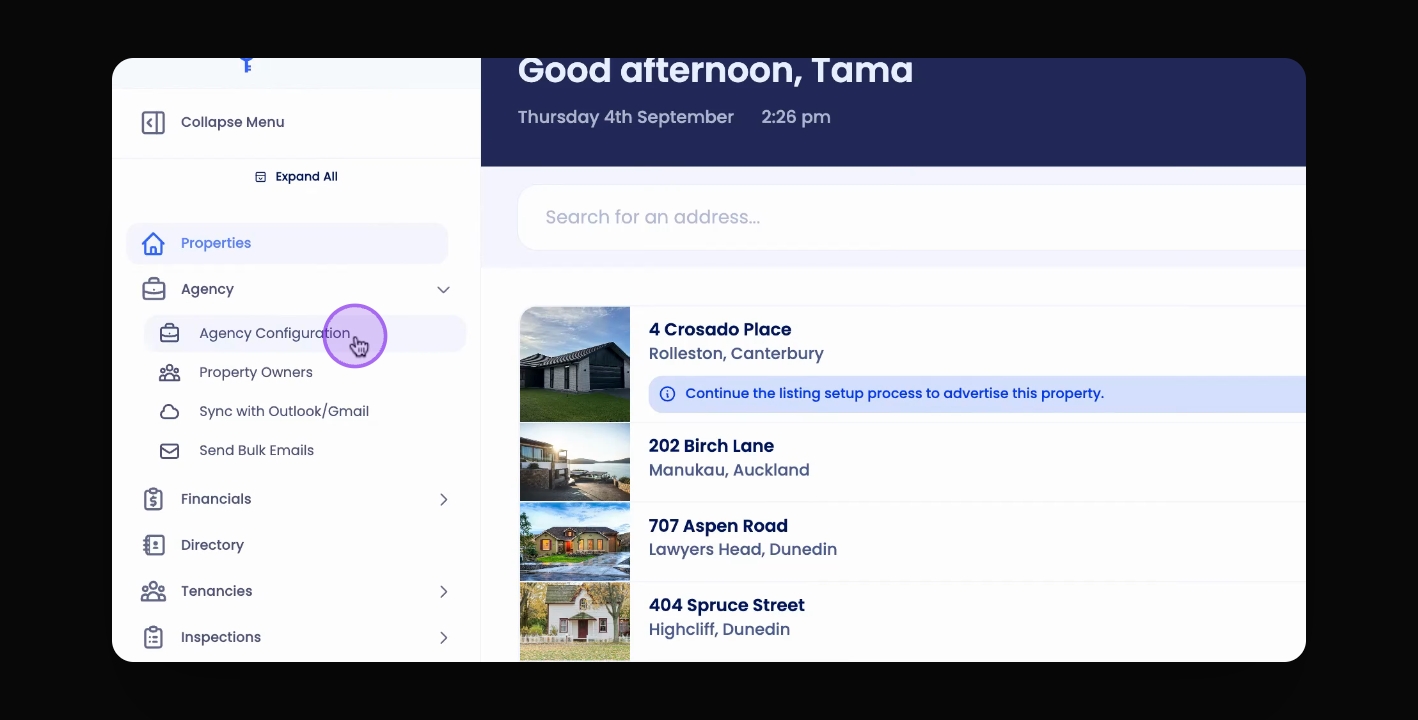
Go to Agency and click on Agency Configuration.
2
Access Apply Page
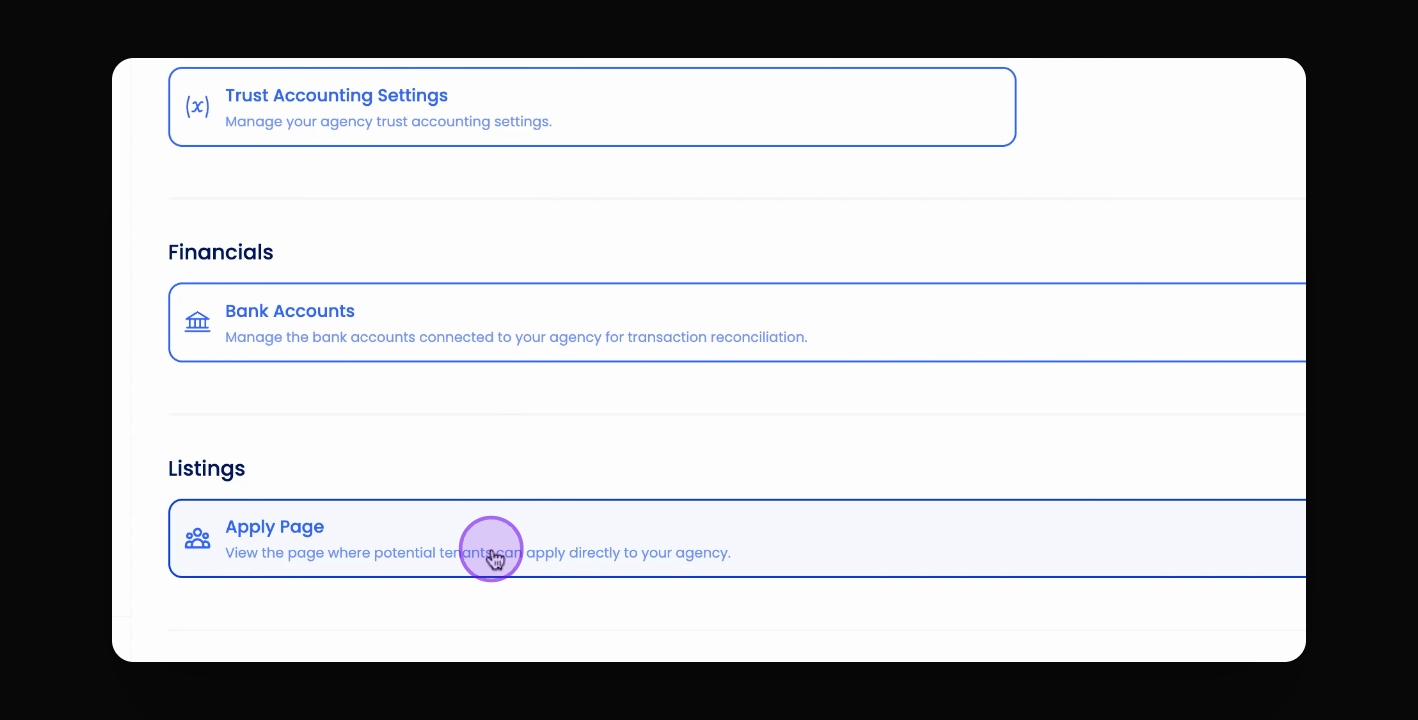
Click the Apply Page button to open your agency's application page.
3
Share the URL
Copy and send the URL to potential tenants.
Let's Do It Together!
Step 1: Access the Apply Page
Navigate to Agency and select Agency Configuration.
Click on the Apply Page button.
Your agency's specific Apply page will open.
Step 2: Share the URL
Copy the URL of your Apply page.
Send this URL to any potential tenants.