

To send an agency dedicated Apply page to a potential tenant or link it to your website, follow these steps:
Click on Agency, scroll down to the Apply page, and copy the URL to this page.
Let's look at the steps:
Step 1: Click on Agency
Click on Agency in your dashboard.
Step 2: Scroll to Apply Page
Scroll down to locate the Apply page section.
Step 3: Copy the URL
Copy the URL from the Apply page to share with potential tenants.
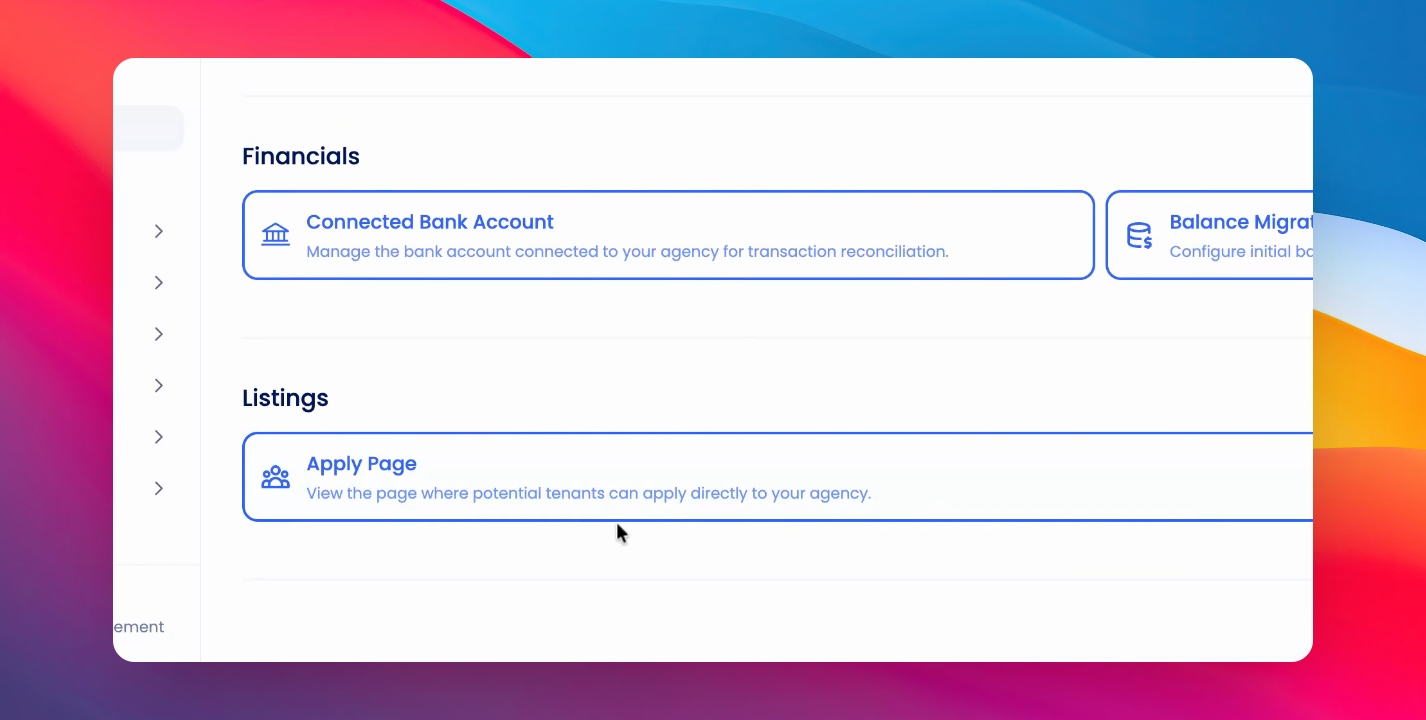
You can send this URL to potential tenants and have them fill in the application and send it back to your agency.
Step 4: Review Direct Applications
To review Direct applications that you've received, go to Listings > Applications and click on the Direct tab.
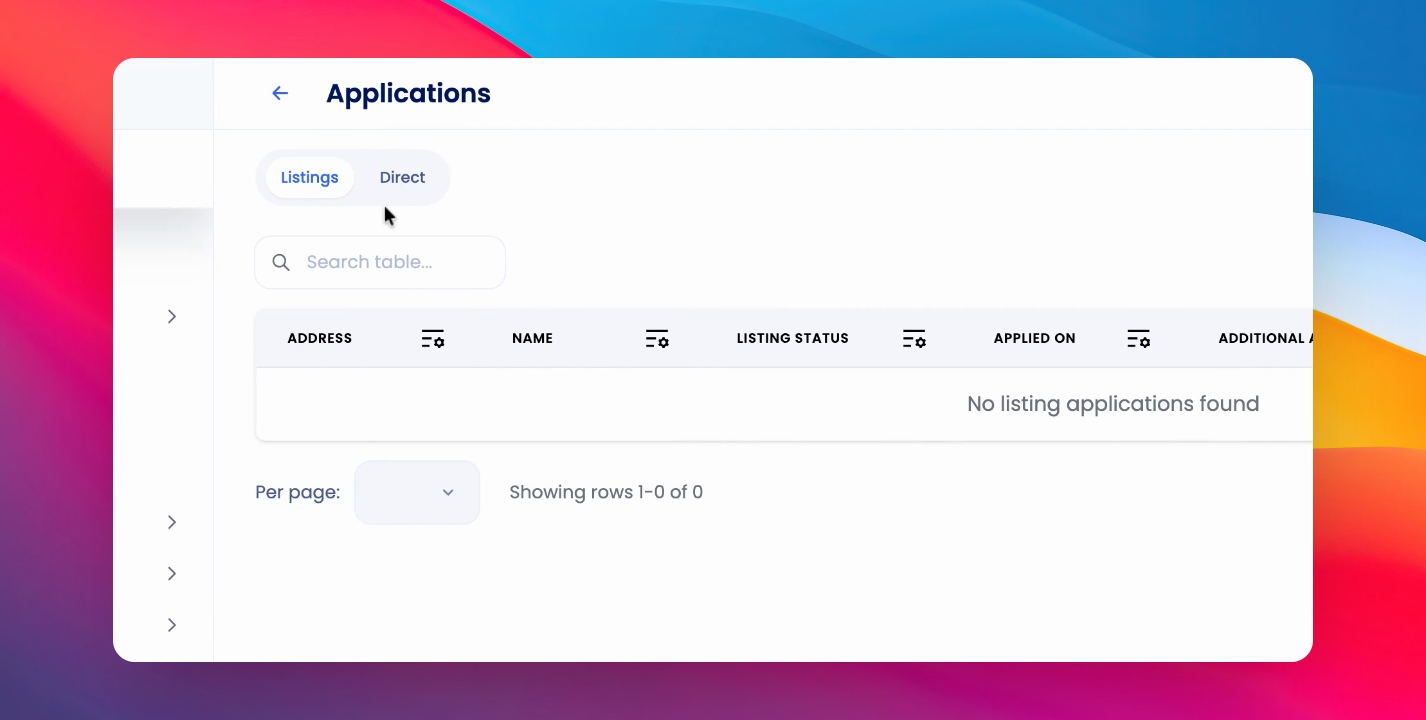
Here you'll find any applications that have come in through your Direct Application page.