

To set up or edit invoice reminder settings for tenant invoices, click on Agency and Trust Accounting Settings. Let's look at the steps:
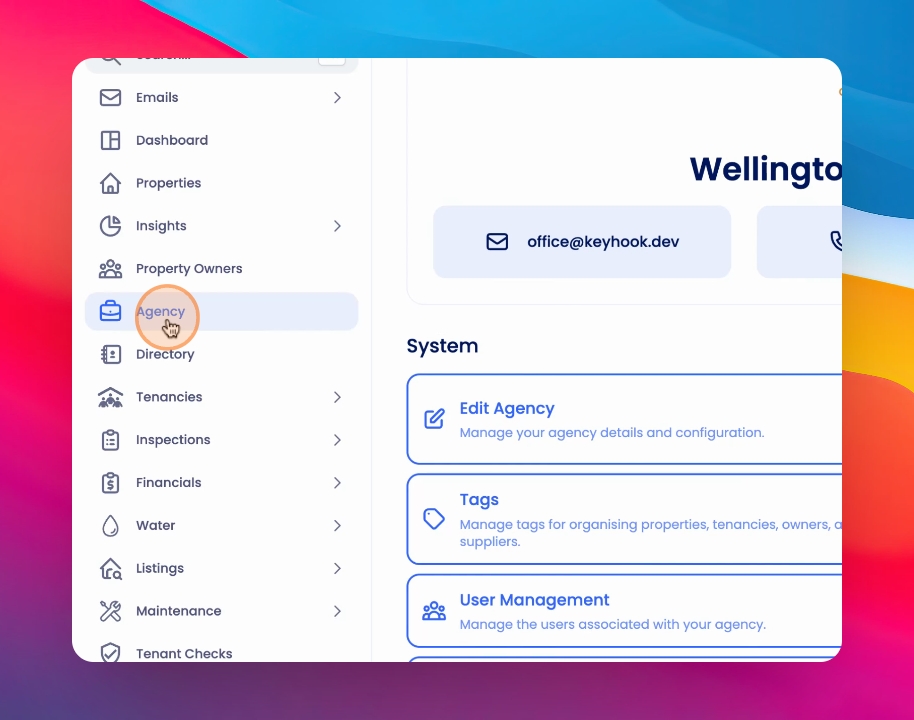
Step 1: Check Permissions
Please note you may not have access to this if you do not have the correct permissions granted on your user profile.
Step 2: View Reminders
Under Accounting Settings, you can see the tenant invoice reminders enabled.
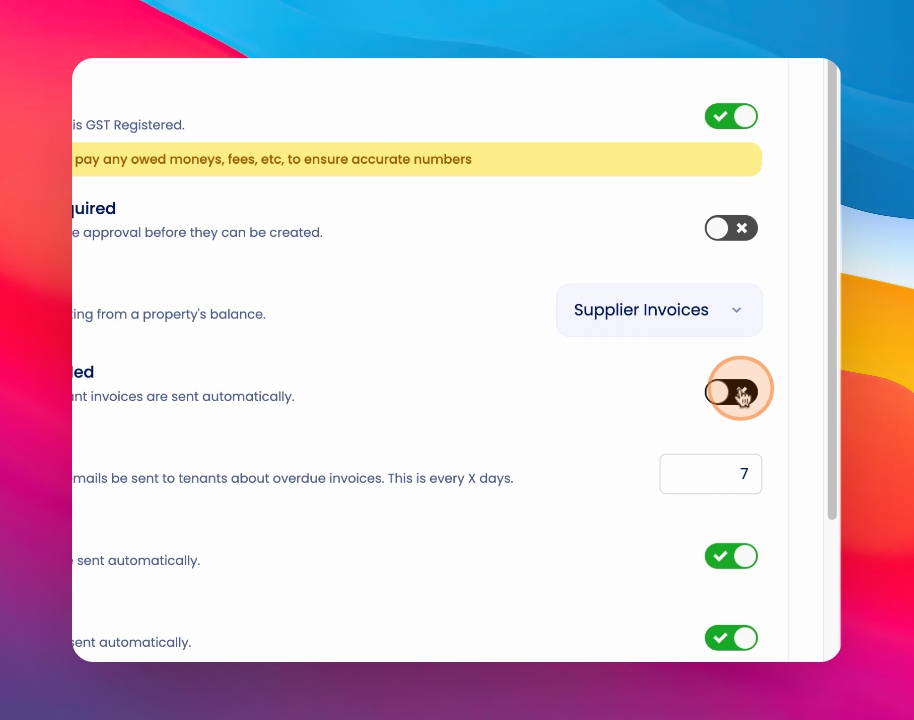
Step 3: Toggle Reminders
Toggle Send tenant reminders for invoices based on the due date on the tenant invoice.
Step 4: Choose Frequency
You can choose the frequency you would like to send these reminders.
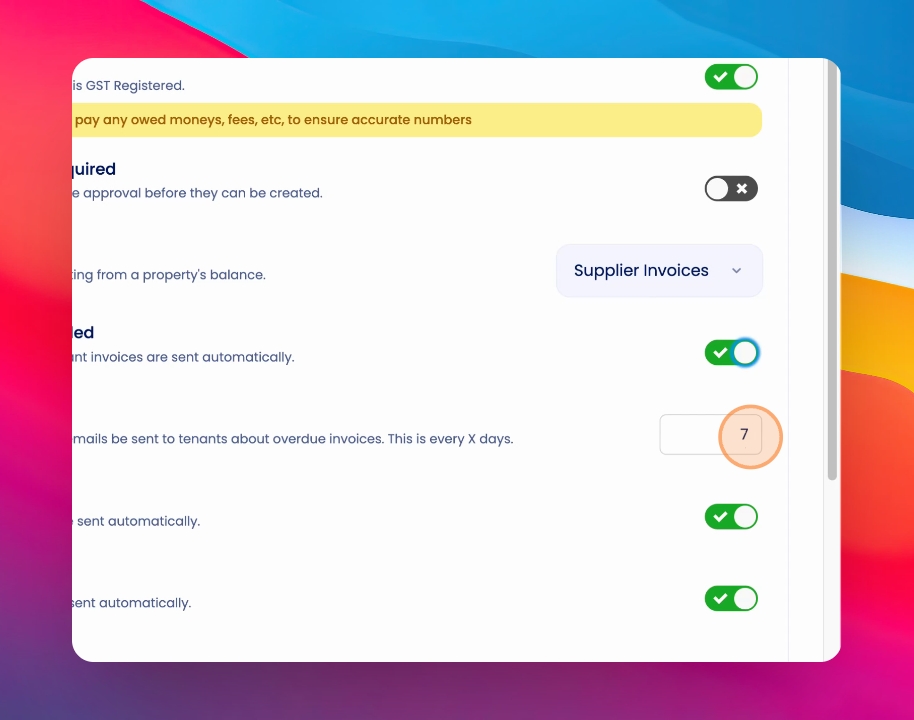
Step 5: Set Reminder Schedule
If you select three, an invoice reminder will be sent to the tenant three days after the invoice due date, and then again three days after that day, and so on and so forth until the invoice is paid in full.
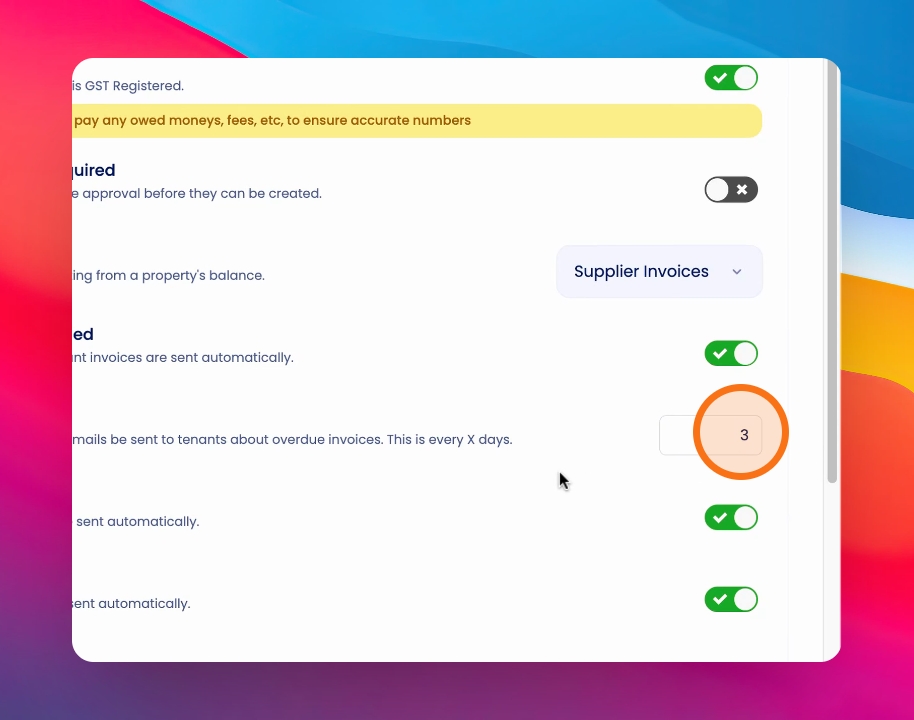
Step 6: Save Settings
To save your settings, click Save.