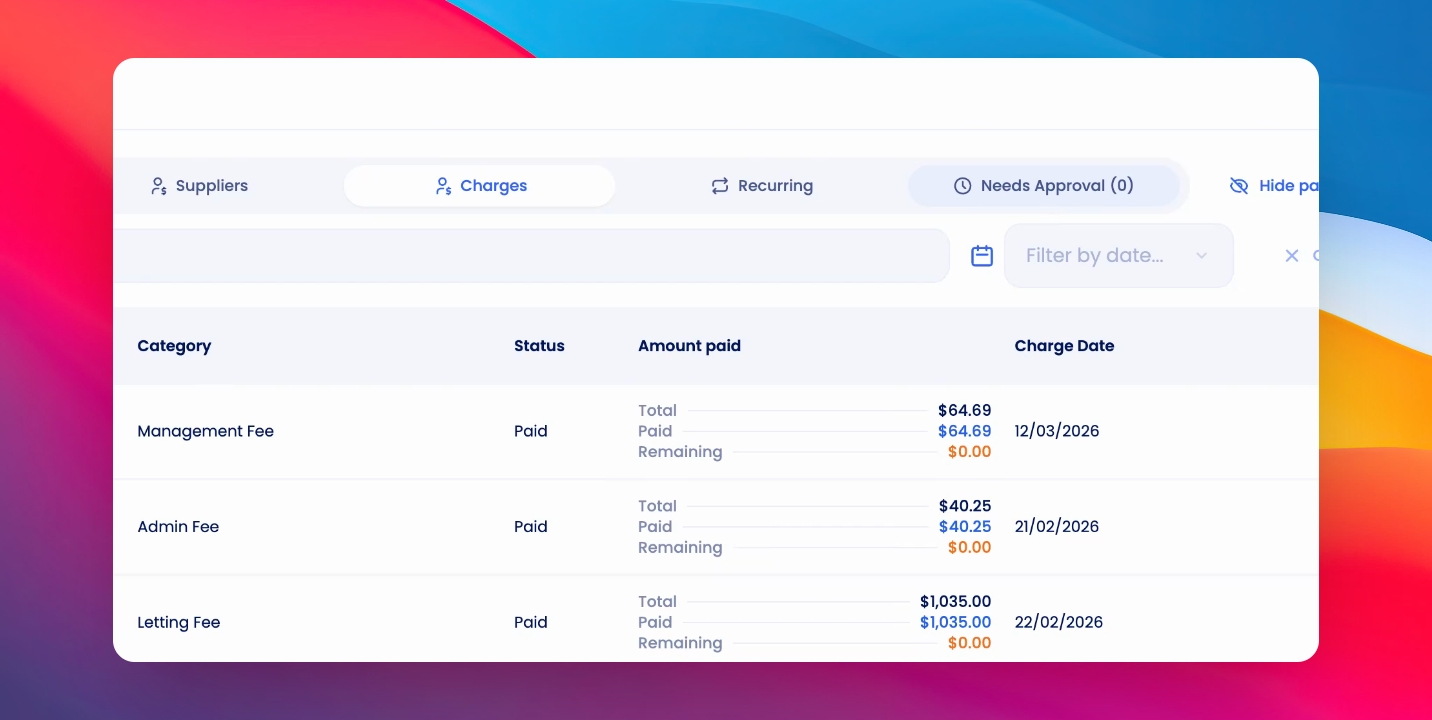
To set up your agency letting fees, follow these steps:
Let's look at the steps:
Step 1: Edit Agency
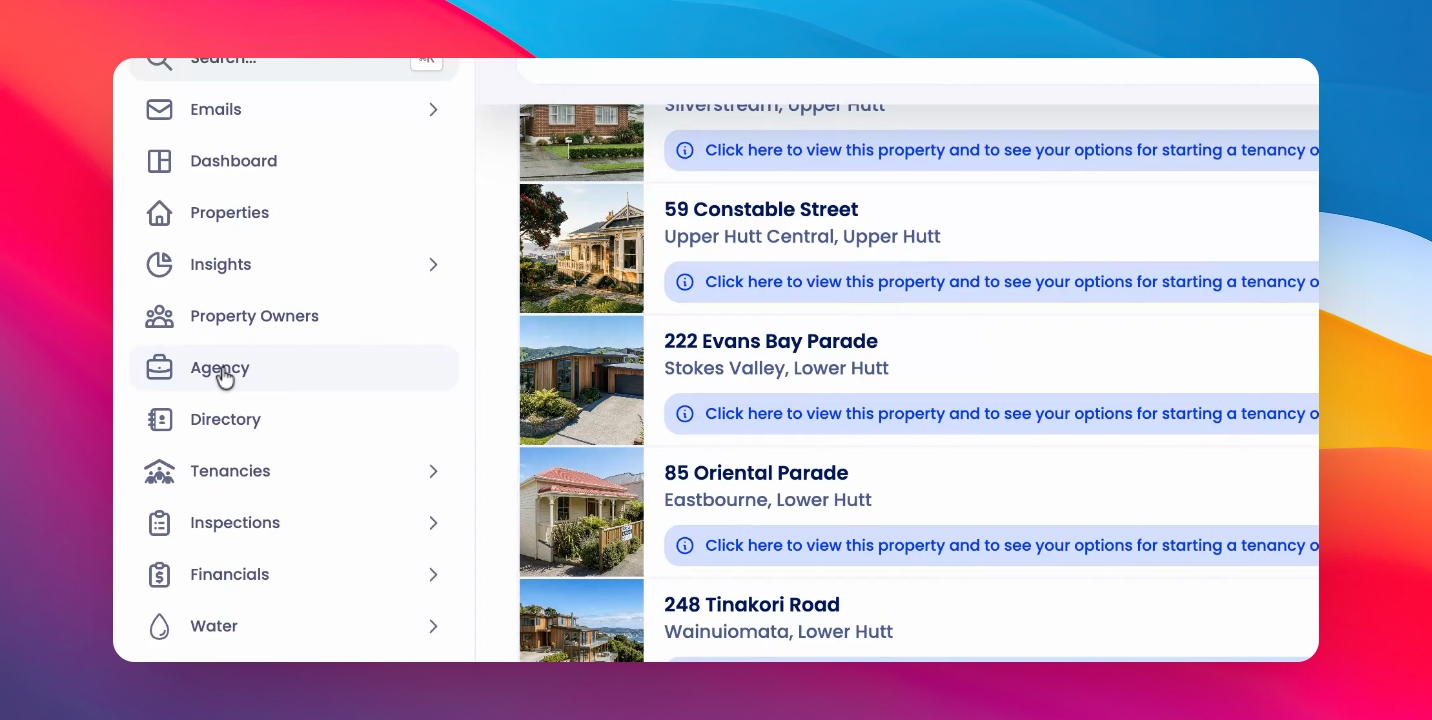
Click on Agency then Edit Agency.
Step 2: Locate Management Fees
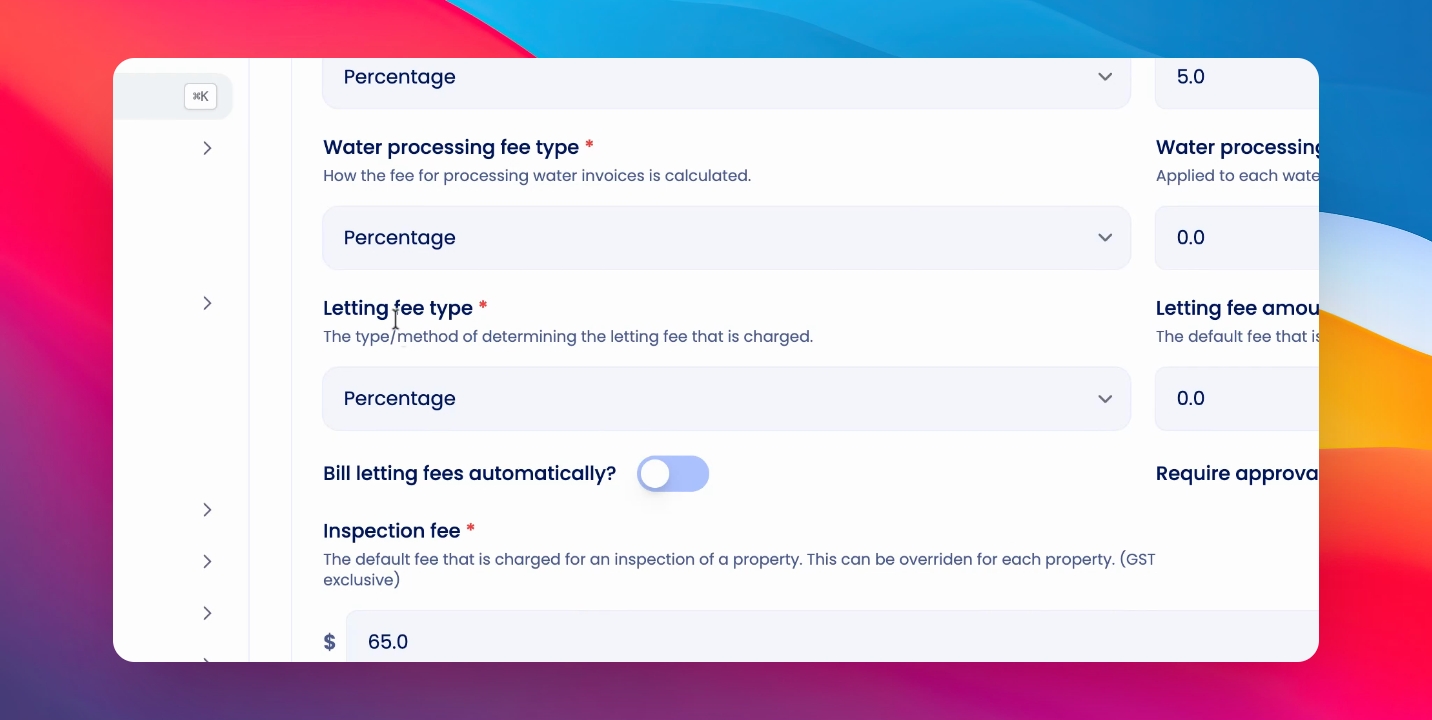
Scroll down to the Management Fees section.
Step 3: Select Letting Fee Type
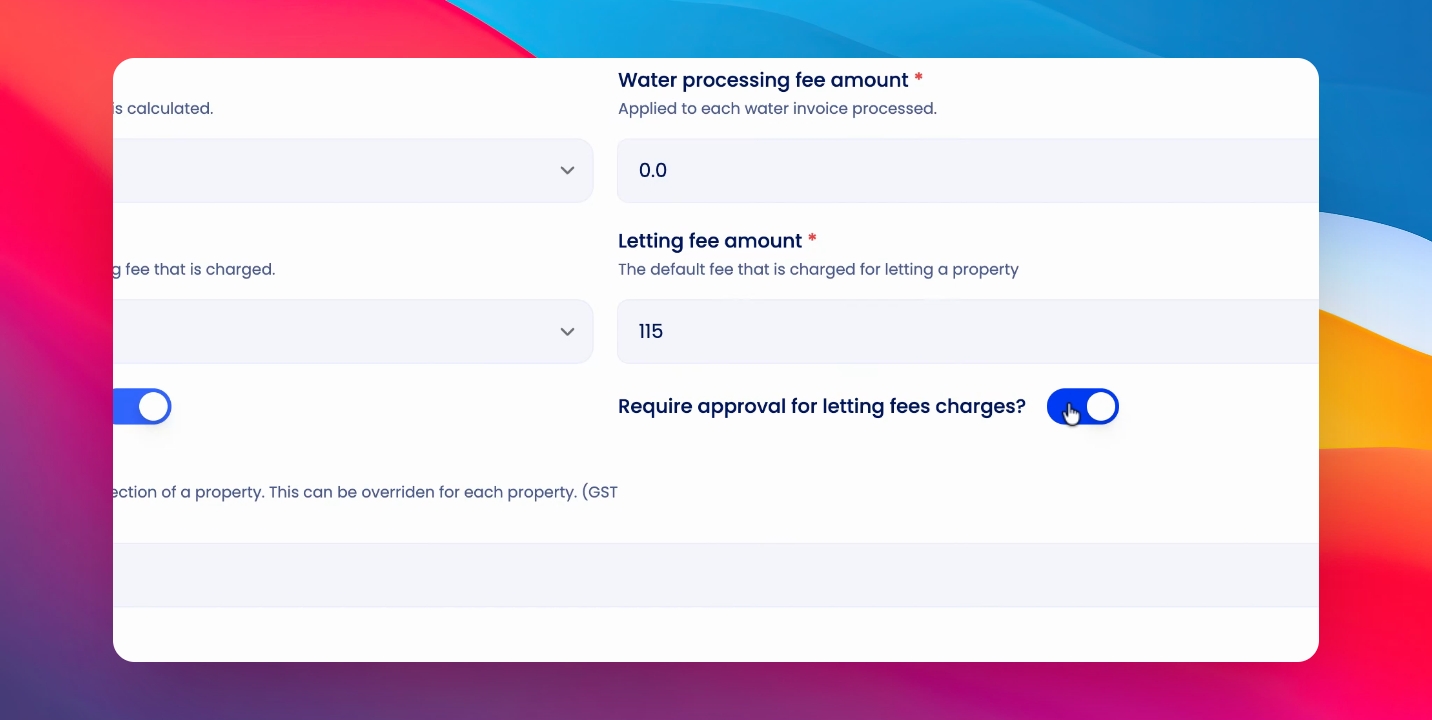
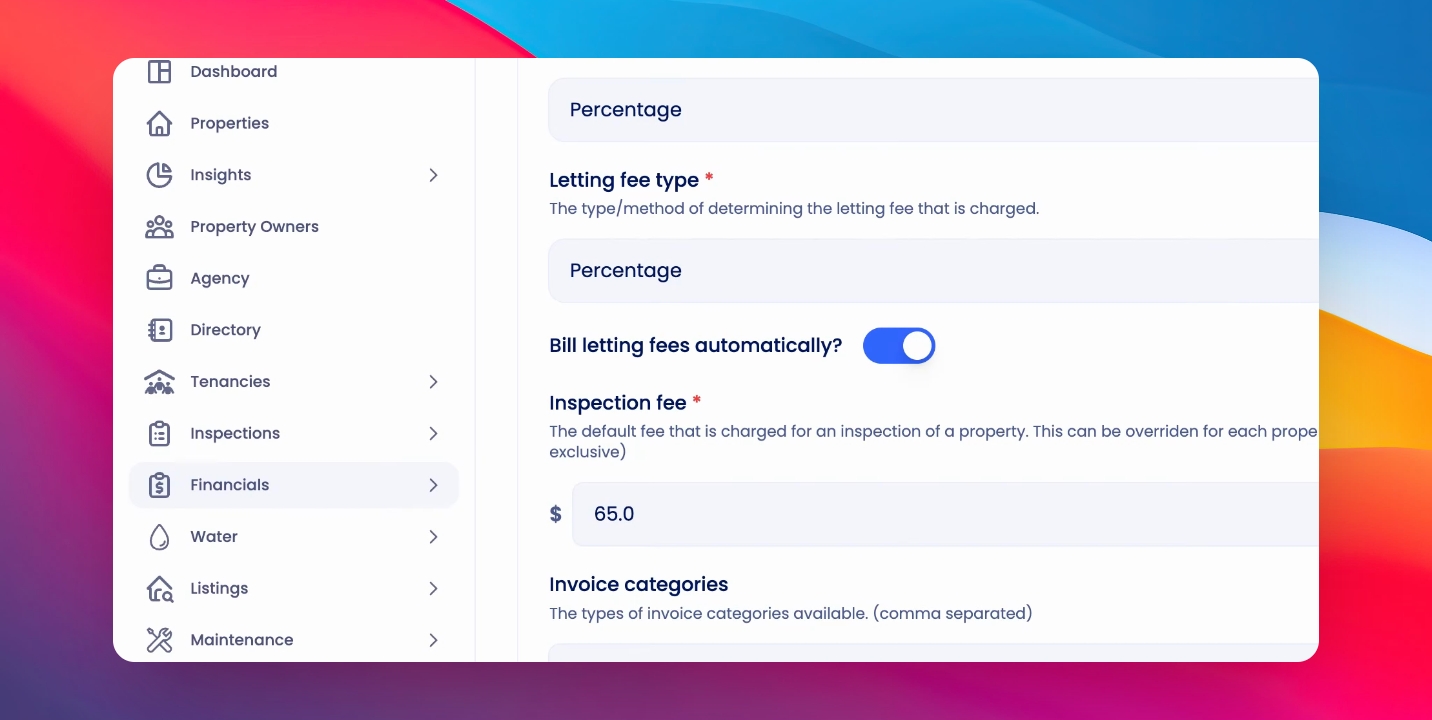
Here you'll see Letting Fee type. You can select a percentage of the weekly rent or a fixed fee and then enter in the letting fee amount.
Step 4: Set Automatic Billing
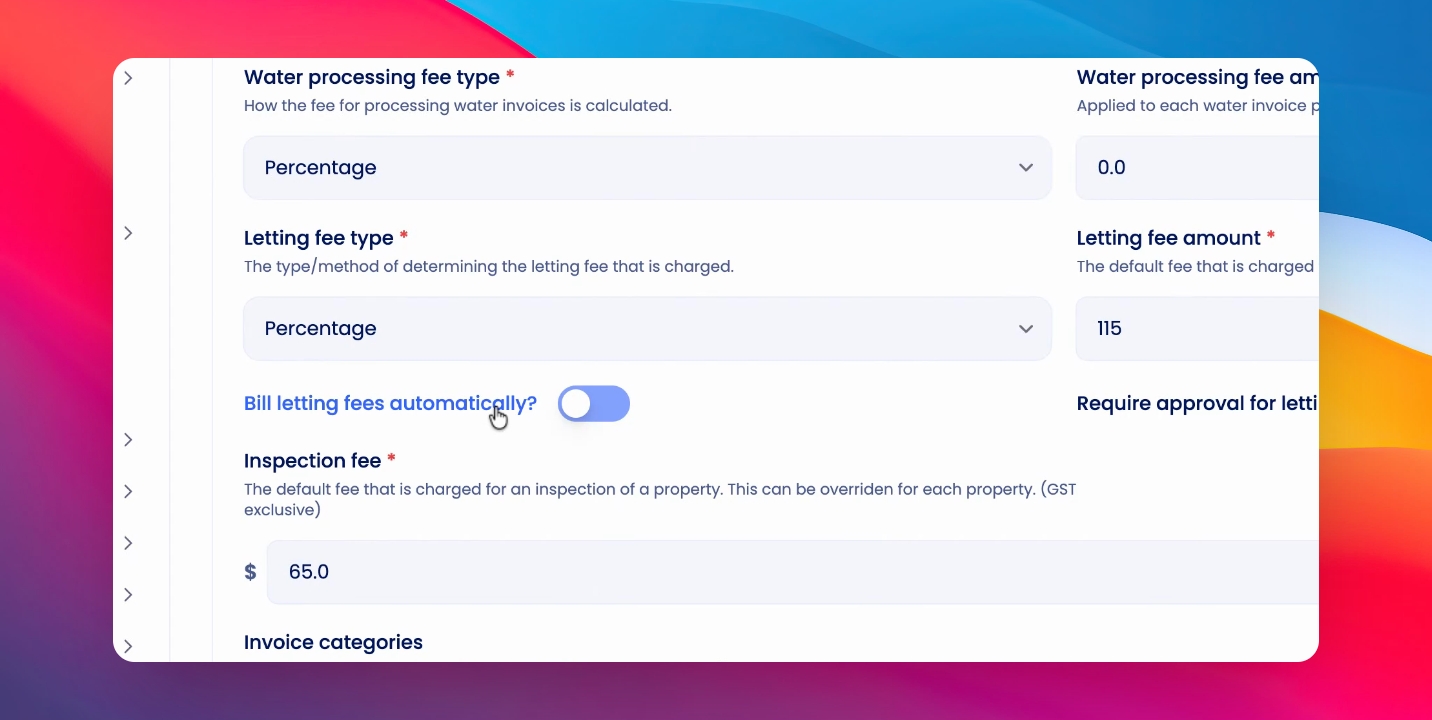
Below, you'll see a toggle for bill letting fees automatically. If this is toggled on, a letting fee charge will be created when a tenancy agreement is signed and confirmed.
Step 5: Approval Options
You also have the option to require approval for this letting fee charge. If this is turned off, letting fees will be billed automatically.
Step 6: Save Changes
Click Save to confirm your changes.
Step 7: View Charges
You can view letting charges that have been triggered at any time by clicking Financials, Invoices, and either Charges.
Step 8: Approval Tab
Or if you require approval, click on the Needs Approval tab.