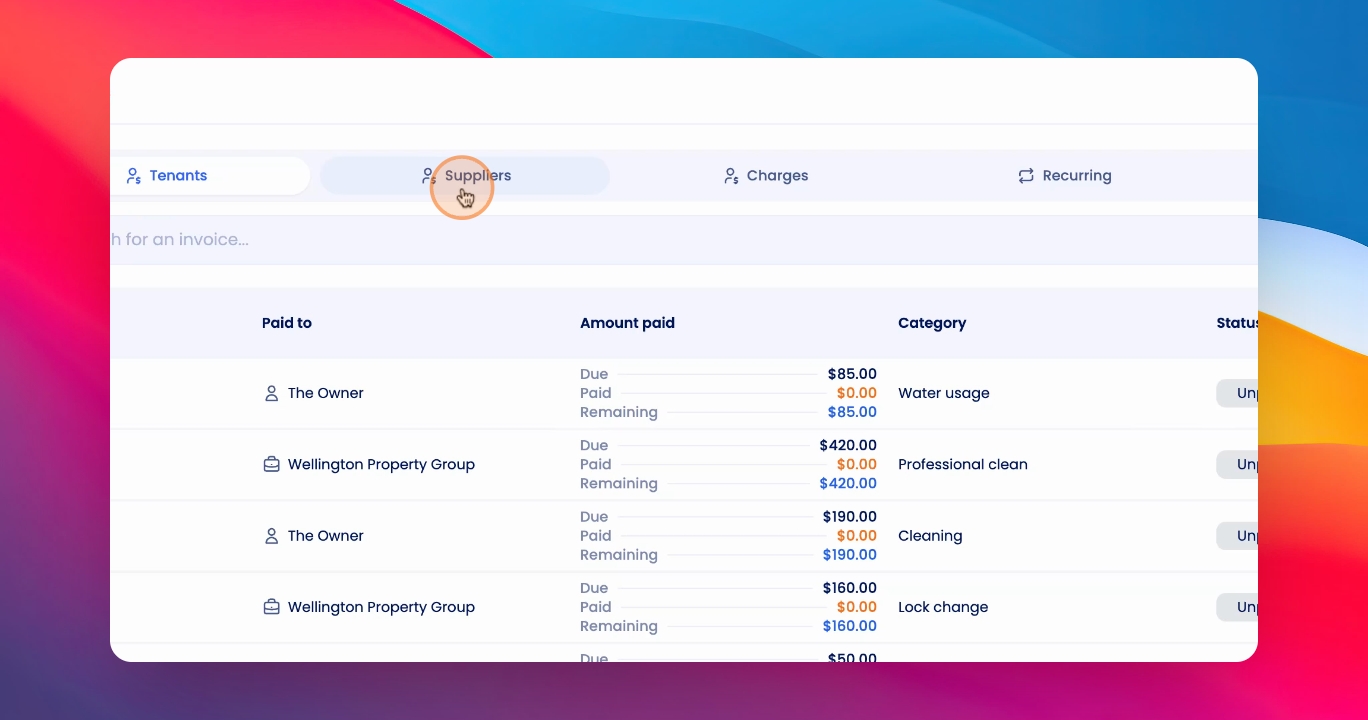
To process an invoice and bill a tenant, follow these steps:
Let's look at the steps:
Step 1: Access Invoice
Click on Bill Pay under Financials and click on your invoice.
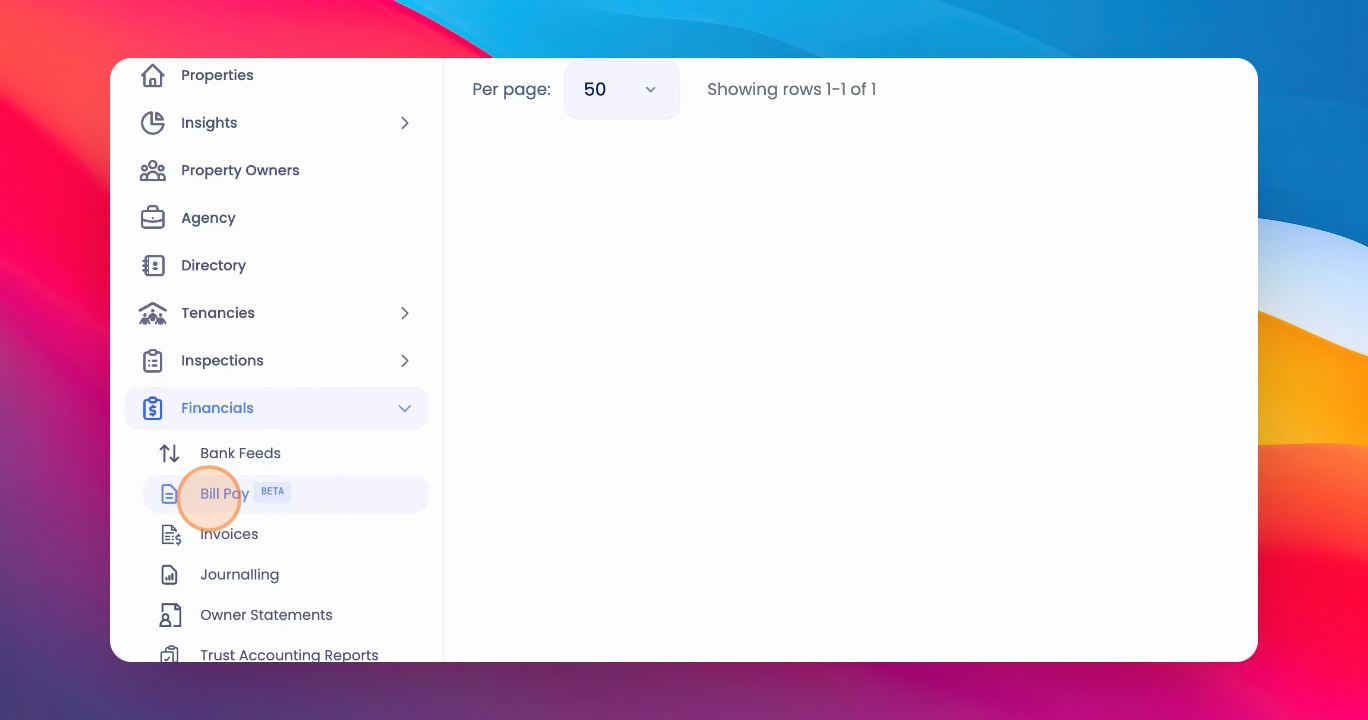
Step 2: Review Invoice
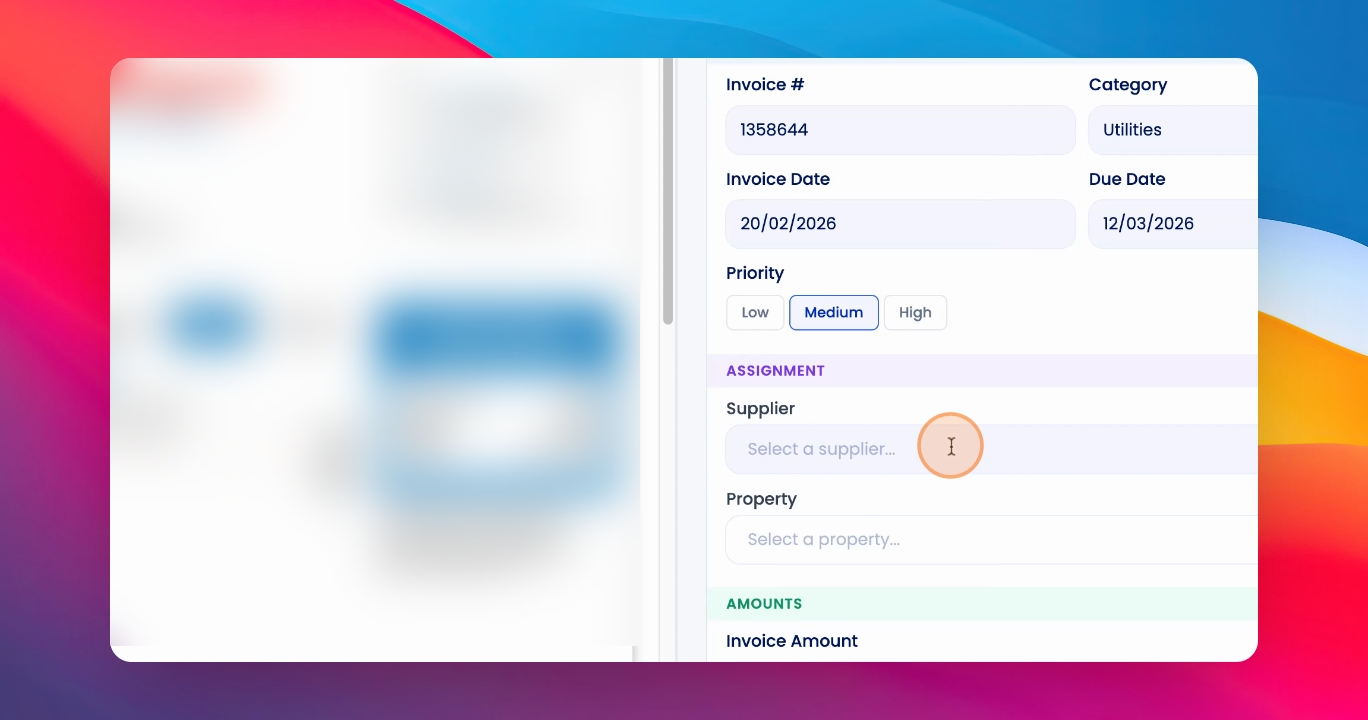
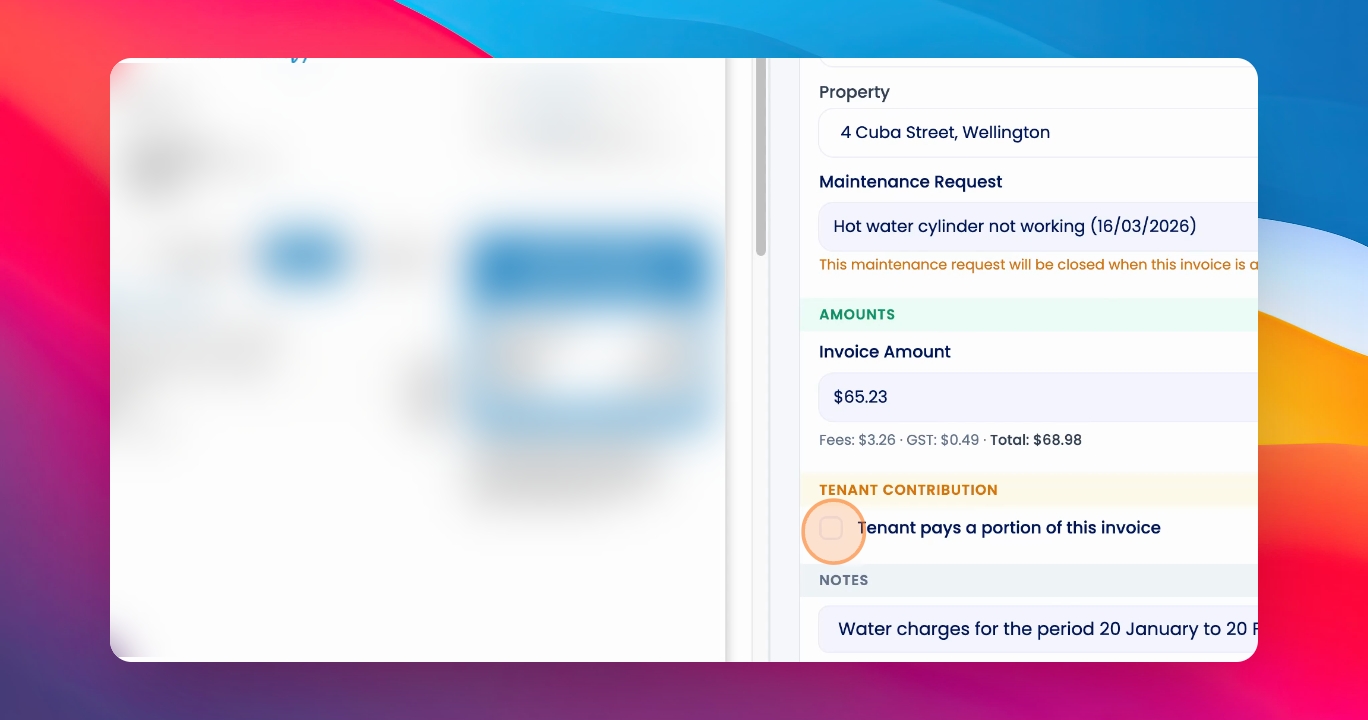
Review the details of the invoice, select a supplier, and select a property.
Step 3: Attach Maintenance Request
Select the relevant maintenance request to attach the invoice to.
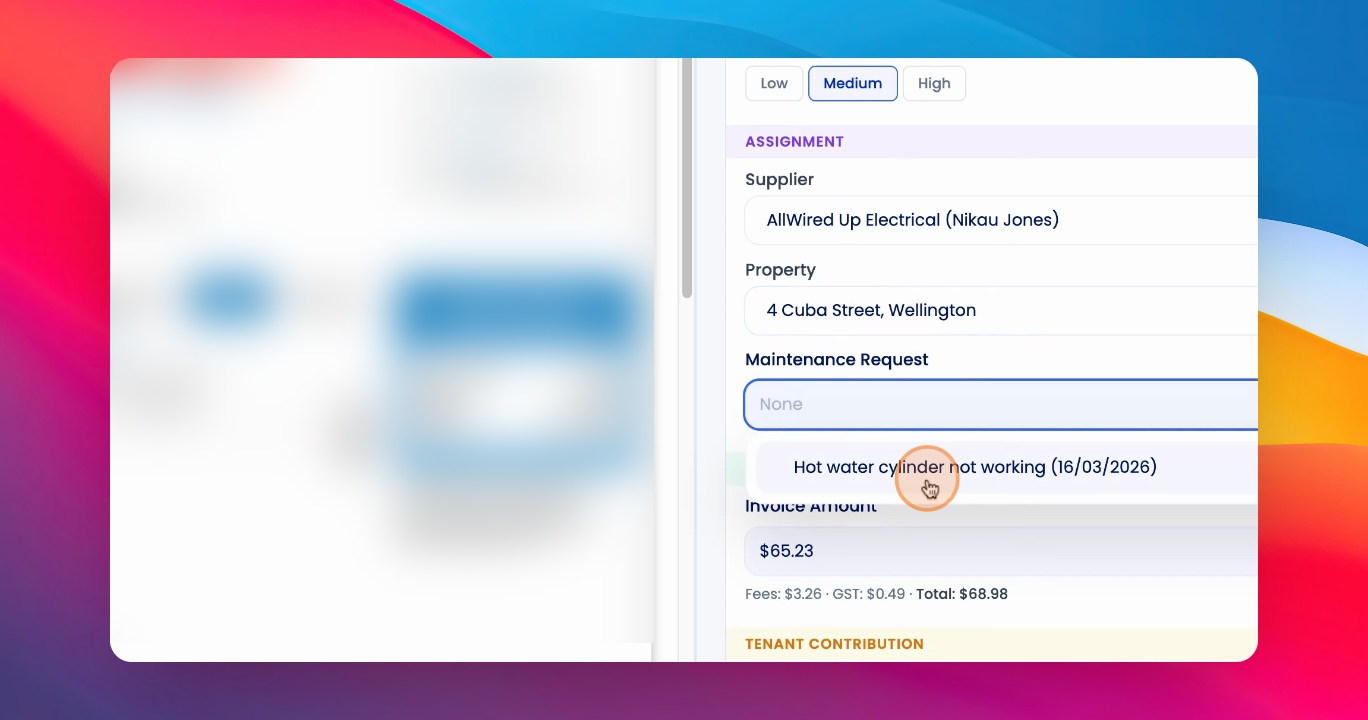
Step 4: Add Tenant Contribution
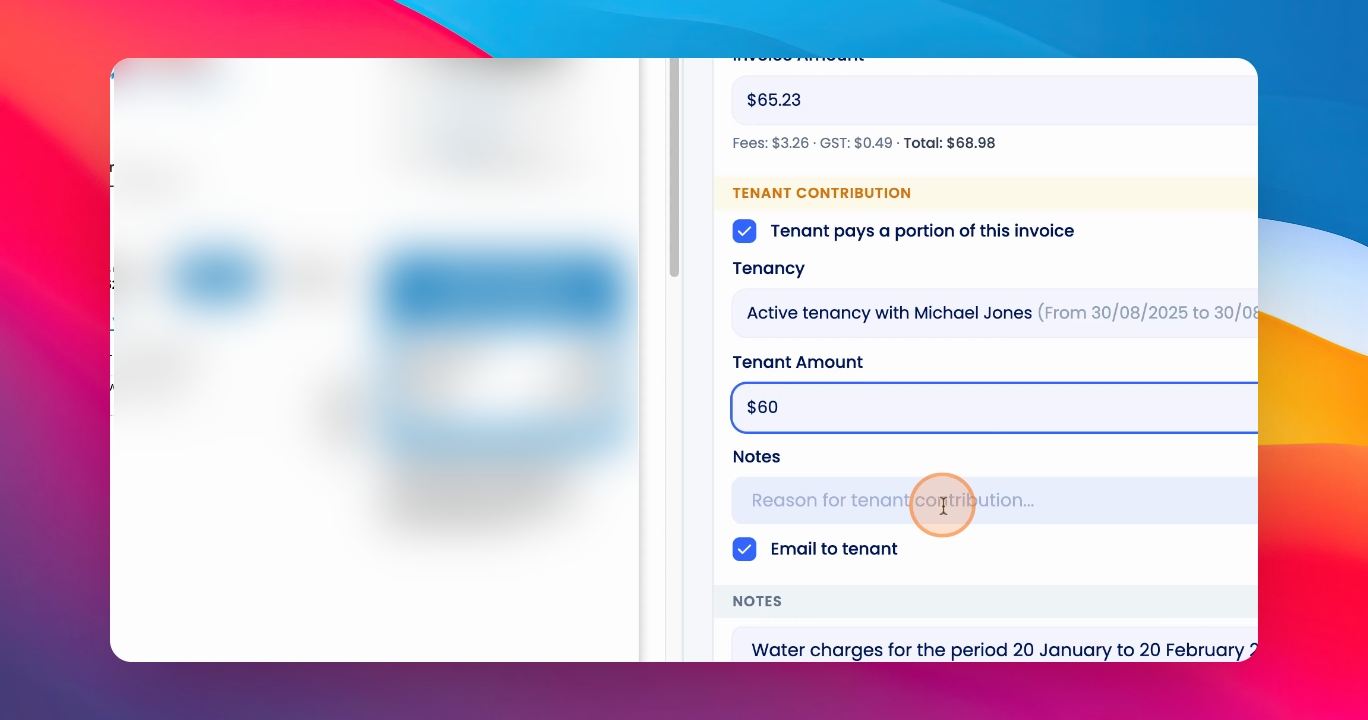
To add a tenant contribution, click the tenant contribution box, select the relevant tenancy, and specify the amount the tenant should contribute towards this invoice.
Step 5: Optional Comments
Optionally leave a reason for tenant contribution and select whether you'd like a copy of the invoice to be sent to the tenant by clicking the email to Tenant Checkbox.
Step 6: Approve Invoice
When you're ready, approve the invoice.
Step 7: View Invoices
Once completed, the invoice will appear under the Invoices section.
You will have one tenant invoice that has been created and one supplier invoice that has been created.