

To configure how many days after processing an invoice a tenant invoice is due, follow these steps:
Step 1: Open Accounting Settings
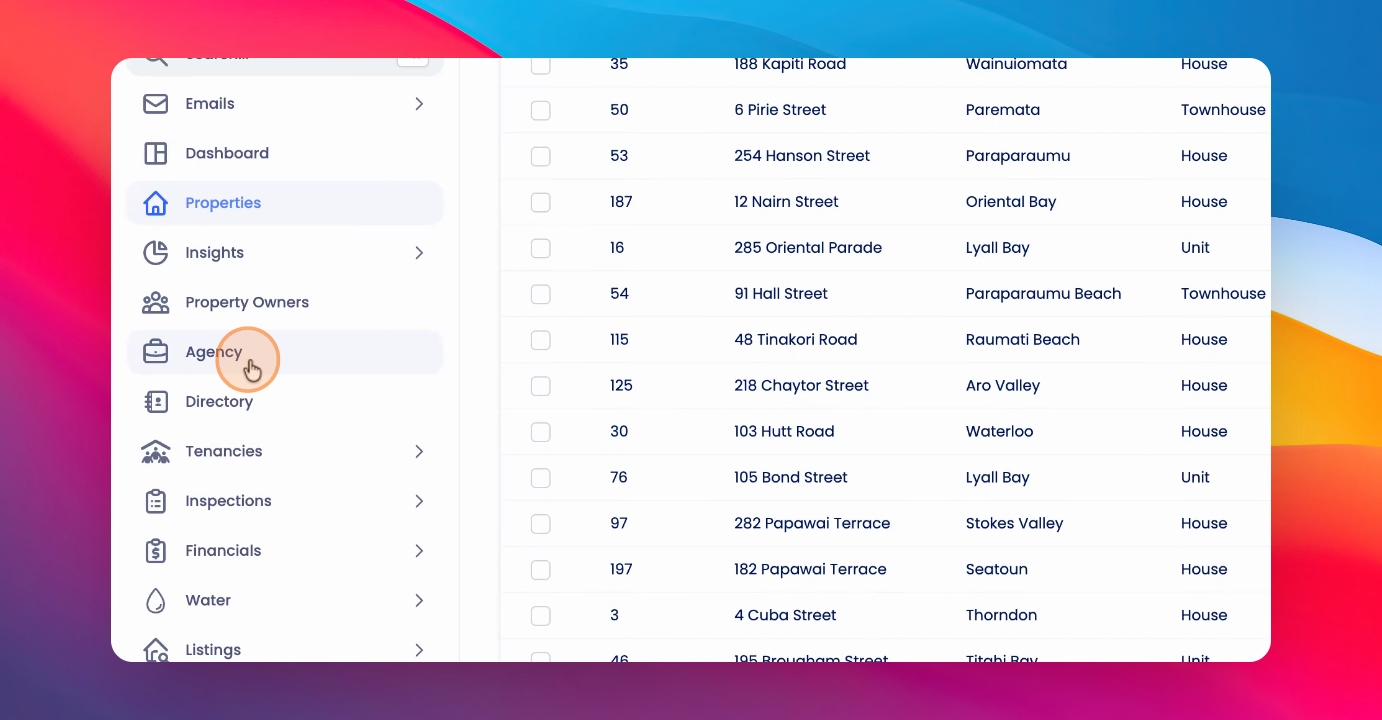
Click on Agency and Trust Accounting Settings in your system.
Step 2: Locate Default Due Date
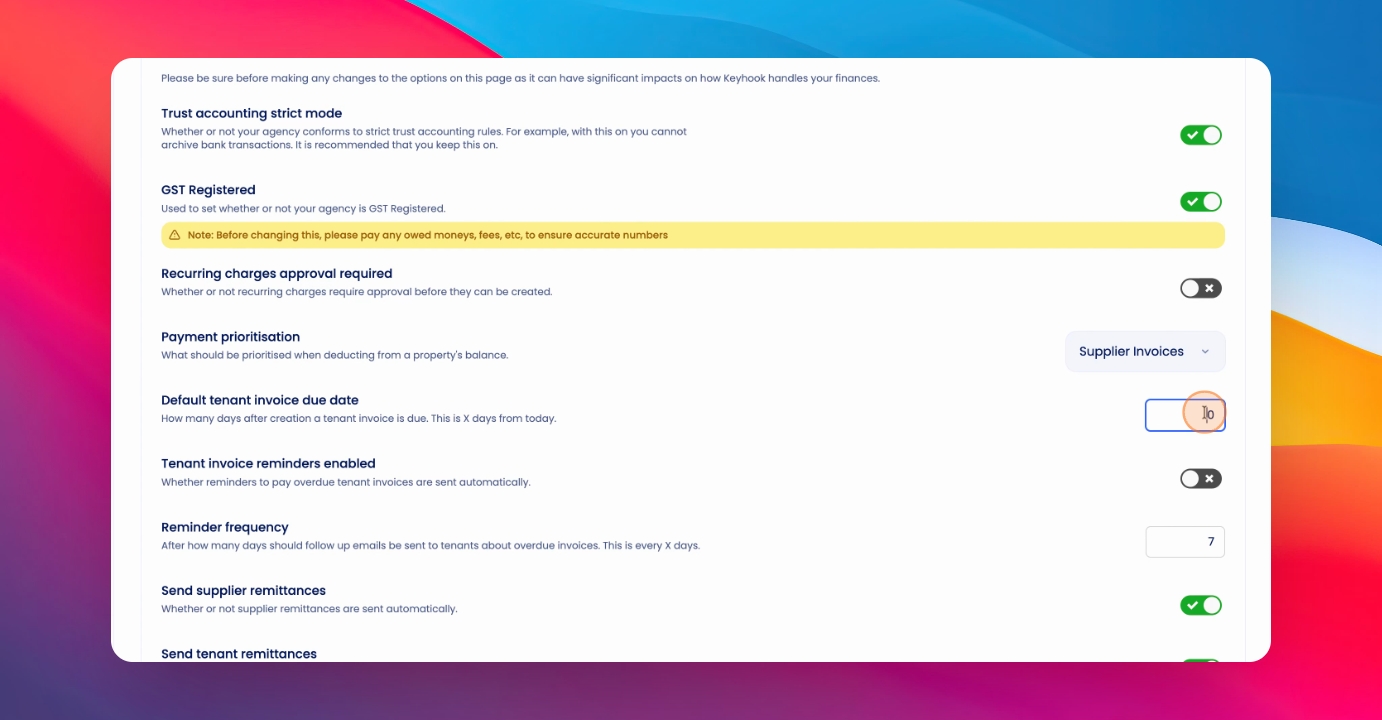
Find the section labeled Default Tenant invoice due date.
Step 3: Enter Number of Days
In the provided box, enter the number of days after the tenant invoice is created that you want it to be due.
Step 4: Save Changes
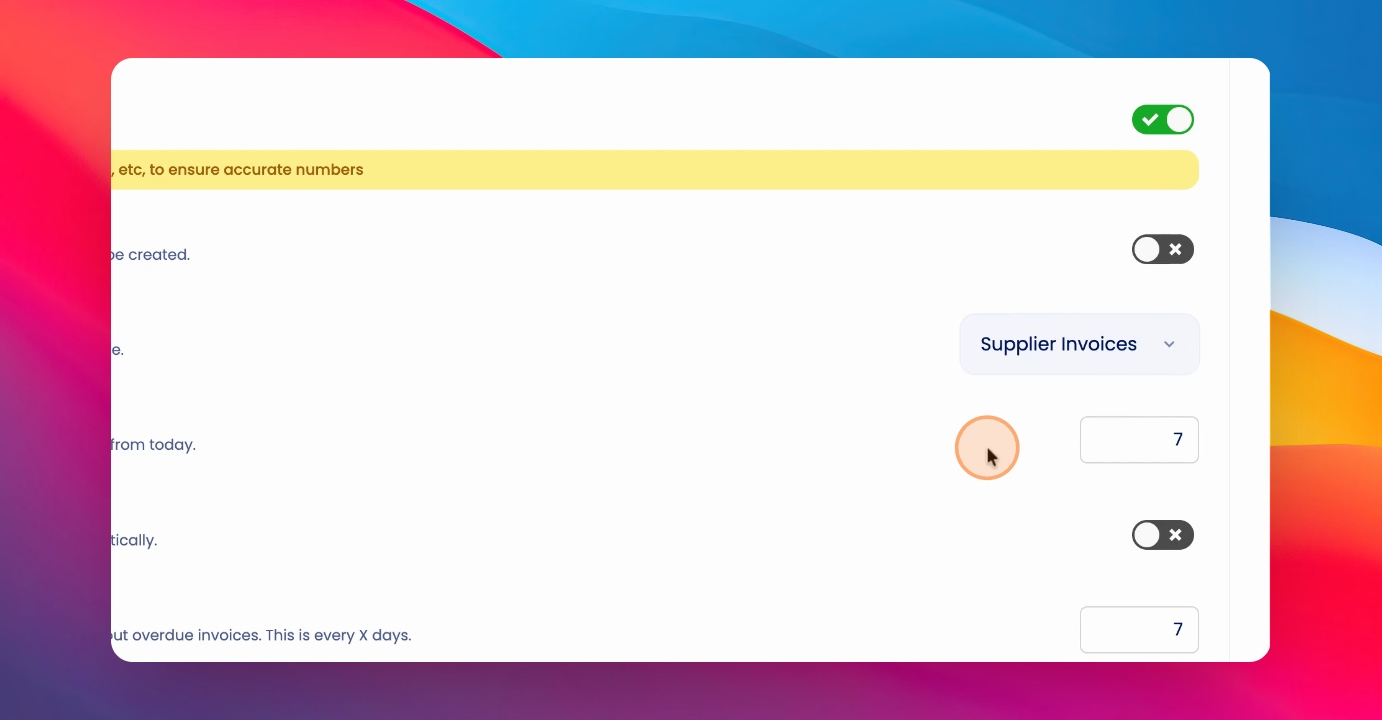
Click Save Moving Forward to apply your changes.
Now, tenant invoices will be due the specified number of days after you process an invoice.