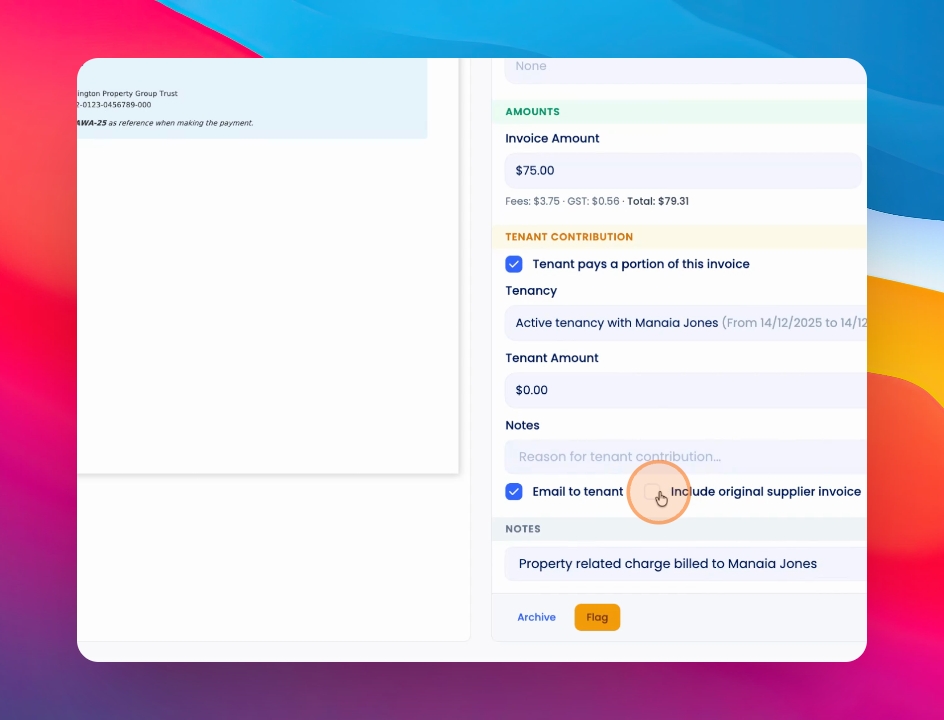
You can now attach the original invoice to a tenant's share of water or supplier invoices. Let's look at the steps:
Step 1: Open Invoice Upload
Go to Financials and select Bill pay, Upload an invoice or select an existing invoice. Then, navigate to the tenant contribution section.
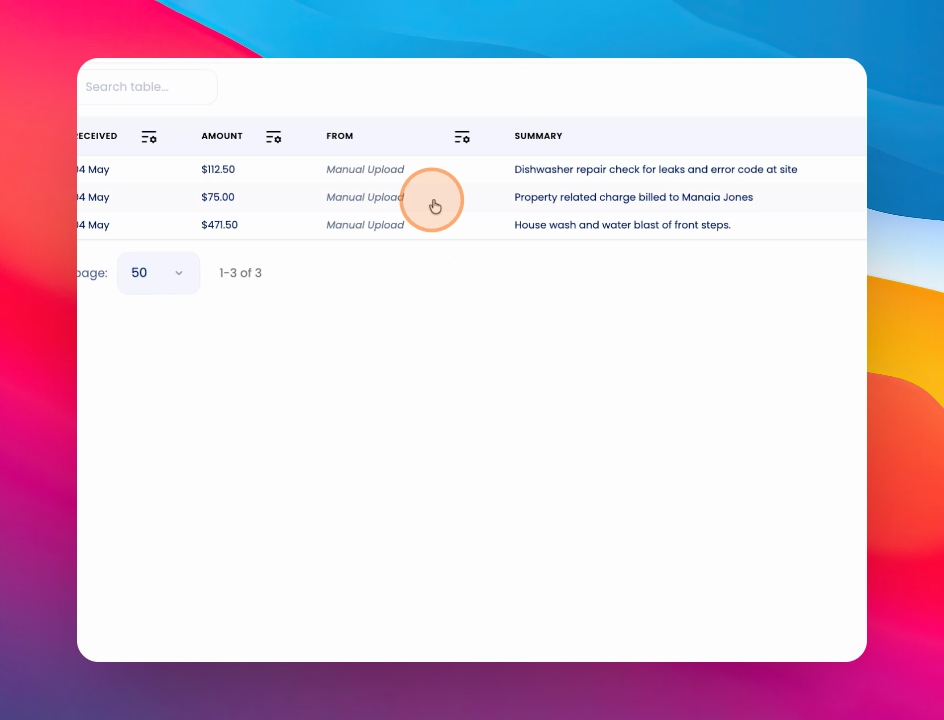
Step 2: Attach Original Invoice
When the tenant contribution is selected, you will see an option to include the original supplier invoice with the tenant's portion.