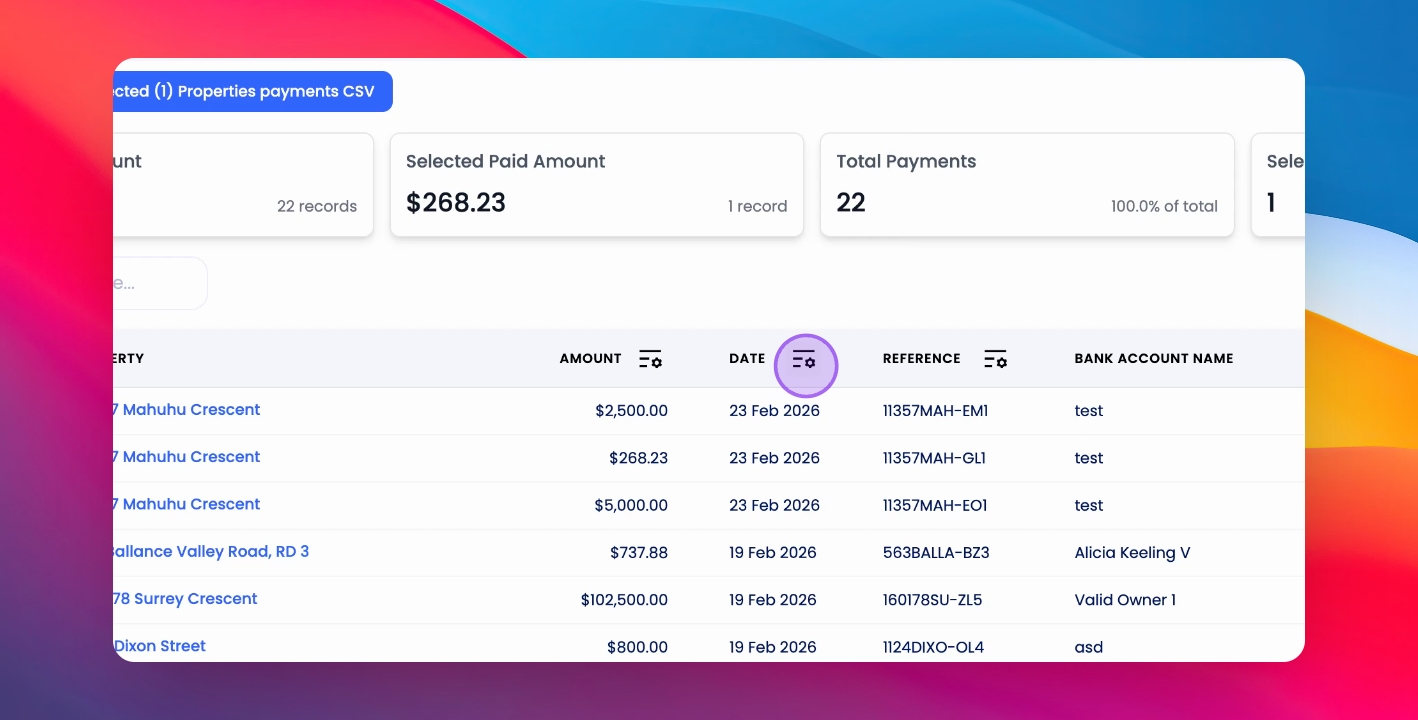
To send remittances, ensure they are enabled under Agency Configuration and Trust Account settings.
Step 1: Make Payments
Make payments through the Payment screen in the Paying tab. Once you select a payment and generate the CSV, you'll be prompted to mark the payment as paid, triggering the remittance to be sent out.
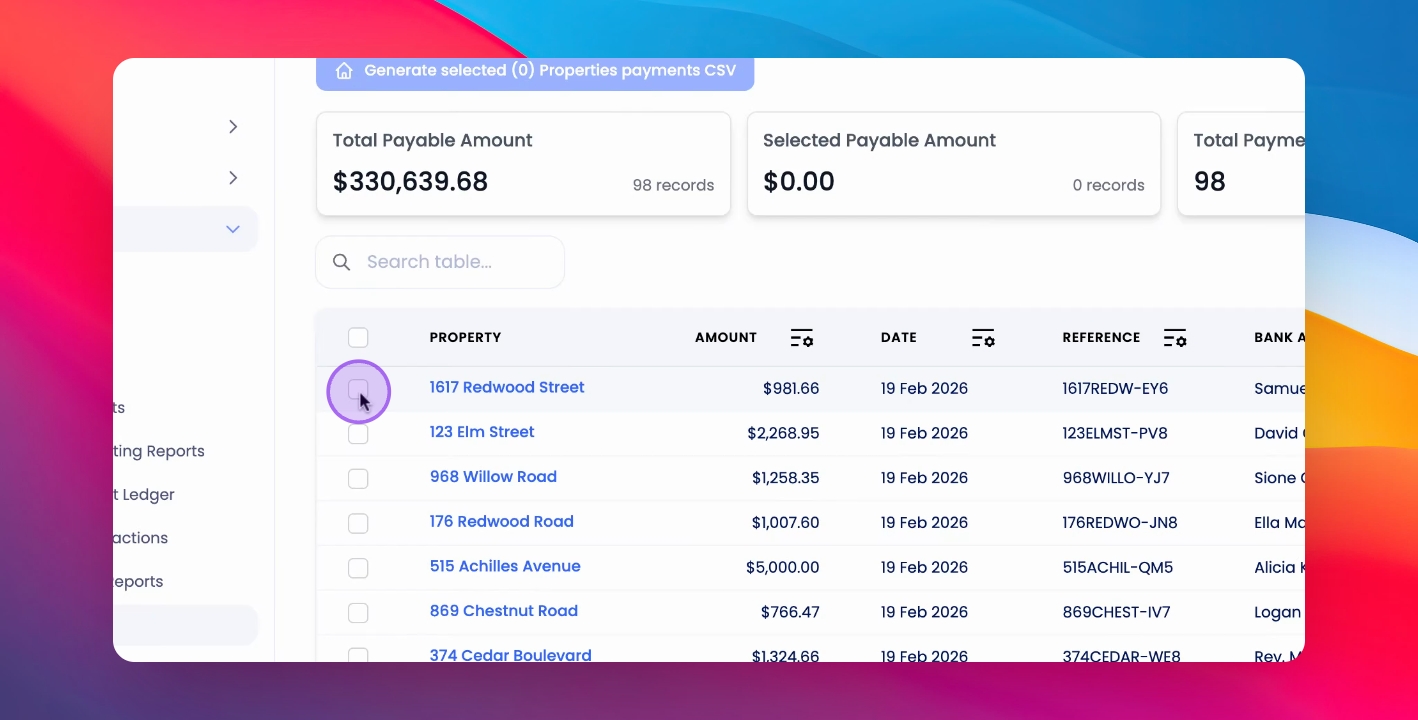
Step 2: Resend Remittances
To resend any remittances, visit the Paid tab, select a relevant payment, click Actions, and then click Resend Remittance.
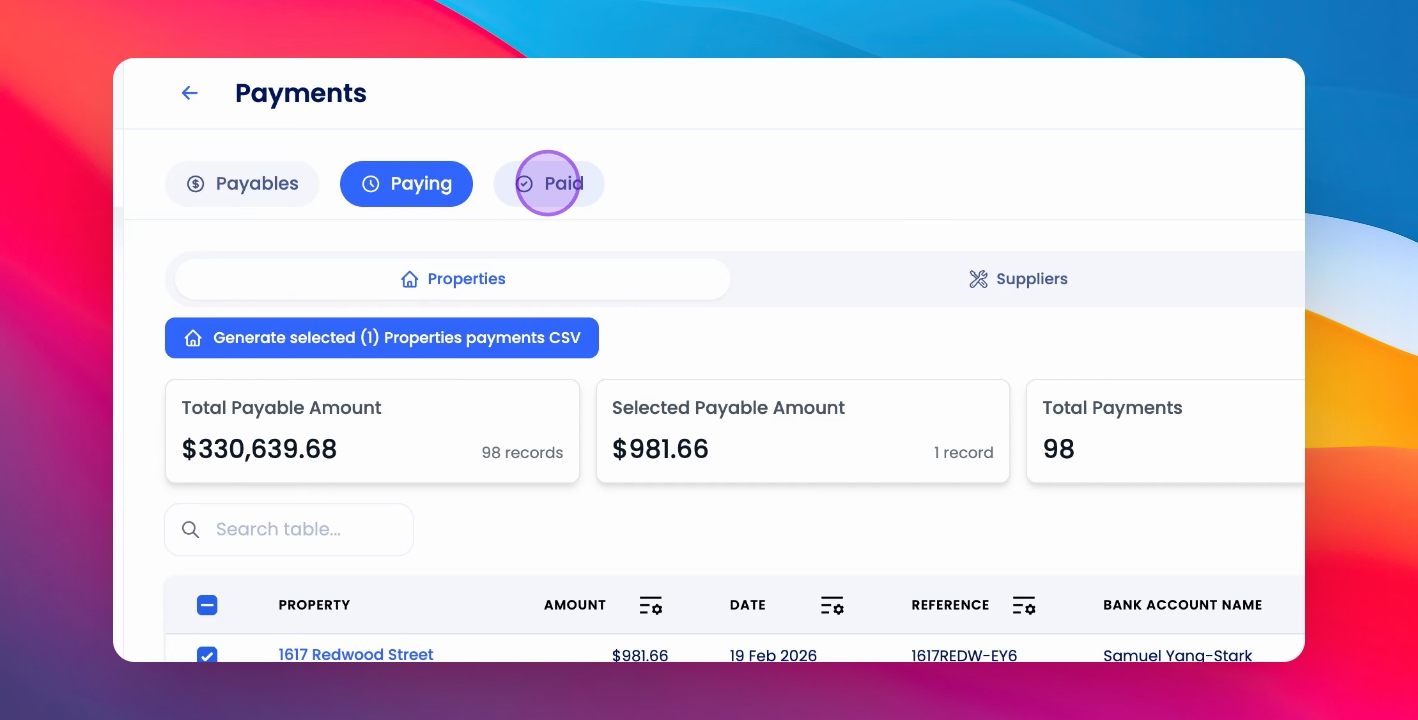
You can also resend remittances for entire pay runs by selecting the relevant dates.