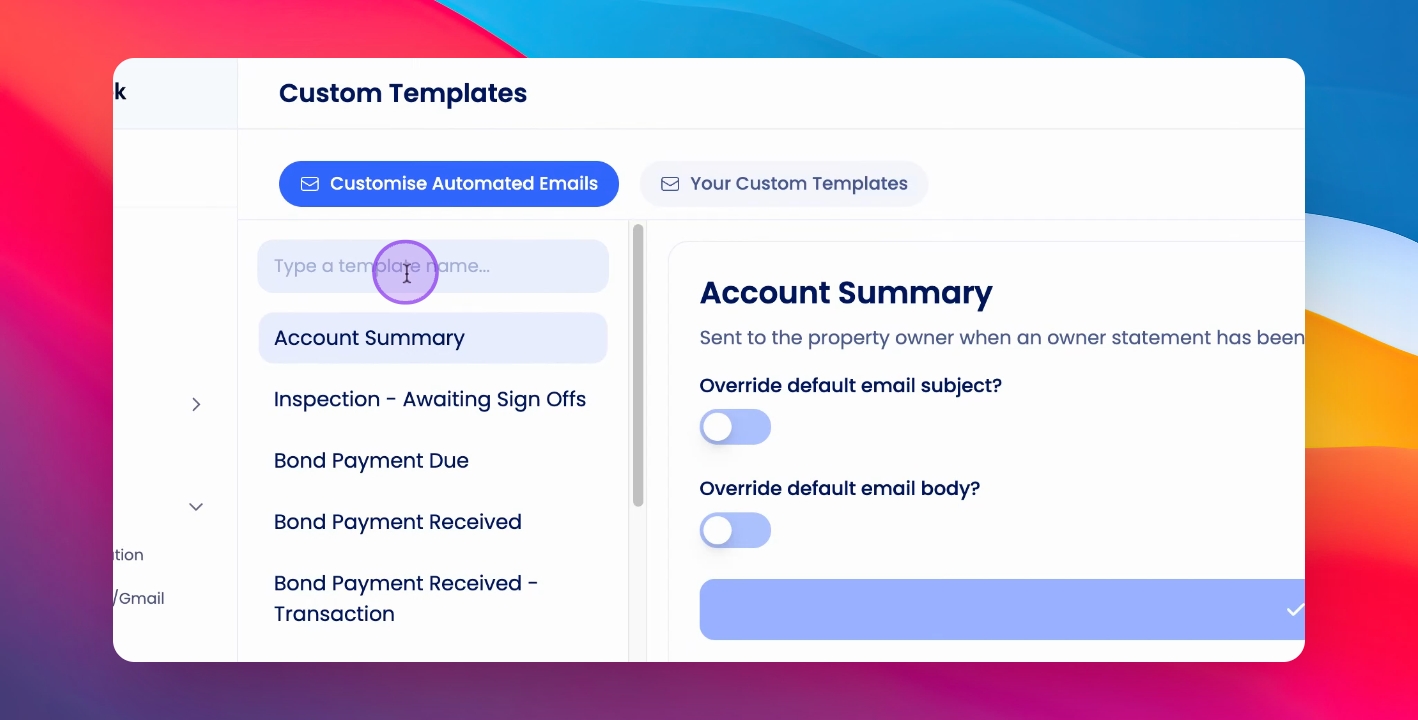
To set up remittances, go to Agency Configuration.
Step 1: Access Trust Account Settings
Under Agency in the navigation bar, click on Trust Account Settings.
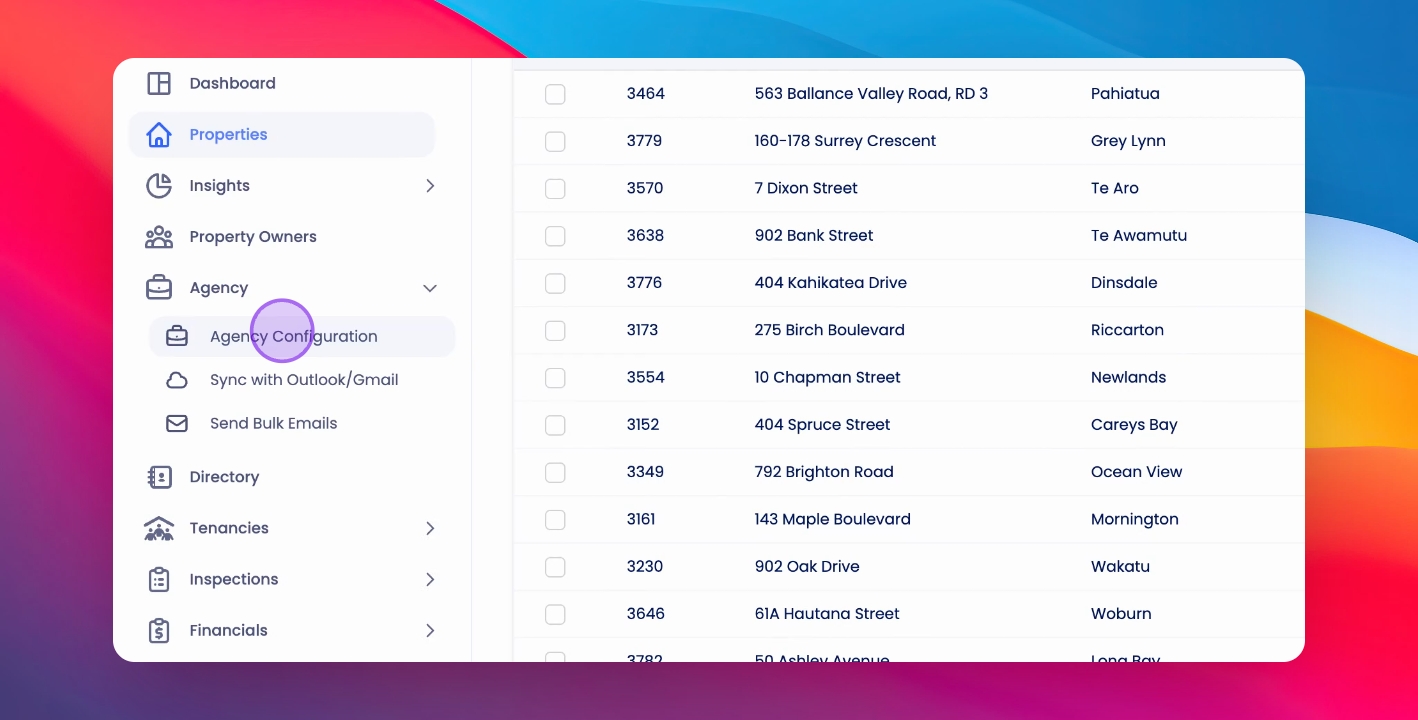
Here you'll see toggles to turn on Supplier, Tenant, Owner, and Fee Remittances.
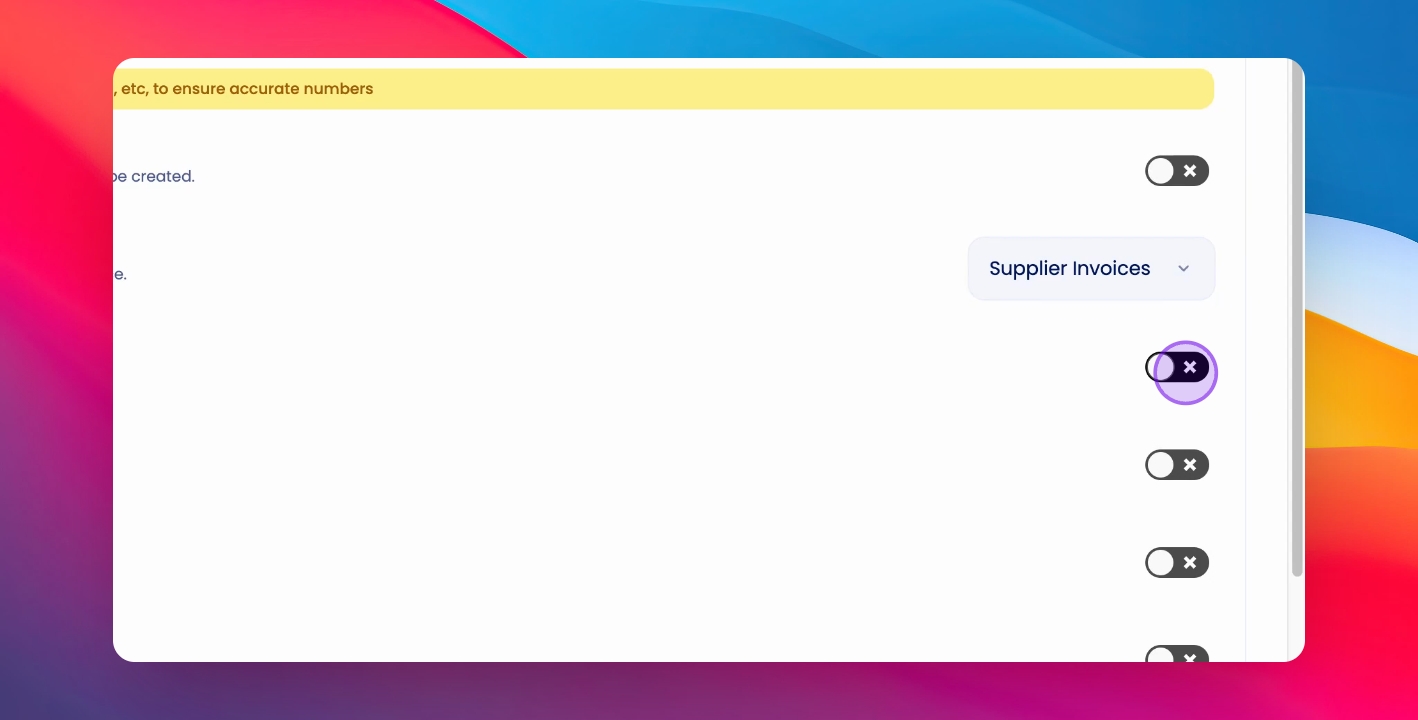
Step 2: Edit Remittance Template
To edit the remittance template, click on Agency Configuration.
Step 3: Custom Templates
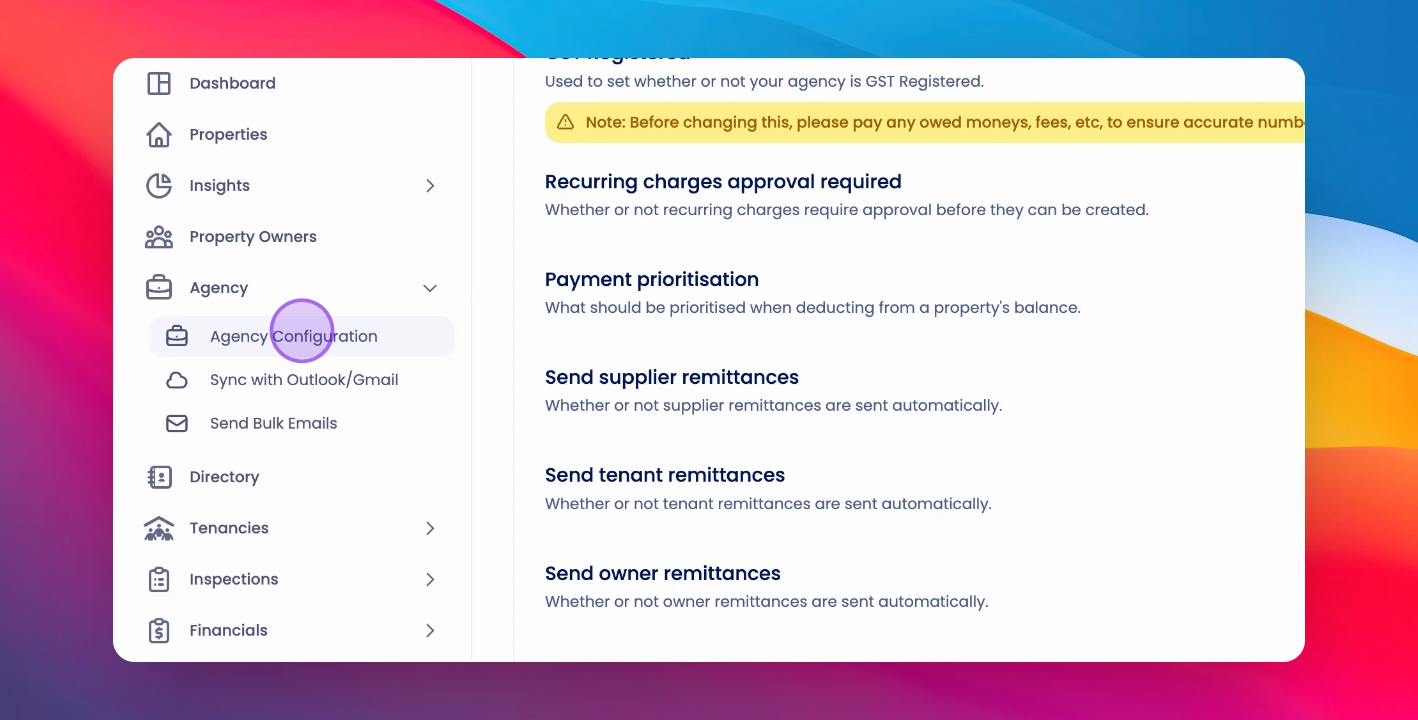
Click on Custom Templates.
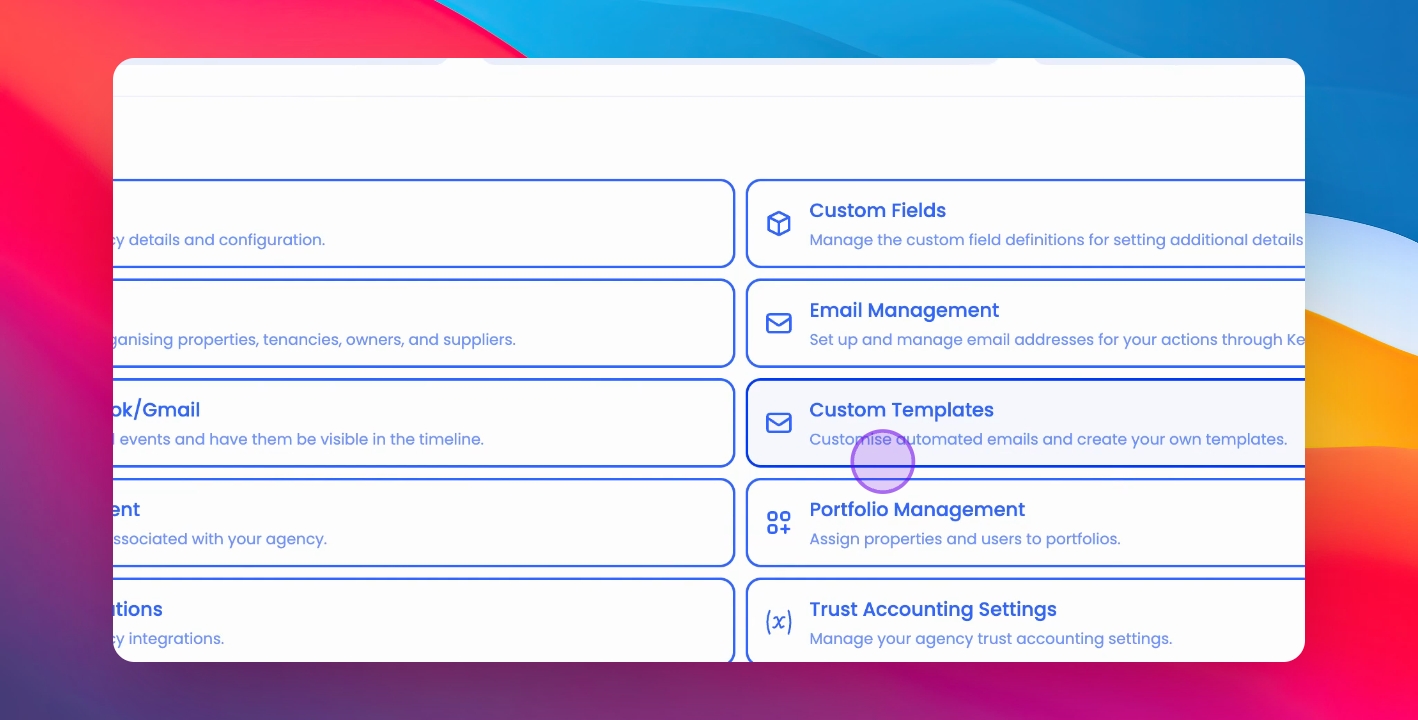
Here you can search for remittances and edit and preview them as needed.