

In Keyhook, you can easily run a report on your keys. Let's look at the steps:
Step 1: Access Properties Table
In Keyhook, click on the Properties table.
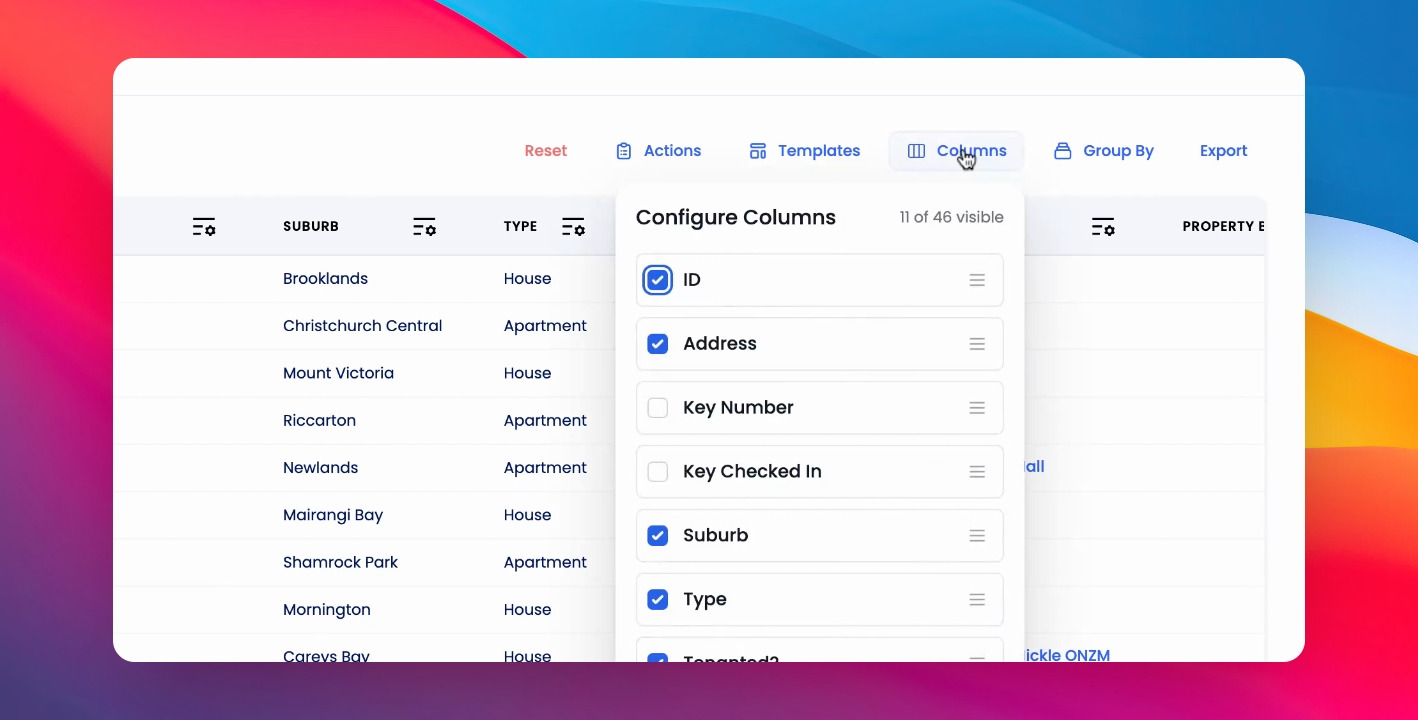
Step 2: Select Columns
Click on Columns, then select Key number and Key checked in.
Step 3: Apply Filters
From here, you can filter by Key number.
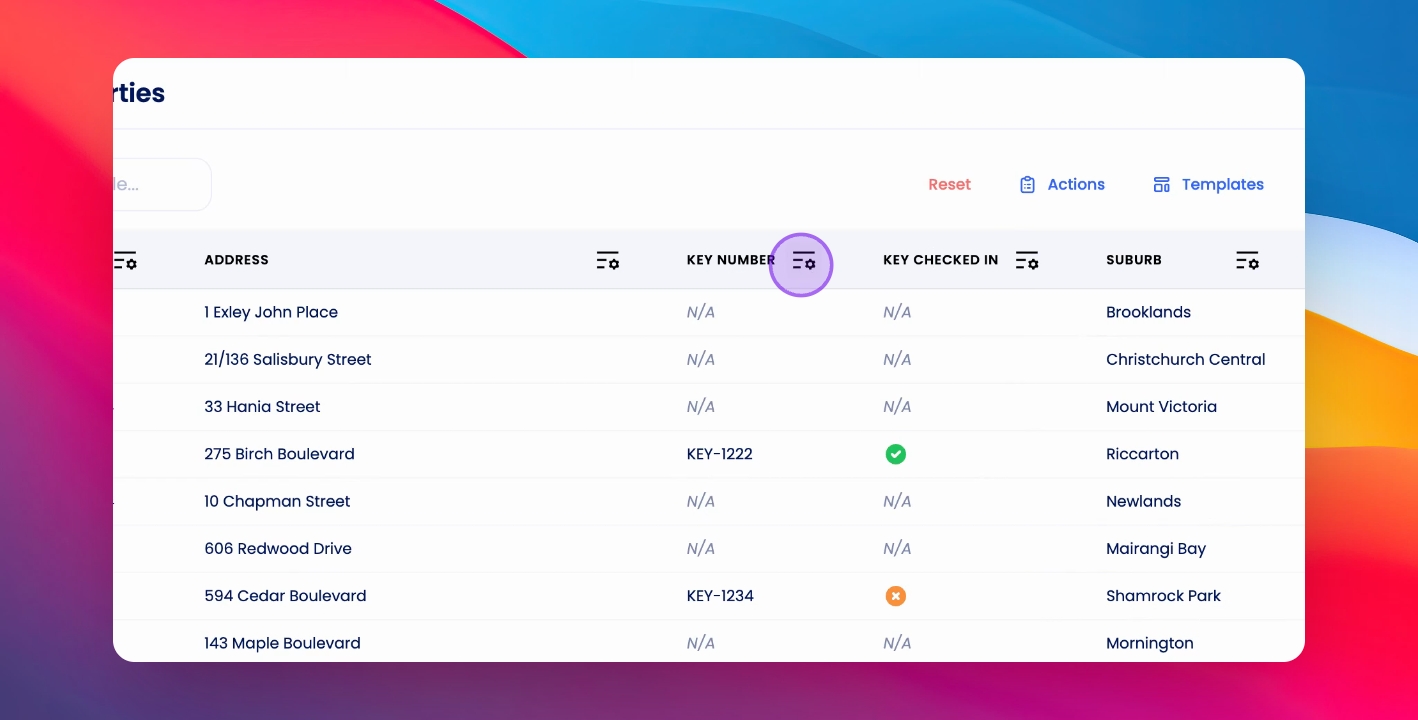
Step 4: Further Filtering
Filter further by Key checked in or Key Checked out.