

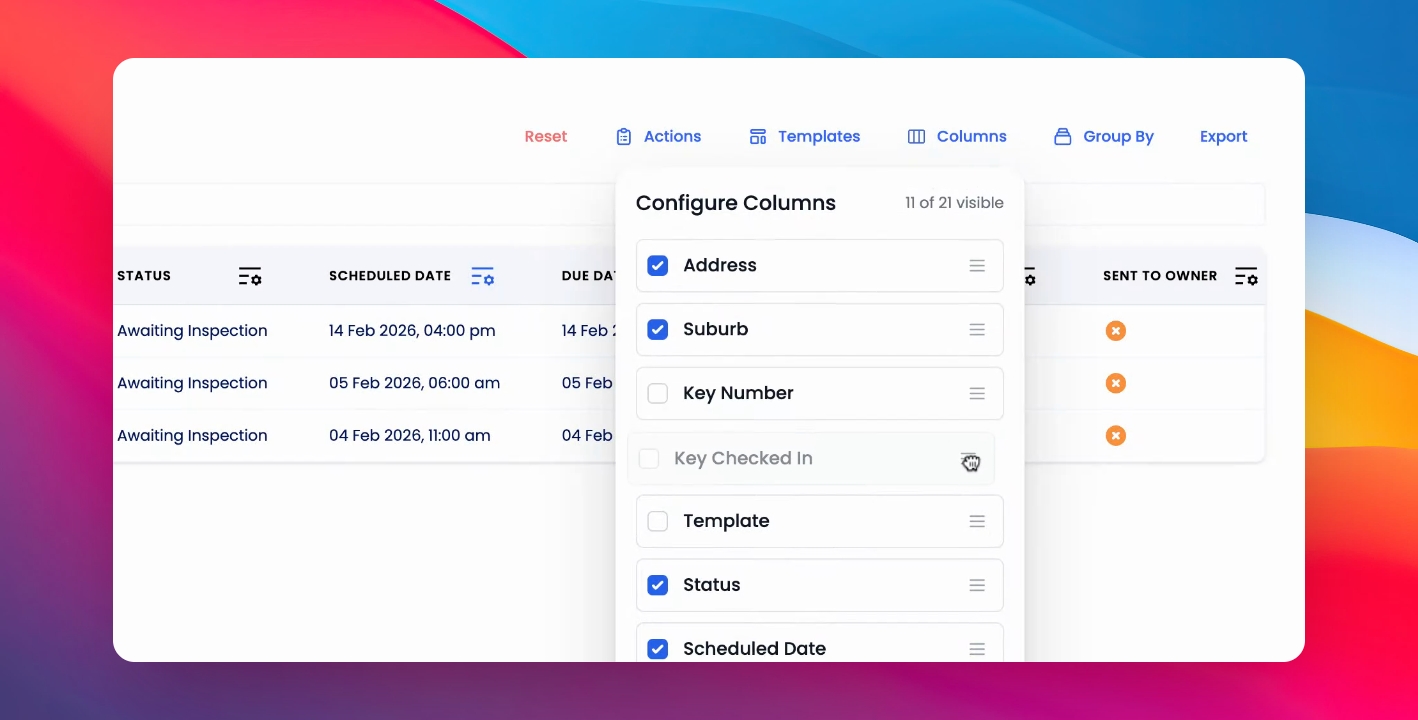
To run a key report for your upcoming inspections, go to the Inspections table, filter by the relevant dates, select columns, move key, number, and key checked in to the relevant spots in the table. Let's look at the steps:
Step 1: Select Columns
Filter the Inspections table by the relevant dates and select the columns you need.
Step 2: Move Key Fields
Move key, number, and key checked in to the relevant spots in the table.
Step 3: Export Report
You can export this report as required by clicking Export.