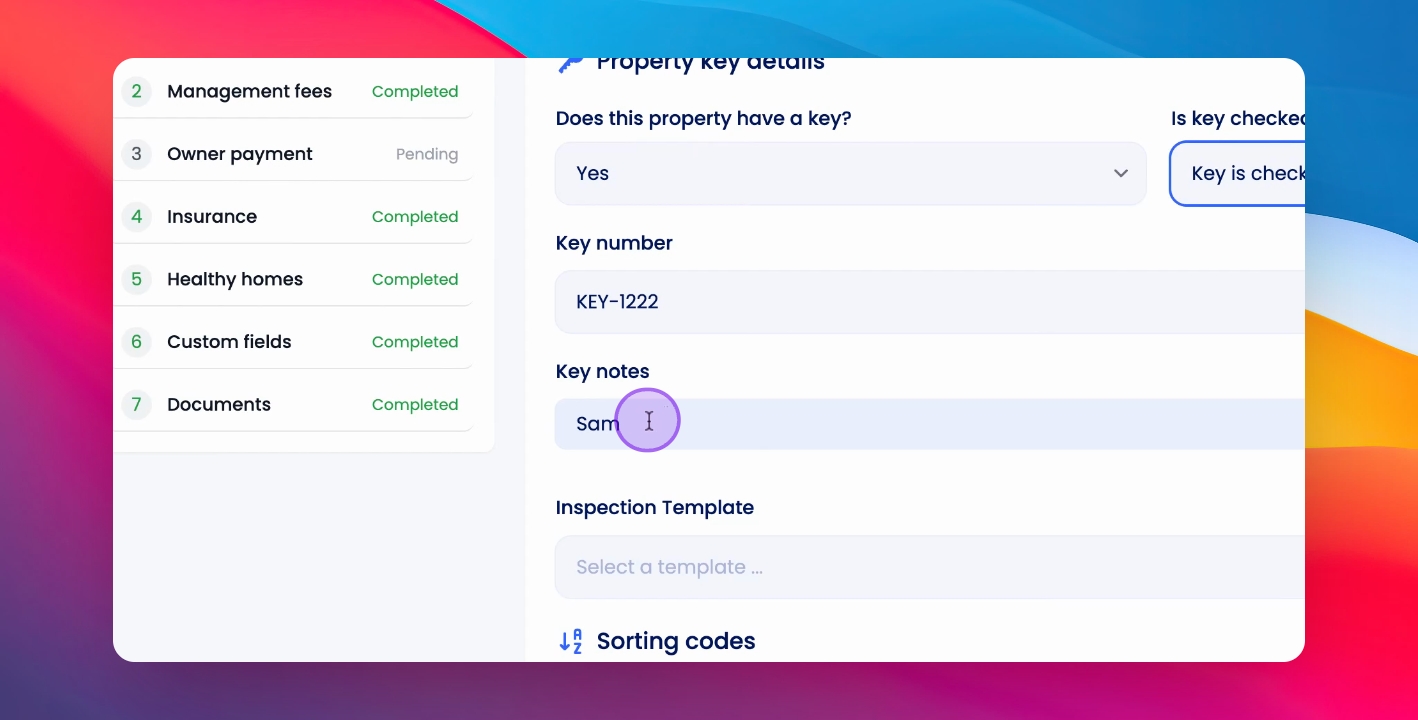
To manage keys for a property, you need to follow the correct procedures for checking in and out. Let's look at the steps:
Step 1: Go to Property Setup
To check a key in or out, go to the relevant property and click Setup Property.
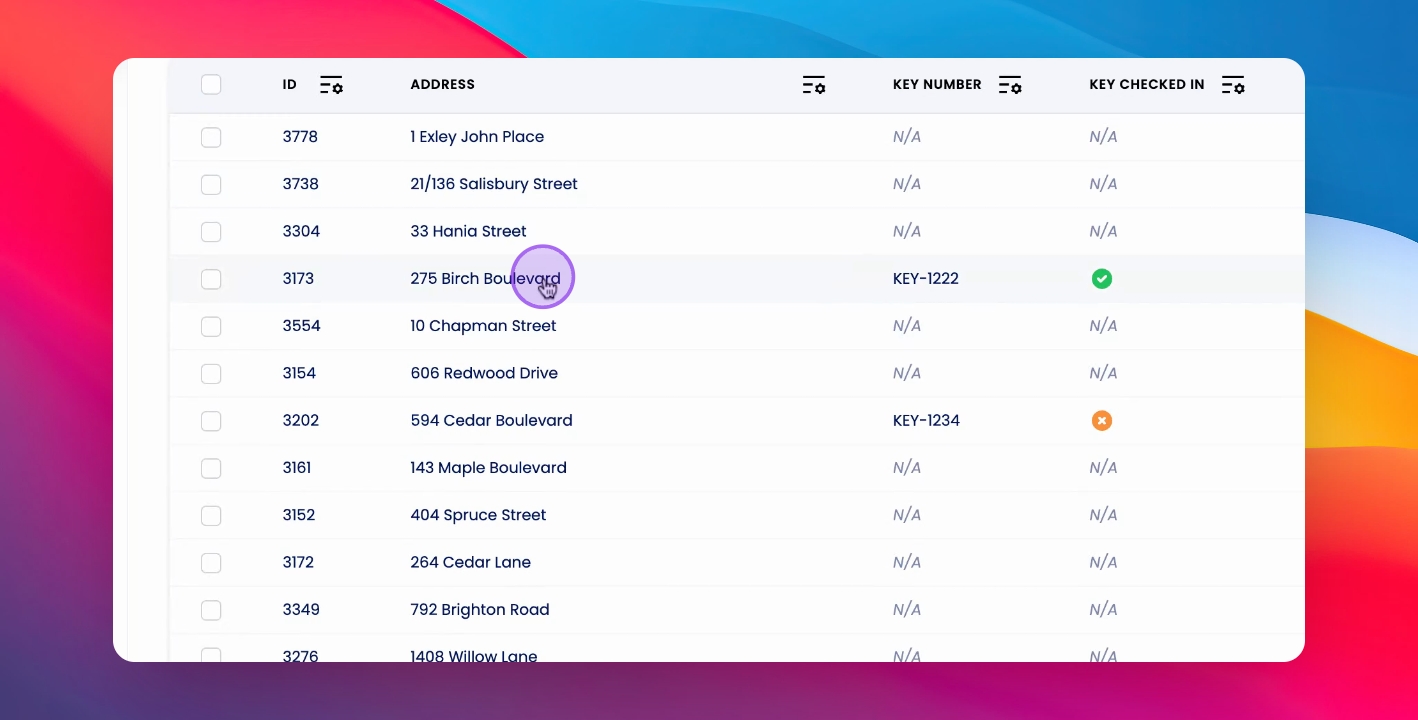
Step 2: Change Key Status
Under General Details, scroll to the key field and change the status of the key details.
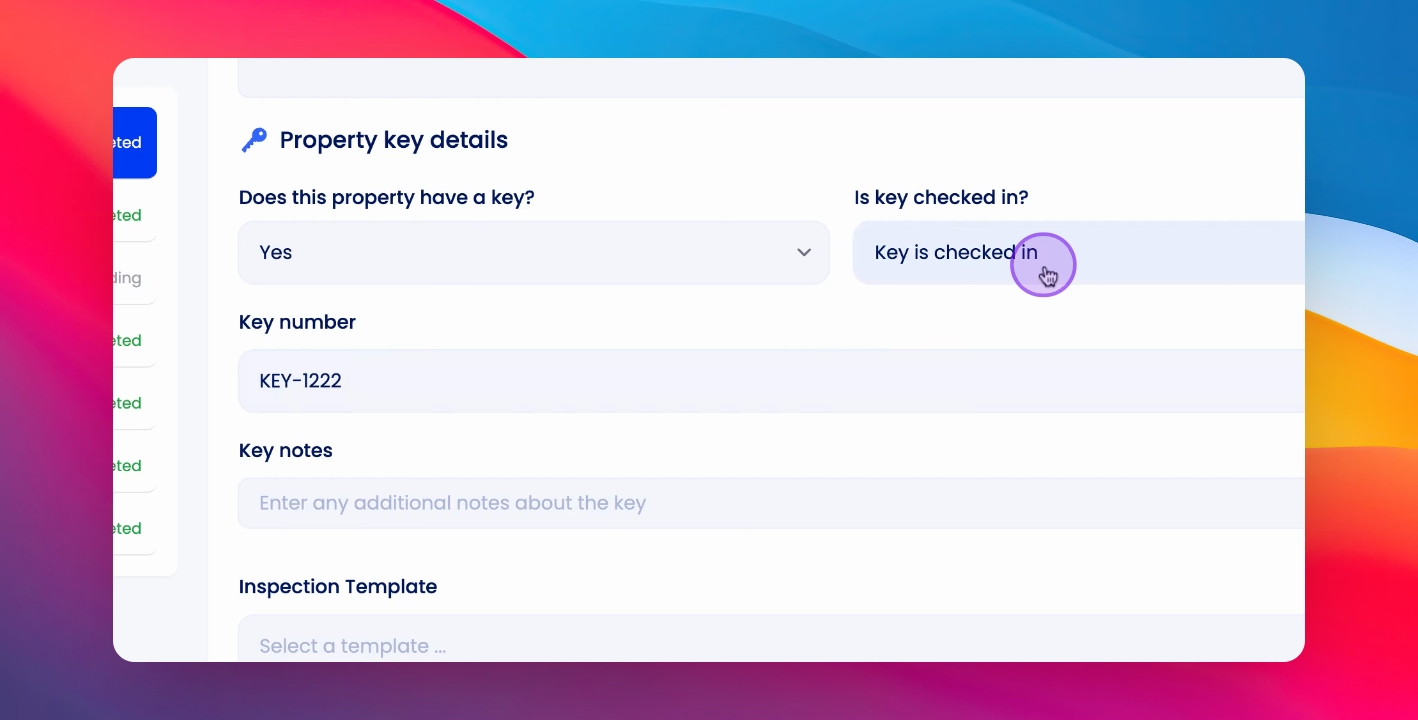
Step 3: Save Changes
You can make a note of who checked out the key, then click Save and Continue.
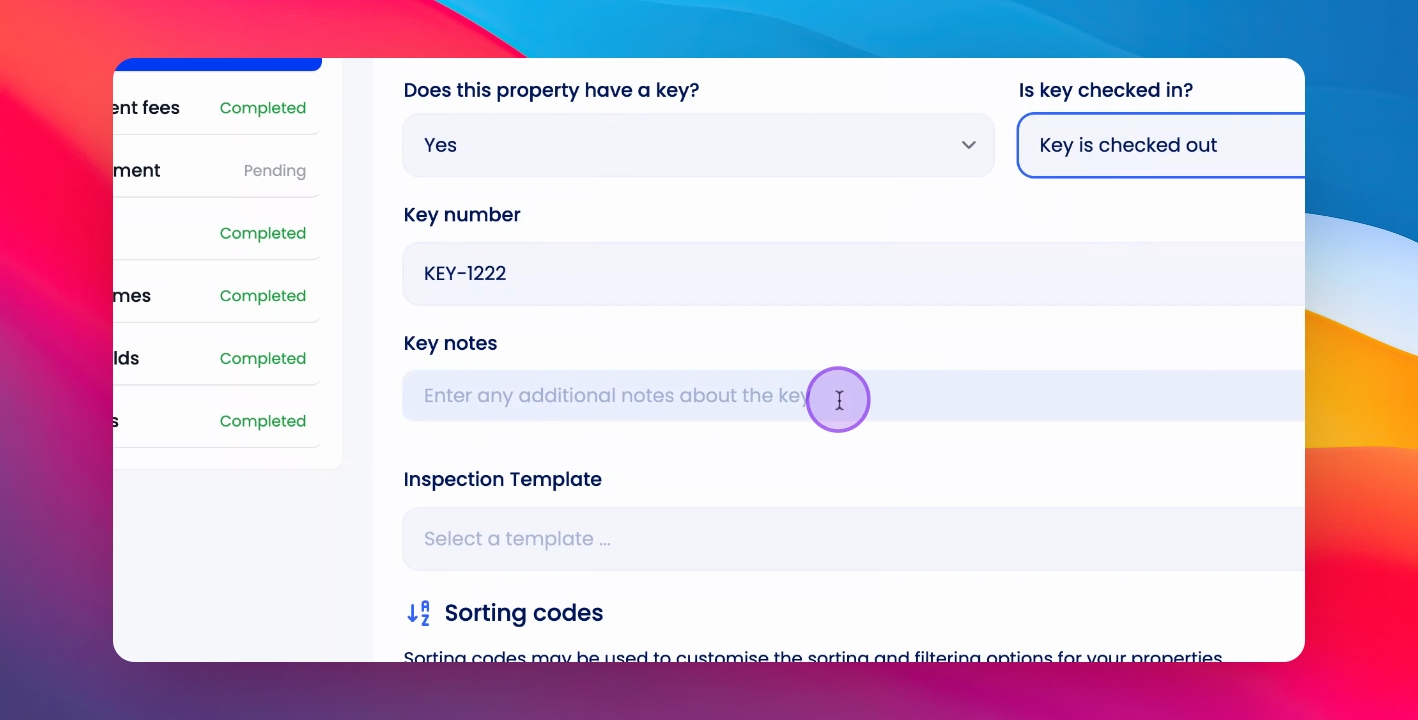
Step 4: View Record
This will create a record in the timeline for you to view.
Step 5: Check Key In
To check a key in, follow the same process under General Property Details and Property Key Details.
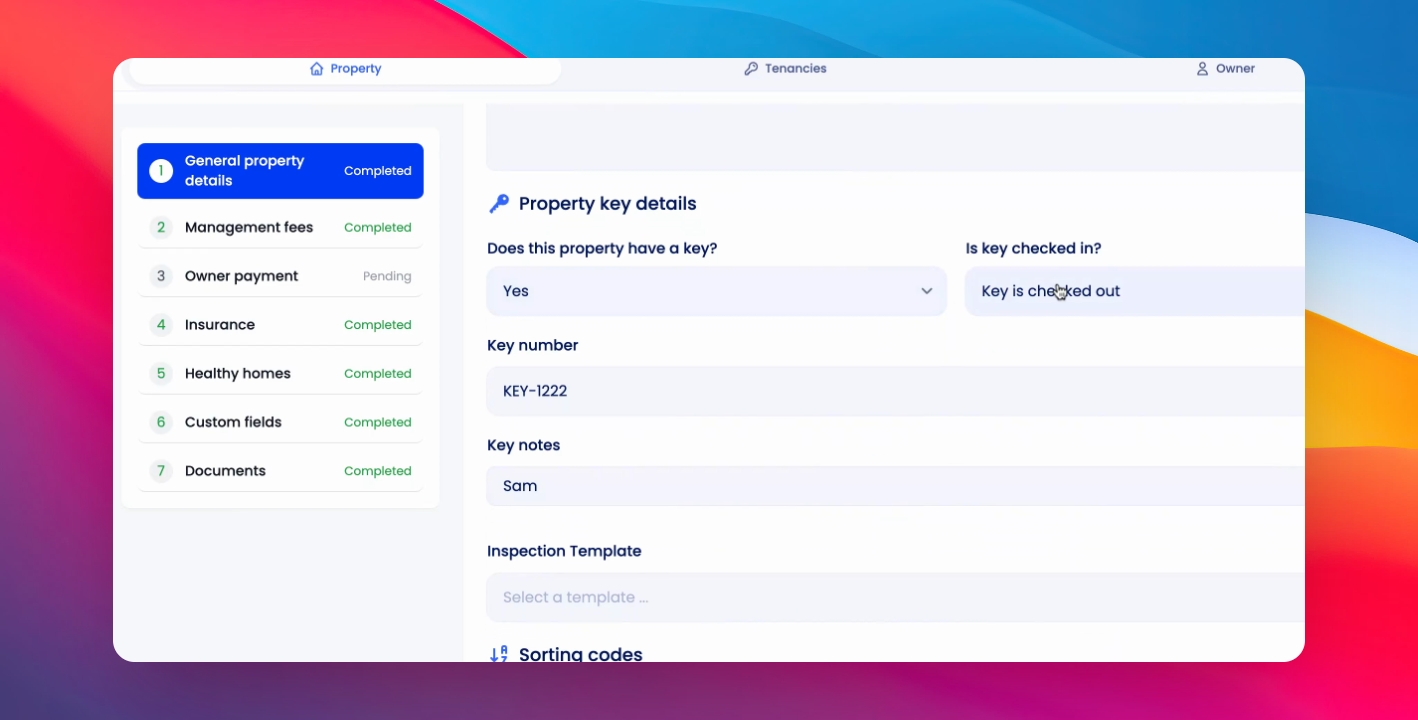
Step 6: Update Keynotes
You can update the keynotes every time you check a key in or out.