

TL;DR
1
Open Bank Feeds
Go to the Bank Feeds page to start.
2
Request Refresh
Click Request Refresh to initiate the process.
3
Select Days
Choose the number of days for the import.
4
Know Your Limits
Transactions already pulled will not be duplicated.
Let's Do It Together!
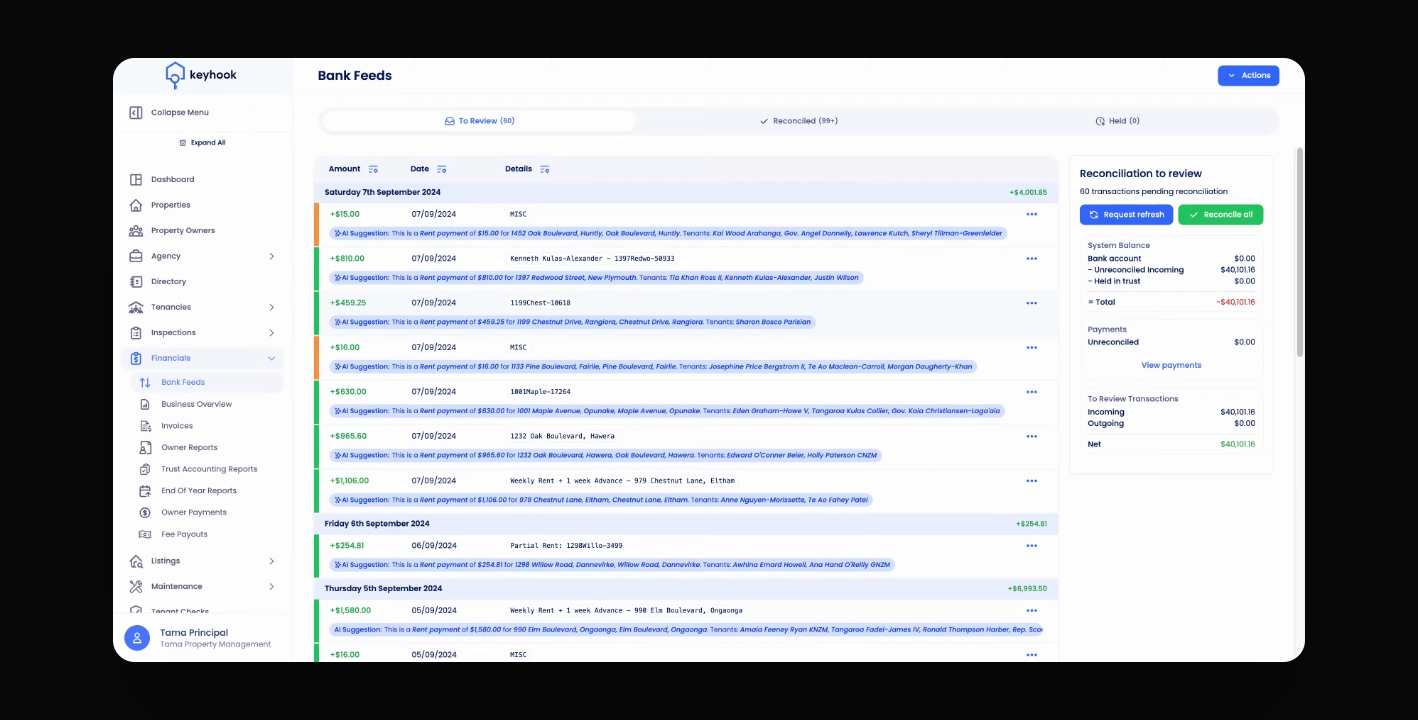
Step 1: Open Bank Feeds Page
Navigate to the Bank Feeds page.
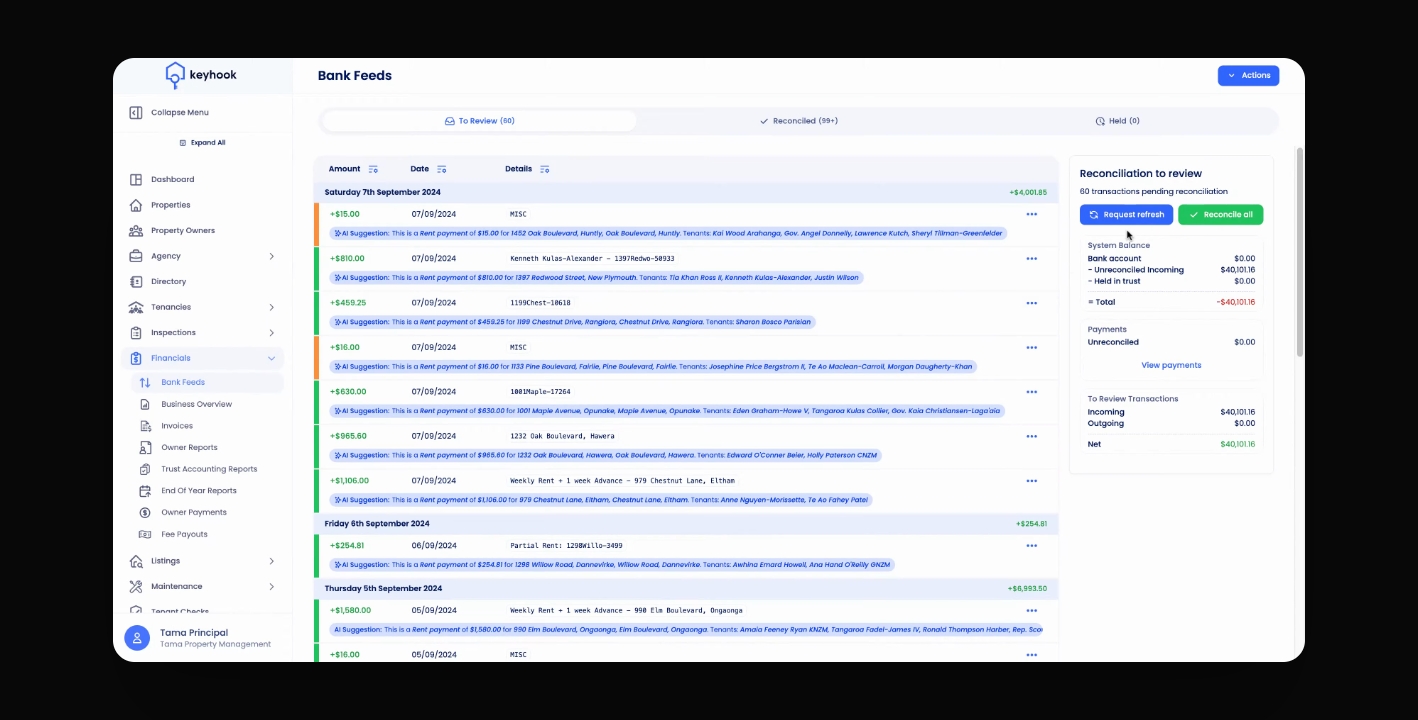
Step 2: Request a Refresh
Click Request Refresh.
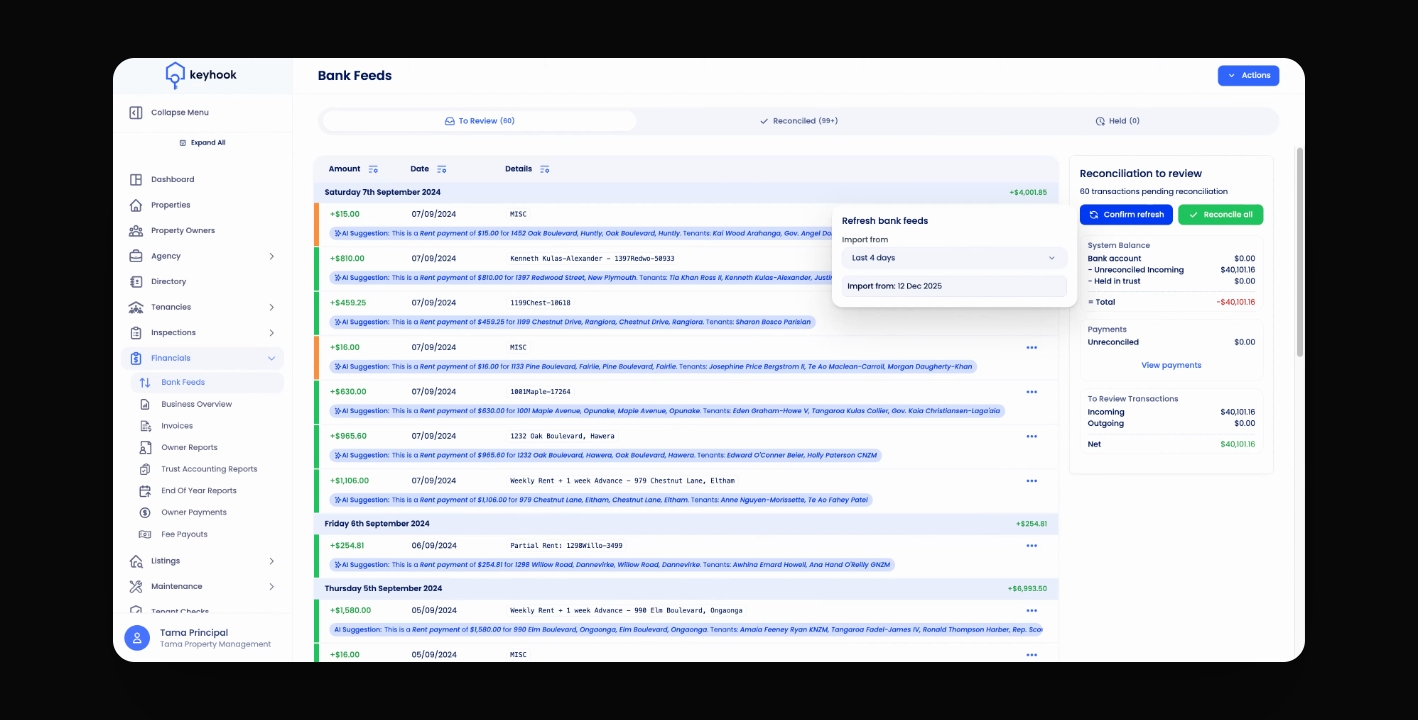
Step 3: Select Import Days
Select the number of days you'd like to import.
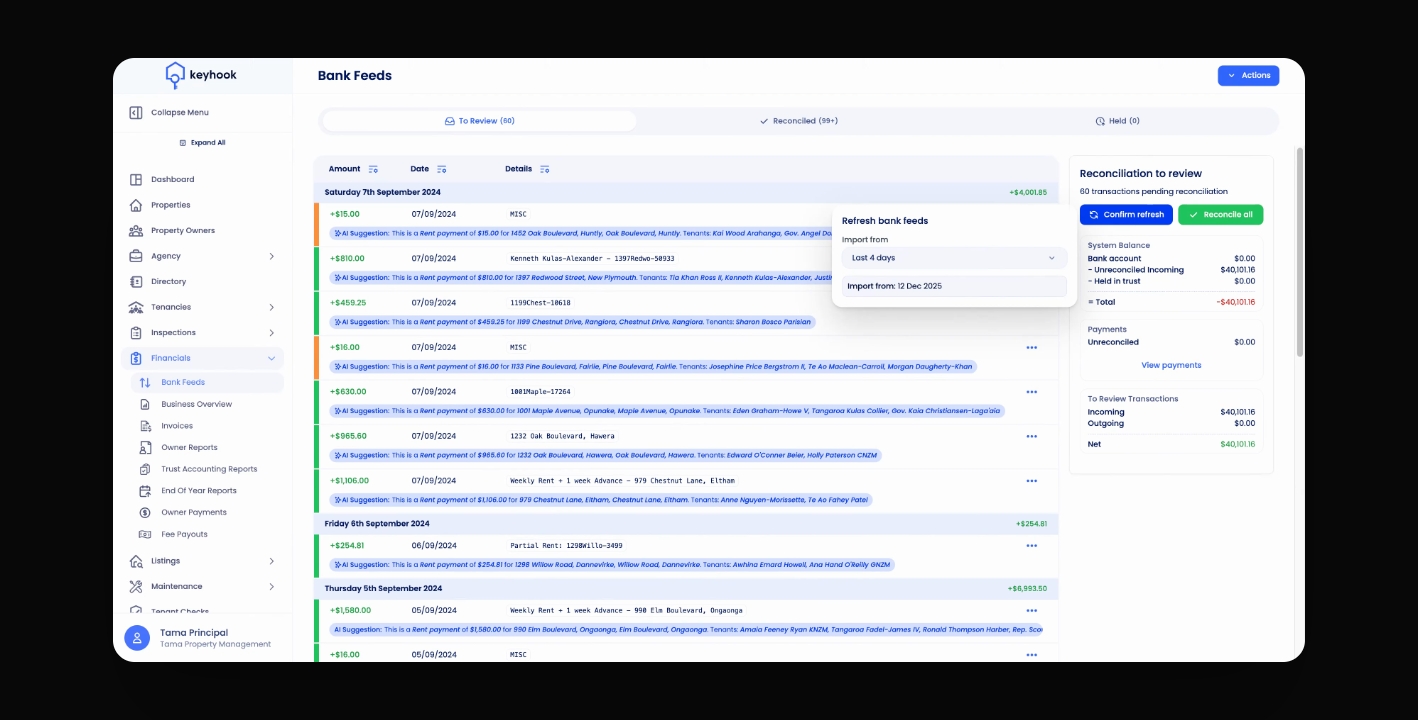
Step 4: Understand Transaction Limits
KeyHook will not pull transactions already imported.
You're safe to refresh the last four days.
If you need more help or have any questions, just reach out to us at support@keyhook.com — we're always here to help!