

TL;DR
1
Open Bank Feeds
Access bank feeds to view tenant receipts.
2
Select Tenant Receipt
Click into the tenant's receipt.
3
Set Type and Invoice
Choose 'tenant invoice' and select the relevant invoice.
4
Record Payment
Enter payment amount and reconcile the transaction.
Let's Do It Together!
Step 1: Access Bank Feeds
Open your Bank Feeds to view incoming receipts.
The receipt from the tenant appears in your bank feeds.
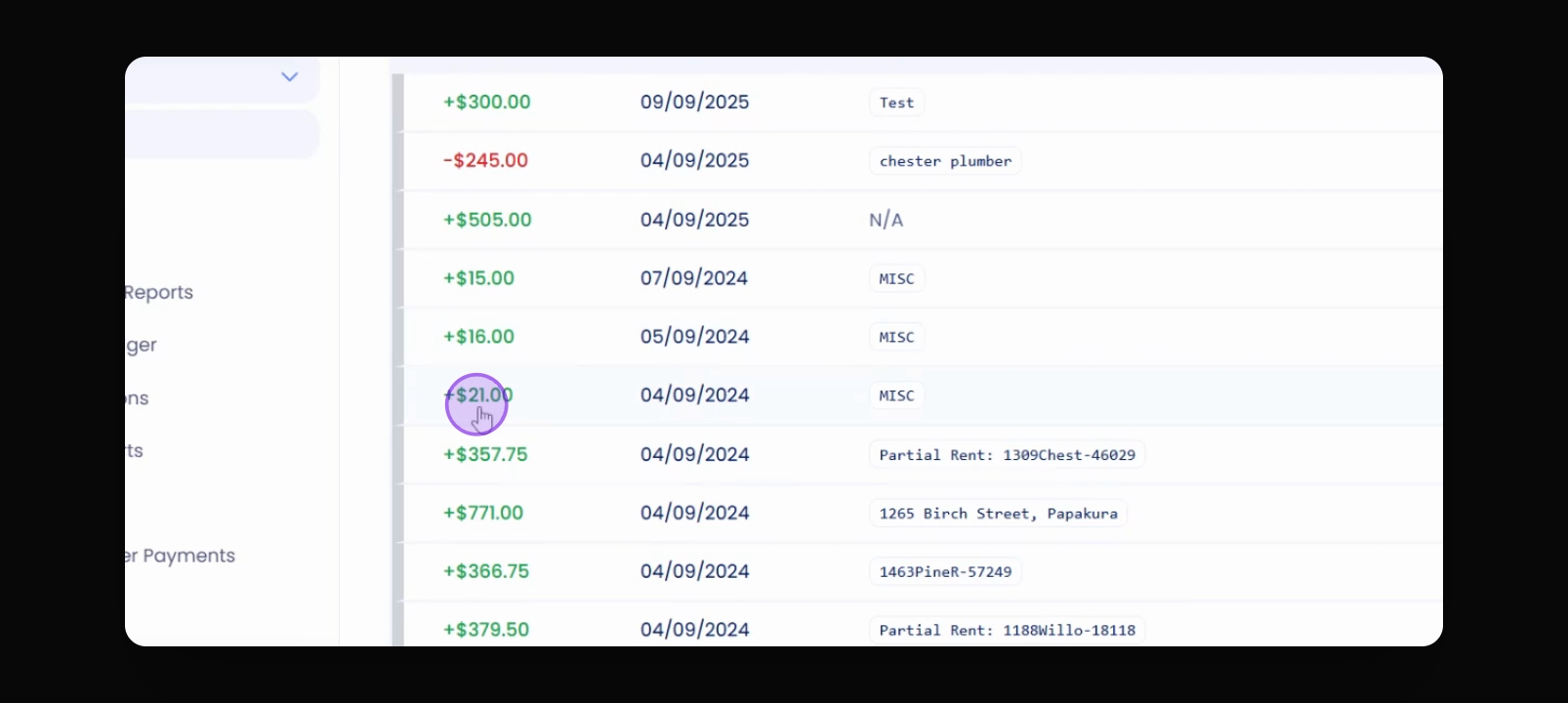
Step 2: Open the Receipt
Click into the receipt from the tenant.
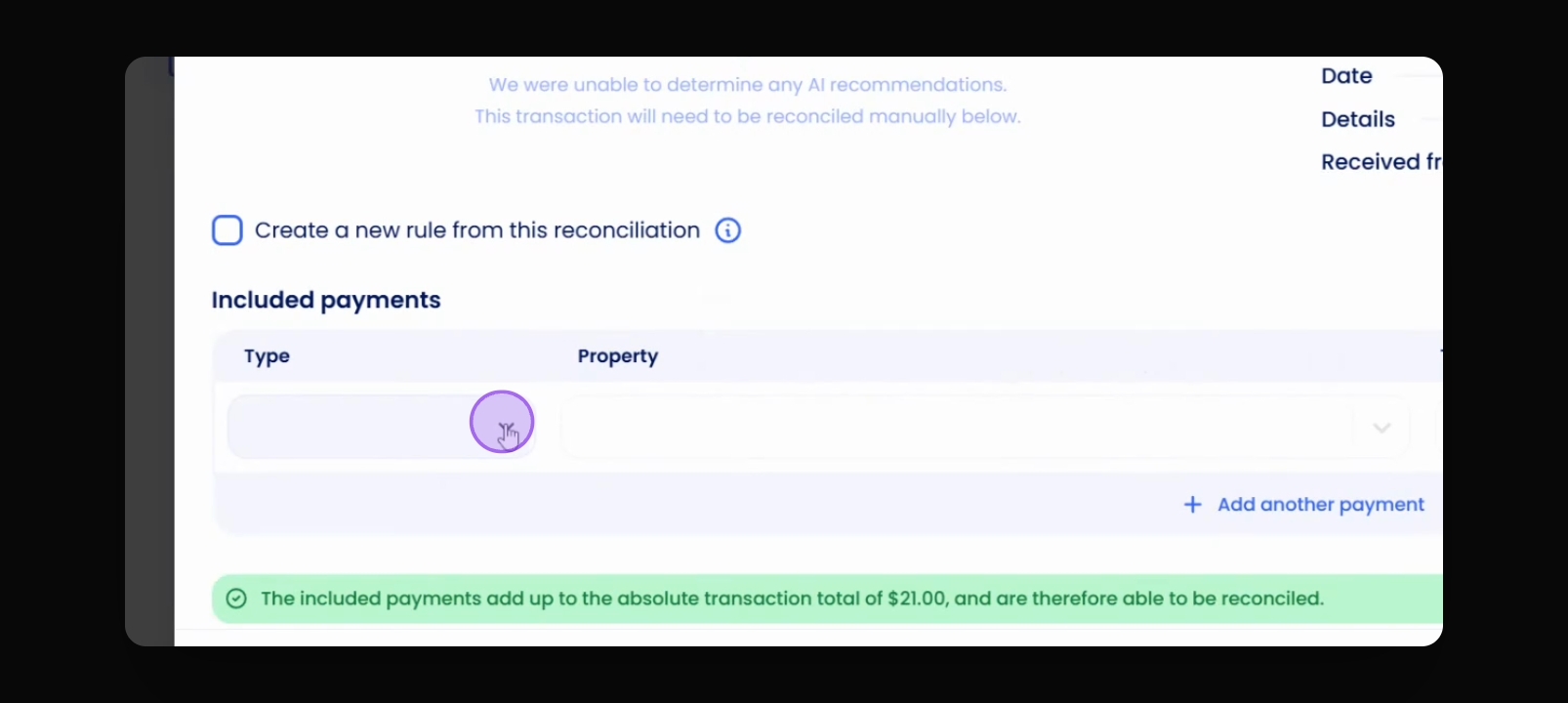
Step 3: Set Receipt Type
Go to Type and select tenant invoice.
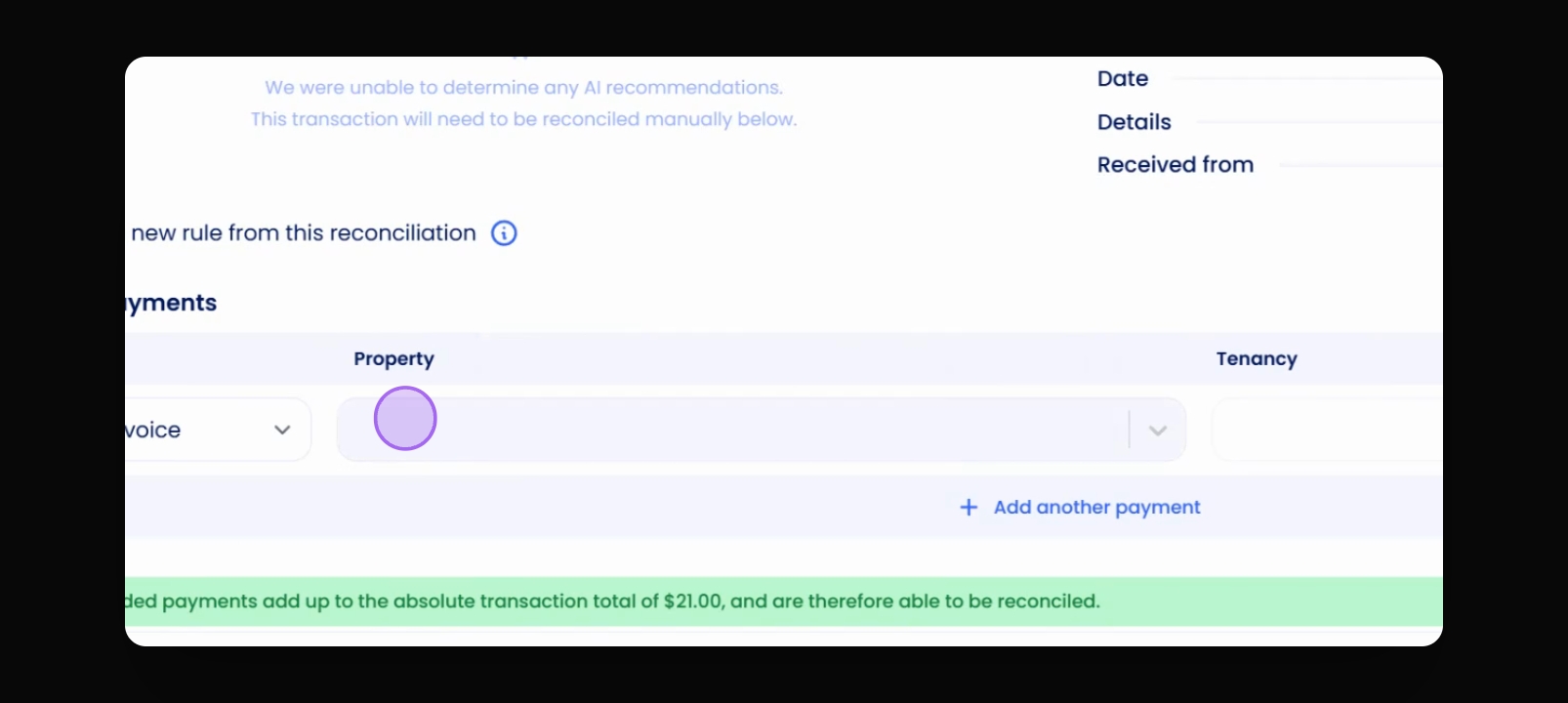
Step 4: Enter Property and Tenant
Put in the property and select the tenant.
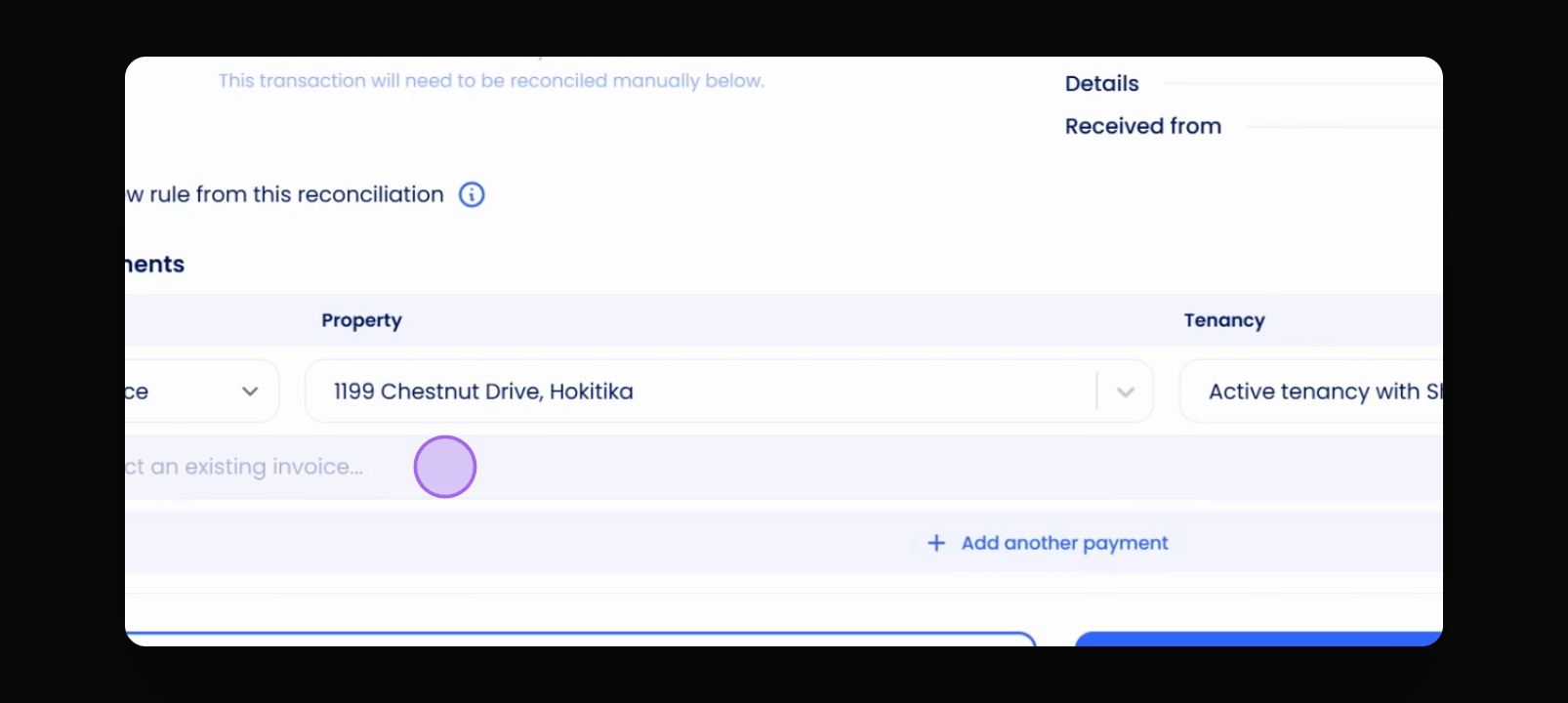
Step 5: Choose the Invoice
Select the invoice you are paying.
Step 6: Enter Payment Amount
Record the payment of $21 towards the $47 invoice.
Step 7: Reconcile the Payment
Proceed to reconcile the payment.
The payment is recorded successfully.