To process a water invoice that has a checked meter and a delayed checked meter reading, go into the invoice, ensure all the settings are recorded correctly. Let's look at the steps:
Step 1: Approve and Hold
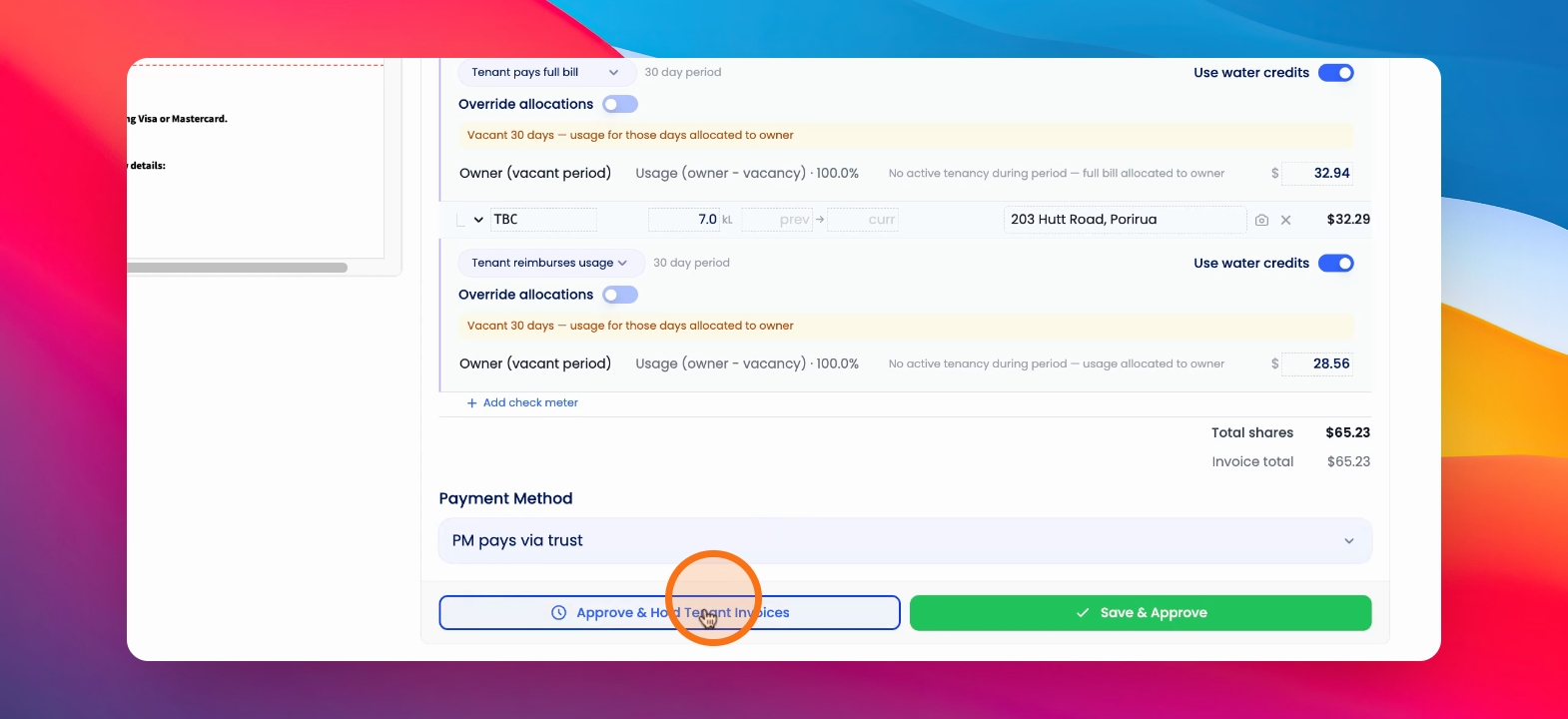
Press Approve and Hold tenant invoices to process the invoice if the setting is correct.
Step 2: Pay Supplier
Pay the water supplier.
Step 3: Release from Hold
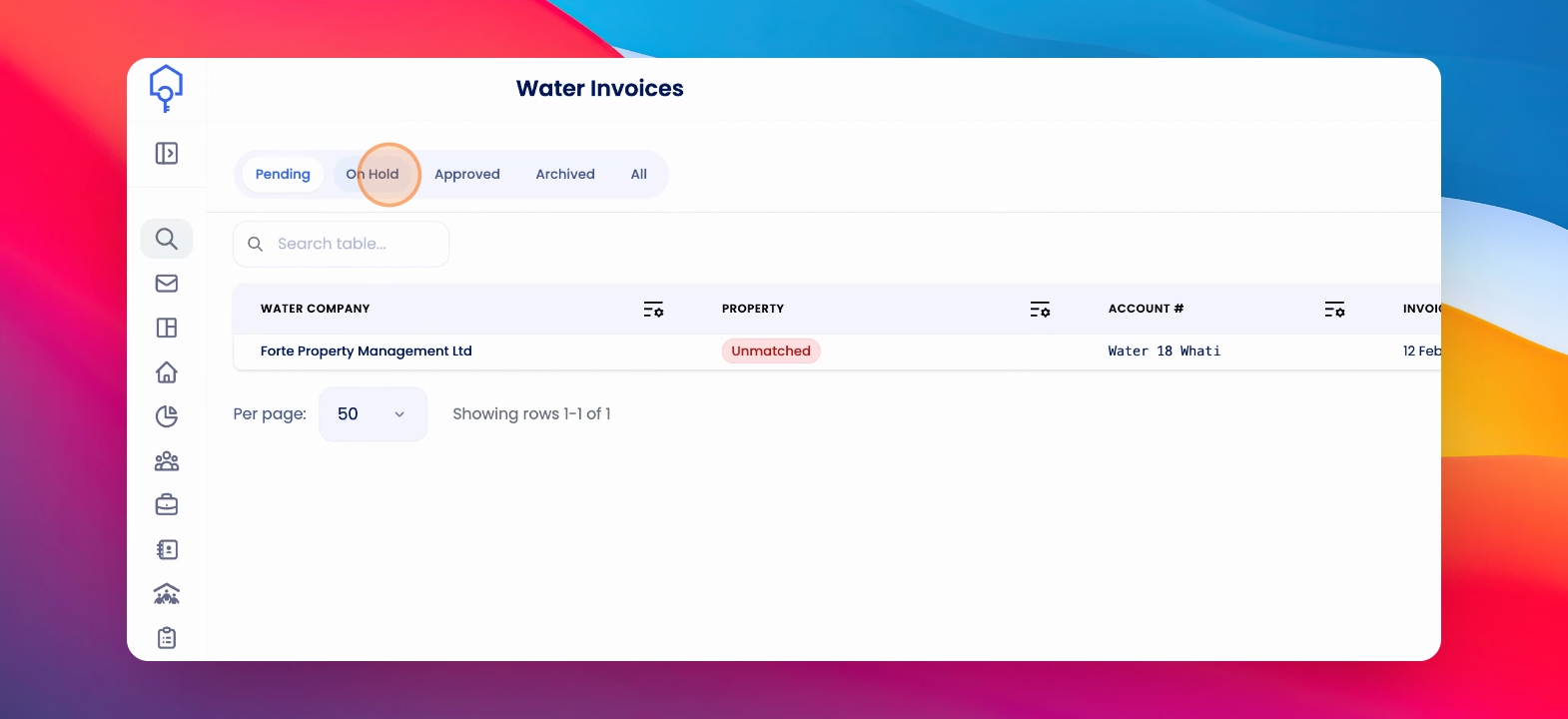
Once you've done a reading on the checks meter, click on the On Hold tab. Under Water Invoices, click into the relevant invoice and click Release from Hold and continue Pay or Invoice.