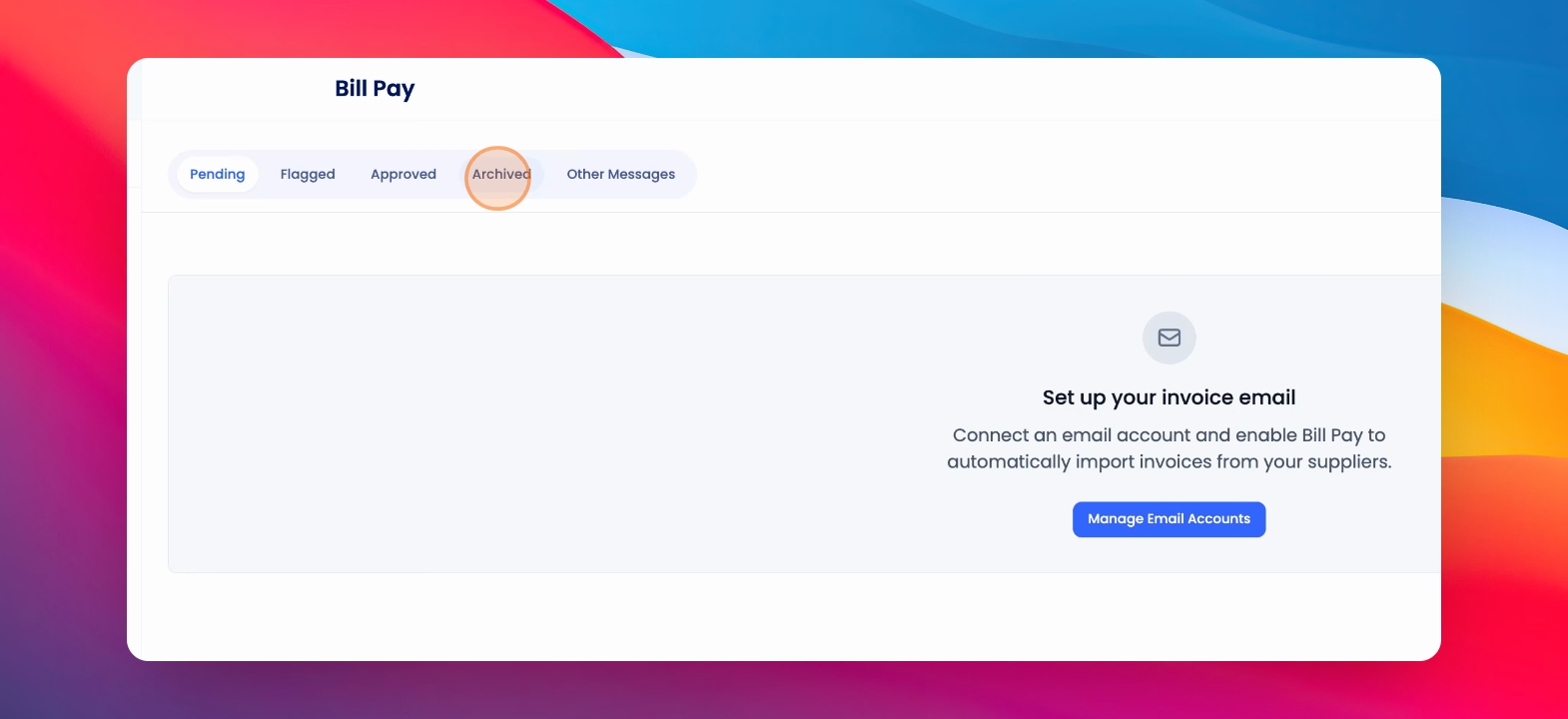
To archive an invoice that has come into your dedicated bill or invoice email inbox, click on Bill Pay. Let's look at the steps:
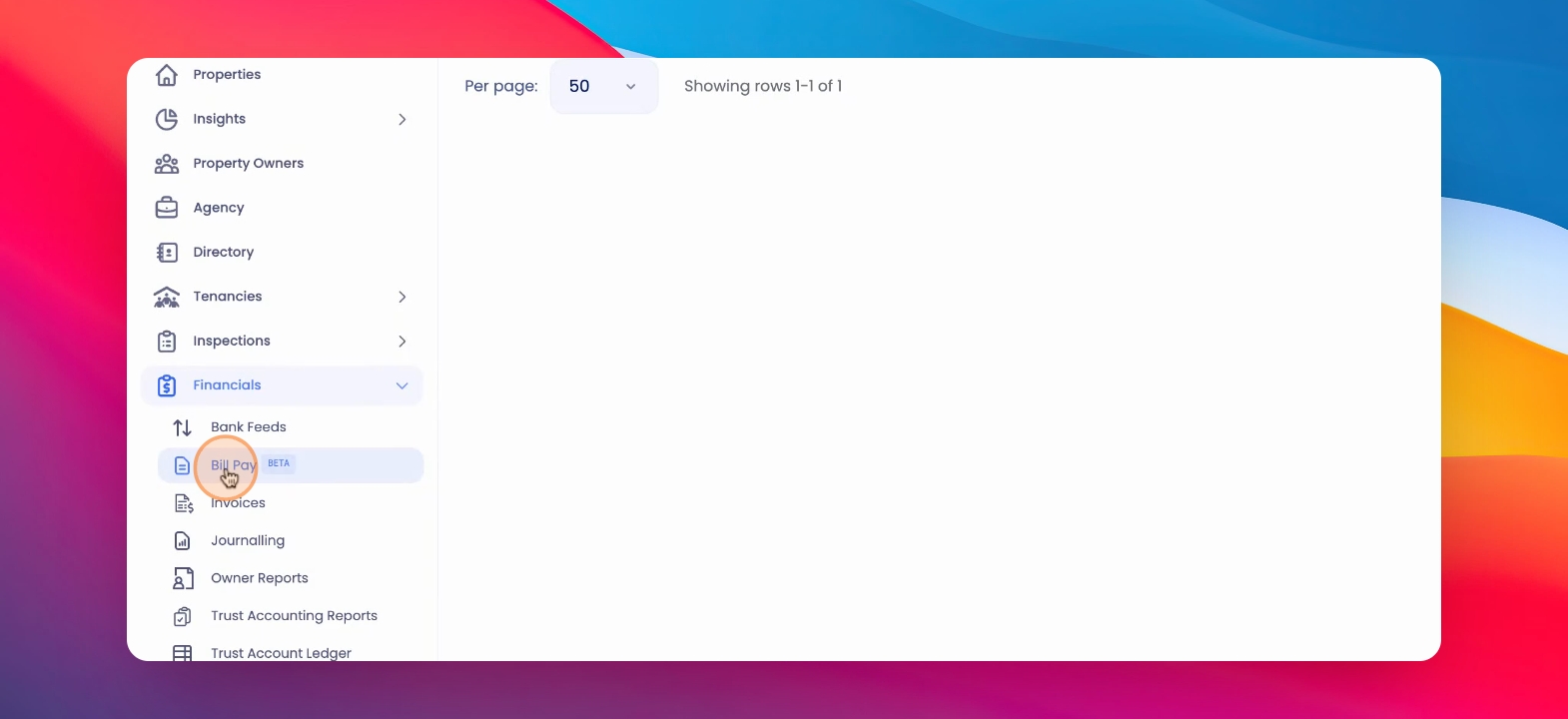
Step 1: Select Invoice
Under Financials, click on the relevant invoice you'd like to archive and click Archive.
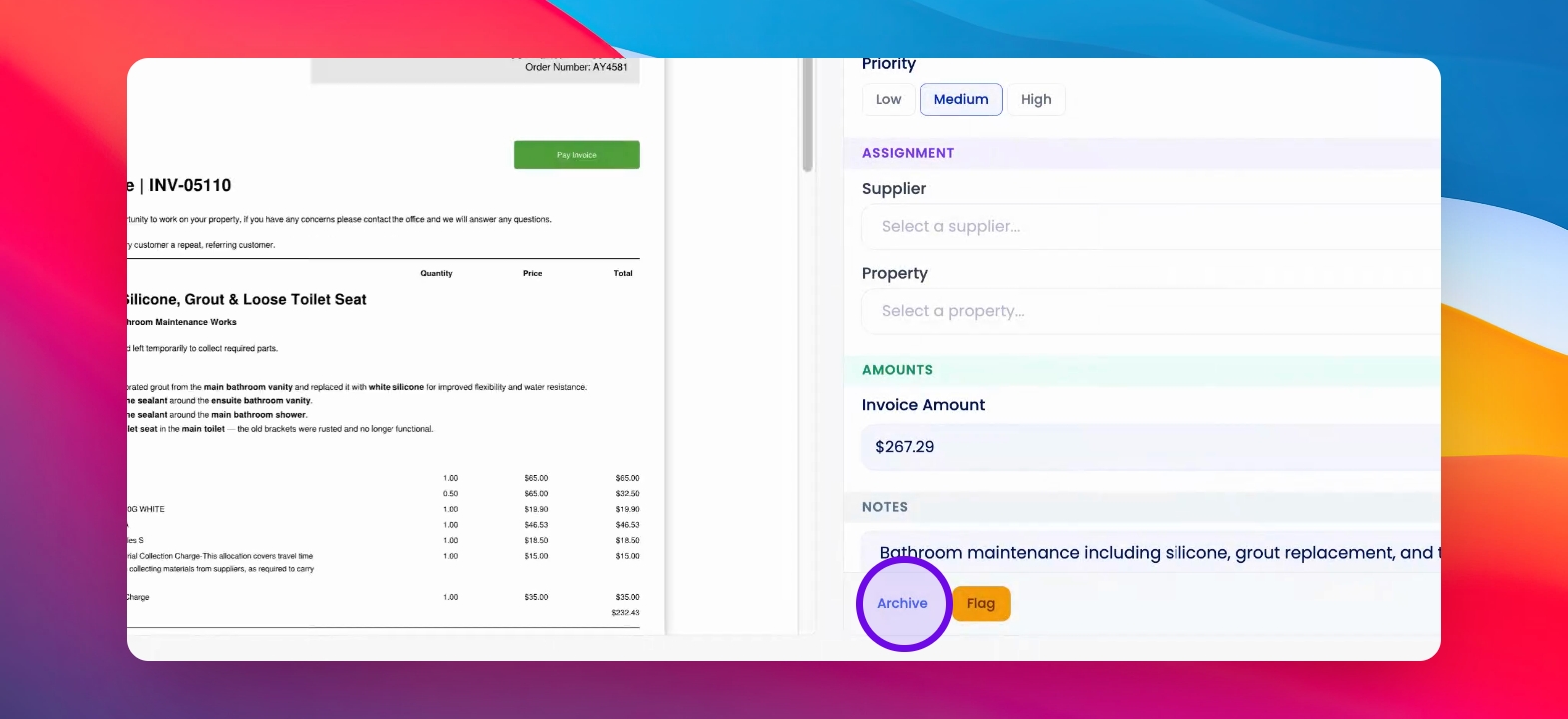
Step 2: Confirm Archiving
Optionally, leave a reason for archiving and confirm. Archived invoices can be found in the Archived tab under Bill Payment.