To process a tenant background or credit check, start by opening the relevant application. You can do this either from the navigation bar on the left or by selecting a specific listing. Let's look at the steps:
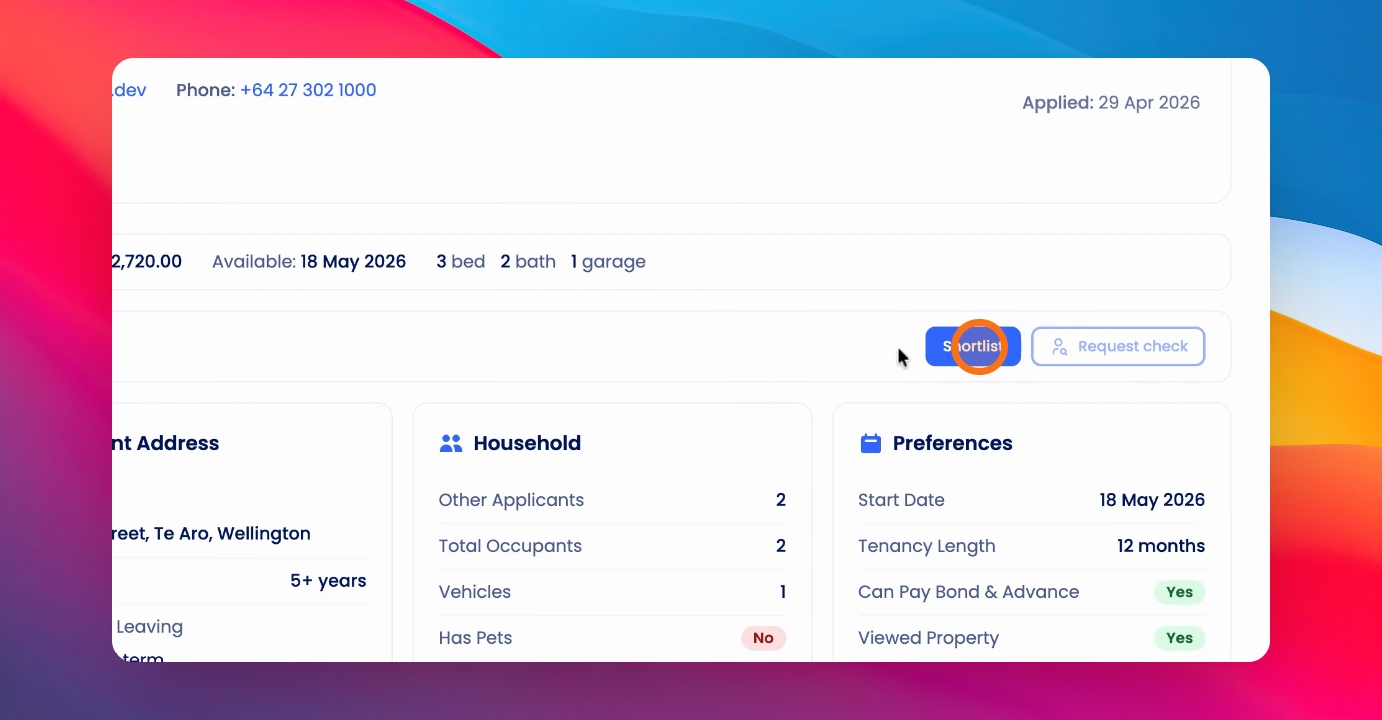
Step 1: Shortlist Applicant
Shortlist your applicant in the application. Once shortlisted, you can request a background or credit check.
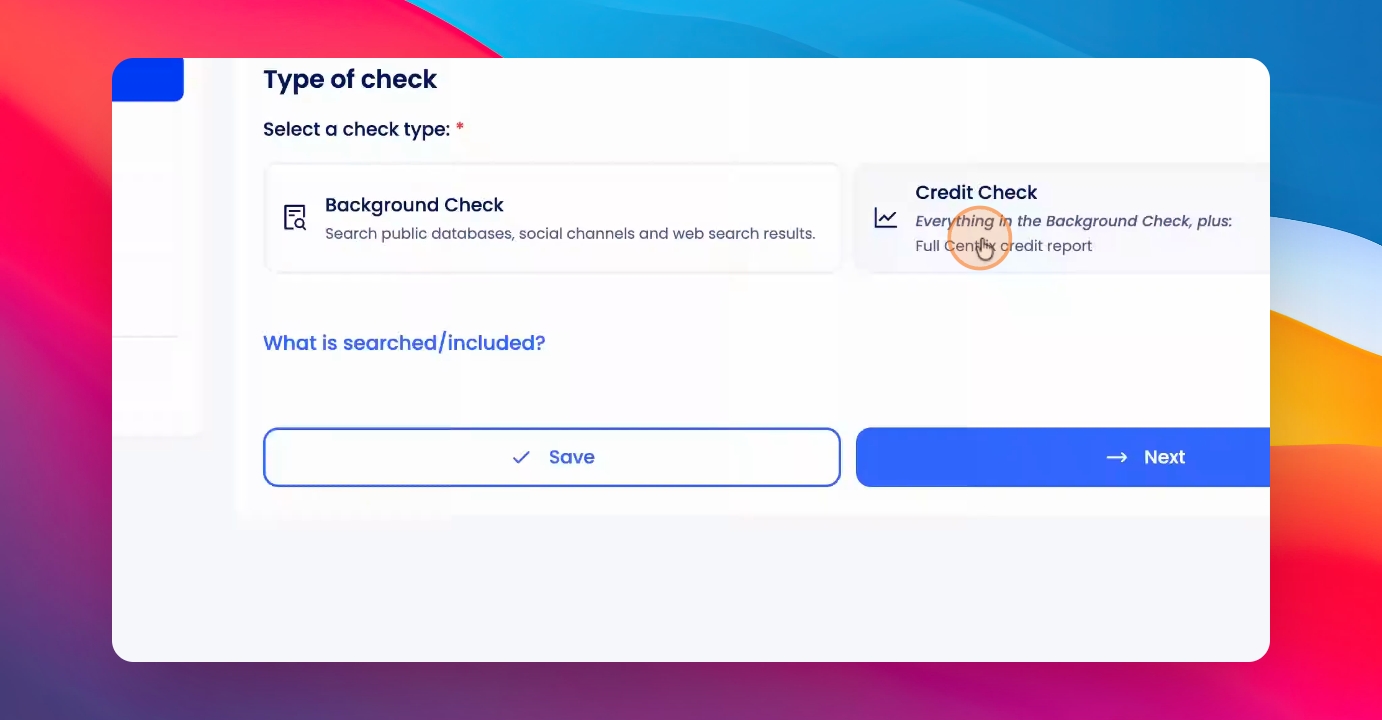
Step 2: Select Check Type
Select Background or Credit Check. Choose whether to send email references as part of the process.
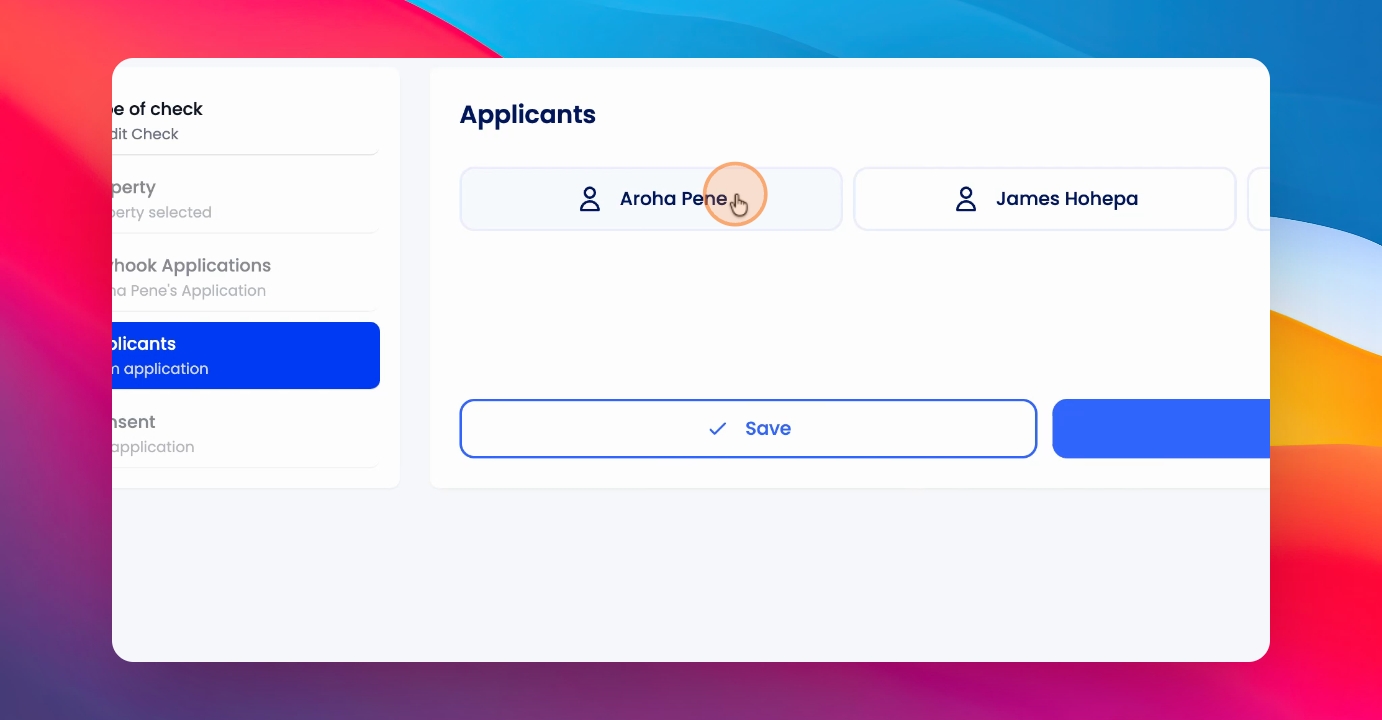
Step 3: Choose Applicants
If there are multiple applicants, select which ones you want to perform the check on.
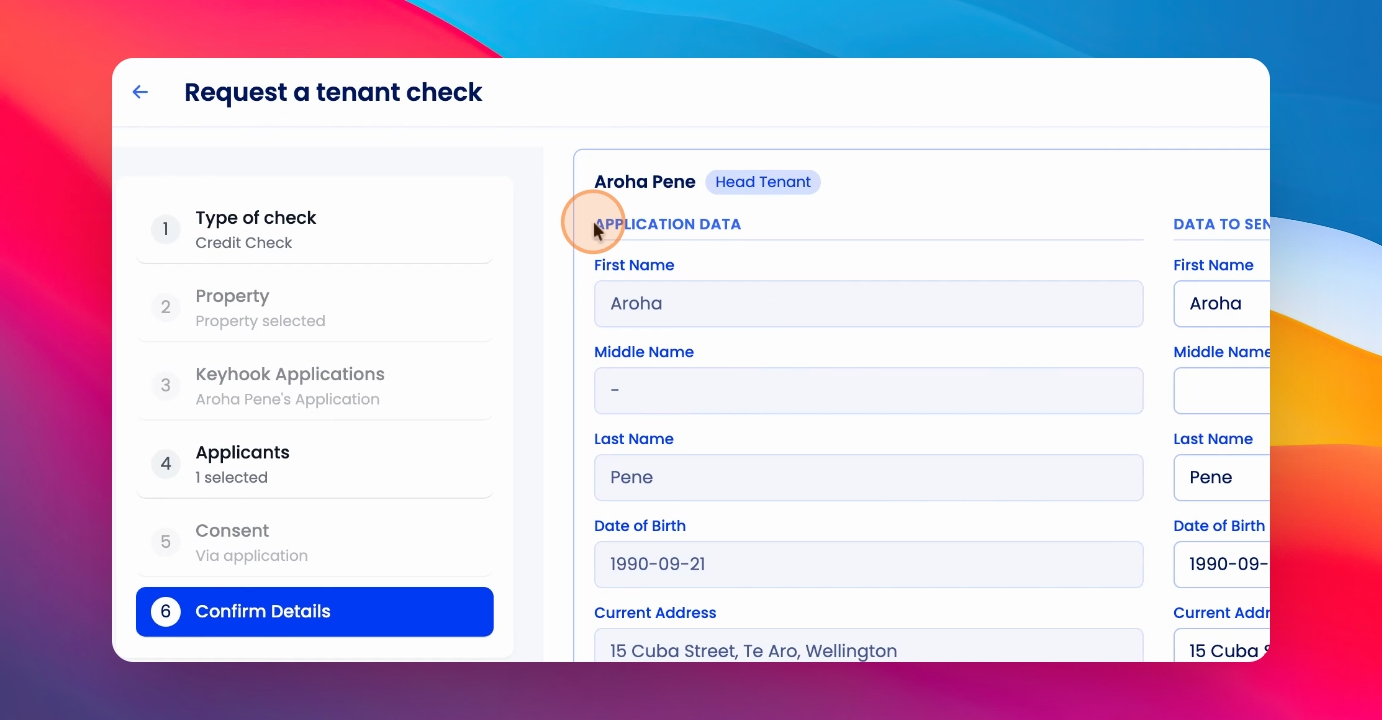
Step 4: Confirm Details
Review and confirm the details for the check before proceeding.
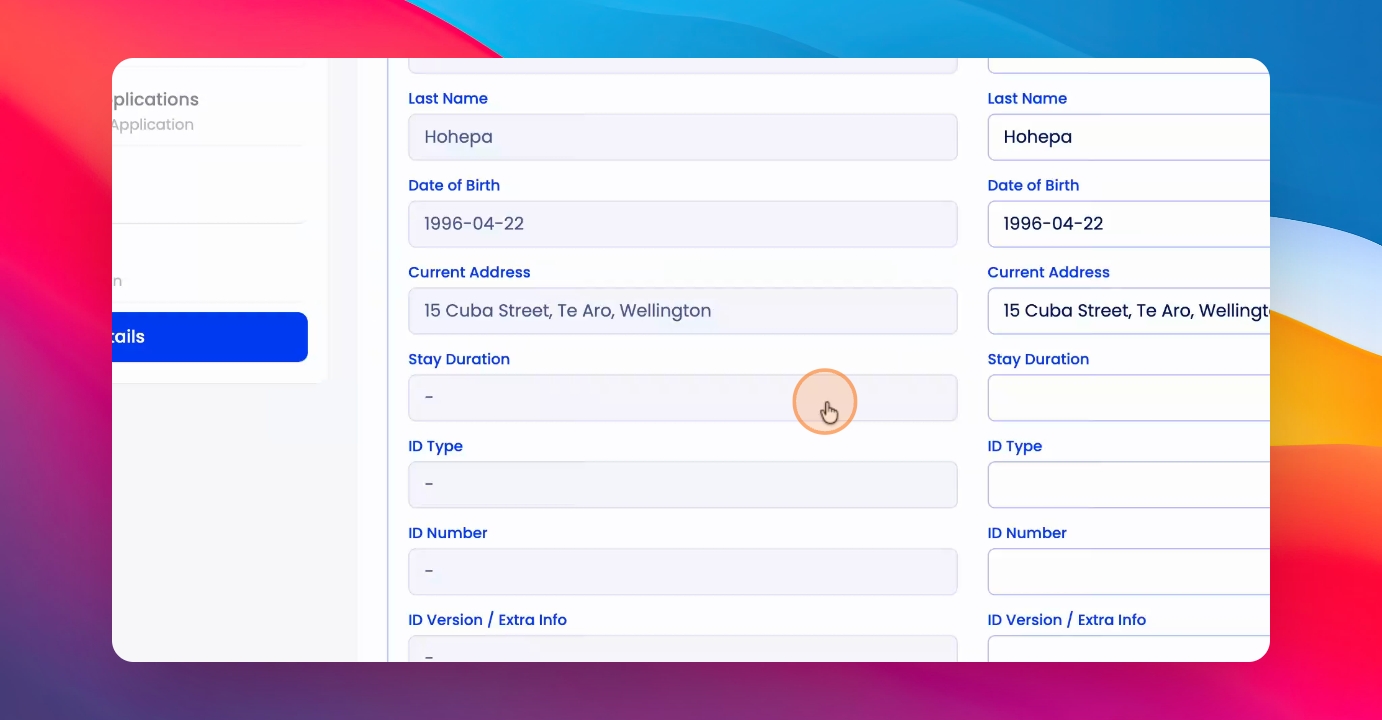
Step 5: Review and Edit Information
Check the details carefully. The left side displays data from the application. The right side is editable and will be sent to the tenancy service and credit check providers. Fill in any missing information.
Step 6: Submit the Check
Click Submit to request the background or credit check.
You can review all your tenant checks at any time by clicking on Tenant Checks and viewing the Tenant Checks table.