TL;DR
1
Click Tenant Checks
Access the Tenant Checks button in the navigation bar.
2
Request Tenant Check
Select the type of tenant check you want.
3
Choose Property
Select the property from the dropdown list.
4
Enter Details
Input applicant's name and email or send a request.
5
Submit Check
Confirm consent and click Submit to finalize.
Let's Do It Together!
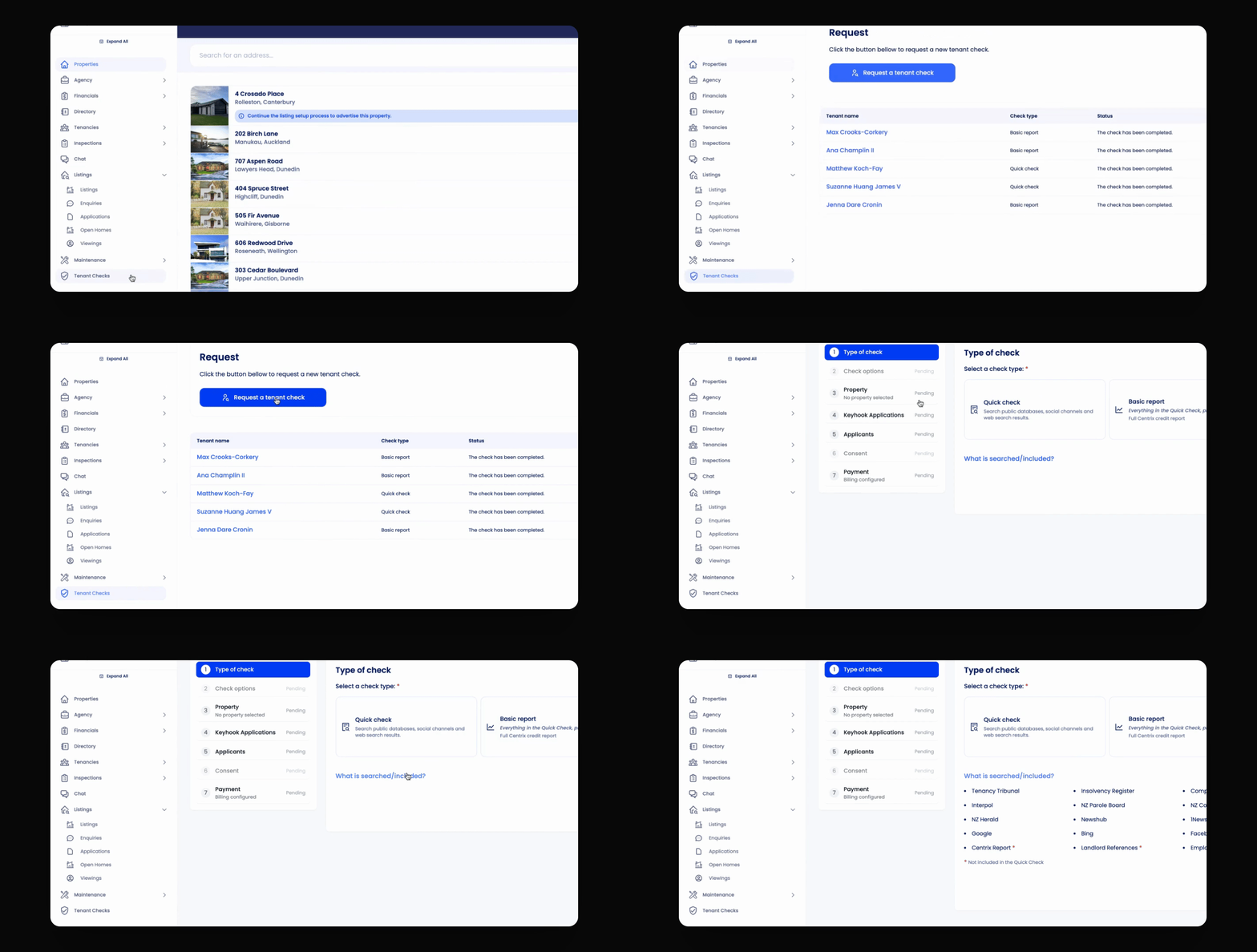
Step 1: Access Tenant Checks
Click the Tenant Checks button in the navigation bar.
Click Request a Tenant Check, then select the type of tenant check.
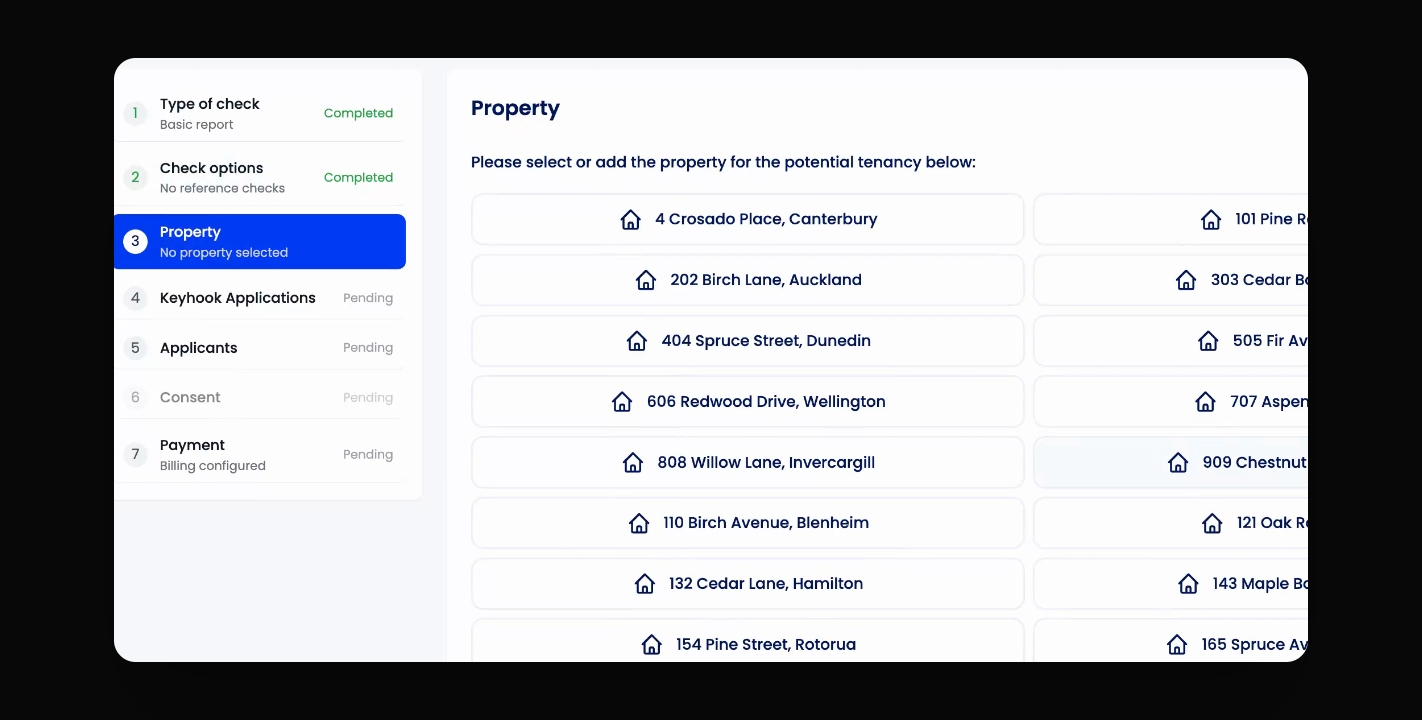
Step 2: Select Property
Select the property for the tenant check from the dropdown.
The next step will display a list of applications for that property.
As there in no application for this tenant check, you can continue to the applicants section.
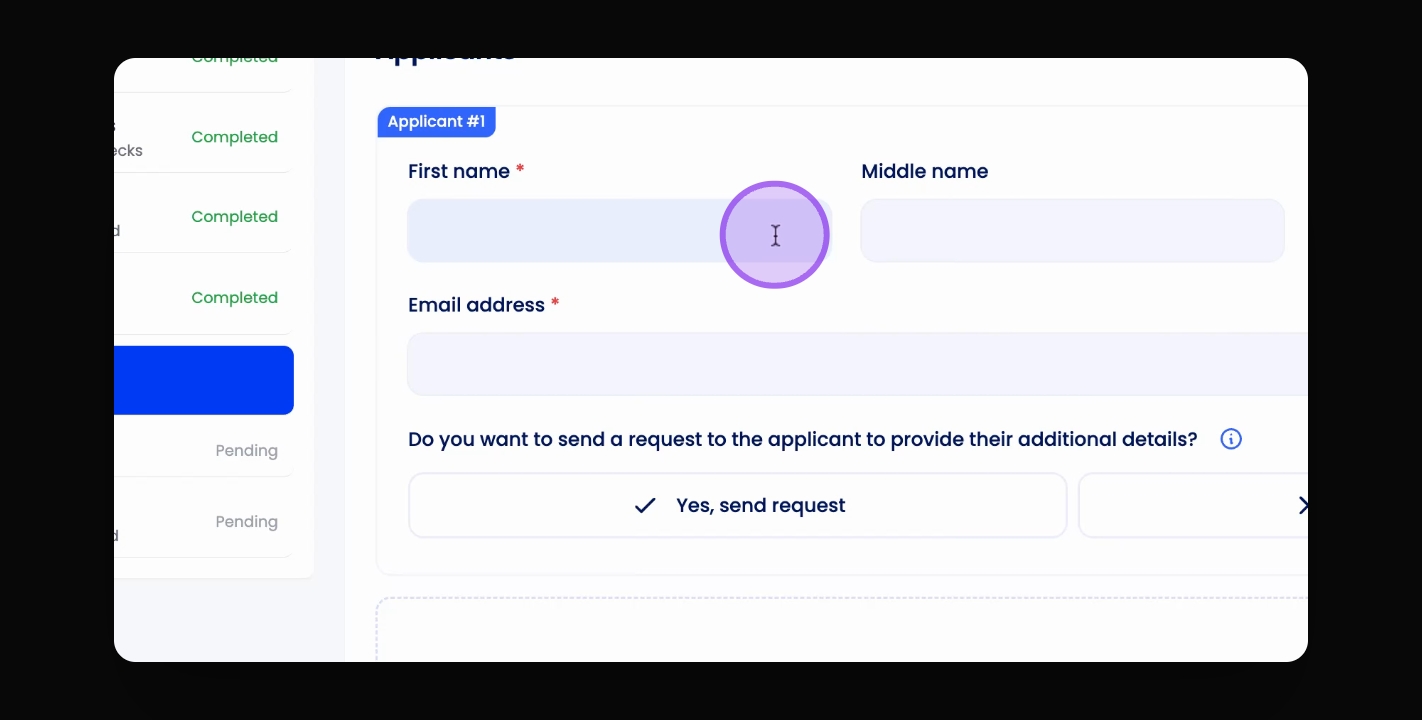
Step 3: Enter Application Details
Manually type in the applicant's name and email address.
You can also send a request for them to fill in their details.
Step 4: Submit Tenant Check
Confirm you have consent to conduct the tenant check.
Click Submit to proceed.
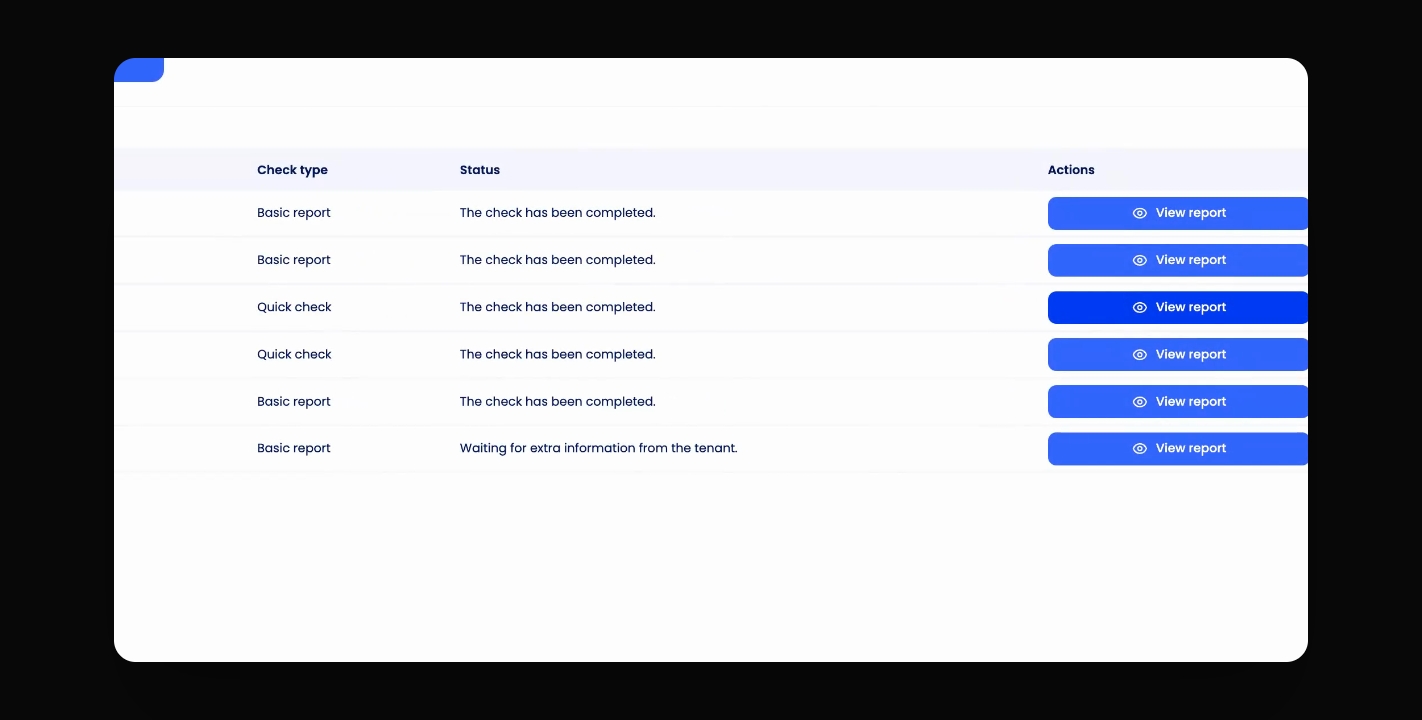
The status of the tenant check will show as awaiting more information from the applicant.