

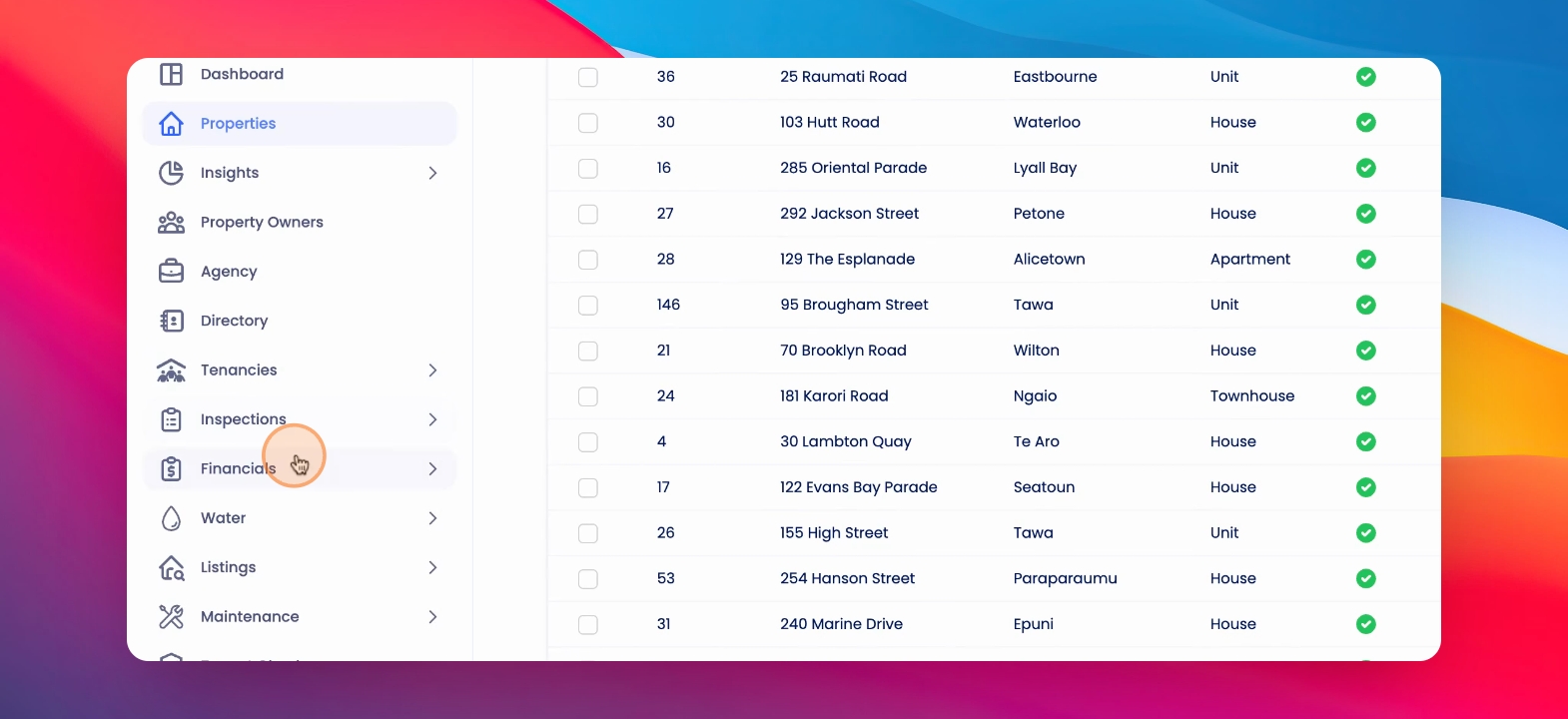
To print your owner statements in bulk, go to Financials and Owner Statements. Let's look at the steps:
Step 1: Select Multiple Statements
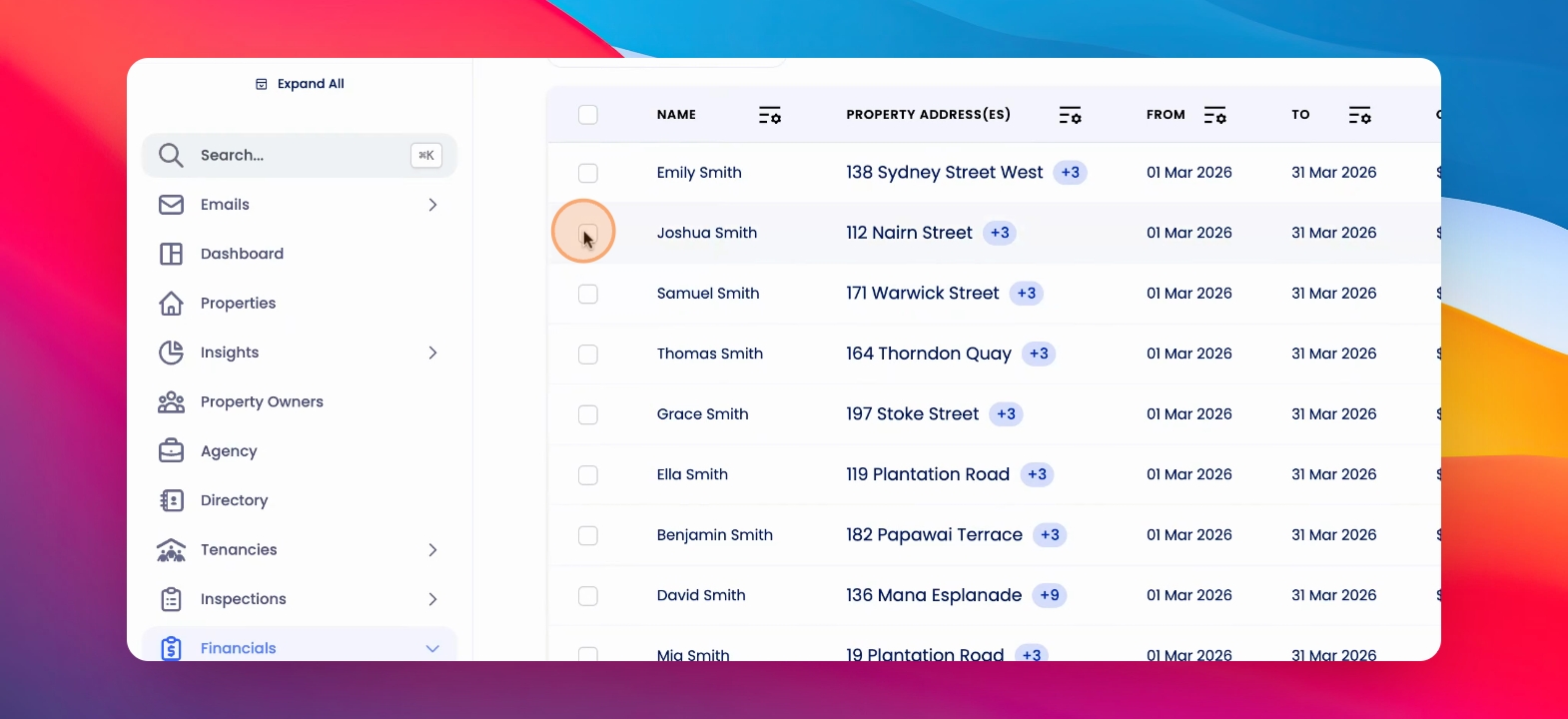
Select multiple owner statements, click on Actions in the table, then choose Download Owner Statements PDF and click Download.
This will download a zip file with the relevant statements included.
To make it easier, you can also reorder the columns in the table to include owner tags.
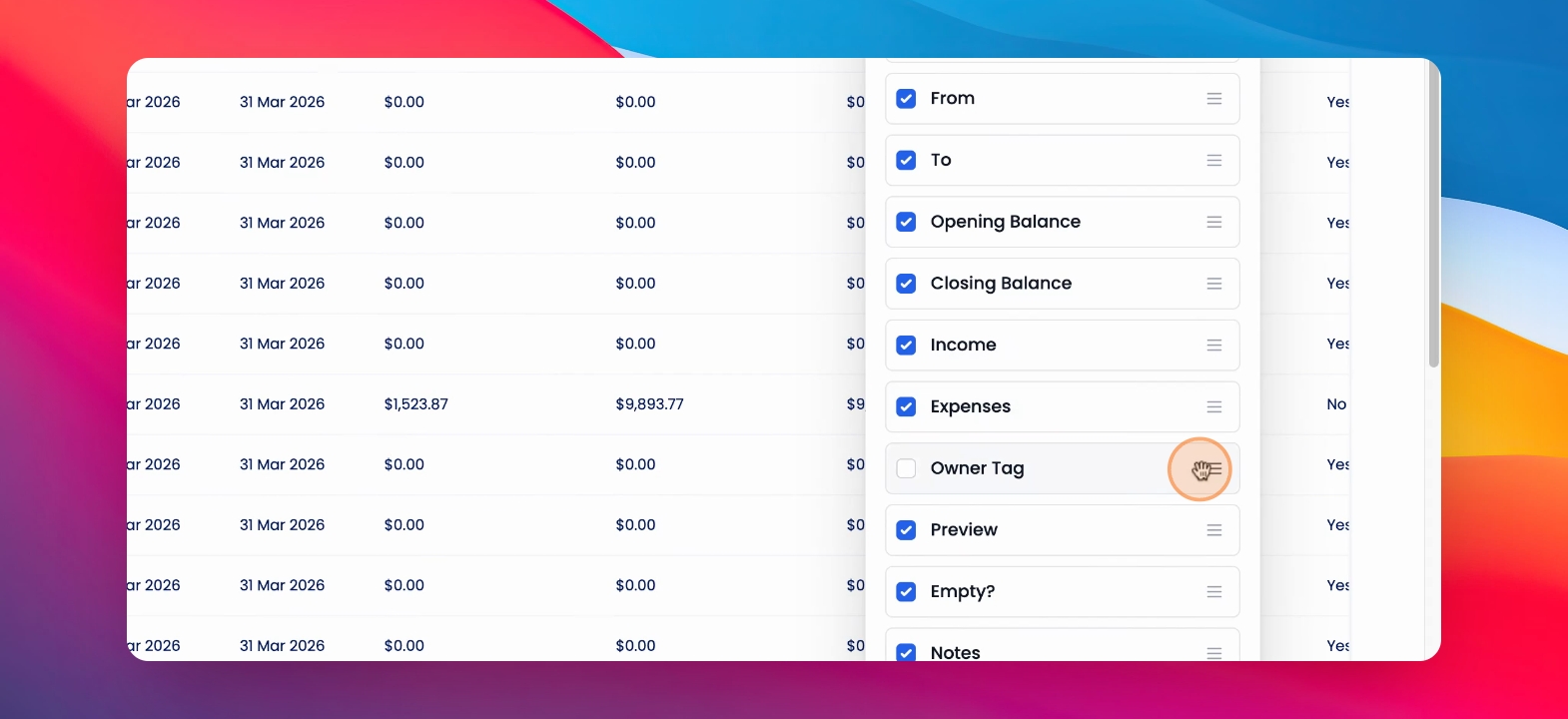
If you would like to filter by a statement printing tag that you have created.