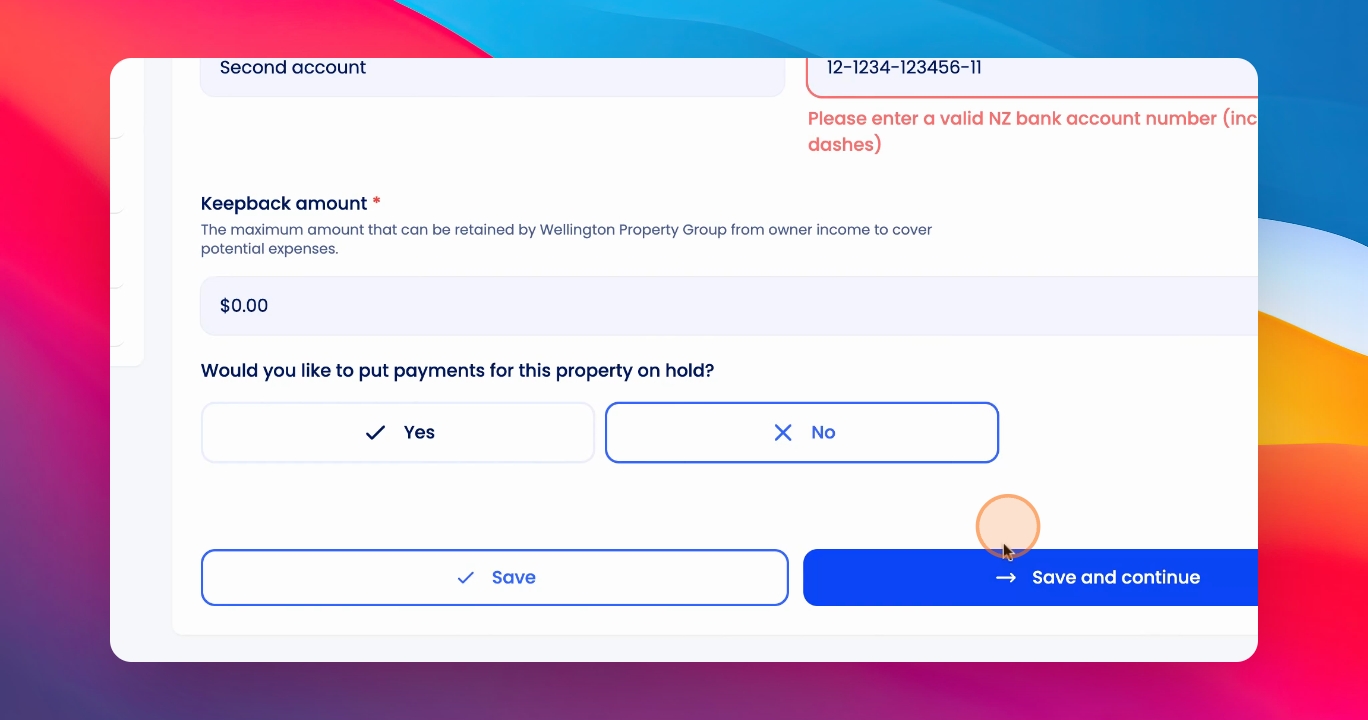
To change an owner's bank account for a specific property, follow the steps below:
Let's look at the steps:
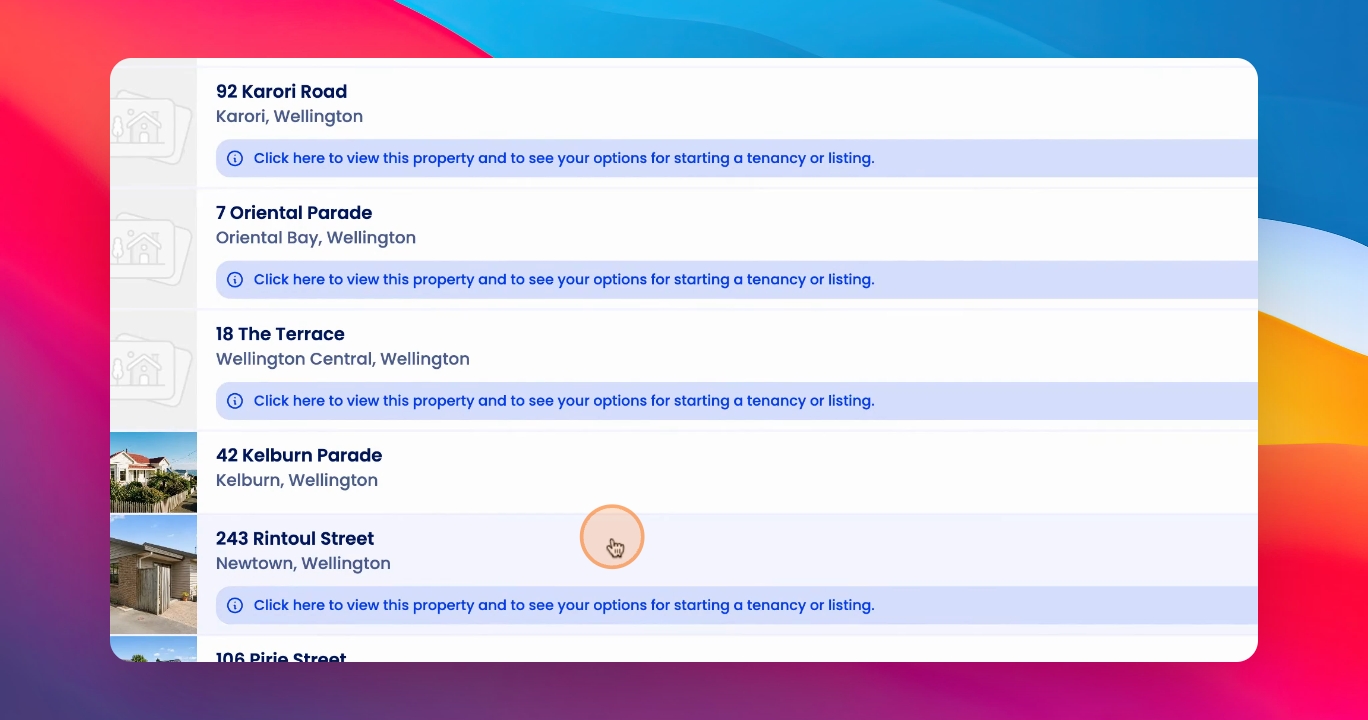
Step 1: Click on Property
Click on the relevant property.
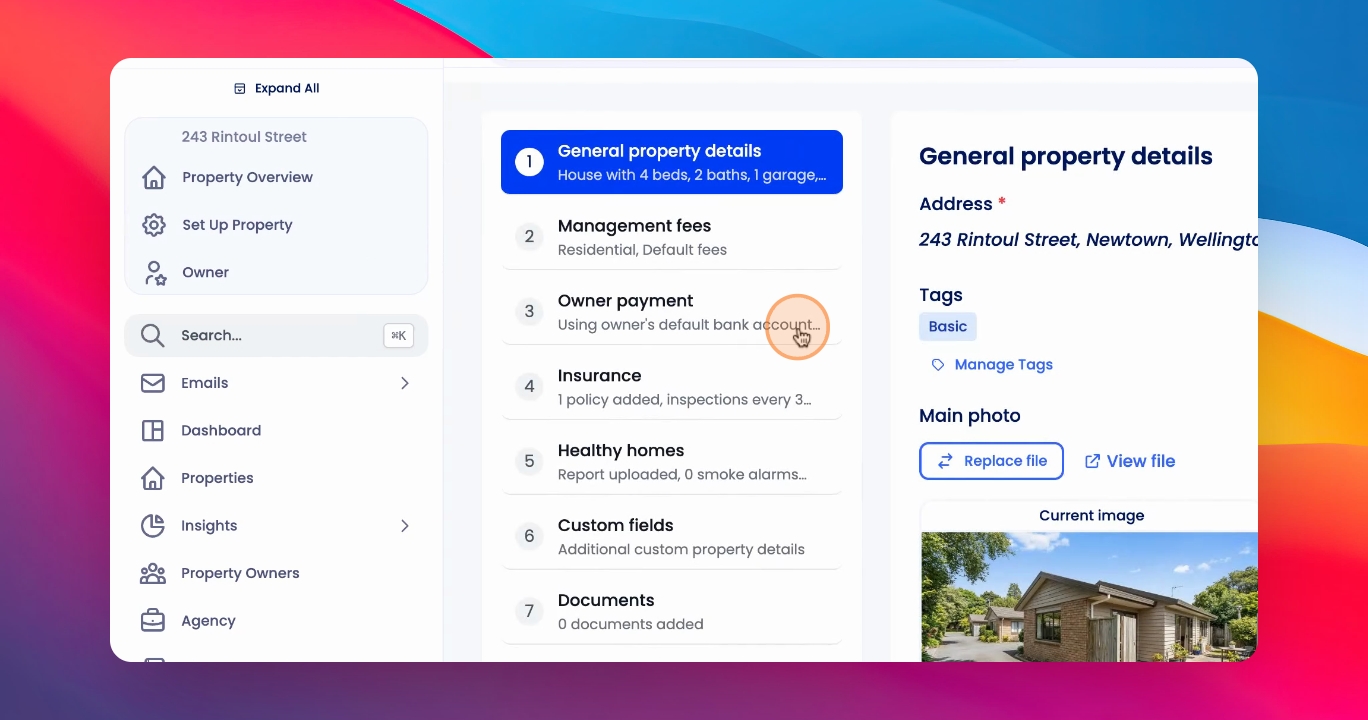
Step 2: Access Owner Payment
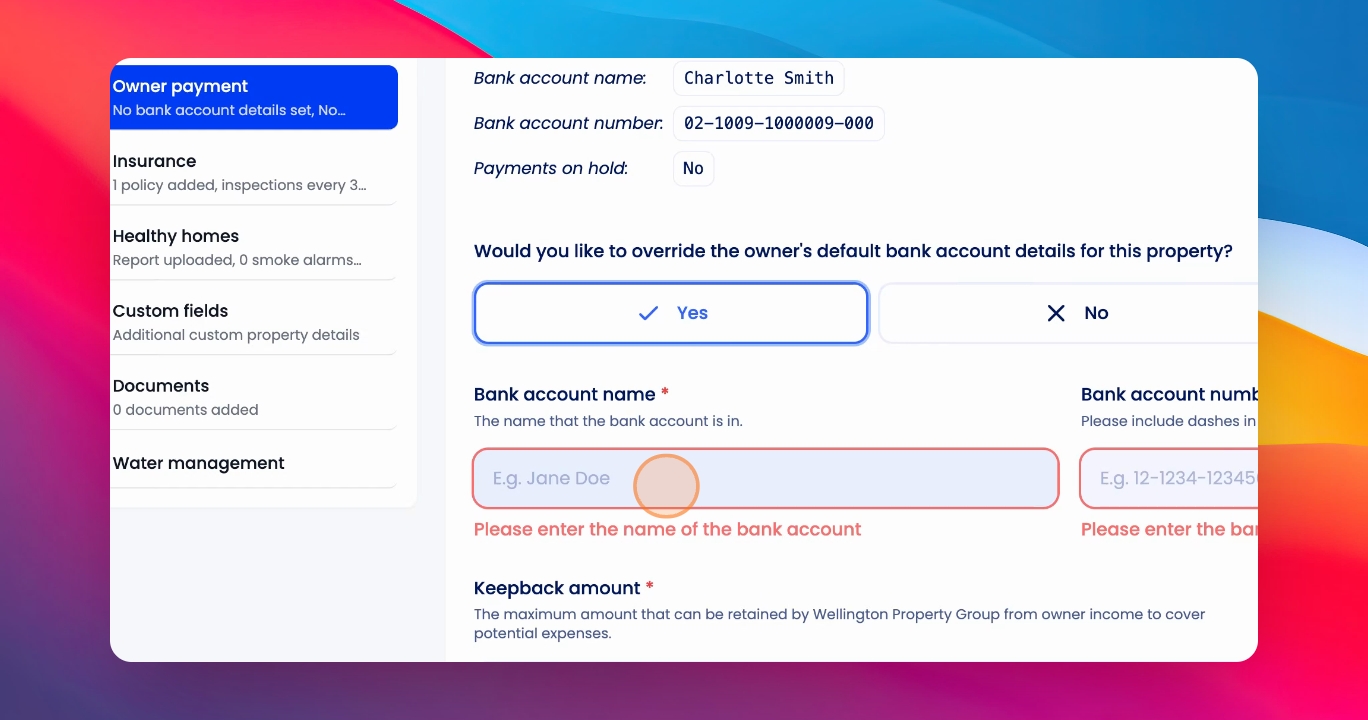
On Setup Property, click on Owner Payment.
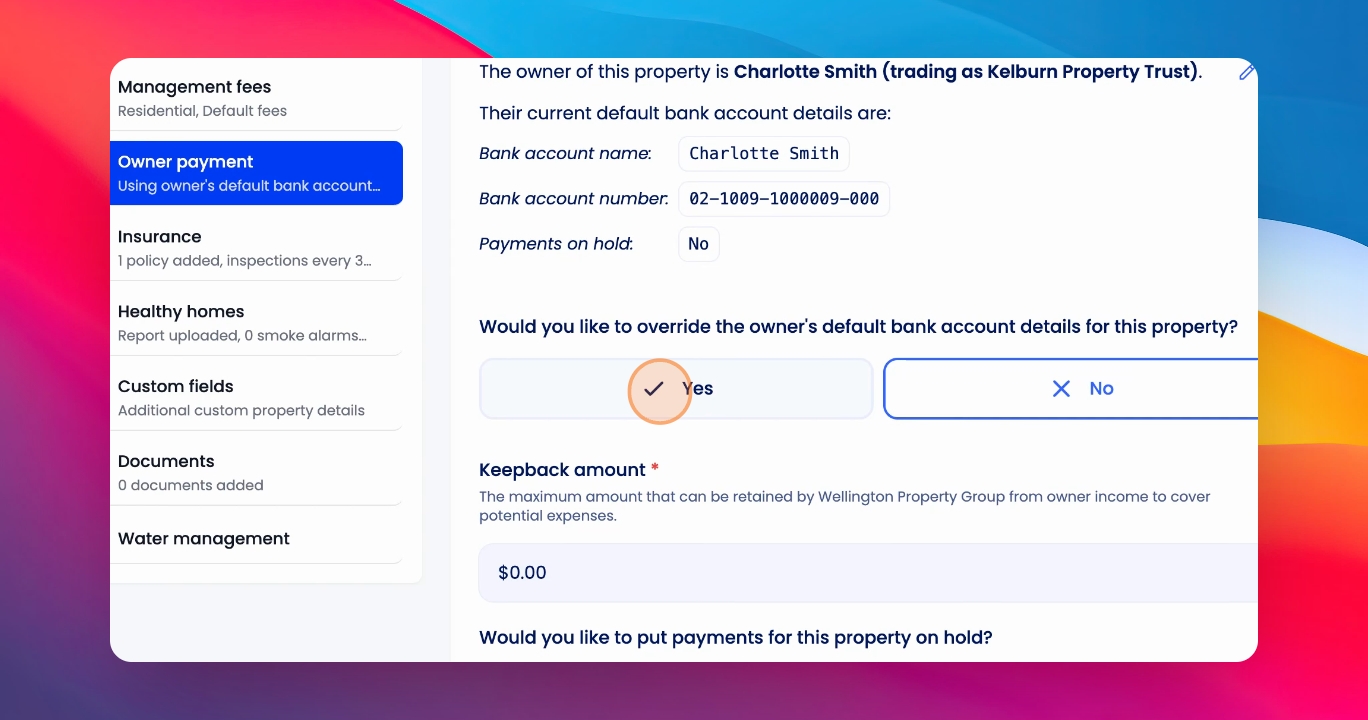
Step 3: Override Bank Details
Under Would you like to override the owner's default bank account details?, click yes.
Step 4: Add Bank Account
Add the relevant bank account for that specific property and the bank account number.
Please note: You must enter a valid New Zealand bank account number and include the dashes.
Step 5: Save Changes
Once you've done this, click Save and Continue.