

Step 1: Open Owner Statements
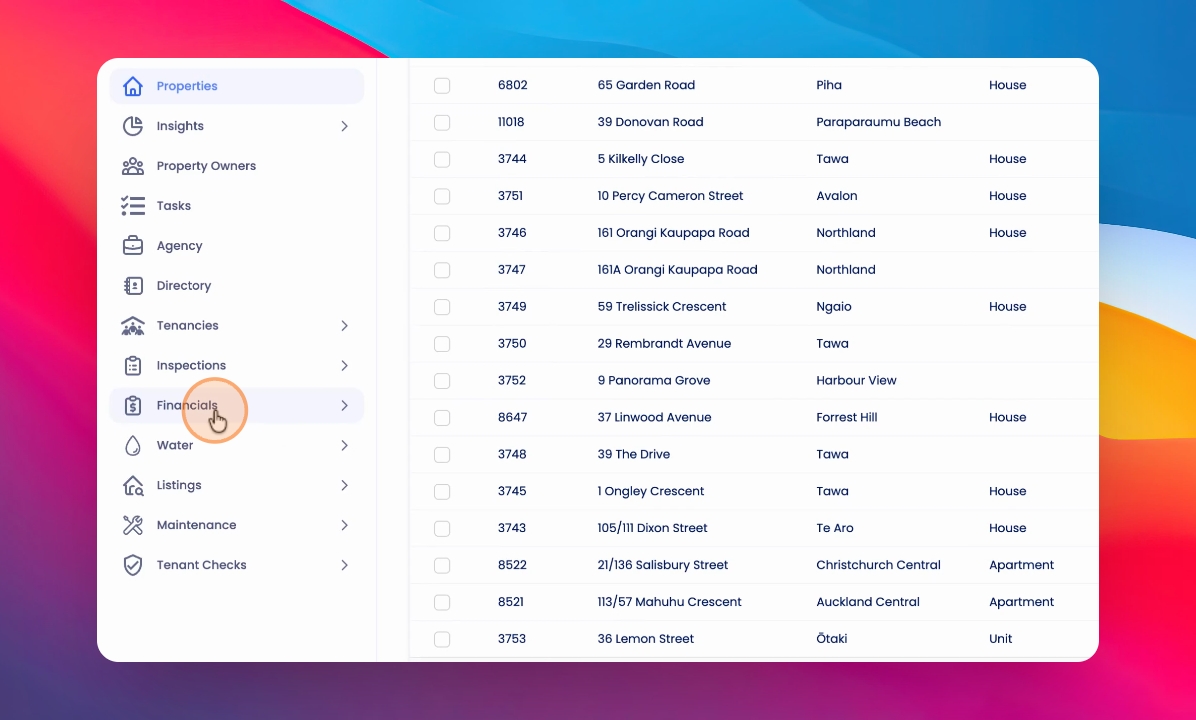
Click on Owner Statements under Financials. Generate any owner statements you want to preview.
Step 2: Select Statements to Preview
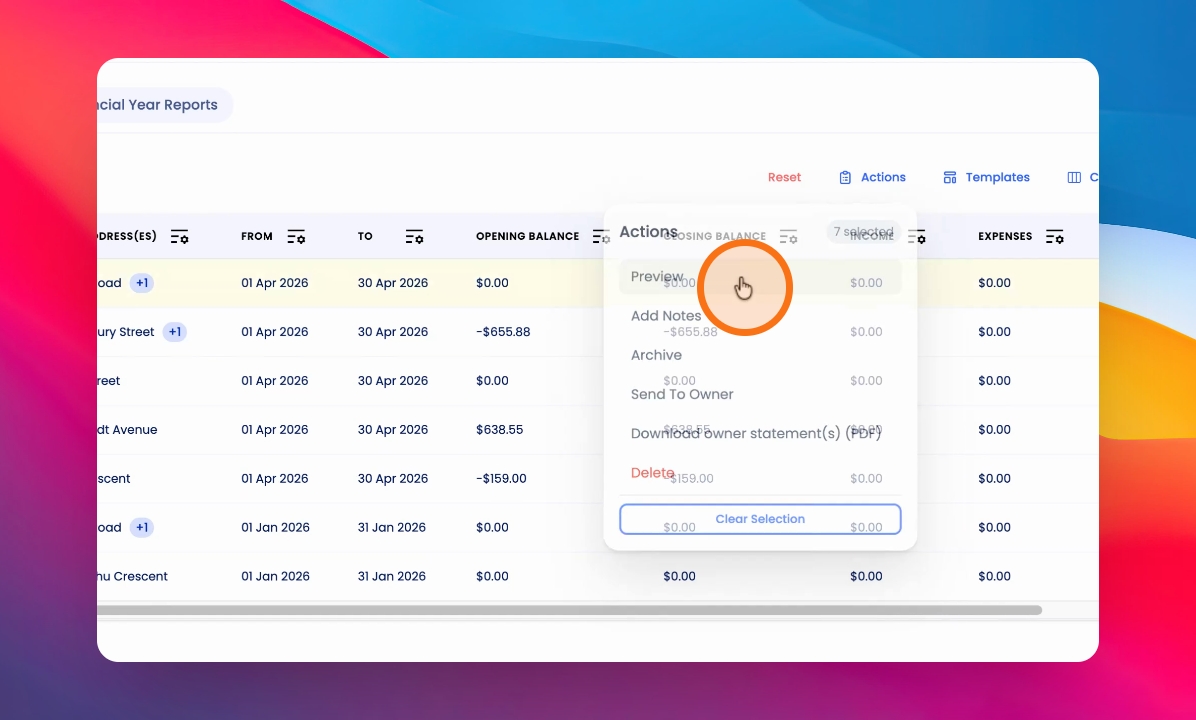
Select Individual Statements or bulk select all statements. Then click Actions and choose Preview.
Step 3: Review Statements
Preview the statements in the modal. Use the Previous and Next arrows at the top to cycle through them.