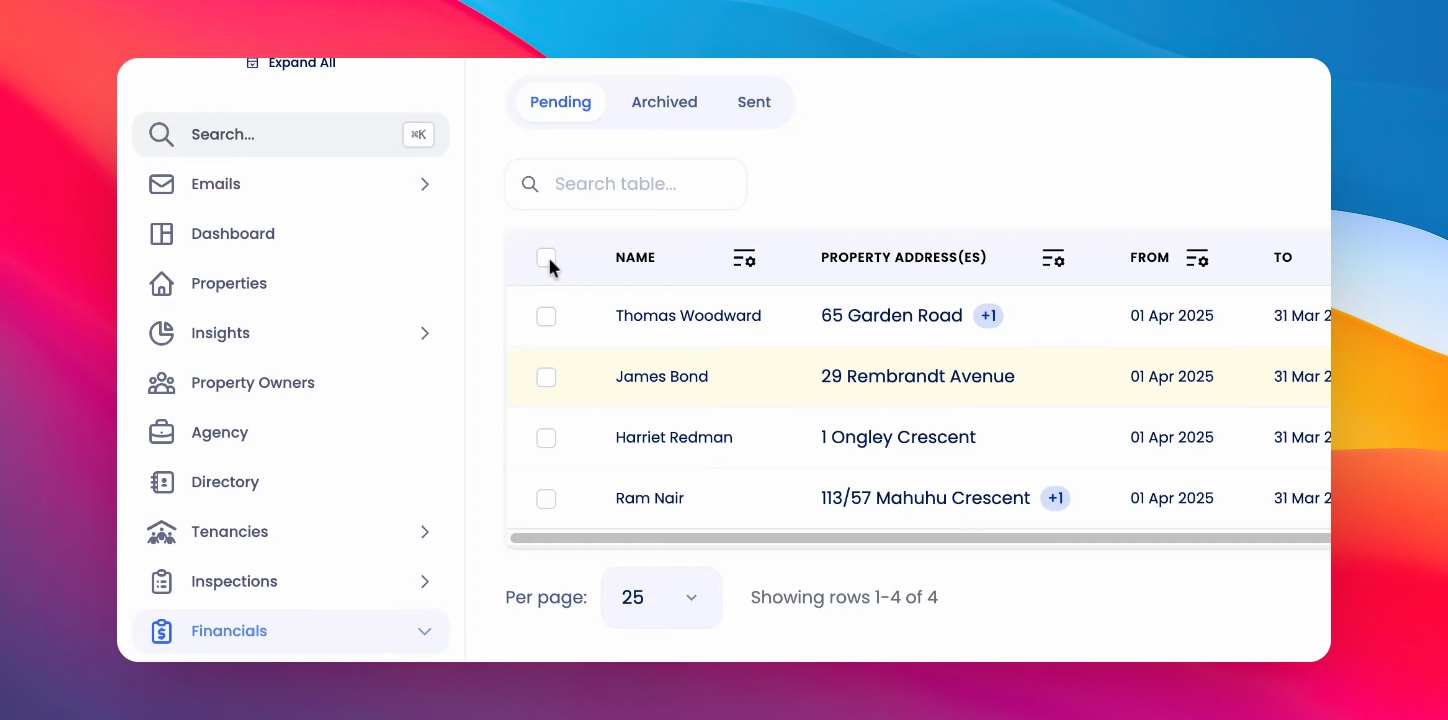
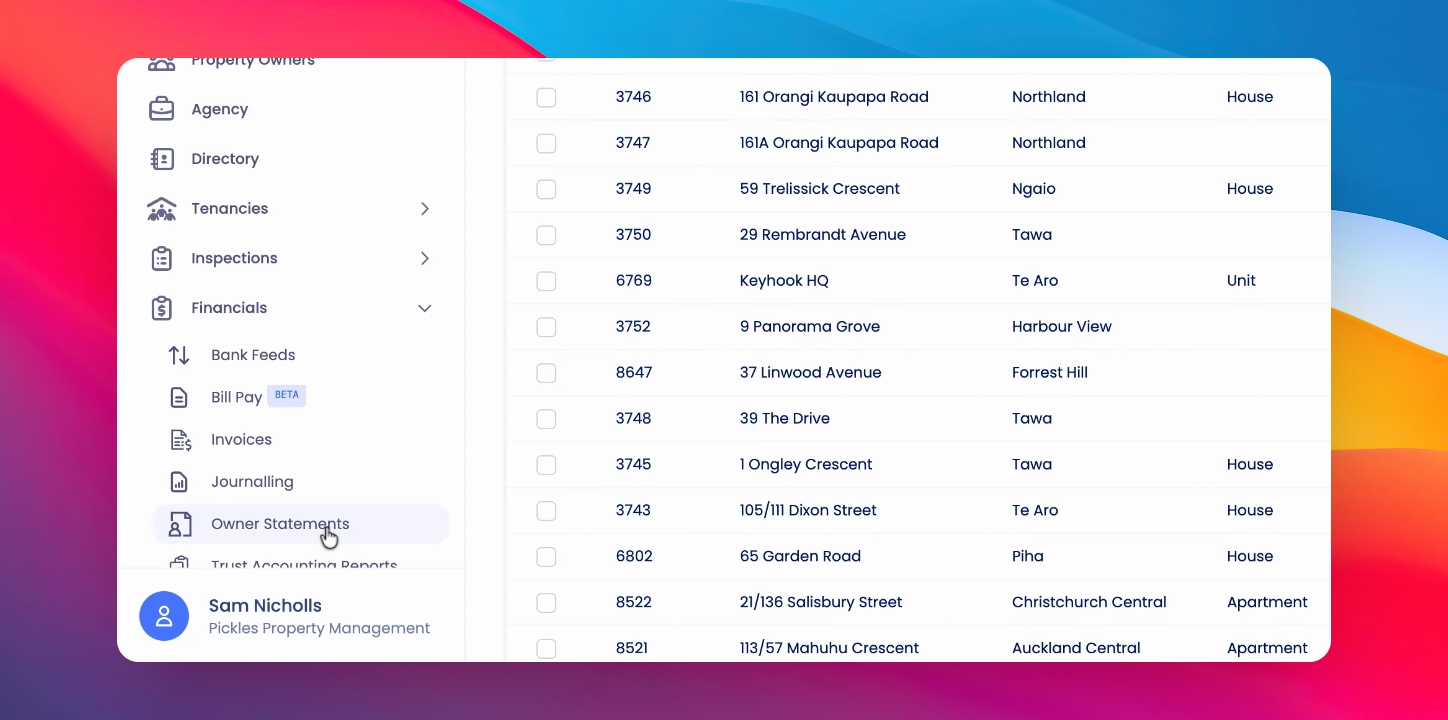
To generate End of Financial Year reports, go to Owner Statements. Let's look at the steps:
Step 1: Access Reports Tab
Under Financials, click on the End of Financial Year Reports tab at the top and follow the same actions you would.
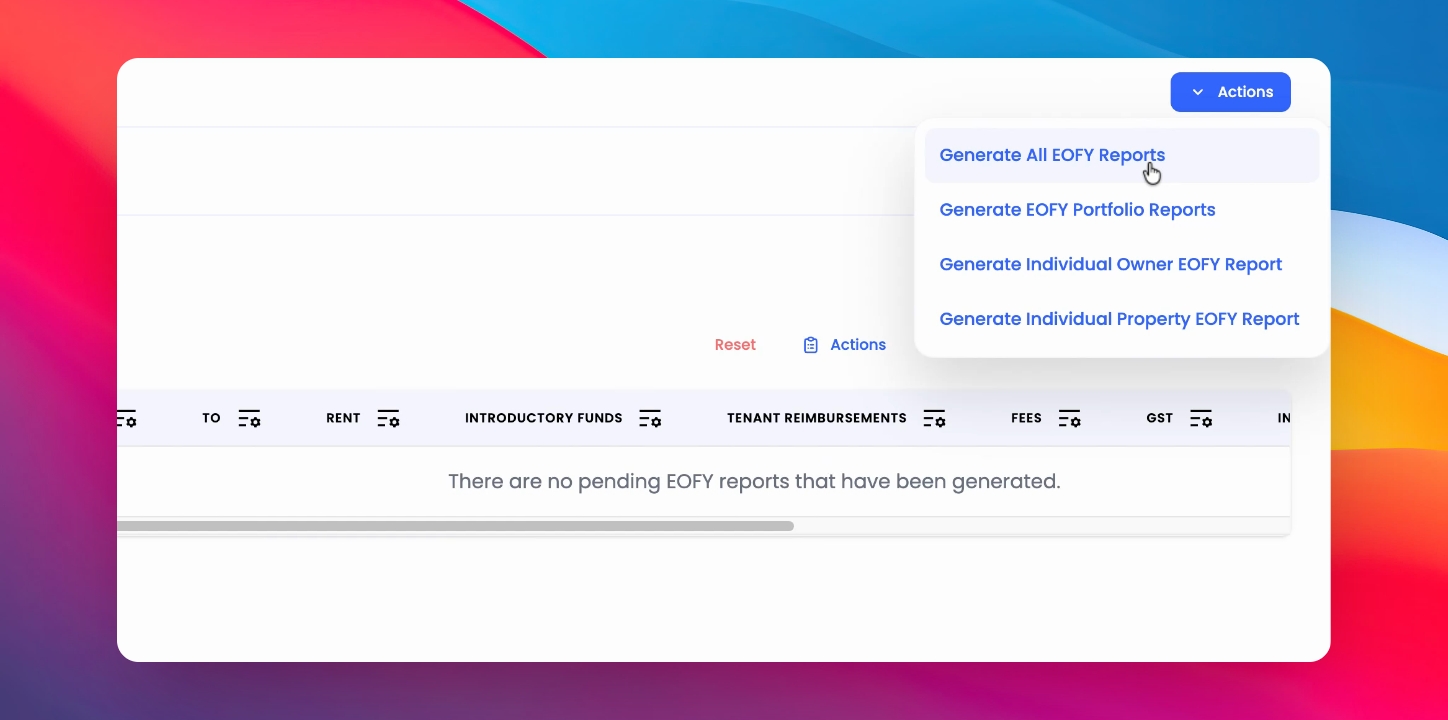
Step 2: Generate Reports
At the top right hand corner, click Generate all End of Financial Year Reports. The dates will have already been selected for you.
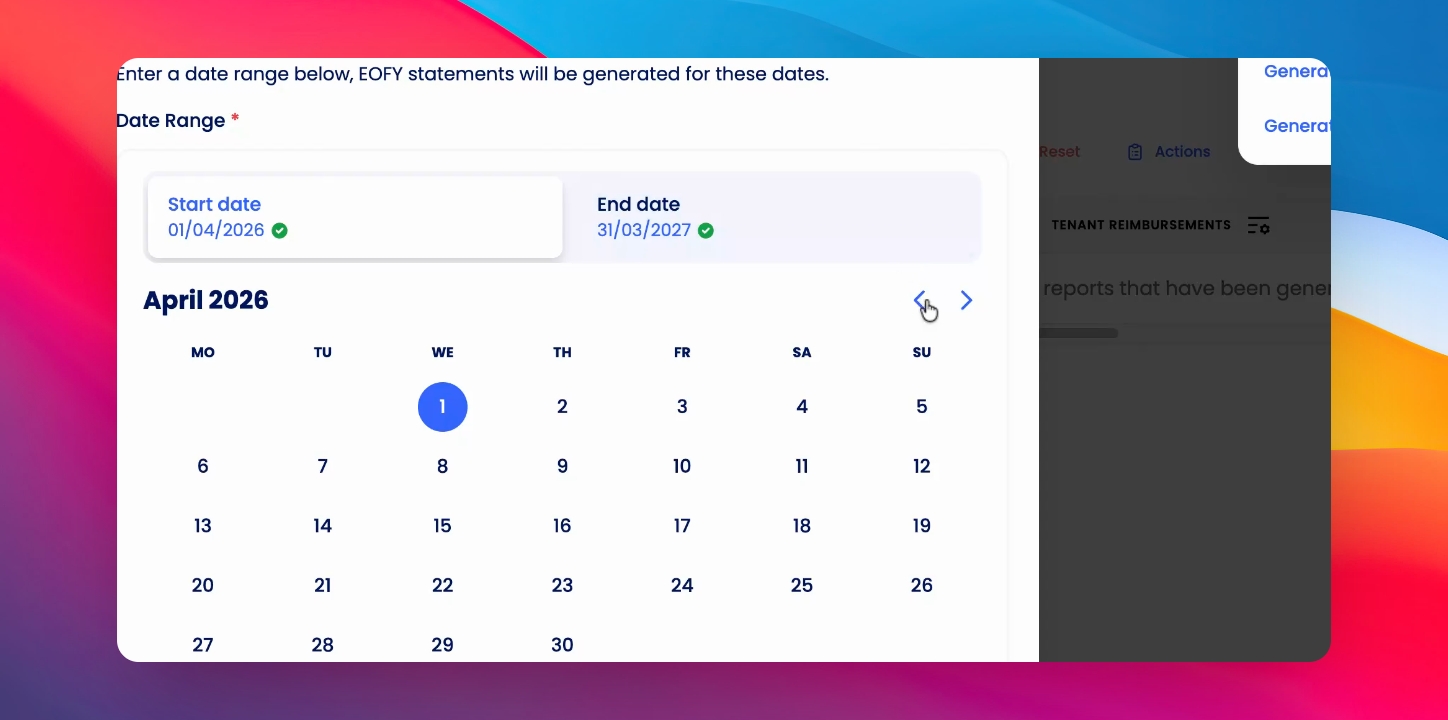
Step 3: Adjust Dates
Change dates if required.
Step 4: Finalize Reports
Click generate reports to complete the process.
Step 5: Review Reports
To review the reports, scroll and click Preview.
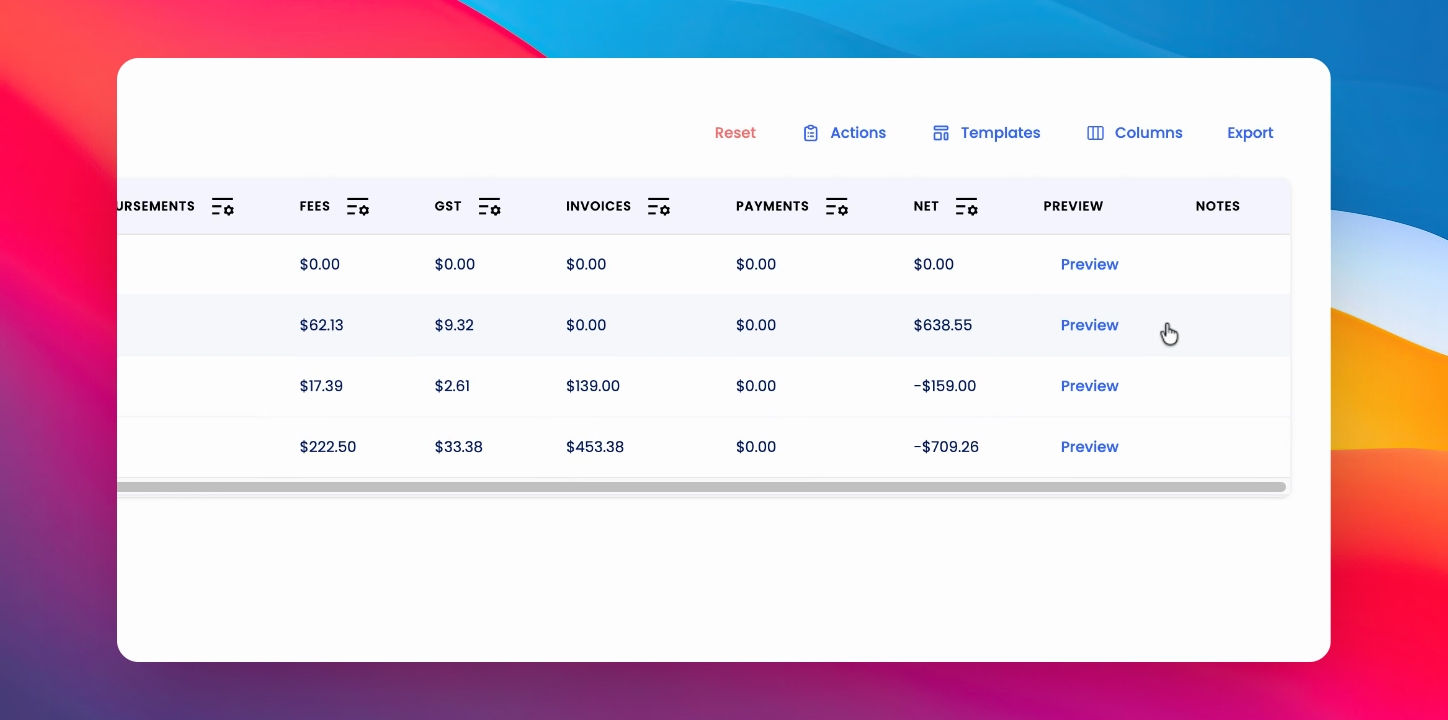
Step 6: Send Reports
To send the reports, select all select actions and click send to owner.