TL;DR
1
Visit your listing
Go to the listing you want to edit.
2
Edit settings
Click Edit and scroll to Pause notification.
3
Save changes
Toggle and click Update Listing.
Let's Do It Together!
Step 1: Edit Your Listing
Visit the listing you would like to edit.
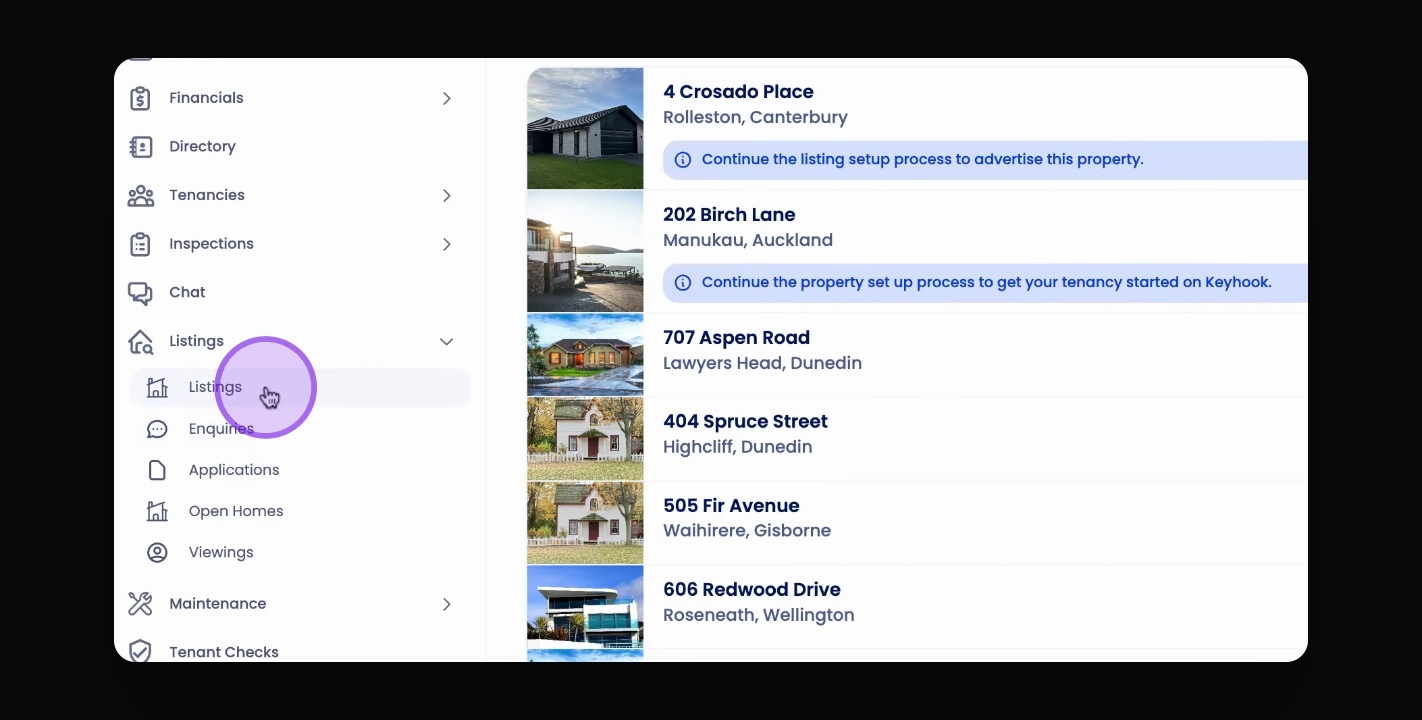
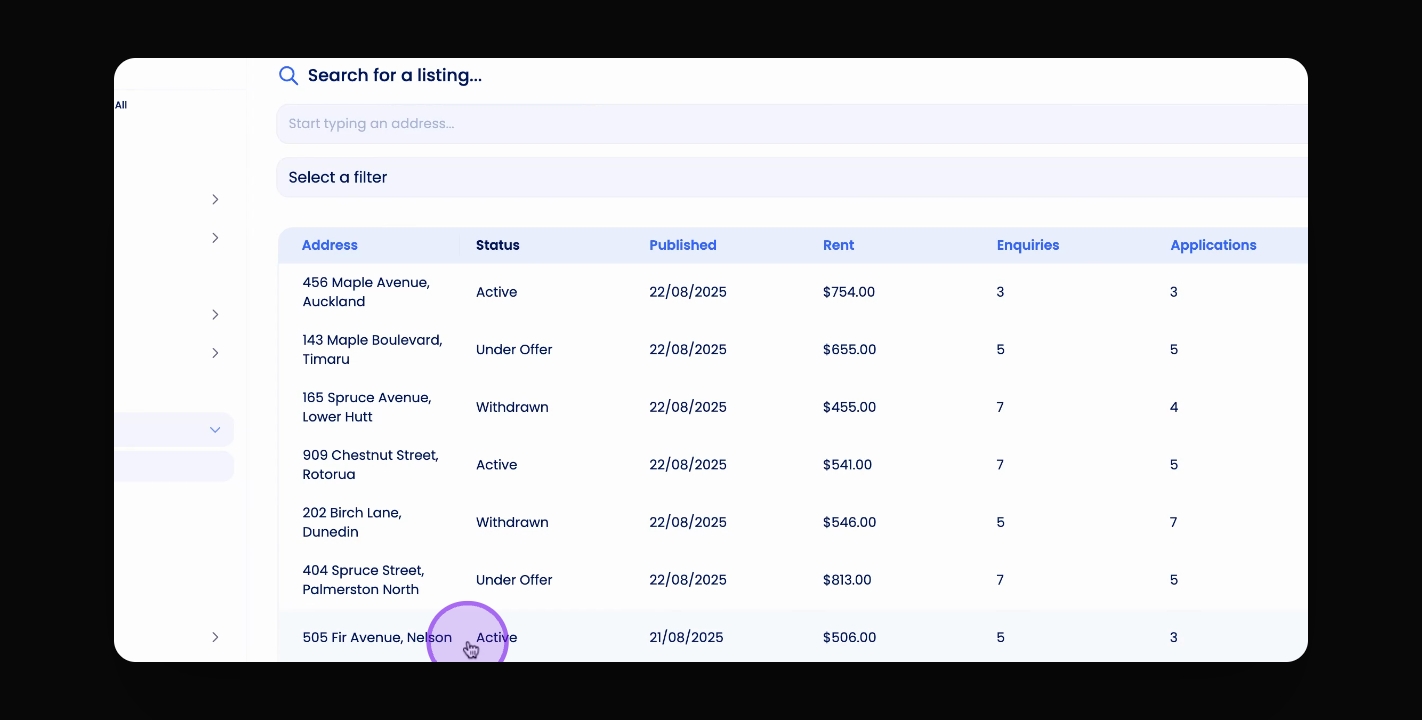
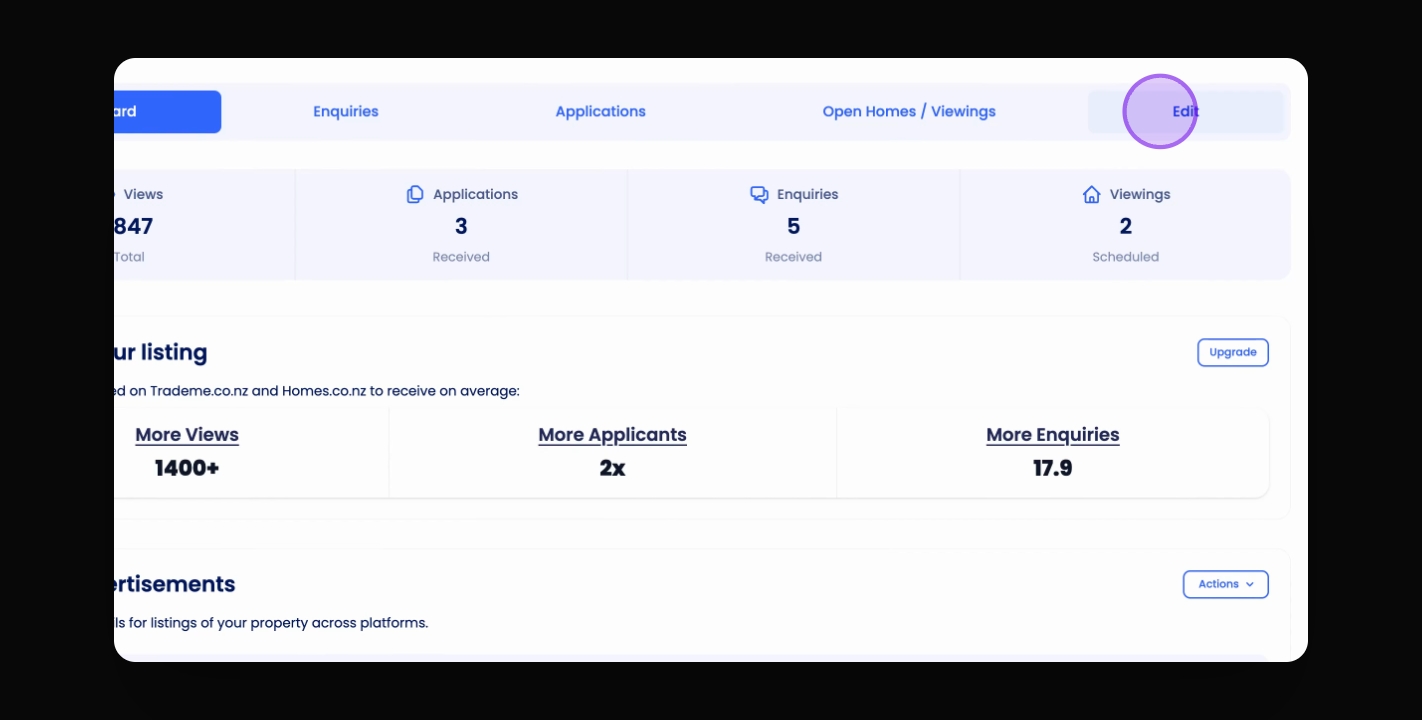
Click on the Edit tab on the right-hand side.
Step 2: Pause Notifications
Scroll down to the bottom of the page.
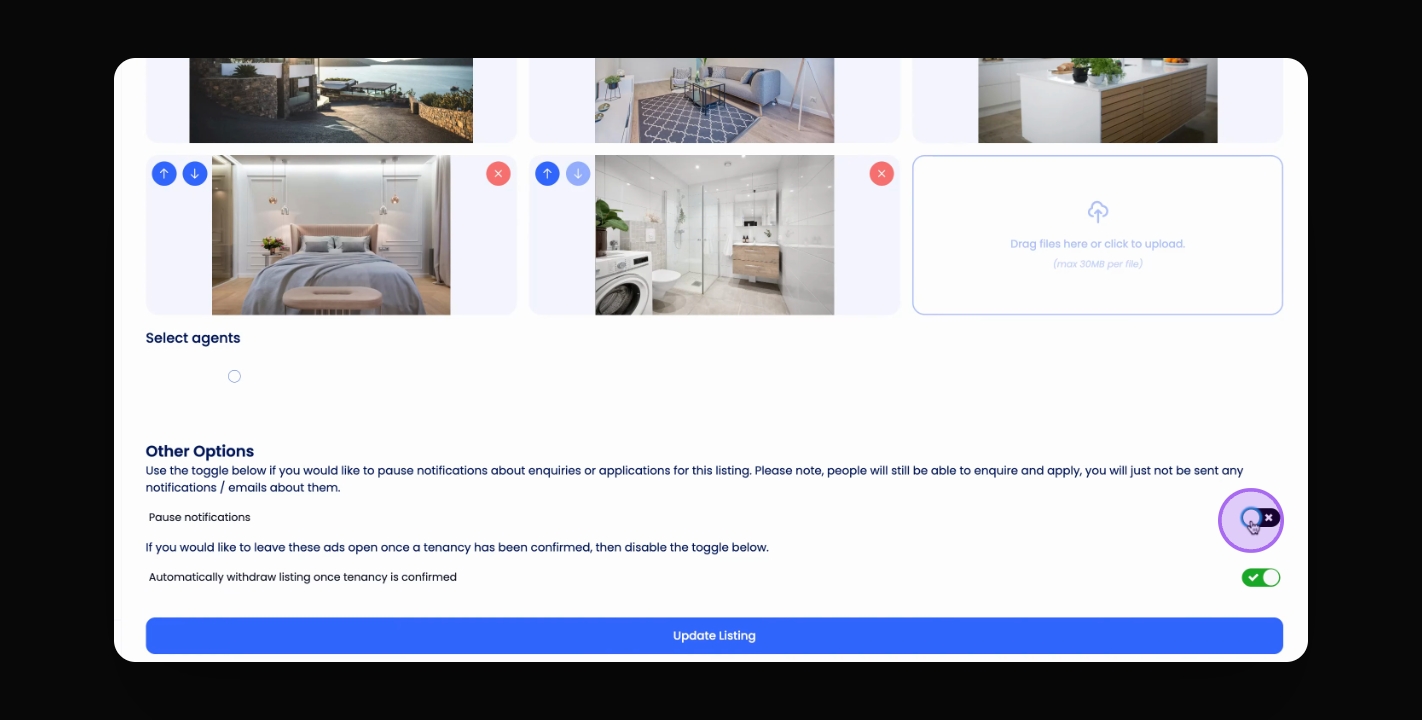
Toggle on the Pause notification option.
Click Update Listing to save your changes.
You will stop receiving notifications, but your listing remains live for inquiries and applications.