

Let's do it together!
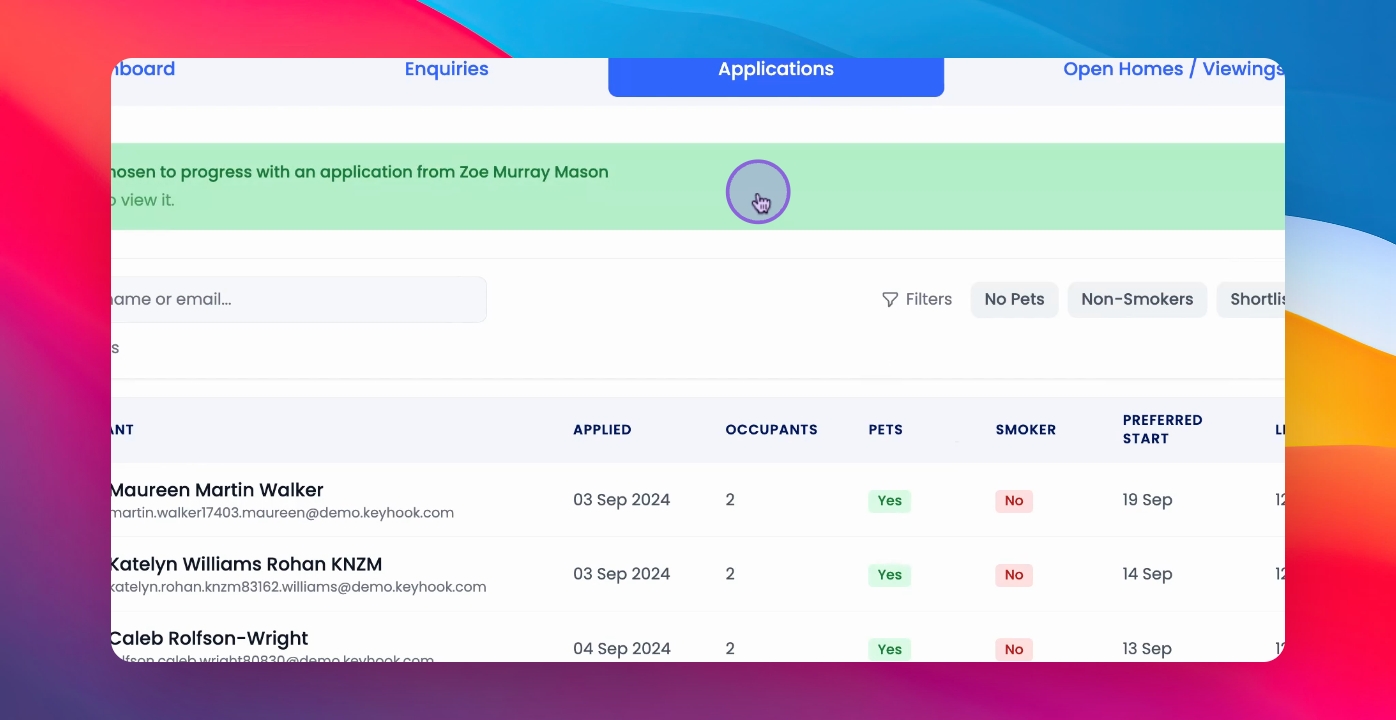
Step 1: Locate Application
Go to the relevant application that you have chosen to progress with.
Step 2: Access Actions
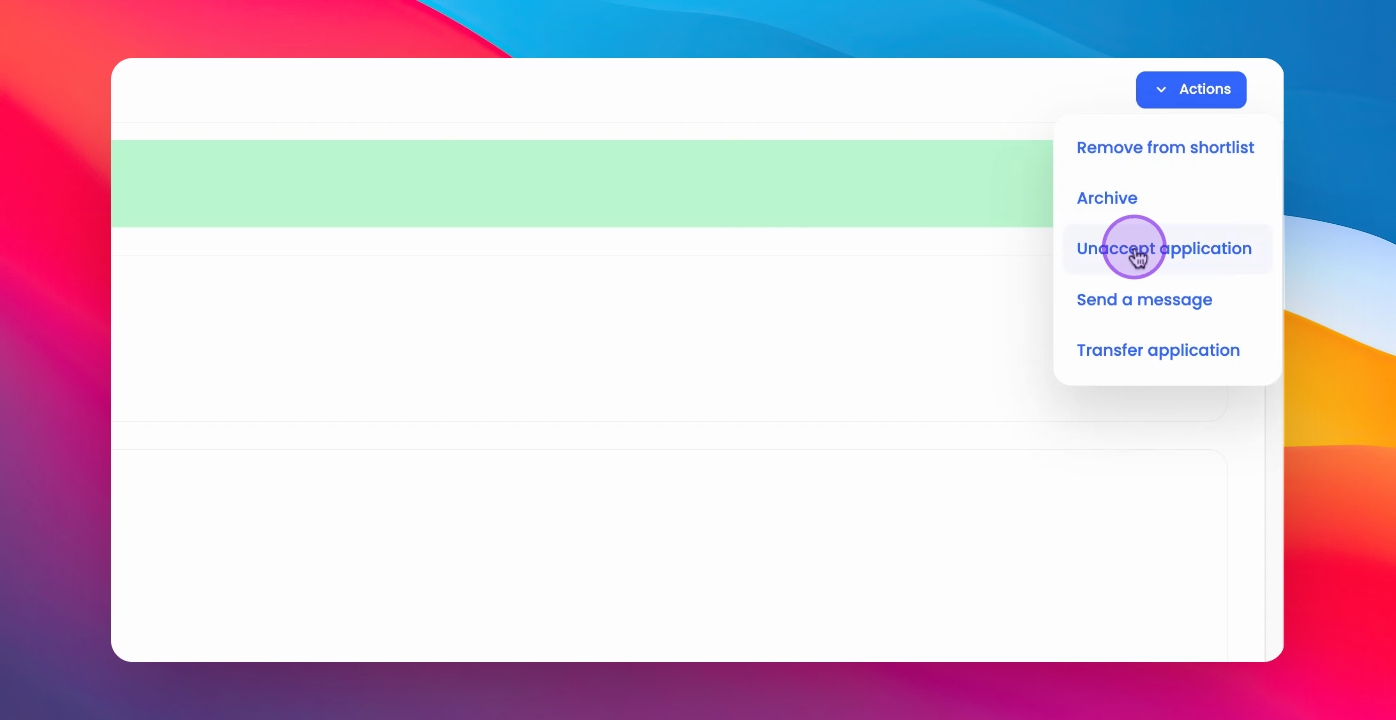
Click on the Actions button at the top right corner.
Step 3: Unaccept Application
Click Unaccept Application and then confirm the action.
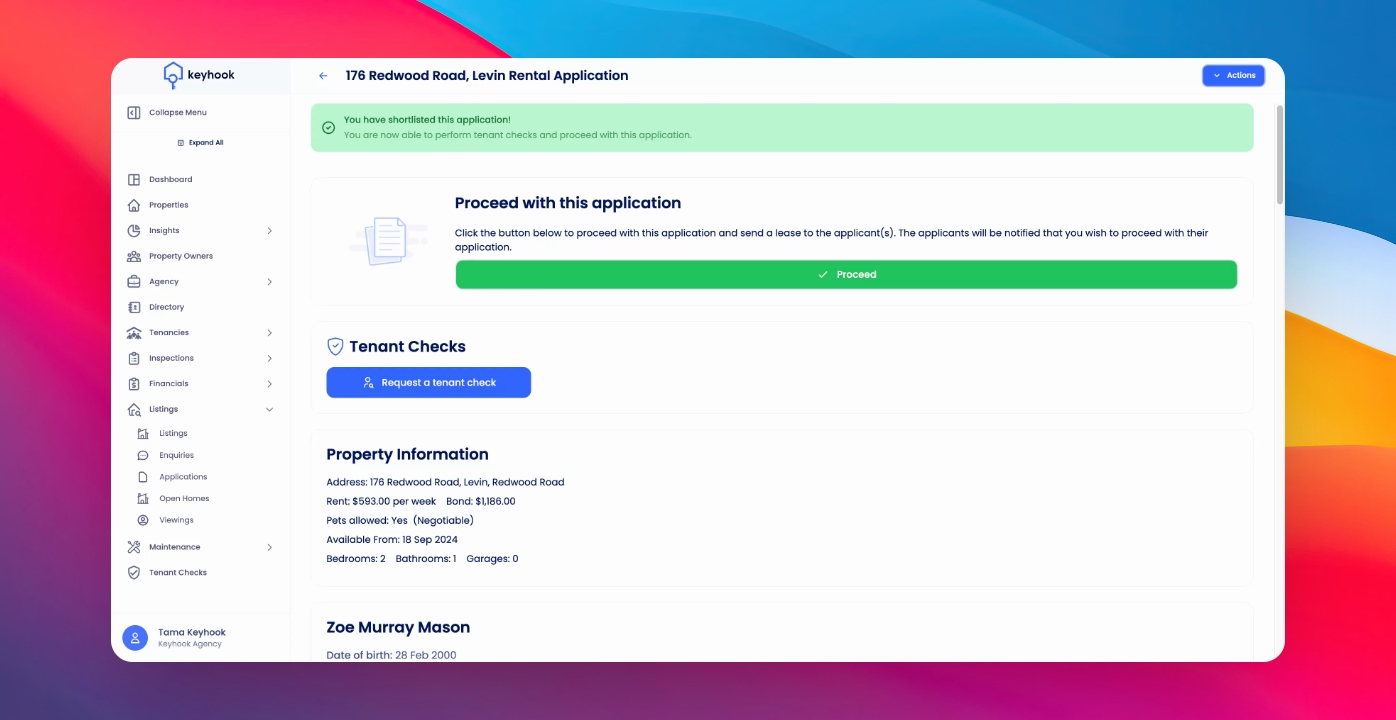
Step 4: Status Update
This will return your accepted application to Shortlisted status and your listing will return to Live Listing.
If you need more help or have any questions, just reach out to us at support@keyhook.com — we're always here to help!