

Logo

Welcome to the Keyhook Help Centre

Monitor Invoice Emails

Invoices & Charges

Monitor Invoice Emails

How to check your dedicated Bill Pay email inbox for new messages.

Last updated on 11 Mar, 2026

Note: Your bill/invoice dedicated email must be set up in order to use this feature

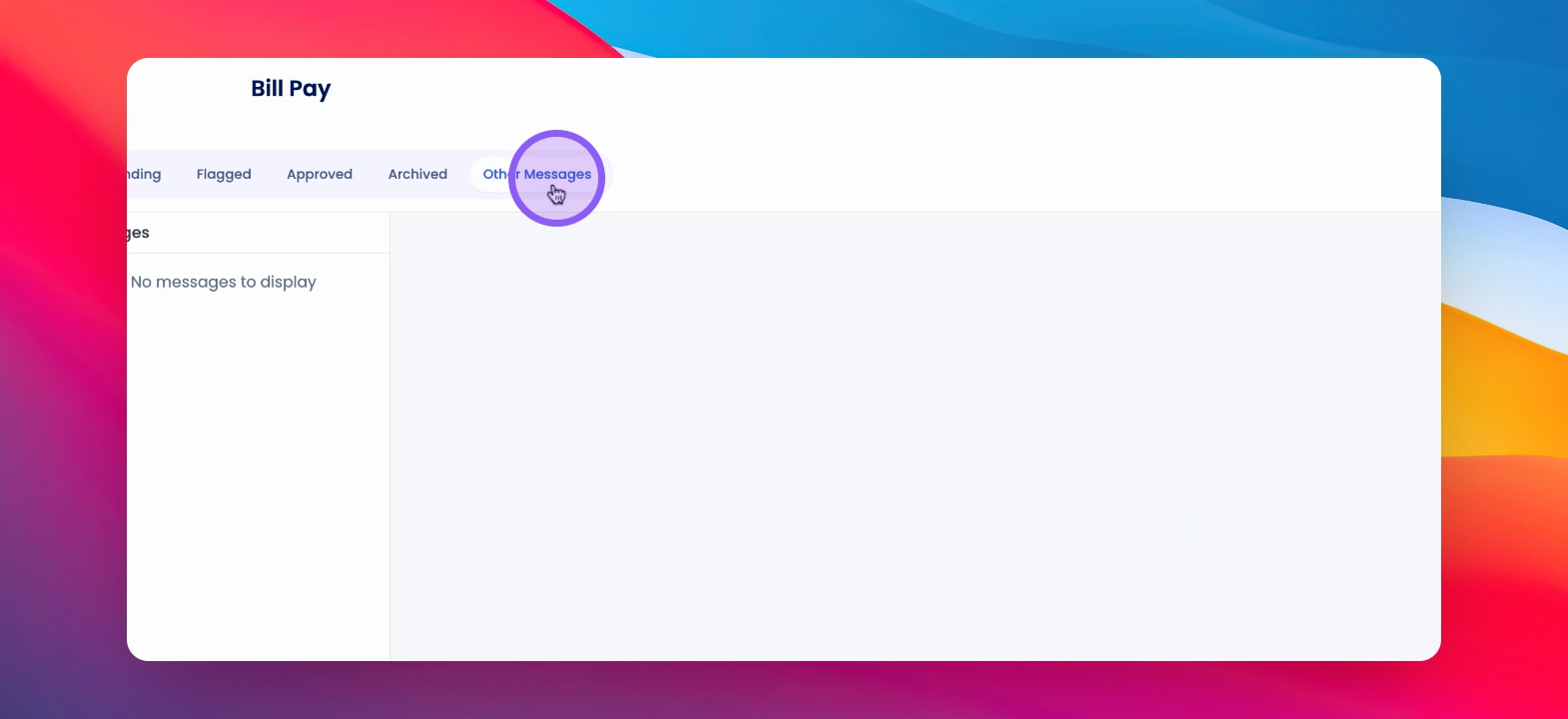
To monitor emails that have come into your dedicated invoice email, click on Bill Pay and click other messages.
Snapshot

Here you'll see the display of your dedicated Bill Pay email inbox.

Was this page helpful?
Previous

Flag Invoices for Review and Approve Flagged Invoices

Next

Customer Support: support@keyhook.com