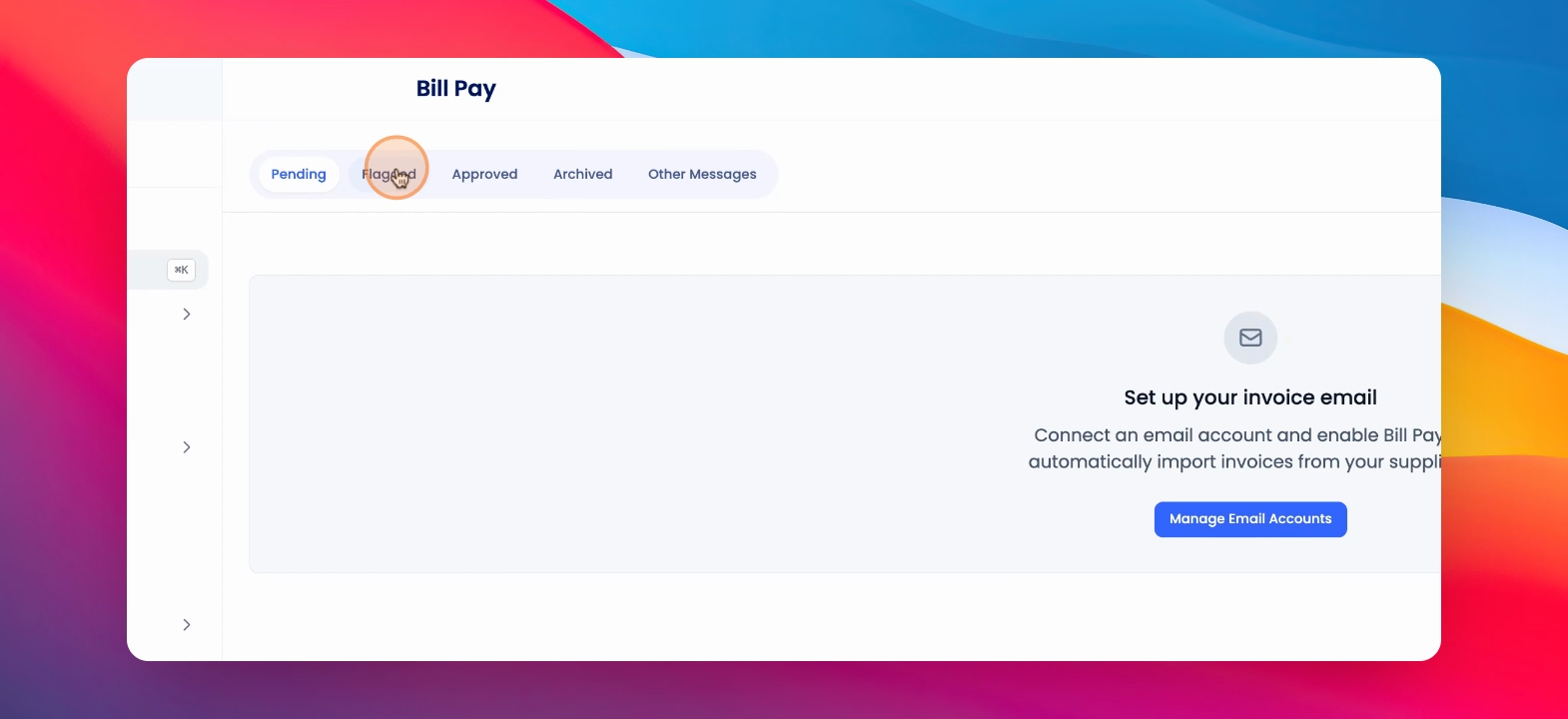
To flag an invoice for review or approve a flagged invoice, click on Bill Pay. Let's look at the steps:
Note: Your bill/invoice dedicated email must be set up in order to use this feature
Step 1: Select Invoice
Under Financials, click on the relevant invoice and select Flag.
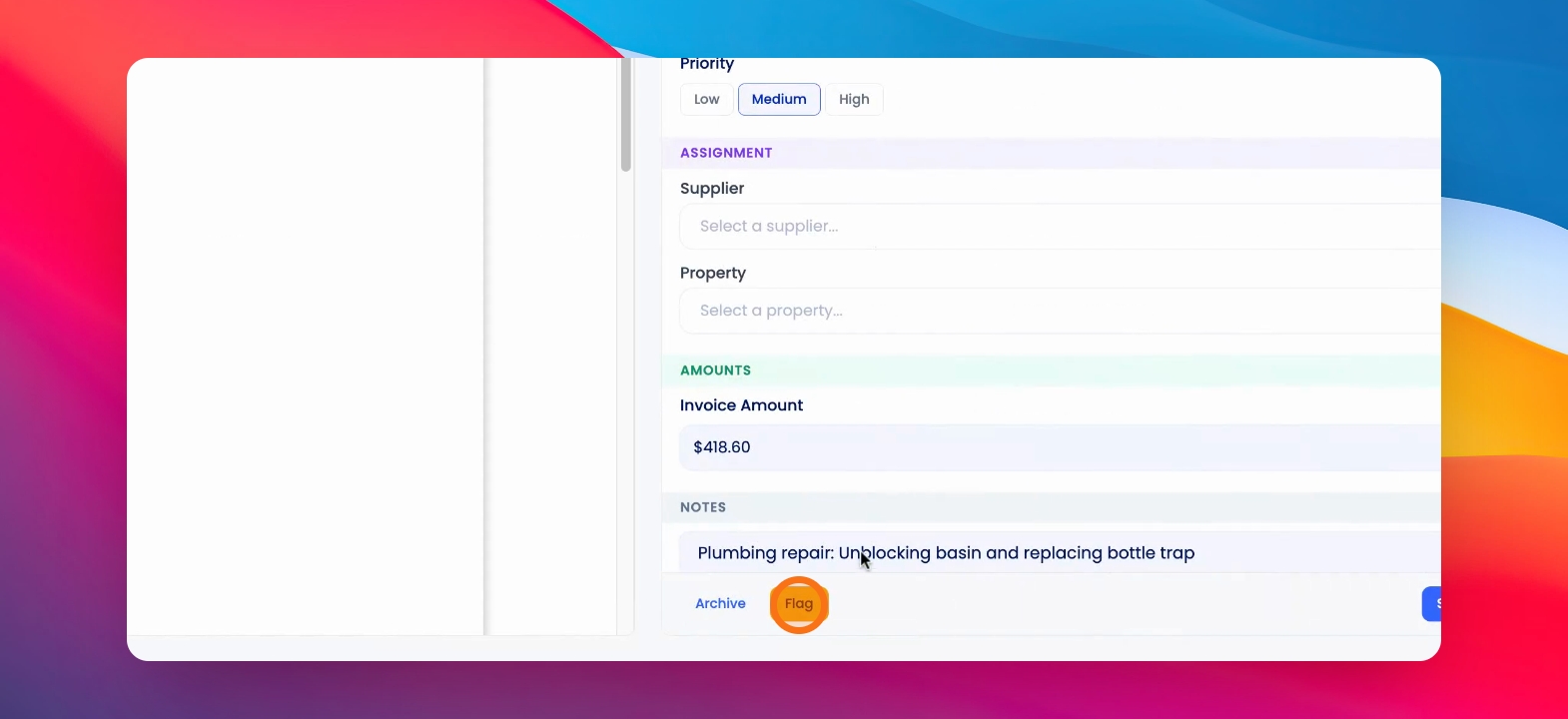
Step 2: Optional Reason
Optionally, leave a reason for flagging.
Step 3: Review Flagged Invoices
Within the flagged tab, you can see flagged invoices and edit and approve them.