

You can control whether tenants see specific maintenance requests in their tenant portal. Let's look at the steps:
Step 1: Find Visibility Checkbox
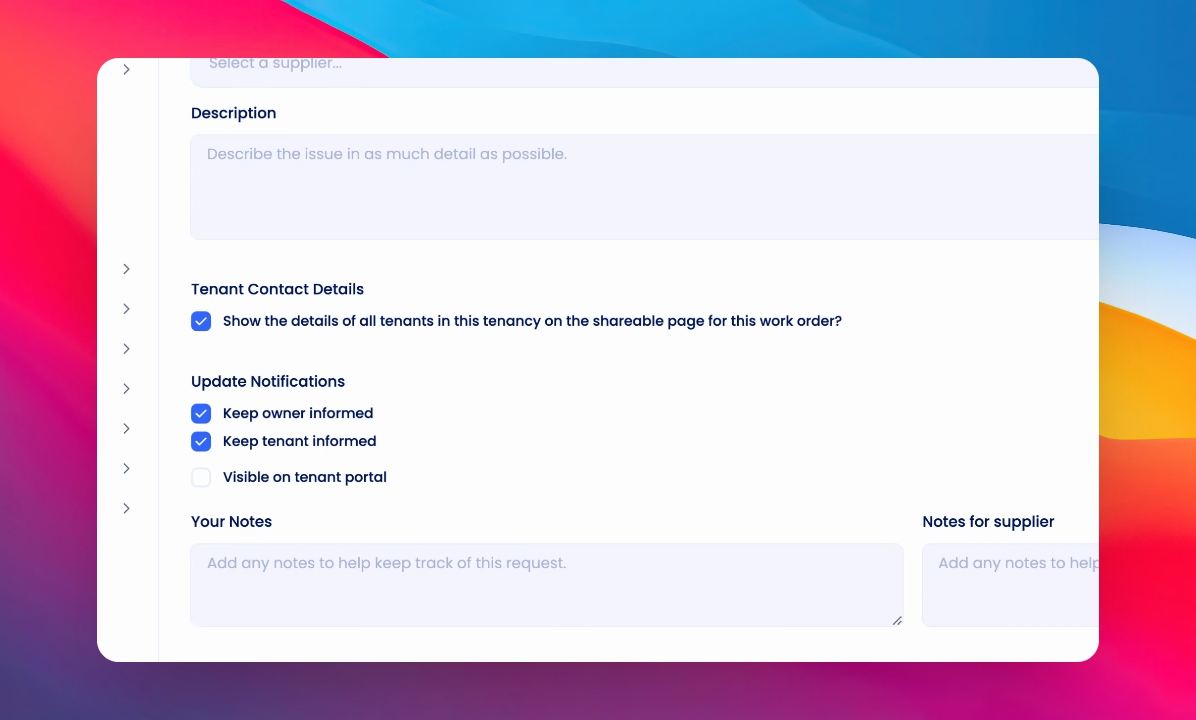
When creating a maintenance request, look for the checkbox labeled Visible on Tenant Portal.
Step 2: Set Tenant Visibility
By default, the checkbox is unchecked. Check this box if you want the maintenance request to appear in the tenant's portal. Once saved, the tenant can view the maintenance status and history in their tenant app.
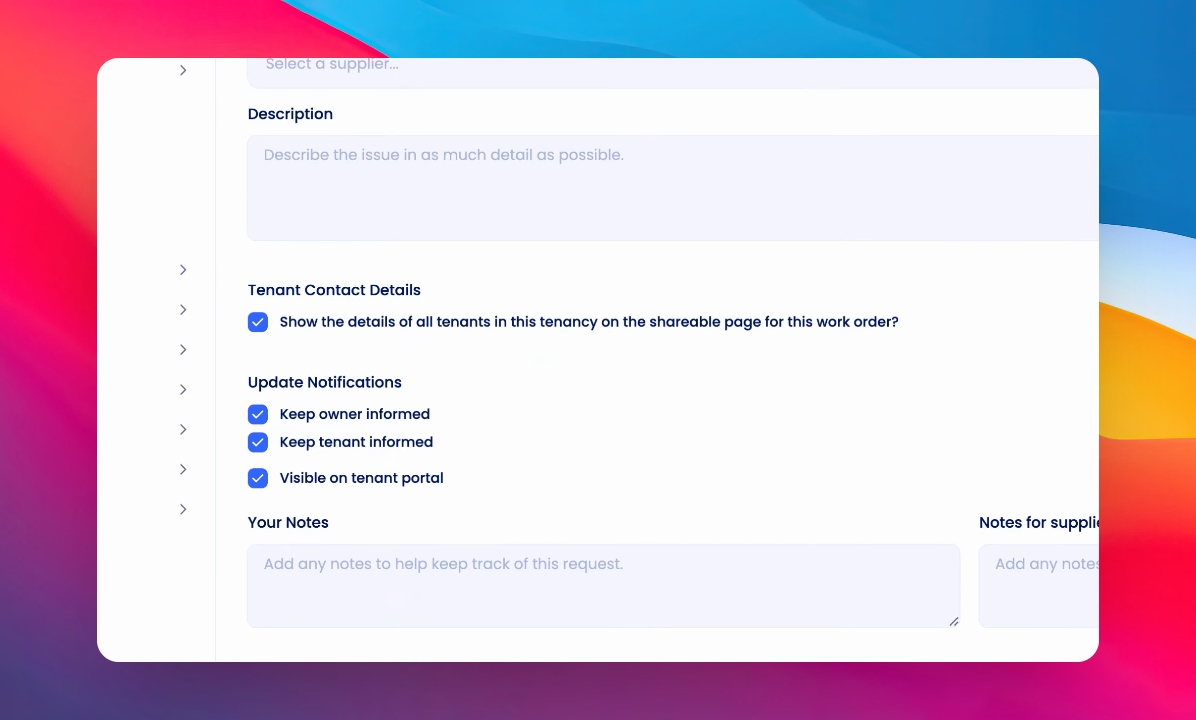
Even if Visible on Tenant Portal is unchecked, using the Keep Tenant Informed action under Update Notifications will still notify the tenant about status changes.