

TL;DR
1
Access invoices
Click Invoices and select the Charges tab.
2
Filter outstanding fees
Hide paid invoices and search by property or amount.
3
Monitor payments
Track partial payments and withdraw as needed.
Let's Do It Together!
Step 1: Access Invoices
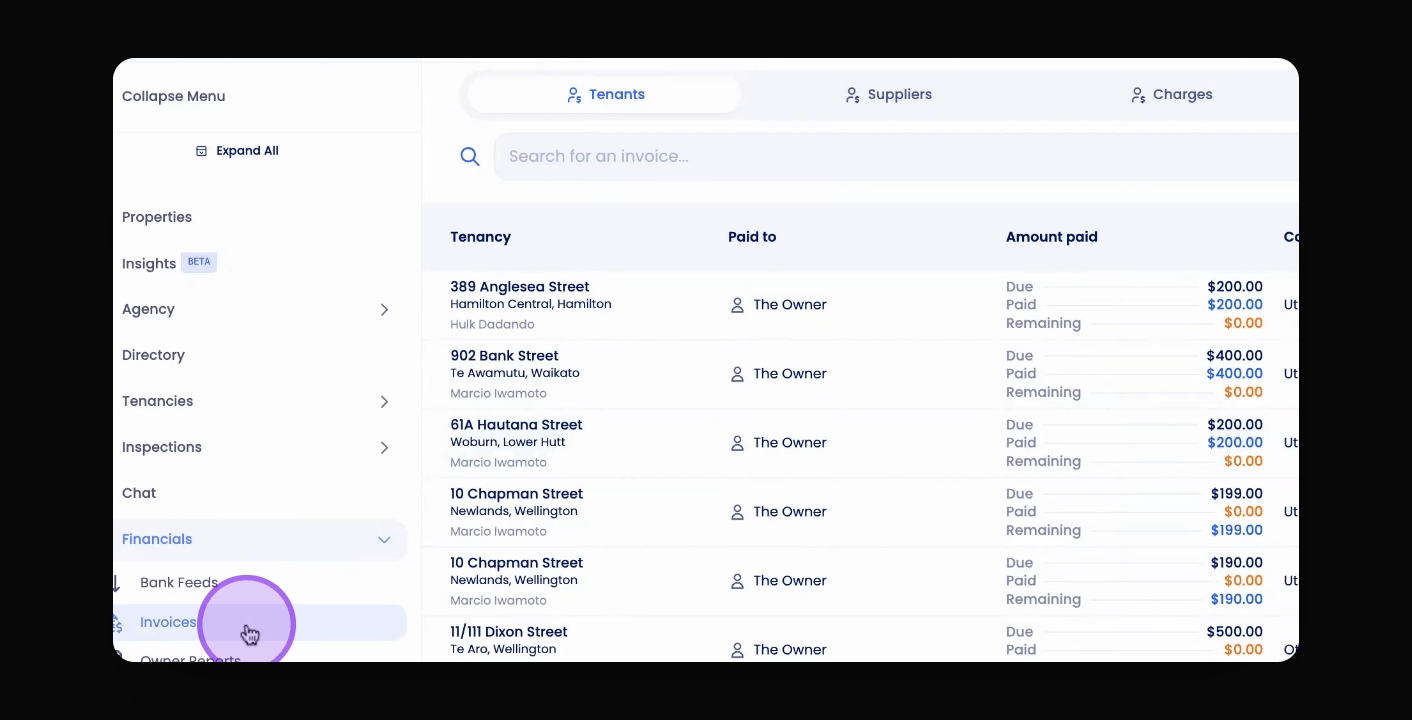
Click the Invoices button on the navigation bar.
Then select the Charges tab.
Your charge invoice table will be displayed.
Filter Invoices
Hide all paid invoices to view only outstanding fees and charges.
Search by property, property owner, or charge amounts.
Filter by date.
Monitor Payments
Monitor any partial payments deducted.
Unlike supplier invoices, withdraw or pay out partial payments of charges or fees. You don’t have to wait for the entire charge or fee to be deducted before paying out the money to yourself.